
Intuit QuickBooks logo

Intuit QuickBooks

Rating: 4.2
User Satisfaction: 82%
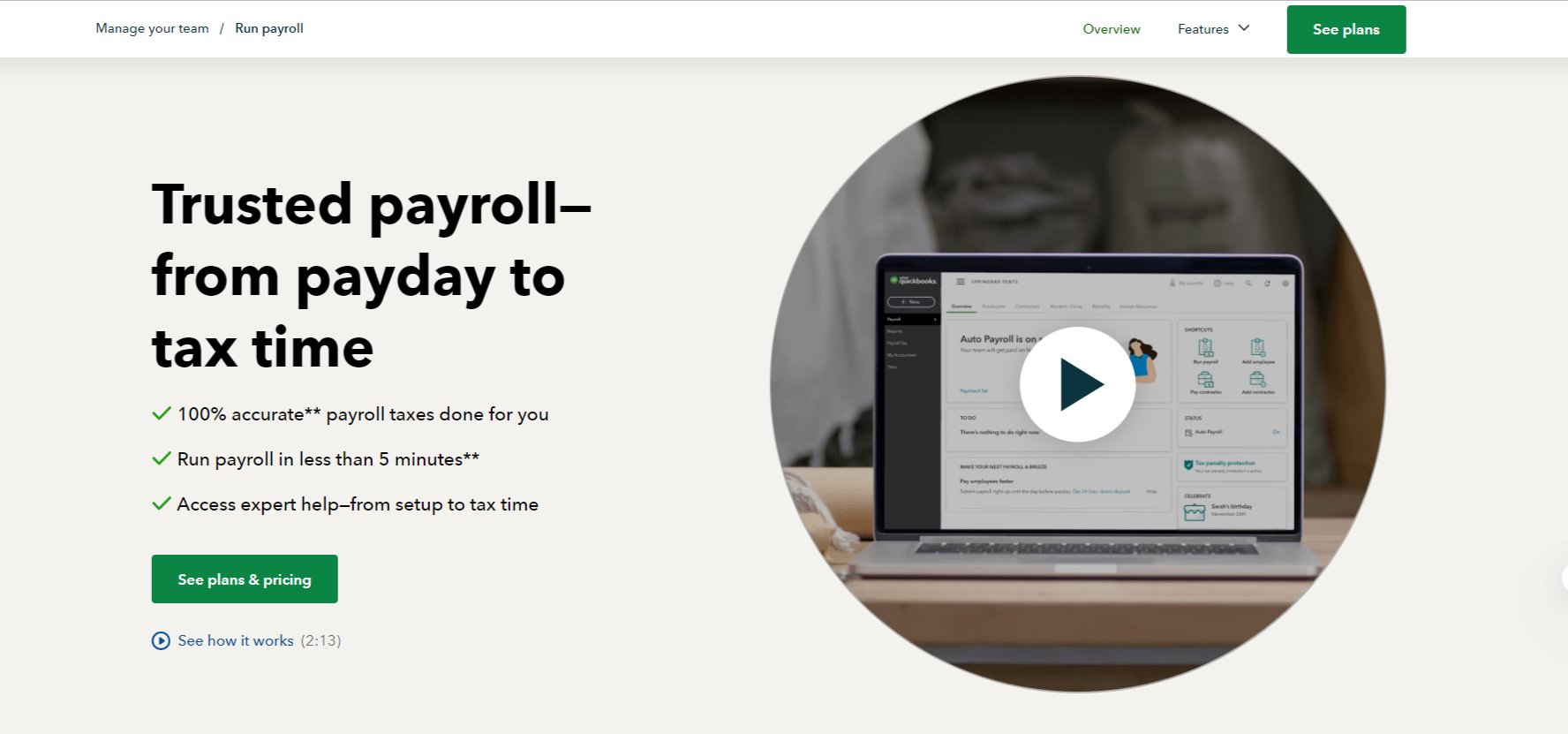
QuickBooks Payroll is a tool that handles full-service payroll for businesses so they can pay staff, file taxes and maintain compliance.

Alternative To

Overview

QuickBooks Payroll is a cloud-based full-service payroll solution. It handles paying employees or contractors, automating tax calculations/filings, and giving employees tools to access pay stubs and W-2s. It integrates with the broader QuickBooks ecosystem.


Payroll is tedious, error-prone and legally high-risk (taxes, filings, deadlines). If you’re a small business or medium sized team, using a tool like QuickBooks Payroll can save time, avoid penalty fines, and reduce overhead in running payroll manually or juggling multiple tools.


You subscribe to a plan (Core, Premium, Elite) and pay a base monthly fee + a per-employee fee. You enter your employee/contractor details, pay schedules, deduction rules, and then run payroll — the system calculates wages, deductions, taxes, files required forms, and deposits paychecks (via direct deposit) for you. Employee portal, reporting, and integrations (time-tracking, benefits) are included depending on tier.


Details

Tool Launch / Founded Date

QuickBooks as a product line originated in 1992. (Wikipedia) The payroll offering as part of QuickBooks Online has evolved over recent years.

Best for

Small to medium U.S. businesses (teams from a handful to hundreds of employees) that want a payroll solution integrated with accounting and want full-service payroll (not just a calculator). Also for businesses already using QuickBooks accounting and want to extend it to payroll,

Access Type

Subscription model: monthly base fee + per-employee/month fee. Cloud-based.

Licensing Model

Proprietary software (Intuit). Usage rights covered under Intuit’s terms. You get access to the SaaS service; you don’t “own” on-prem software.

Feature

  • Full-service payroll: automatic calculation and filing of federal/state payroll taxes. 
  • Direct deposit (next-day or same-day depending on plan) for employees. 
  • Employee portal: employees can access pay stubs, W-2s, manage personal deposit/tax info. 
  • Unlimited payroll runs (in many cases) so you’re not charged per run. 
  • Integration with time-tracking (via QuickBooks Time), benefits, workers’ compensation, HR tools (depending on plan). 
  • Tax penalty protection (in top tiers) — giving you extra assurance in case there’s an error. 

Pricing Tables

Core
$50/month
  • Full-service payroll: pays employees, files taxes. 
  • Next-day direct deposit.
  • Employee portal. 
Premium
$88/month
  • Adds faster direct deposit (same-day), HR support, time tracking integrations. 
  • Enhanced tools for growing teams.
Elite
134/month + $12 per employee/month
  • Adds tax-penalty protection, personal HR advisor, white glove setup

Analytics

Traffic Analysis

Domain Rating
92
Organic Traffic
5400000
Majority Users
United States

Visits Over Time

No visit data found.

Traffic Sources

No traffic data found.

Last Update Date: 2025-11-06

FAQ

Can I use QuickBooks Payroll if I’m outside the U.S.?
QuickBooks Payroll is primarily tailored for the U.S. market (federal & state tax filings, direct deposit in U.S.). If you’re in another country, check for a local version or local compliance support.
Can I use QuickBooks Payroll with my current accounting software?
It integrates best if you’re already using QuickBooks Online, but you may be able to use it standalone. Still, integration setup might require additional work or data mapping.
Do the employees have self-service access?
Yes — most plans include an employee portal where workers can view pay stubs, W-2s and update their direct deposit and tax info.
What happens if there’s a payroll tax error?
On the Elite plan, Intuit offers tax-penalty protection for errors made using the service. On lower tiers, you’ll want to confirm what support and guarantees apply.
How many payroll runs can I do per month?
Many plans support unlimited payroll runs (i.e., you’re not charged per run) — the fee model is monthly + per-employee rather than per run.
What extra costs should I watch out for?
Beyond the base + per employee fees, check for add-ons like same-day direct deposit, state/local tax filing in certain jurisdictions, worker’s comp administration, benefits packages, and special HR add-ons. Your cost will scale as you add employees.

Related AI Tools

JimmyGPT is an AI chatbot tool that helps individuals chat, brainstorm, and get coding or writing assistance through
Dreamland Stories is a tool that helps kids create personalized AI-generated stories with images and narration so they
WriteMyEssay.ai is a tool that generates academic essays, outlines, and citations for students so they can draft papers
StoryHero is an AI storytelling tool that creates personalized illustrated stories for children so parents, teachers, and kids
MindChat is a mental wellness and concussion monitoring platform that combines AI assessments with EEG data for clinicians,
FanFicGen is a tool that generates AI-written fan fiction stories for fandom creators so they can brainstorm plots,

