ttsreader logo

TTSReader

Rating: 3.8
User Satisfaction: 76%
TTSReader is a tool that converts text (from web pages, documents or plain paste) into speech so you can listen, proof-read or export audio for publishing.

Alternative To

Overview

TTSReader is a web-based (plus mobile/PWA) text-to-speech (TTS) tool. You paste or upload text (or point to a webpage) and it reads it aloud using natural-sounding voices. You can adjust voice, speed, language, and in some cases export the audio. 
It’s developed by WellSource Ltd. (Israel) under the brand TTSReader. 

For creators, educators, or anyone who wants to listen to written content (articles, books, PDFs, web pages) instead of reading, it offers a simple way to convert text into spoken audio. It also supports export for voice-overs, audiobooks, accessibility use cases. That means you save time, increase reach (audio format), improve accessibility, and reuse text assets in new formats. 

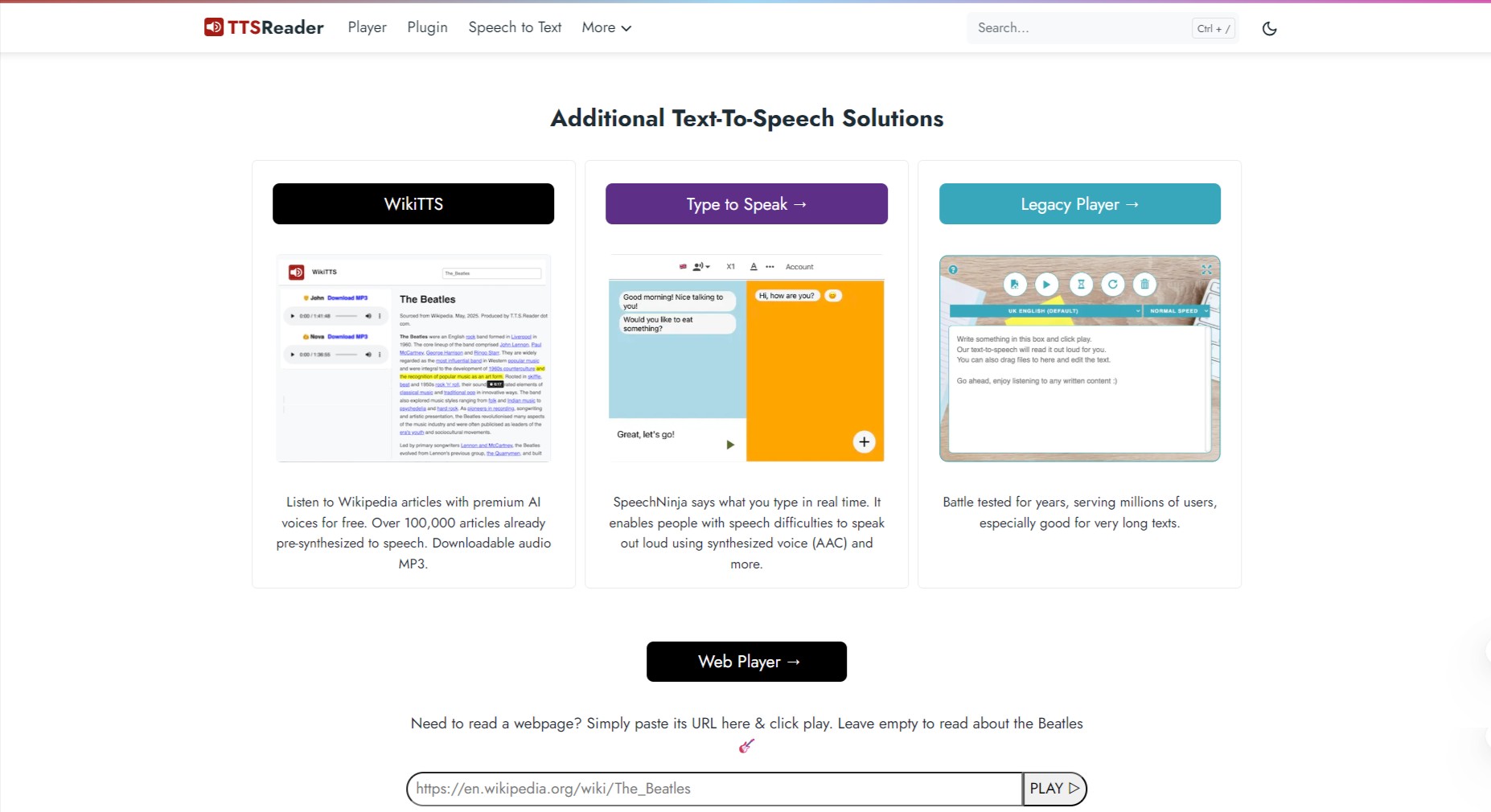
You go to the player at ttsreader.com/player, paste your text or upload a file, pick a voice/language, hit play. The system highlights text as it’s read (helpful for following along). In premium mode you can export MP3 audio, combine voices/languages, and access “premium AI voices.” 
There is also a plugin version you can drop on your website (one line of code) to add a “listen” button for visitors.

Details

Tool Launch / Founded Date

Not a precise date publicly noted; brand appears in use since ~2015.

Best for

Solo creators, educators, students, bloggers & authors wanting to convert text to audio; small teams needing affordable TTS export; websites needing a quick “listen to article” widget.

Access Type

Freemium. Free tier exists; Premium subscription; Pay-as-you-go credits for heavy/API use.

Licensing Model

Proprietary software. On the free tier non-commercial use only; premium plan allows commercial audio publishing with premium voices. The plugin version is free for general use but custom branding/licensing may require payment.

Feature

  • Supports reading of plain text, web pages (via URL paste or plugin), PDF/EPUB files. 
  • Multilingual voices & accents (male/female) and allows adjusting voice/speed. 
  • Highlights text as it reads (good for following along / proofreading).
  • Export to MP3 audio file (premium) for offline or publishing use. 
  • Website plugin: add a “listen” button to your website with one line of code. 
  • Free regular voice usage unlimited for personal/non-commercial use (as of recent update).

Pricing Tables

Free Plan
$0
  • Use regular voices unlimited for personal/non-commercial use. 
  • No export to MP3 (or very limited) and no commercial publishing rights of premium voices.
Premium Plan
$10.99/month
  • Non premium voices: unlimited. This is both for the legacy player and the new player.
  • Premium voices: 1M (1 million) chars per month.
Pay-as-you-go Plan
200k chars: $10
  • Unlimited characters as long as you have credits.
  • Suitable for API/automation/integration beyond standard monthly plan.

Analytics

Traffic Analysis

Domain Rating
60
Organic Traffic
350349
Majority Users
United States

Visits Over Time

No visit data found.

Traffic Sources

No traffic data found.

Last Update Date: 2025-11-10

FAQ

Can I use the output commercially (e.g., in a YouTube video or podcast)?
Yes — if you are on the Premium plan (or above) and use premium voices with the commercial publishing rights included. Free plan typically restricts commercial use of premium voices.
What additional benefits does the Premium plan offer over Free?
Premium gives access to premium AI voices, export and publishing rights, higher quotas and credit usage. Free offers basic voices for personal listening only. Premium also removes limits/branding associated with free tier.
How private is my text? Will it be used to train their models?
The site states: “Your text is not sent to us unless you chose to use cloud sync.” (TTSReader Text To Speech) However, there is no detailed public statement about “we do not train on your text,” so if this is critical you may want to ask them directly.
Does it integrate with websites (for example, “Listen to this article” button)?
Yes — they offer a plugin version that you can embed with a single line of code. Free version for general use; custom versions may require payment.
Can I export to MP3/wav and use in editing workflows?
Yes — export to MP3 is supported (via “single-click export” or record method) especially on Premium. The docs show a “Download the synthesized speech as an mp3 audio file” workflow.
Are there limits on how much text I can convert?
Yes — free plan allows regular voices unlimited for personal use, but for premium voices there are quotas (e.g., ~1 million characters/month in the Premium plan). Pay-as-you-go allows higher volume via credits.

Related AI Tools

Neurotale is a tool that generates stories, characters, and creative writing ideas for writers so they can create
Poem Generator is a tool that creates structured poems from your inputs for students and casual writers so
FictionGenie is a tool that generates stories, plots, and creative writing prompts for writers so they can draft
Logolept is a tool that expands your ideas into structured writing for creators so they can generate content
DoodleTale is a tool that turns kids’ drawings into AI-generated stories so they can create, learn, and play
PopStory is a tool that generates branded stories and marketing content using AI for creators and businesses so