
Nuclino logo

Nuclino

Rating: 4.2
User Satisfaction: 88%
Nuclino is a tool that centralises your team’s knowledge, documents, and projects so they can organise, collaborate, and ship faster.

Alternative To

Overview

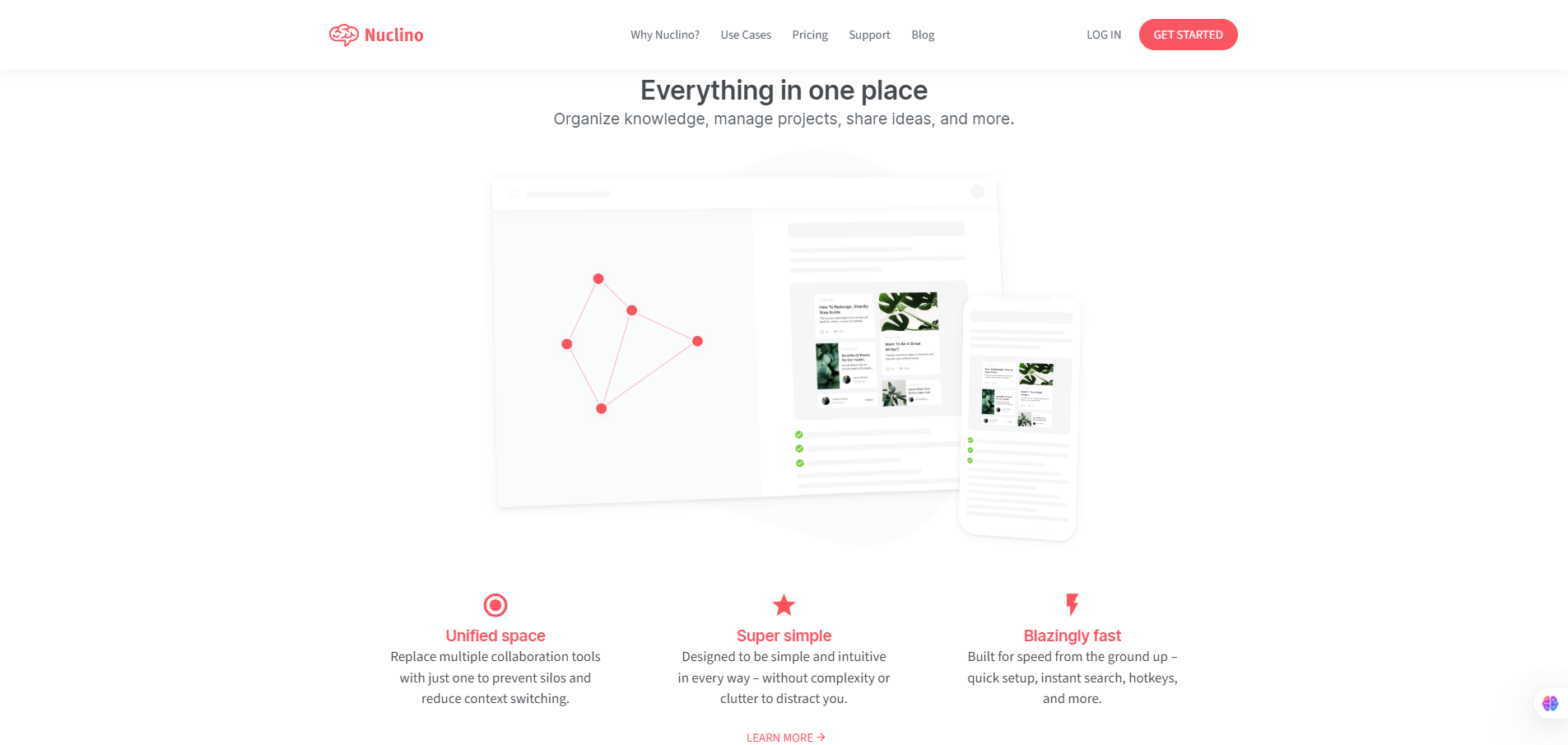
Nuclino is a cloud-based workspace that combines documentation, knowledge-base, and project-management style boards in one interface. You can write collaborative docs, embed tasks, use boards/tables/graphs, and view relationships between items.  

Many teams juggle separate tools for docs (wiki), tasks (kanban), and knowledge sharing. Nuclino aims to replace several of those by offering a unified space — reducing context switching, duplications, and knowledge silos. As one user put it: “Nuclino is saving us hours when it comes to finding ‘that one thing’.” It’s particularly useful for small-to-mid teams, product groups, startups, or any team that values speed & simplicity over heavy customization.

You create a “workspace” and add “items” (pages/documents). Items support real-time editing, markdown or rich text, embedding files/media, linking between items, and organizing via list/board/table/graph views. It includes visual “canvas” or diagram embedding for whiteboarding or mapping knowledge. It integrates with your existing tools (Slack, Google Drive, etc.) and runs on web, desktop, and mobile.


Details

Tool Launch / Founded Date

approx. 2015-01

Best for

Small-to-mid sized teams, product/engineering/marketing groups, startups wanting fast setup, cross-functional teams needing unified space

Access Type

Freemium model: free tier + paid subscriptions by user/month.

Licensing Model

Proprietary SaaS; content ownership remains with you; export tools available

Feature

  • Real-time collaborative editing of items (docs) so multiple users can work together seamlessly.
  • Multiple view types: list, board (kanban), table, graph; giving flexibility in how you organise information. 
  • Fast search and linking: link items, build networks of knowledge rather than deep folder hierarchies. 
  • Built-in visual canvas/diagram support so you can embed flowcharts/whiteboards alongside docs.
  • Integrations and apps: Slack, Google Drive, desktop & mobile apps.
  • Security & admin controls (in higher tiers): groups, SAML SSO, audit logs, version history.

Pricing Tables

Free
$0
  • Up to 50 items
  • Up to 3 canvases
  • 2GB total storage
STARTER
$6/user/month
  • Unlimited items
  • Unlimited canvases
  • Admin tools
  • Publishing
  • 30-day version history
  • 10GB storage per user
BUSINESS
$10/user/month
  • Sidekick (AI)
  • Audit log
  • Team insights
  • Advanced security controls
  • SAML single sign-on (SSO)
  • Custom publishing domain
  • Unlimited version history
  • 20GB storage per user

Analytics

Traffic Analysis

Domain Rating
74
Organic Traffic
25461
Majority Users
United States

Visits Over Time

No visit data found.

Traffic Sources

No traffic data found.

Last Update Date: 2025-11-14

FAQ

Can I use the content I create in Nuclino commercially and own it?
Yes — you retain ownership of your content. The tool is SaaS-based; you aren’t giving up rights to your docs. You can export your data.
How many documents or users can I have on the free plan?
On the free plan you’re limited to 50 items (documents) total and 2 GB storage. After that you’d need to upgrade.
Can I edit or customise the views of documents?
Yes — you can edit documents (docs), use boards, tables, graph views. You can link items, embed media and files. There are some restrictions on advanced editing features compared to heavy-duty platforms.
What integrations/workflow support does Nuclino provide?
Nuclino integrates with common tools (Slack, Google Drive) and supports API access for automation.
Does Nuclino use my content to train AI or share externally?
The company states you can export your data and keeps you in control; no public indication that your content is used for training without your explicit permission. (Always check the privacy policy for current wording.)
If I’m on the Starter plan, what do I miss vs Business?
On Starter you miss advanced features: the AI Sidekick, audit logs, team insights, SAML SSO, unlimited version history and the increased storage. If security or compliance are important you might go Business.

Related AI Tools

GenscriptAI is an AI-powered scriptwriting tool that helps creators and media teams generate story ideas and scripts faster
Learn Copywriting is a copywriting education platform that teaches persuasive writing and marketing skills for freelancers, marketers, and
YapRap is a tool that generates AI-written rap lyrics and freestyle ideas for creators and musicians so they
Sidewalk Social is a tool that helps businesses create, schedule, and manage AI-assisted social media content so they
Questas is a tool that helps creators build AI-powered interactive stories with branching narratives, images, and videos so
Idea Generators is an AI brainstorming tool that generates content and business ideas for creators, marketers, and online



