
Photoroom logo

PhotoRoom

Rating: 4.5/5
User Satisfaction: 87%
PhotoRoom is a tool that lets sellers, creators, and small brands quickly remove or replace photo backgrounds, enhance images, and create polished visuals so they can build product listings, social media posts, or ads without design skills.

Overview

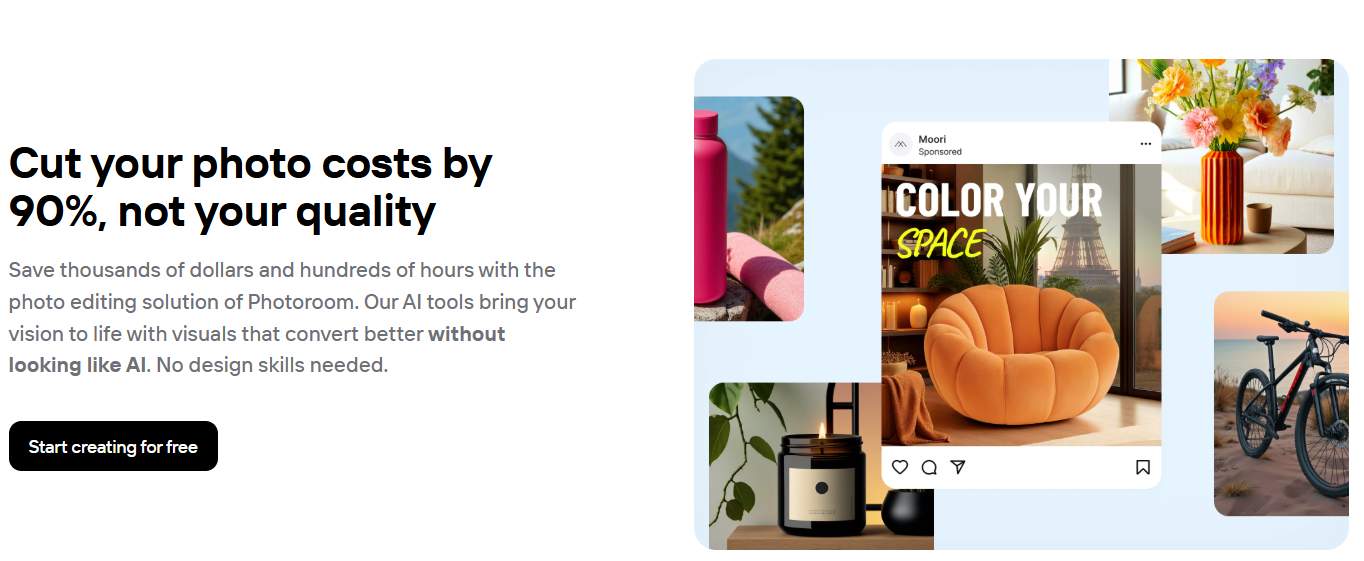
PhotoRoom is a web and mobile app (also accessible via an API) that uses AI to remove or replace backgrounds, retouch images, and build professional-looking product photos or marketing visuals — all without needing advanced design skills.

Many e-commerce sellers or small brands don’t have a dedicated studio, expensive equipment, or a designer on hand. PhotoRoom lets you produce clean, consistent, studio-quality photos from ordinary pictures. That helps you save time and money, present products more professionally on marketplaces or social media, and potentially boost sales or engagement.


 

Details

Tool Launch / Founded Date

2019

Best for

Online sellers / small-to-mid e-commerce brands Solo entrepreneurs or resellers Social media managers & content creators without design team Businesses needing to edit many images quickly (catalogs, marketplaces)

Access Type

Freemium (Free + Paid subscription), plus usage-based API plan for developers

Licensing Model

Proprietary. Users get output images for commercial use (allowed for e-commerce/product photos). Free plan outputs and paid plan outputs have same usage rights.

Feature

  • Automatic background removal with AI (one-click)
  • AI background generation — create new backgrounds from prompts or choose templates to match brand aesthetic.
  • Batch editing — process multiple images at once (bulk exports), saving time for catalogs or large product sets.
  • AI-powered retouching/enhancing — adjust brightness, contrast, clarity; polish images to look studio-shot.
  • Resize, crop, and template-based design — adapt images for marketplaces, social media, ads, etc.
  • Virtual model / product staging — simulate realistic product usage images without hiring mannequin or photographer.
  • API for developers — integrate background removal/image editing into automated workflows or platforms.
  • Team collaboration & brand kit — share logos, templates, colors across team members to maintain visual consistency.

Pricing Tables

Free Plan
$0/month
  • Up to ~250 exports per month (with background removal, templates, basic tools)
  • Basic editing — manual edits, simple backgrounds, some free tools
  • No or very limited batch/AI-powered features
Pro
$12.99/month

Full access to AI editing tools (background removal, AI backgrounds, retouching, batch editing)

Max
$34.99/month

For small brands needing more volume and consistent studio-level imagery at scale (higher quotas than Pro)

Analytics

Traffic Analysis

Domain Rating
75
Organic Traffic
7.7M
Majority Users
United States

Visits Over Time

No visit data found.

Traffic Sources

No traffic data found.

Last Update Date:

FAQ

Can I use images from PhotoRoom commercially (e.g. for selling products)?
Yes. PhotoRoom allows commercial use of output images; you can use them in product listings, ads, social media, etc.
What limitations does the Free plan have?
The Free plan gives you basic editing and up to ~250 exports/month. Advanced AI tools, high-resolution exports, batch editing — these require a paid plan.
Can I automate editing for many images (e.g. product catalog)?
Yes — PhotoRoom offers Batch Mode (bulk edits) and an API plan for automated workflows, useful for high-volume image processing.
How good is the AI at background removal and editing?
Generally quite good, even for challenging subjects. But AI may struggle with fine details (hair, transparencies) — for best results, manual touch-up may still be needed.
Is PhotoRoom available on mobile?
Yes — there are mobile apps for iOS and Android, alongside the web version.
Does PhotoRoom support team collaboration?
Yes — you can create a workspace, invite multiple teammates (up to 49 for free under many plans), and share brand kits, templates, and design assets.
What do I get on higher plans (Max / Ultra) vs Pro or Free?
Higher plans offer larger quotas (exports & AI usage), more consistent output quality, batch and bulk editing capabilities, and better support for scaling if you have many images or a team. Ultra and Enterprise cater to high-volume or agency use.

Related AI Tools

StoryGenerate is a tool that generates AI-written stories and plot ideas for writers and creators so they can
Newt is a tool that helps teams research, write, and organize content using AI so they can produce
Prescene is a tool that helps filmmakers and content creators plan scenes, scripts, and shot lists using AI
Jarvis AI is a tool that generates song lyrics for musicians and creators so they can quickly write
StoryBee is a tool that generates personalized stories and learning content for kids and educators so they can
ScribaMax is a tool that generates written content using AI for marketers and creators so they can produce



