
animaker logo

Animaker

Rating: 4.3
User Satisfaction: 86%
Animaker is a tool that creates animated and live-action videos for businesses, creators, and educators so they can produce professional content fast.

Alternative To

Overview

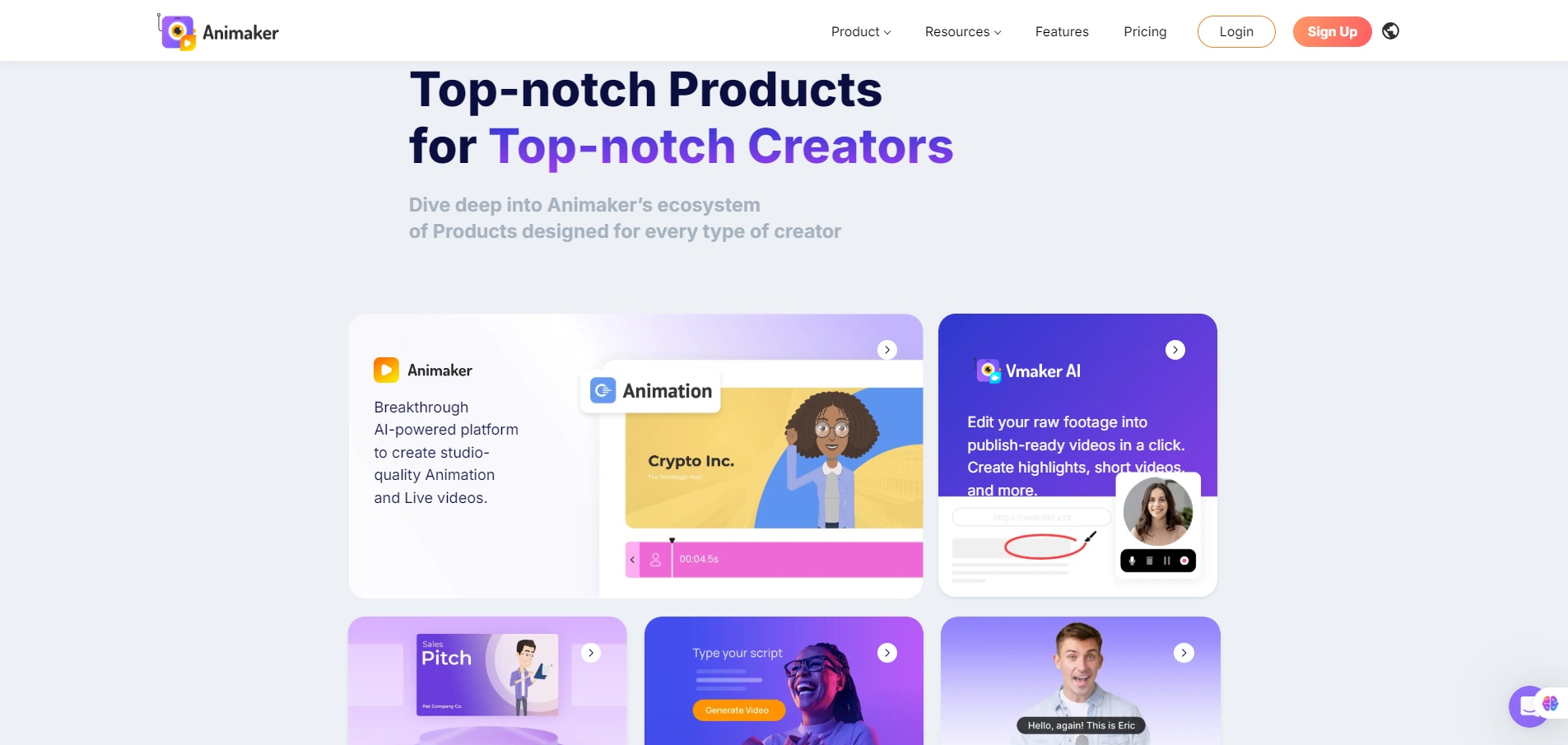
Animaker is a browser-based video creation platform focused on DIY animation, explainer videos, and lightweight editing. It gives non-designers access to prebuilt templates, character builders, stock assets, and an easy drag-and-drop interface. It sits between simple slideshow tools and full editing suites like Premiere.

Many teams need video content but don’t have editors or time. Animaker speeds up production for marketing, training, onboarding, classroom videos, and social posts. It helps users produce consistent branded visuals without relying on freelancers or learning motion design. For small teams and solo creators, it lowers the barrier to animated storytelling.

You choose a template or start blank, drag characters and assets onto the canvas, tweak animations, add voiceovers, and export. The tool includes lip-sync, voice cloning, multilingual text-to-speech, and a character builder that lets you customize hair, outfits, and facial features. You also get basic video editing for live-action clips, including trimming, subtitles, and stock library access.


Details

Tool Launch / Founded Date

2014-01-01 (approx.)

Best for

Marketing teams, educators, HR/training teams, SMBs, social media creators

Access Type

Freemium with paid subscriptions

Licensing Model

Proprietary platform. Paid users can export videos commercially. Some stock assets may require higher-tier licensing; free plan exports carry watermarks and are not suitable for commercial use.

Feature

  • Drag-and-drop video and animation editor in the browser
  • Large template library for explainers, social content, and presentations
  • Character Builder with custom outfits, facial features, and poses
  • Automated lip-sync and multilingual text-to-speech
  • Voice cloning for branded narration
  • Stock assets: images, icons, music, and live-action clips
  • Subtitle generator and captioning tools
  • Brand kit with colors, fonts, and logo presets

Pricing Tables

Basic
$15/month
  • 50 Gen AI Asset Credits/mo
  • 10 AI Video Generations/mo
  • No Generative Video Credits
  • 5 mins video length
  • HD Quality Videos
  • Whiteboard Animations
  • No watermark
  • AI Text-to-Speech Generator
Starter
$25/month
  • 10 Premium Downloads/mo
  • 90 secs Generative Video/mo
  • 200 Gen AI Asset Credits/mo
  • 15 mins video length
  • 200 AI Video Generations/mo
  • FHD Quality Videos
  • Whiteboard Animations
  • Premium Music Library
  • AI Tools (BG Removal, Resize & Stickerify)
  • AI Subtitles
Pro
$43/month
  • 20 Premium Downloads/mo
  • 180 secs Generative Video/mo
  • 300 Gen AI Asset Credits/mo
  • 30 mins video length
  • 300 AI Video Generations/mo
  • 2K Quality Videos
  • Whiteboard Animations
  • Commercial rights
  • Version History
  • Multiple download formats
  • 2 Factor Authentication (2FA)
  • Custom fonts

Analytics

Traffic Analysis

Domain Rating
76
Organic Traffic
4643417
Majority Users
United States

Visits Over Time

No visit data found.

Traffic Sources

No traffic data found.

Last Update Date: 2025-12-09

FAQ

Can I use Animaker exports commercially?
Yes—on paid plans. The free plan includes a watermark and isn’t designed for commercial use. Stock library licensing may vary by tier.
Does Animaker support 4K exports?
Only on the Pro plan.
How many videos can I export each month?
Each plan has a fixed quota of “premium downloads.” You can create unlimited projects but only export within your tier limits.
Can I customize characters?
Yes. The Character Builder lets you adjust appearance, outfits, facial expressions, and poses. More options unlock on higher tiers.
Is there team collaboration?
Yes. Pro plans include shared folders, comments, and permission controls.
Does Animaker train AI features on my content?
Voice cloning requires explicit consent. For general data, Animaker does not publicly claim to train models on user videos.
Does Animaker integrate with other tools?
Direct integrations are limited. You can export files and upload to YouTube, social platforms, or your own editing workflows.

Related AI Tools

JimmyGPT is an AI chatbot tool that helps individuals chat, brainstorm, and get coding or writing assistance through
Dreamland Stories is a tool that helps kids create personalized AI-generated stories with images and narration so they
WriteMyEssay.ai is a tool that generates academic essays, outlines, and citations for students so they can draft papers
StoryHero is an AI storytelling tool that creates personalized illustrated stories for children so parents, teachers, and kids
MindChat is a mental wellness and concussion monitoring platform that combines AI assessments with EEG data for clinicians,
FanFicGen is a tool that generates AI-written fan fiction stories for fandom creators so they can brainstorm plots,



