tinkercad logo

Tinkercad

Rating: 4.5
User Satisfaction: 92%
Tinkercad is a tool that lets beginners create 3D models, simulate electronics, and learn basic coding so they can prototype, teach, and experiment without complex software.

Alternative To

Overview

Tinkercad is a free, web-based design platform for simple 3D modeling, electronics simulation, and block-based coding. It runs entirely in the browser and is designed to be approachable for first-time users.

Most CAD and electronics tools are overwhelming for beginners. Tinkercad removes that friction. It’s especially valuable for students, educators, hobbyists, and early-stage makers who want to learn by doing without installing heavy software or dealing with steep learning curves.

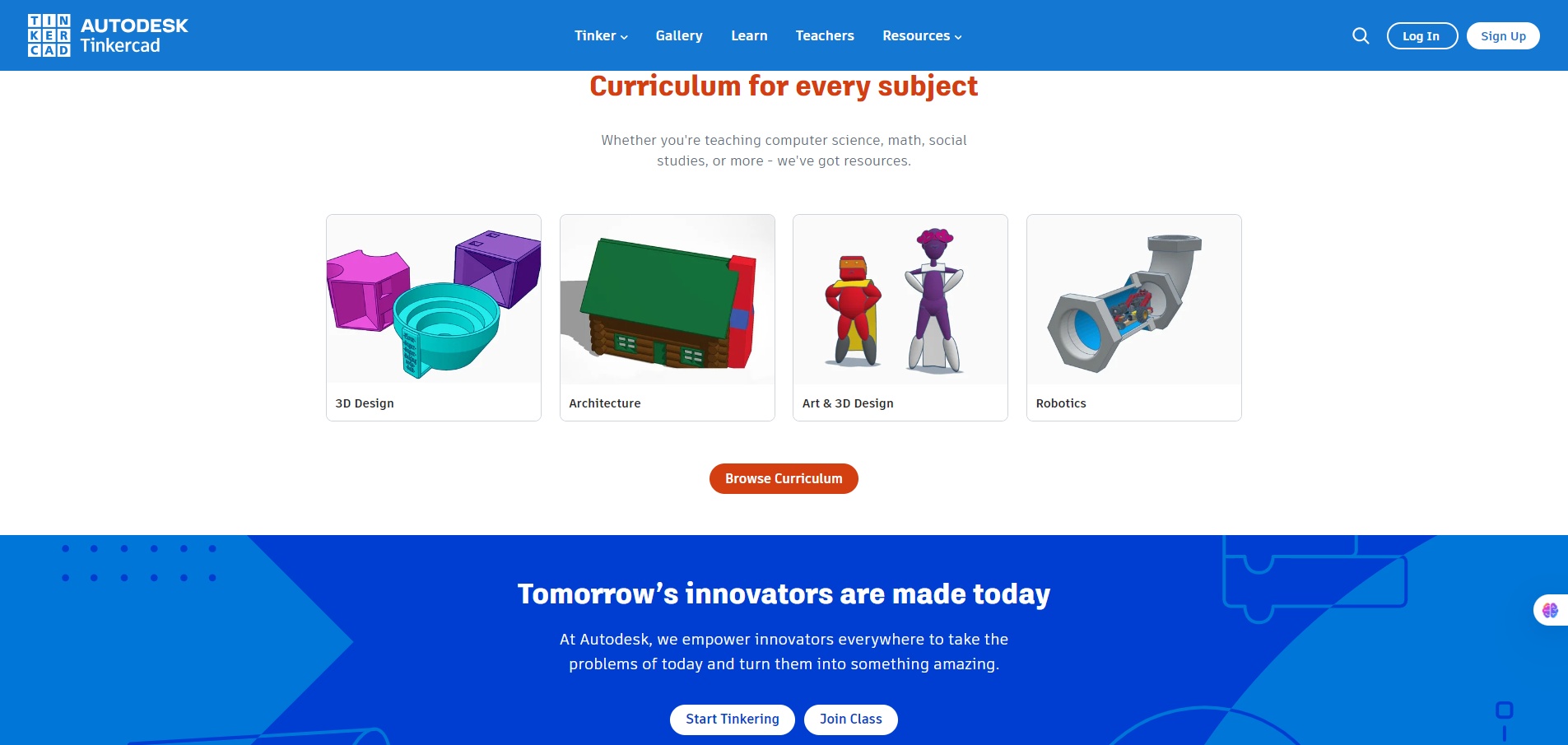
You build 3D models by combining basic shapes on a canvas, adjust dimensions numerically, and export files for 3D printing. The Circuits module lets you wire components like Arduino boards and simulate behavior in real time. Codeblocks introduces visual programming to generate parametric designs.

Details

Tool Launch / Founded Date

2011-01-01 (approx.)

Best for

Students, educators, hobbyists, makerspaces, early learners

Access Type

Free (account required)

Licensing Model

Proprietary software; users own their designs and can use them commercially

Feature

  • Browser-based 3D modeling with drag-and-drop shapes
  • Real-time electronics and Arduino circuit simulation
  • Block-based coding for parametric and generative designs
  • Easy export for 3D printing (STL, OBJ)
  • Classroom management tools for teachers
  • Large library of starter projects and tutorials

Pricing Tables

Free
$0 (always free)
  • Unlimited 3D designs and circuit simulations
  • Classroom features for teachers and students
  • Export files for 3D printing
  • No paid tiers or upgrades

Analytics

Traffic Analysis

Domain Rating
82
Organic Traffic
13.98M
Majority Users
United States

Visits Over Time

No visit data found.

Traffic Sources

No traffic data found.

Last Update Date: 2025-12-23

FAQ

Is Tinkercad really free?
Yes. All features are available for free, including classroom tools and exports.
Can I use my designs commercially?
Yes. You retain ownership of your designs and can use them for commercial purposes.
Does Tinkercad support Arduino?
Yes. The Circuits module supports Arduino boards with live simulation and code editing.
Is Tinkercad good for 3D printing?
Yes, for basic to intermediate prints. It exports clean STL files but isn’t ideal for complex mechanical parts.
Do I need to install anything?
No. Tinkercad runs entirely in your web browser.
Is it suitable for adults or professionals?
It’s best as a learning or quick-prototyping tool. Professionals typically move on to more advanced CAD software.

Related AI Tools

StoryGenerate is a tool that generates AI-written stories and plot ideas for writers and creators so they can
Newt is a tool that helps teams research, write, and organize content using AI so they can produce
Prescene is a tool that helps filmmakers and content creators plan scenes, scripts, and shot lists using AI
Jarvis AI is a tool that generates song lyrics for musicians and creators so they can quickly write
StoryBee is a tool that generates personalized stories and learning content for kids and educators so they can
ScribaMax is a tool that generates written content using AI for marketers and creators so they can produce