


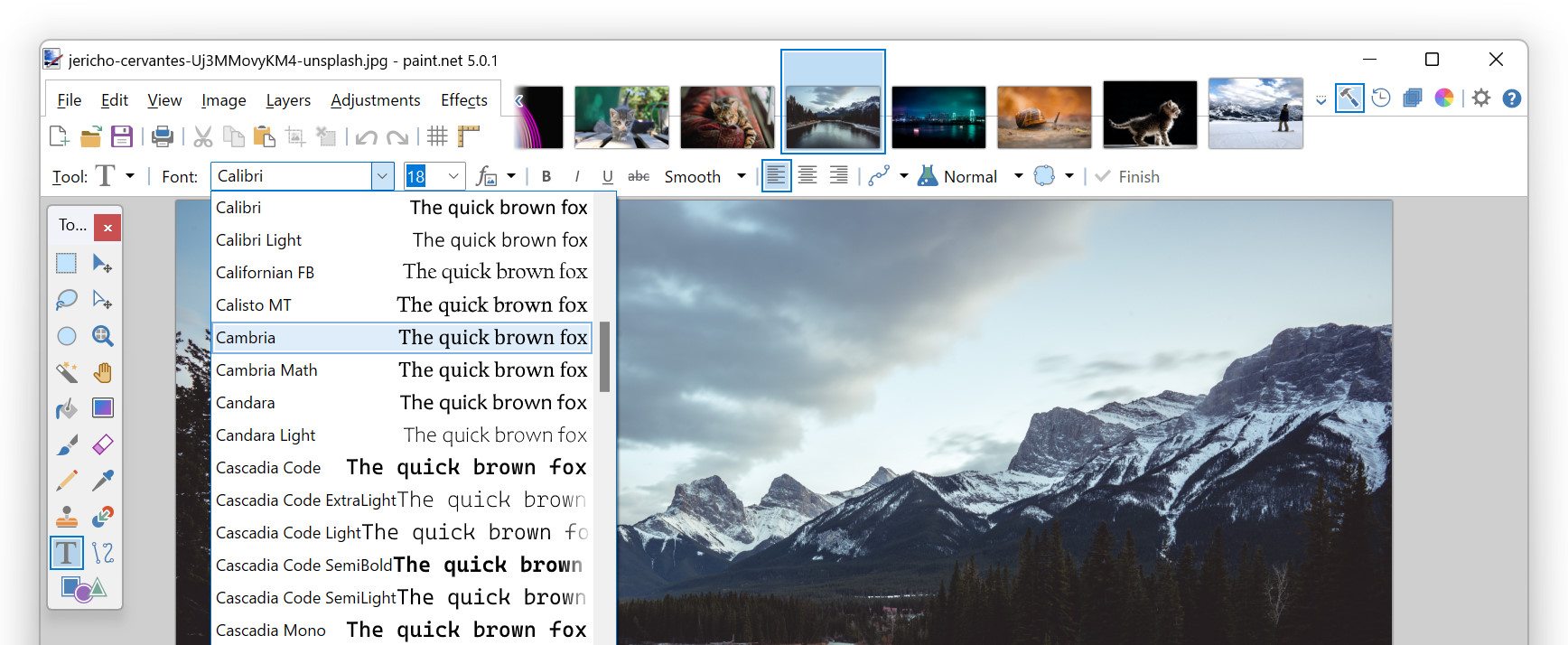
Paint.NET is a raster image and photo editing application for Windows. It started as a simple alternative to the built-in Microsoft Paint, but over time it evolved into a more capable editor — with layers, effects, undo history, and plugin support — while keeping a simple, approachable interface.
If you don’t need the full power (or cost) of professional-grade editors (like Photoshop), but still want more than basic painting or cropping — Paint.NET fills that gap. It’s ideal for quick photo retouching, simple graphic design, web graphics, social media images, or general image cleanup. Because it’s free (or low-cost via the Microsoft Store), you get strong editing tools with little financial commitment.
You download and install the “classic” version from getpaint.net (free), or optionally get the Microsoft Store version (paid) for simpler install and auto-updates. Once installed, you can open/edit multiple images at once (tabbed interface), work with layers, apply effects (blur, sharpen, color adjustments, distortion, etc.), use painting/drawing tools (brush, gradient, shapes, curves, selection tools), and undo/redo unlimited steps (limited only by disk space).





