
dia browser logo

Dia Browser

Rating: 4.2
User Satisfaction: 82%
Dia is a web browser that integrates a built-in artificial-intelligence assistant so you can ask questions, summarize content, draft text, and get insights from your open tabs as you surf the web.

Alternative To

Overview

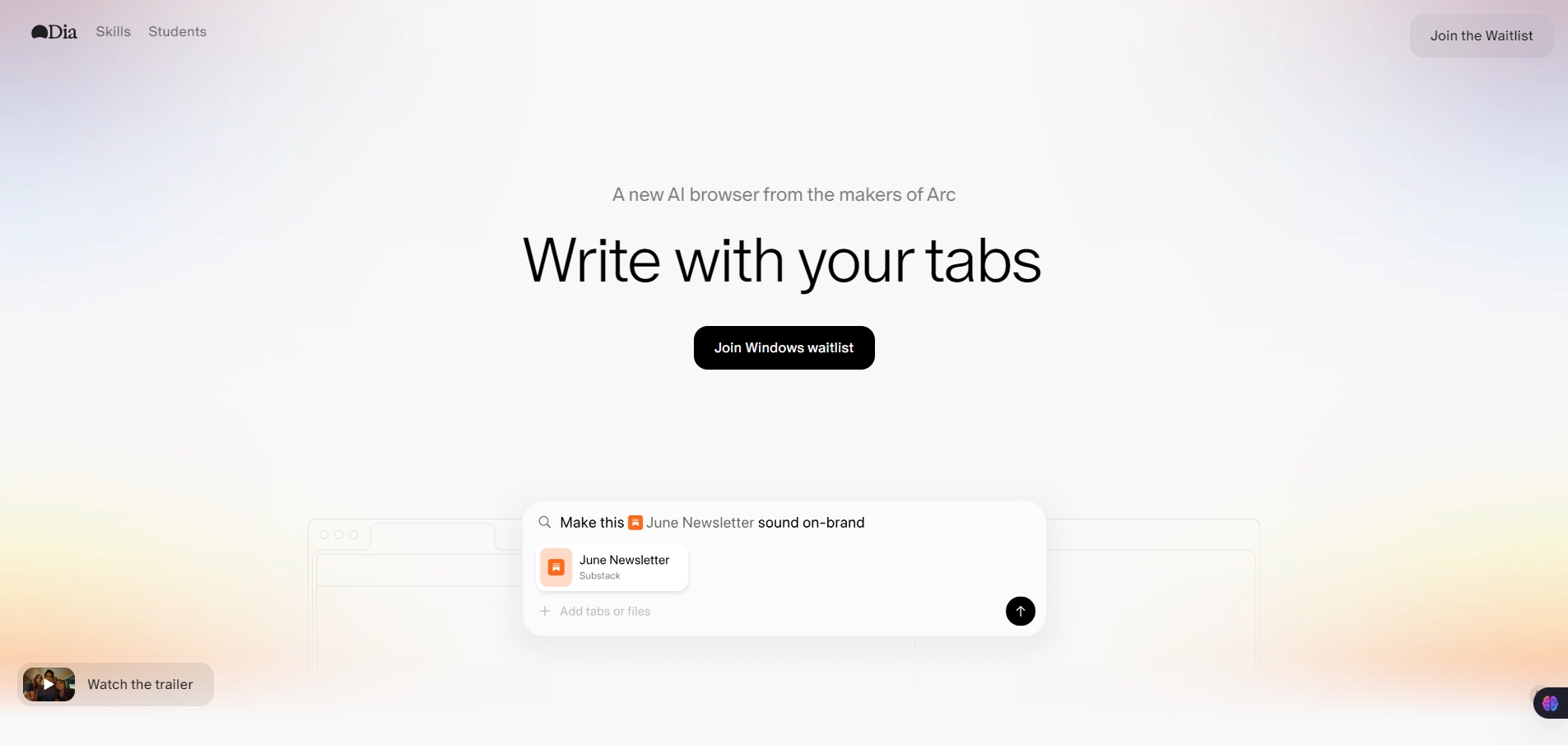
Dia Browser is a Chromium-based web browser developed by The Browser Company that puts an AI assistant at the center of your browsing experience. It works like a regular browser (like Chrome/Safari) but adds a conversational AI you can invoke to help with tasks without leaving your tabs. 

Traditional browsers treat AI as an add-on plugin or separate tool. Dia builds AI directly into the browser interface so you can ask questions, summarize pages, generate writing, and plan tasks while navigating the web — without switching apps or copy-pasting between tools. This can save time and reduce context switching for research, learning, writing, shopping, and everyday browsing.  

Dia uses a built-in AI chat assistant over your open tabs and browsing context. You trigger it with a shortcut (e.g., ⌘E) to ask questions or get help with tasks. It can summarize articles, draft content, break down complex concepts, extract key info, and assist across tabs. Community “Skills” extend repeatable AI workflows like fact-checking or generating better wording. Subscription tiers (free and paid) determine usage limits.


Details

Tool Launch / Founded Date

Public beta launched June 2025 (approx.)

Best for

Everyday users, students, researchers, writers, and anyone who wants AI help while browsing

Access Type

Free with optional subscription

Licensing Model

Proprietary software, closed source

Feature

  • Built-in AI assistant you can chat with directly about your open tabs.  
  • Summarize web pages and extract key ideas instantly. 
  • Writing help in text boxes across the browser (drafting, wording, editing). 
  • Skills gallery for repeatable AI tasks. 
  • Translate and planning helpers built into the browser UI.  
  • Strong privacy posture with local encryption and selective data sharing.

Pricing Tables

Dia Free
$0
  • AI chat with tabs (limited usage)
  • Create custom Skills
  • Ability to mention tabs in queries
  • Attachments in queries
  • Personalization with memory
Dia Pro
$20/month
  • All free features
  • Unlimited AI chat usage
  • 14-day free trial available

Analytics

Traffic Analysis

Domain Rating
70
Organic Traffic
520.14K
Majority Users
United States

Visits Over Time

No visit data found.

Traffic Sources

No traffic data found.

Last Update Date: 2026-02-04

FAQ

Can I use Dia Browser on Windows or Linux?
No — as of early 2026 it’s only officially supported on macOS 14+ with Apple silicon.
Is the AI assistant private?
Dia emphasizes local processing and lets you control what data is shared for AI queries
Do I have to pay to use Dia?
You can use the browser and basic AI chat for free; a $20/month Pro tier gives unlimited AI chat.
Can Dia generate content outside of the browser?
Yes — within text boxes and tabs, the AI can draft text, summarize content, and assist with planning or research.
Does Dia replace traditional search?
Dia blends search and AI chat — you can search normally or ask the AI for summarized results.

Related AI Tools

SermonGPT is a tool that generates sermon drafts and outlines for pastors, ministers, and speakers so they can
Lyrics Generator is an AI songwriting tool that creates lyrics for musicians, creators, and hobbyists so they can
Love Letter Generator is a tool that creates personalized romantic letters for couples and individuals so they can
AI Diary is a journaling tool that uses AI conversations, mood tracking, and writing analysis to help people
AI Insulter is a tool that generates personalized insults and roasts for users who want humorous banter, character-based
Write Me A Prayer is a tool that generates personalized written prayers for individuals seeking spiritual inspiration, comfort,