
ai_ease_logo

AI Ease

Rating: 4.2
User Satisfaction: 88%
AI Ease is a tool that uses AI to edit, enhance, and transform photos for creators and businesses so they can produce polished visuals without design skills.

Alternative To

Overview

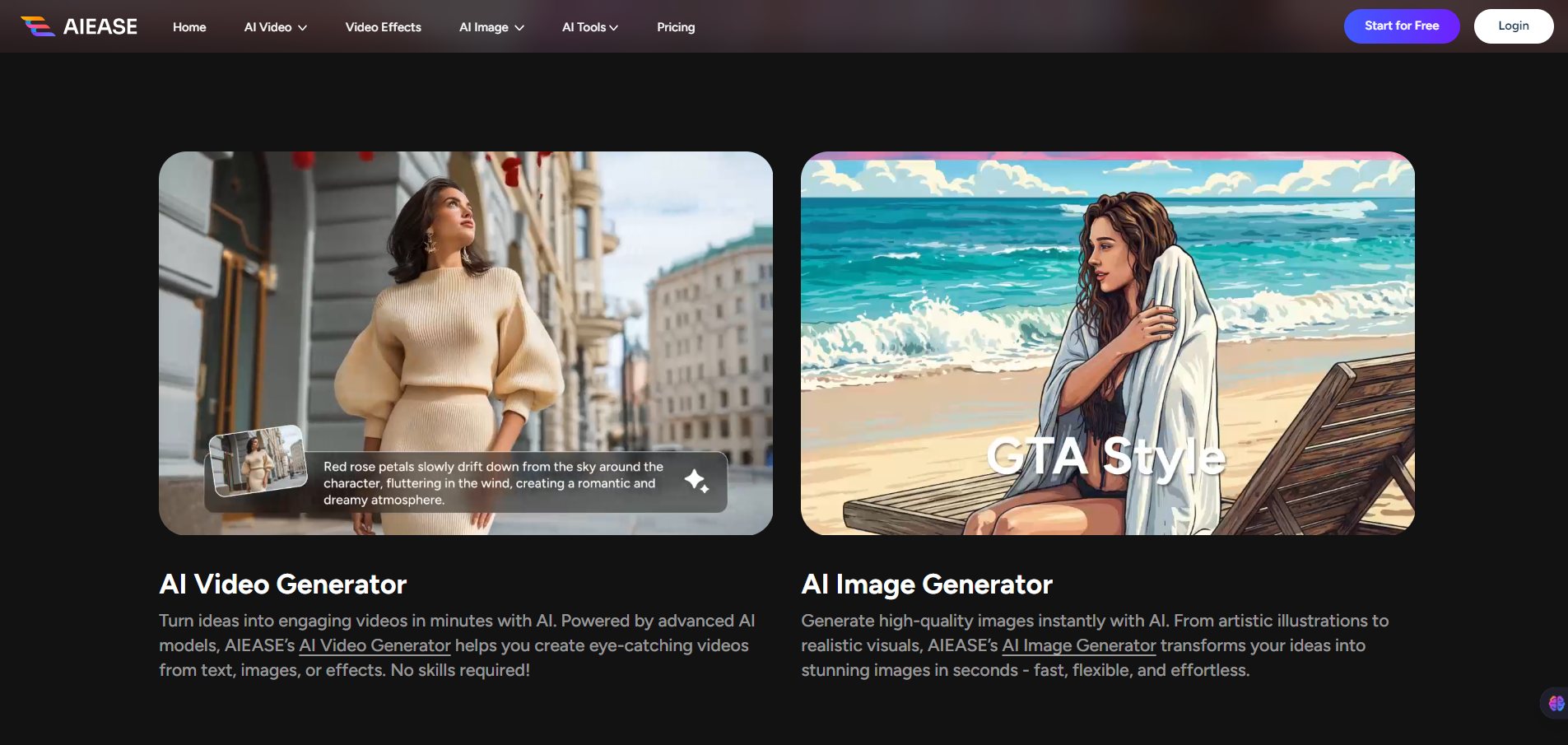
AI Ease is a browser-based AI photo editing platform. It offers one-click tools for background removal, AI headshots, image upscaling, object removal, photo enhancement, and more.

You don’t need Photoshop or editing experience. Upload an image, choose a tool, and download the result.

It’s positioned as a fast, affordable alternative to complex design software.

If you create product images, social media posts, profile pictures, or marketing assets, manual editing eats time.

AI Ease speeds up repetitive tasks:

  • Remove messy backgrounds instantly
  • Generate professional-looking headshots without a photographer
  • Clean up blurry or low-res images
  • Erase unwanted objects from photos

For solo creators, ecommerce sellers, and small marketing teams, this can replace hours of manual work.


 

Details

Tool Launch / Founded Date

Not publicly disclosed

Best for

Solo creators, ecommerce sellers, small marketing teams, freelancers

Access Type

Freemium with paid subscription tiers

Licensing Model

Users can typically use generated/edited images commercially. Free plan may include limitations (such as lower resolution or credits). No open-source license; proprietary software.

Feature

  • One-click AI background remover
  • AI-generated professional headshots
  • Object and watermark removal
  • Image upscaling for higher resolution output
  • AI photo enhancer for brightness and clarity
  • Cartoon and portrait style transformations
  • Browser-based — no installation required
  • Fast processing (usually seconds per image)
  • Simple UI for non-designers

Pricing Tables

Free
$0
  • Limited credits for images/videos
  • Basic Al image tools
  • 7 days of cloud storage for images
  • Normal generation channel
  • Export with watermark
  • Ads
Ultra
$9.99/mo
  • 2500 credits per month
  • Up to 125 videos per month
    Sora 2
    Google Veo 3
    Kling 2.6
    Wan 2.6
    Seedance 1.5 Pro
  • Up to 500 images per month
    Nano Banana Pro
    Seedaream 4.5
    Qwen Image
  • Unlimited image generations (most Al tools)
  • Turbo generation channel
  • HD, watermark-free downloads
  • Unlimited cloud storage for images
  • Unlock Ultra on mobile apps
  • No ads
  • Image Generator (AIEASE Official Model)
  • Photo Enhancer
  • Photo Restoration
  • Object Remover
  • Watermark Remover
  • Al Baby
  • Face Swap
  • Al Filter
  • Hairstyle Changer
  • Al Replacer
  • Al Recolor
  • Al Extender
  • Al Background
  • Headshot Generator
  • Passport Photo Maker
  • Background Remover
  • Skin Retouch
  • Background Blur
  • Face Cutout
Pro
$4.99/mo
  • 1000 credits per month
  • Up to 50 videos per month
    Sora 2
    Google Veo 3
    Kling 2.6
    Wan 2.6
    Seedance 1.5 Pro
  • Up to 200 images per month
    Nano Banana Pro
    Seedaream 4.5
    Qwen Image
  • Unlimited image generations (most Al tools)
  • Turbo generation channel
  • HD, watermark-free downloads
  • Unlimited cloud storage for images
  • Unlock Pro on mobile apps
  • No ads
  • Image Generator (AIEASE Official Model)
  • Photo Enhancer
  • Photo Restoration
  • Object Remover
  • Watermark Remover
  • Al Baby
  • Face Swap
  • Al Filter
  • Hairstyle Changer
  • Al Replacer
  • Al Recolor
  • Al Extender
  • Al Background
  • Headshot Generator
  • Passport Photo Maker
  • Background Remover
  • Skin Retouch
  • Background Blur
  • Face Cutout

Analytics

Traffic Analysis

Domain Rating
58
Organic Traffic
1.35M
Majority Users
Bangladesh

Visits Over Time

No visit data found.

Traffic Sources

No traffic data found.

Last Update Date: 2026-02-15

FAQ

Can I use AI Ease images commercially?
Yes, paid plans generally allow commercial use. Check the terms for specific restrictions. Free-tier outputs may include limitations.
How many images can I generate per month?
It depends on your plan and credit allocation. Free plans offer limited daily credits, while paid tiers increase monthly limits.
Does AI Ease add watermarks?
The free plan may include watermarks or reduced resolution. Paid plans remove these restrictions.
Can I batch edit images?
Batch capabilities may be limited, especially on lower tiers. It’s best suited for quick single-image workflows.
Does AI Ease offer an API?
There is no clearly documented public API at this time.
Is my data used to train AI models?
There’s no publicly detailed statement about opt-out training policies. Review the privacy policy for specifics.
Is it beginner-friendly?
Yes. The interface is simple and requires no design experience. Most tools are one-click.

Related AI Tools

GenscriptAI is an AI-powered scriptwriting tool that helps creators and media teams generate story ideas and scripts faster
Learn Copywriting is a copywriting education platform that teaches persuasive writing and marketing skills for freelancers, marketers, and
YapRap is a tool that generates AI-written rap lyrics and freestyle ideas for creators and musicians so they
Sidewalk Social is a tool that helps businesses create, schedule, and manage AI-assisted social media content so they
Questas is a tool that helps creators build AI-powered interactive stories with branching narratives, images, and videos so
Idea Generators is an AI brainstorming tool that generates content and business ideas for creators, marketers, and online



