
FreePassPhoto logo

Free Pass Photo

Rating: 3.9
User Satisfaction: 82%
Free Pass Photo is a tool that creates passport and visa-compliant ID photos from your uploaded image so you can print and submit them without going to a photo studio.

Overview

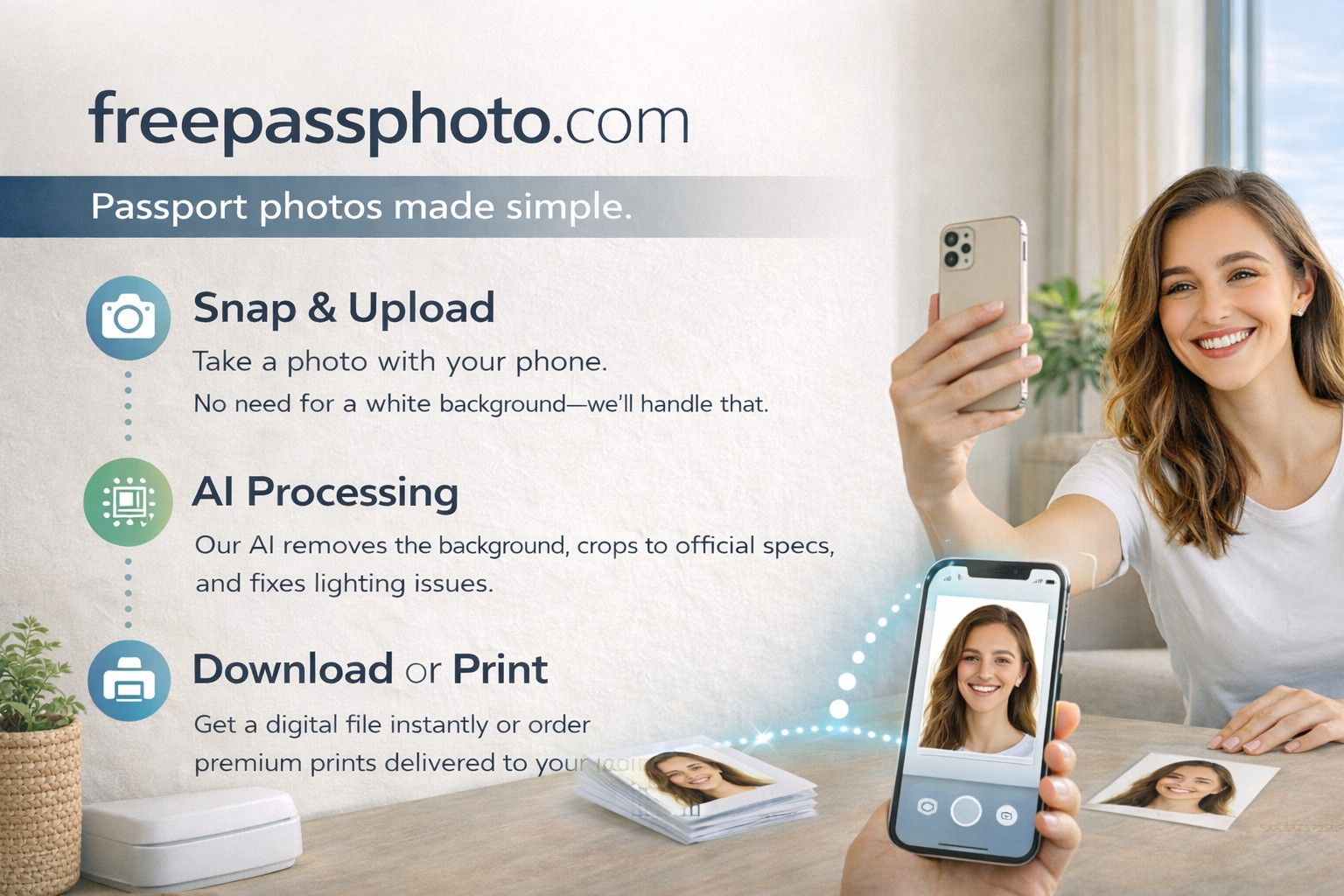
Free Pass Photo is a simple web app that turns a regular headshot into a passport- or visa-sized photo. You upload a picture, choose your country and document type, and the tool crops and formats it to meet official size requirements.

It runs entirely in the browser. No download required.

Getting passport photos from a pharmacy or studio can cost $10–$25 per set. If you just need a compliant image and have a decent camera on your phone, you can do it yourself for free.

This is useful for:

  • Passport renewals
  • Visa applications
  • Driver’s licenses
  • Student IDs
  • Green card or immigration paperwork

If you’re cost-conscious or applying for multiple documents, this saves money and time.

Details

Tool Launch / Founded Date

Not publicly disclosed

Best for

Individuals renewing passports, students, travelers, budget-conscious applicants

Access Type

Free (browser-based tool)

Licensing Model

Proprietary web tool; users retain ownership of their uploaded images

Feature

  • Free passport photo formatting tool
  • Country-specific size presets
  • Automatic cropping to required dimensions
  • Printable multi-photo layout (saves on print costs)
  • Browser-based — no account required
  • Simple, fast workflow (upload → crop → download)

Pricing Tables

Free
$0
  • Unlimited photo formatting
  • Country-specific templates
  • Printable layout download
  • No account required

Analytics

Traffic Analysis

Domain Rating
1
Organic Traffic
66.26K
Majority Users
United States

Visits Over Time

No visit data found.

Traffic Sources

No traffic data found.

Last Update Date: 2026-02-16

FAQ

Is Free Pass Photo really free?
Yes. There are no visible subscription tiers or payment gates. You upload, format, and download your image without paying.
Does it guarantee passport acceptance?
No. It formats the photo to the correct size, but you’re responsible for meeting lighting, background, and facial expression rules.
Can I use it for any country?
It supports multiple countries and document types. Availability depends on preset options provided in the tool.
Does it remove the background automatically?
No advanced AI background removal is advertised. You should start with a clean, plain background.
Do I need to create an account?
No. It works directly in the browser without signup.
Are my photos stored or used for training AI?
There’s no public indication of AI training usage. Review the privacy policy for specifics before uploading sensitive images.
Can I print the photo at home?
Yes. It provides a printable layout (typically 4x6 format) so you can print multiple passport photos on one sheet.

Related AI Tools

GenscriptAI is an AI-powered scriptwriting tool that helps creators and media teams generate story ideas and scripts faster
Learn Copywriting is a copywriting education platform that teaches persuasive writing and marketing skills for freelancers, marketers, and
YapRap is a tool that generates AI-written rap lyrics and freestyle ideas for creators and musicians so they
Sidewalk Social is a tool that helps businesses create, schedule, and manage AI-assisted social media content so they
Questas is a tool that helps creators build AI-powered interactive stories with branching narratives, images, and videos so
Idea Generators is an AI brainstorming tool that generates content and business ideas for creators, marketers, and online




