
cursorai_logo

Cursor

Rating: 4.6
User Satisfaction: 91%
Cursor is a code editor that uses AI to help developers write, fix, and refactor code so they can build software faster with fewer mistakes.

Alternative To

Overview

Cursor is an AI-native code editor built on top of VS Code foundations. It integrates a fast, context-aware AI assistant directly into the editor, enabling developers to generate code, modify existing files, explain logic, fix errors, and run complex refactors without leaving their workflow. Unlike traditional editors with plugins, Cursor is designed from the ground up around AI collaboration.

Developers lose time switching tools, debugging, rewriting repetitive logic, and figuring out unfamiliar codebases. Cursor reduces that friction. You can ask it to implement features, rewrite files, migrate frameworks, or walk through confusing code. Teams also use it to onboard faster and automate routine work. For solo developers, it acts like a pair-programmer; for teams, it accelerates delivery across entire repos.

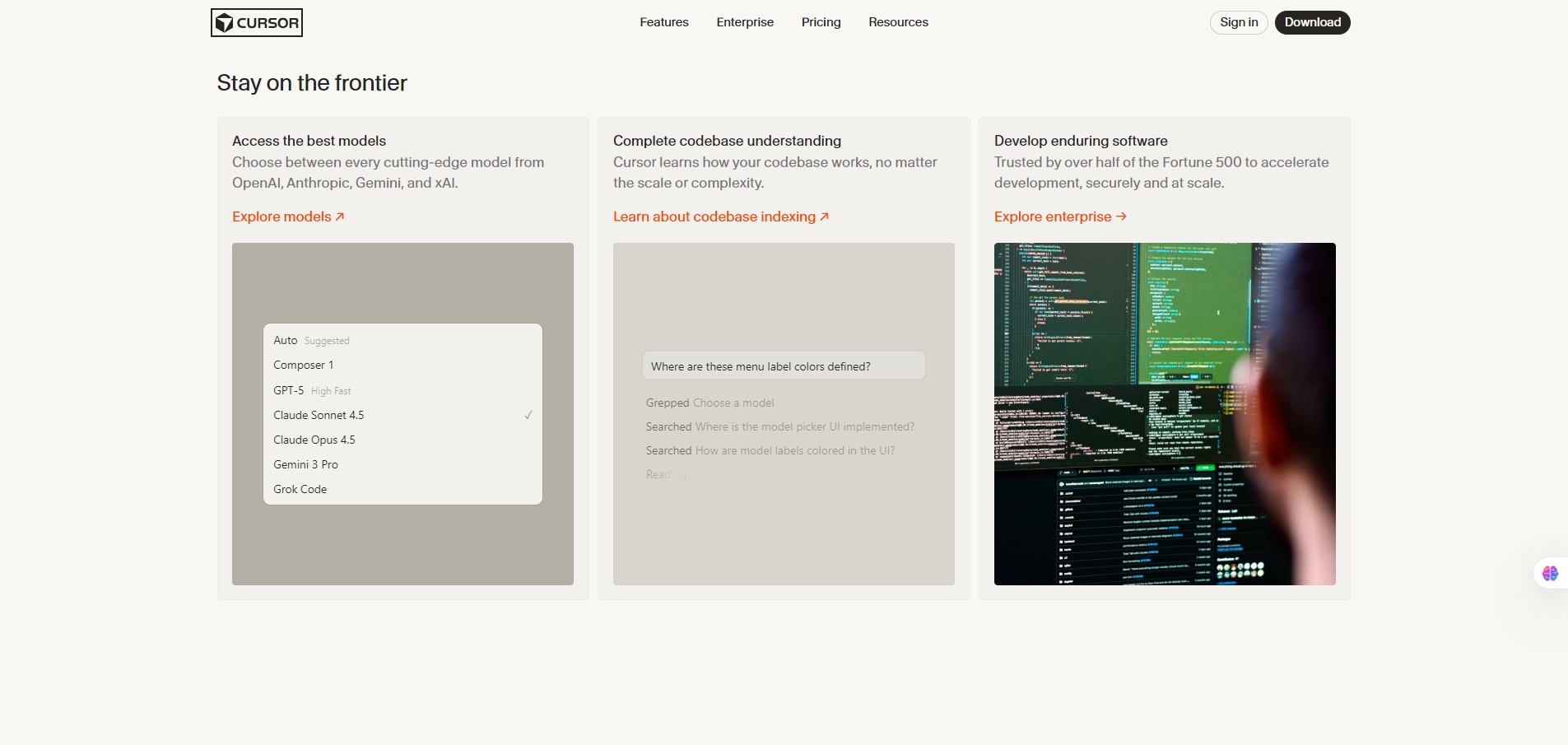
Cursor analyzes your project (local or connected via repo) and uses an AI model with deep context windows to understand large codebases. You interact with it via chat, inline generation, and “Edit” prompts that apply changes directly to your files. It can search your repo, propose code diffs, test ideas, and scaffold features.


Details

Tool Launch / Founded Date

2023-01-01 (approx.)

Best for

Software engineers Indie devs and startups Engineering teams wanting AI-assisted workflows Students learning to code Software engineers Indie devs and startups Engineering teams wanting AI-assisted workflows Students learning to code

Access Type

Freemium + Paid Subscription

Licensing Model

Proprietary software. Generated code is typically owned by the user; no attribution required. Some models may have their own usage terms depending on provider.

Feature

  • Inline AI assistance for writing, editing, and explaining code.
  • Multi-file refactoring and diffs generated automatically.
  • Large context windows for entire-repo understanding.
  • Chat assistant aware of your file tree and project structure.
  • Repo search enhanced by AI summarization and reasoning.
  • Framework and language migrations via guided prompts.
  • Pair-programming mode for iterative development.
  • Team features for shared context, workflows, and privacy controls.

Pricing Tables

Free
$0/month
  • Access to basic AI features
  • Limited monthly AI credits
  • Standard models only
  • Cloud usage required
Pro
$20/month
  • Higher credit limits
  • Access to stronger models
  • Larger context windows
  • Project privacy controls
  • Faster queue priority
Team
$40/month per user
  • Everything in Pro
  • Shared billing
  • Team-wide privacy & data settings
  • Usage management
  • Admin controls

Analytics

Traffic Analysis

Domain Rating
86
Organic Traffic
550,360
Majority Users
United States

Visits Over Time

No visit data found.

Traffic Sources

No traffic data found.

Last Update Date: 2025-12-10

FAQ

Can I use the code generated by Cursor commercially?
Yes. Code you generate is yours to use. Some underlying model providers may have specific terms, but Cursor does not claim ownership.
Does Cursor send my code to the cloud?
By default, AI actions require sending relevant context to Cursor’s servers or model providers. Paid tiers offer stricter privacy and opt-out controls.
Does it work with VS Code extensions?
Some, but not all. Cursor supports many VS Code-compatible extensions, though the compatibility is not identical.
How many AI credits do I get per month?
The Free tier has limited credit usage. Pro and Team significantly increase the quota and unlock higher-tier models.
Can it handle large codebases?
Yes, Cursor is built for large repos using extended context windows. But extremely large, multi-language monorepos may still require manual chunking or guiding prompts.
Does it integrate with Git?
Yes. Cursor shows diffs, supports commits, and fits into Git workflows. You still use your normal Git tooling.
What do teams get on the Team plan?
Shared billing, admin controls, unified privacy settings, and higher usage limits designed for collaborative engineering teams.

Related AI Tools

JimmyGPT is an AI chatbot tool that helps individuals chat, brainstorm, and get coding or writing assistance through
Dreamland Stories is a tool that helps kids create personalized AI-generated stories with images and narration so they
WriteMyEssay.ai is a tool that generates academic essays, outlines, and citations for students so they can draft papers
StoryHero is an AI storytelling tool that creates personalized illustrated stories for children so parents, teachers, and kids
MindChat is a mental wellness and concussion monitoring platform that combines AI assessments with EEG data for clinicians,
FanFicGen is a tool that generates AI-written fan fiction stories for fandom creators so they can brainstorm plots,