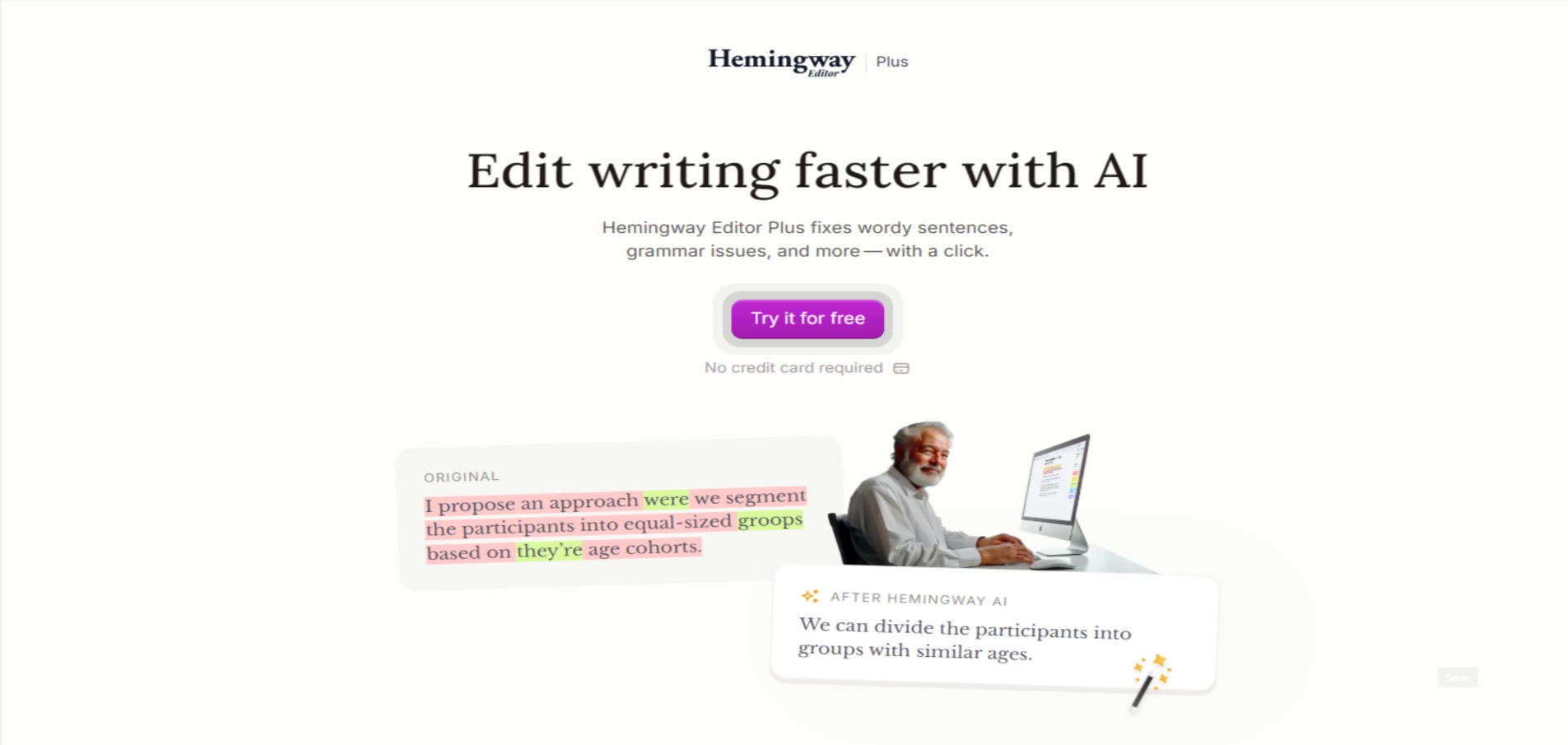
hemingway logo

Hemingway Editor

Rating: 4.2
User Satisfaction: 88%
Hemingway Editor is a writing tool that analyzes text for clarity and readability so writers can cut complexity, shorten sentences, and write more plainly.

Overview

Hemingway Editor is a lightweight writing and editing tool focused on one thing: making your writing easier to read. It highlights long sentences, passive voice, adverbs, and complex words in real time, using a simple color-coded system.

You can use it directly in the browser for free or install a paid desktop app for offline editing and exports.

Clear writing converts better, reads faster, and works across more audiences. Hemingway is especially useful if you write blog posts, marketing copy, emails, documentation, or essays and want to reduce fluff without hiring an editor.

It’s best for people who value simplicity over stylistic nuance. If your goal is readability—not grammar perfection—this tool delivers fast feedback with almost no learning curve.

Details

Tool Launch / Founded Date

2013-01-01 (approx.)

Best for

Bloggers, marketers, students, nonfiction writers, solo creators

Access Type

Free web app + paid desktop license

Licensing Model

Proprietary software; full rights to your text; no content ownership claims

Feature

  • Instant readability score with U.S. grade level
  • Color-coded highlights for clarity issues
  • Flags passive voice, adverbs, and dense phrasing
  • Suggests simpler alternatives for complex words
  • Works entirely in-browser with no login
  • Desktop app supports offline editing
  • Export to HTML, PDF, and Word (desktop)
  • Minimal interface with zero setup

Pricing Tables

Web App
Free
  • Unlimited text checks
  • Readability score and highlights
  • No exports
  • Online only
Desktop App
$19.99 (one-time license)
  • Offline editing
  • Export to PDF, Word, and HTML
  • Text formatting (headings, bold, lists)
  • No subscription, but updates are infrequent

Analytics

Traffic Analysis

Domain Rating
85
Organic Traffic
726.42K
Majority Users
United States

Visits Over Time

No visit data found.

Traffic Sources

No traffic data found.

Last Update Date: 2025-12-23

FAQ

Can I use Hemingway Editor for free?
Yes. The web version is completely free and doesn’t require an account. You only pay if you want the desktop app and export features.
Does Hemingway Editor fix grammar mistakes?
No. It focuses on readability and clarity, not grammar or spelling. Many users pair it with a grammar checker.
Can I use it offline?
Only with the desktop app. The browser version requires an internet connection.
Does Hemingway rewrite text for me?
No. It highlights issues and suggests simpler words, but you make all edits manually.
Is my writing stored or reused?
The desktop app works offline. The web app processes text in-browser and does not claim ownership of your content.
Who should not use Hemingway Editor?
If you want AI-generated rewrites, collaboration, or advanced grammar checks, this will feel too limited.

Related AI Tools

JimmyGPT is an AI chatbot tool that helps individuals chat, brainstorm, and get coding or writing assistance through
Dreamland Stories is a tool that helps kids create personalized AI-generated stories with images and narration so they
WriteMyEssay.ai is a tool that generates academic essays, outlines, and citations for students so they can draft papers
StoryHero is an AI storytelling tool that creates personalized illustrated stories for children so parents, teachers, and kids
MindChat is a mental wellness and concussion monitoring platform that combines AI assessments with EEG data for clinicians,
FanFicGen is a tool that generates AI-written fan fiction stories for fandom creators so they can brainstorm plots,