
kapwing_logo

Kapwing

Rating: 4.6
User Satisfaction: 91%
Kapwing is an online video editing tool that helps creators and teams edit, subtitle, and repurpose videos with AI so they can publish content faster.

Overview

Kapwing is a browser-based video editing platform built for modern content workflows. You don’t install anything. You upload your video, edit directly in your browser, and export for platforms like YouTube, TikTok, Instagram, or LinkedIn.

It combines a traditional timeline editor with AI tools for subtitles, translation, script-to-video, and content repurposing.

Most creators and marketing teams don’t need full-scale software like Premiere for every piece of content. They need speed, collaboration, and clean exports.

Kapwing shines if you:

  • Produce short-form content regularly
  • Need automatic captions
  • Work with teammates or clients
  • Repurpose long videos into clips

It saves hours on subtitling and resizing alone. For social teams shipping daily content, that speed compounds.


Details

Tool Launch / Founded Date

2018-01-01 (approx.)

Best for

Creators, YouTubers, podcasters, social media managers, in-house marketing teams, and remote content teams.

Access Type

Freemium + Paid Subscription

Licensing Model

Proprietary software. Users retain rights to their uploaded and exported content. Free plan exports include watermark. Paid plans remove watermark and allow commercial use.

Feature

  • Browser-based timeline editor (no download required)
  • AI auto-generated subtitles with styling options
  • Text-based editing (edit transcript to cut video)
  • One-click resizing for different social platforms
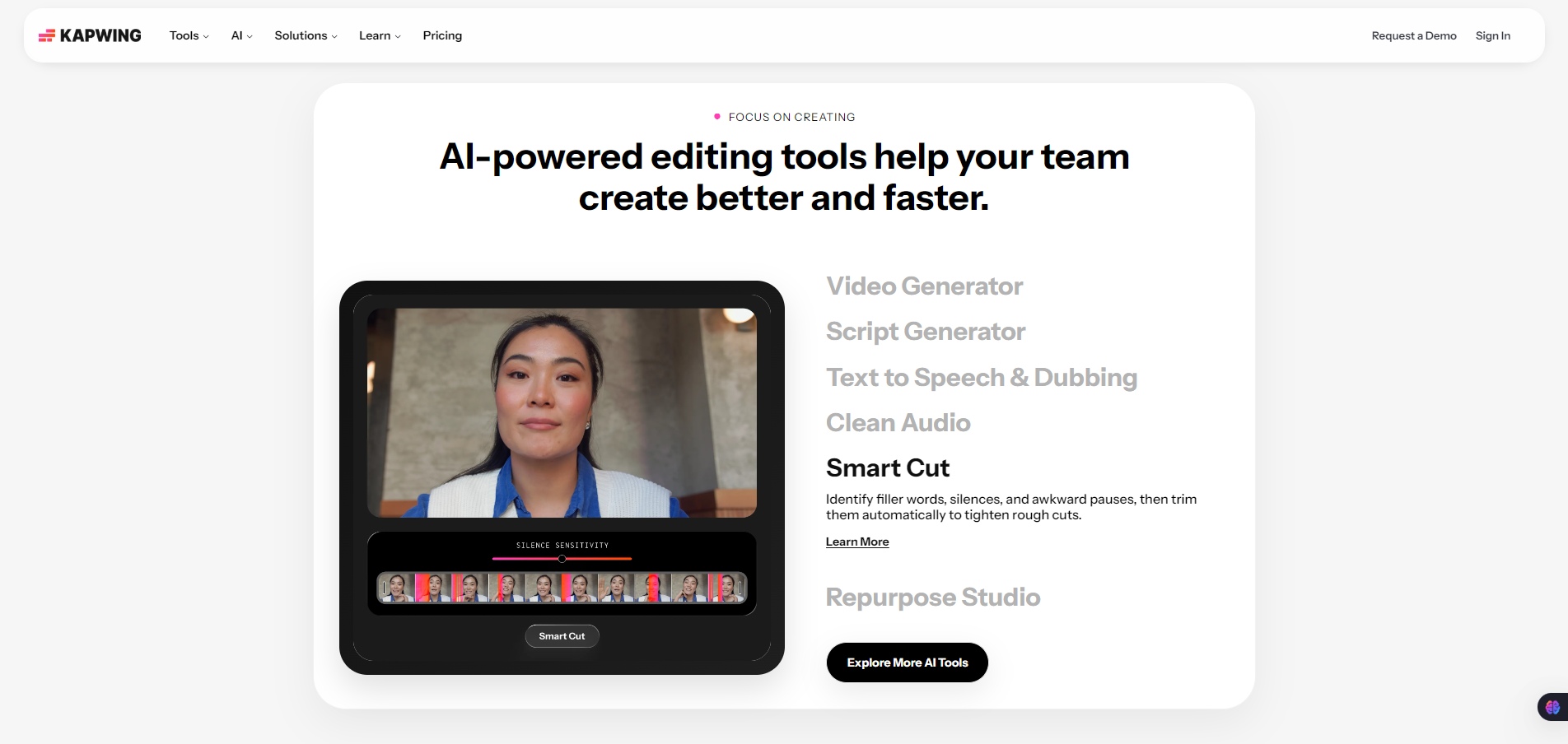
  • Silence remover (auto-trim dead air)
  • AI script generator
  • Subtitle translation for multilingual content
  • Team collaboration workspaces
  • Cloud storage for projects
  • Direct export in HD formats

Pricing Tables

Free
$0

10 credits / month

  • Unlimited exports with a watermark
  • Export videos up to 1 minute long
  • 720p video quality

Credits usable for:

  • Auto-subtitling (up to 10 mins)
  • Text to speech (up to 2 mins)
Pro
$16 Per member, per month, billed annually

1,000 credits / month

Everything in Free, plus these features for your team workspace:

  • No Kapwing watermark on your creations
  • Upload files up to 6GB
  • Export content in 4K resolution
  • Store and edit unlimited projects
  • Export projects up to 2 hours long
  • Brand Kit and custom fonts
  • Collaborative shared workspace

Credits usable for:

  • Auto-subtitling (up to 1000 mins / month)
  • Dubbing (up to 50 mins / month)
  • Edit with AI (up to 30 times / month)
  • Even more premium features.
Business
$50 Per member, per month, billed annually

4,000 credits / month

Everything in Pro, plus these features for your team workspace:

  • Create custom voice clones
  • Lip sync videos
  • Ability to purchase additional credits

Credits usable for:

  • Auto-subtitling (up to 4,000 mins / month)
  • Dubbing (up to 200 mins / month)
  • Edit with AI (up to 130 times / month)
  • Even more premium features.

Analytics

Traffic Analysis

Domain Rating
79
Organic Traffic
5.93M
Majority Users
United States

Visits Over Time

No visit data found.

Traffic Sources

No traffic data found.

Last Update Date: 2026-02-17

FAQ

Can I use Kapwing videos commercially?
Yes, on paid plans. The Free plan includes a watermark, which isn’t ideal for commercial use.
Does Kapwing add a watermark?
Yes, on the Free plan. Paid plans remove it.
How many videos can I export per month?
Exports are limited by plan, storage, and resolution caps. Higher plans increase limits and quality.
Does it auto-generate subtitles?
Yes. You can auto-generate subtitles and customize their style. Translation is available on paid plans.
Can my team collaborate inside Kapwing?
Yes. Business plans support shared workspaces, project sharing, and brand consistency controls.
Does Kapwing train AI on my content?
Their privacy policy outlines how content is handled. Users retain ownership of uploaded content.
Is it good for long YouTube videos?
Yes for basic editing and repurposing. But for heavy cinematic editing, desktop tools like Premiere are more powerful.

Related AI Tools

StoryGenerate is a tool that generates AI-written stories and plot ideas for writers and creators so they can
Newt is a tool that helps teams research, write, and organize content using AI so they can produce
Prescene is a tool that helps filmmakers and content creators plan scenes, scripts, and shot lists using AI
Jarvis AI is a tool that generates song lyrics for musicians and creators so they can quickly write
StoryBee is a tool that generates personalized stories and learning content for kids and educators so they can
ScribaMax is a tool that generates written content using AI for marketers and creators so they can produce



