
lessonupnl_logo

LessonUp

Rating: 4.4
User Satisfaction: 88%
LessonUp is a tool that helps teachers create, deliver, and track interactive lessons so they can boost student engagement, save preparation time, and monitor learning progress.

Alternative To

Overview

LessonUp is a cloud-based platform for educators that enables you to build interactive, media-rich lessons (slides, videos, quizzes, polls, mind maps, etc.), deliver them in class or online, and track learner engagement and understanding in real time. It also offers a large library of pre-made lessons you can adapt, and tools to turn existing slide decks (e.g. PowerPoints) into interactive lessons.

Teachers often juggle multiple tools — slide decks, quizzes, feedback, LMS, grading. LessonUp consolidates these into one environment. This saves time preparing lessons, increases student interaction (quizzes, polls, open questions, etc.), and gives immediate feedback / analytics. For schools, it’s useful for standardizing teaching, sharing content, and managing classes, while reducing overhead and improving engagement.

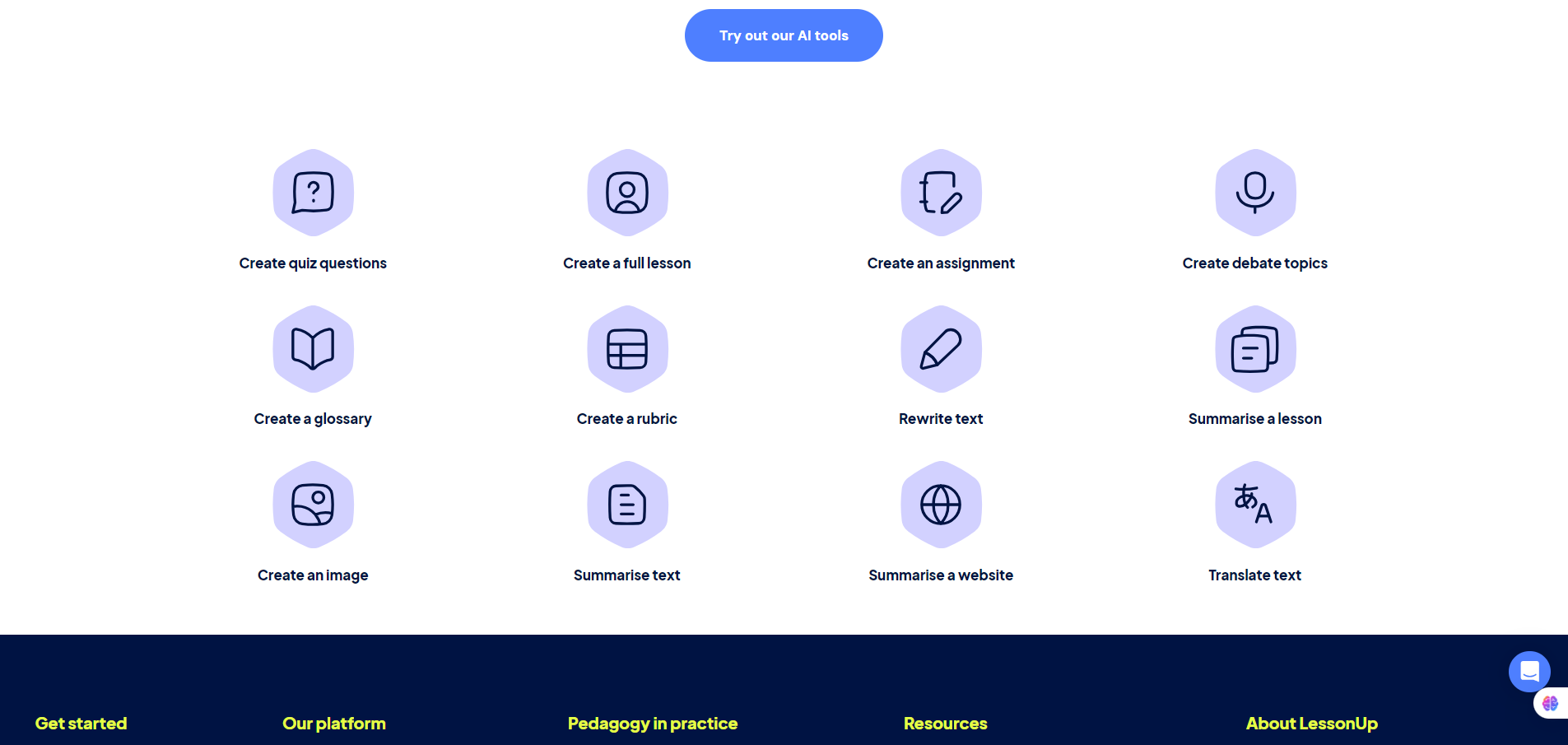
You start by creating a lesson —from scratch, importing existing slides (e.g. PowerPoint), or adapting a public lesson from LessonUp’s library. You can enrich content with interactive elements such as quizzes, open questions, mind maps, drag-and-drop tasks, polls, interactive videos, and more. During the lesson, students participate via their devices; teachers can monitor participation and comprehension in real time. LessonUp includes an AI-assisted workflow: AI can help generate lesson structure, suggest quiz questions, summarize content, even create or translate glossaries.


Details

Tool Launch / Founded Date

2015 (company established around 2015–2016)

Best for

K–12 teachers, college/university educators, trainers, schools & institutions seeking a unified interactive teaching platform, educators wanting to convert legacy slide decks into engaging digital lessons

Access Type

Freemium with paid subscription tiers for additional features (per-teacher license)

Licensing Model

Proprietary software. Users build their own content and control it; there’s a shared/public lesson library, but your uploaded or created lessons belong to you (no indication of restrictive licensing on user-generated content).

Feature

  • Build interactive lessons: slides, videos, images, websites, maps, etc. 
  • Multiple interactive components: quizzes, open questions, polls, mind maps, drag-and-drop tasks, “fill in the blanks,” sorting tasks, word clouds, interactive videos. 
  • Import and repurpose existing PowerPoint slides — upgrade static slide decks into interactive lessons quickly. 
  • Large public lesson library: access thousands of lessons made by other teachers, editable and reusable. 
  • Real-time student engagement tracking and analytics: view student answers, participation, time spent, comprehension — helps tailor lessons and feedback.
  • AI-assisted content creation: auto-generate lesson structure, quizzes, translations, glossaries, summaries — saves time and lowers workload. 
  • Support for synchronous (live classroom) and asynchronous (homework, self-paced) lessons — students can access via web browser on many devices.

Pricing Tables

Start
$7 / month
From 1 teacher
  • Unlimited students
  • Create and save unlimited lessons
  • Give 20 presentations per month
  • Only quizzes, open questions, and mind maps
  • Access LessonUp's lesson library
  • Import and edit PowerPoints
  • Create lessons and quizzes with the AI assistant
  • AI tools for creating images, assignments, quizzes, and other lesson content
  • Share lessons with colleagues
Pro
$7.99/ month
From 1 teacher
  • Unlimited students
  • Create and save unlimited lessons
  • Present unlimited lessons
  • Quizzes, open questions, mind maps, drag-and-drops, photo questions, interactive videos, and polls
  • Access LessonUp's lesson library
  • Import and edit PowerPoints
  • Create lessons and quizzes with the AI assistant
  • AI tools for creating images, assignments, quizzes, and other lesson content
  • Share lessons with colleagues
  • Create and manage classes
  • Distribute homework
  • Conduct tests
  • Make lessons private
  • Monitor student progress and access reports
  • Differentiate lesson material
  • Export lessons to PDFs
School
Contact sales
From 10 teachers
  • All features from Personal Pro subscription
  • Unlimited students
  • Admin environment to manage users
  • Flexible licence management
  • Export lessons to PDFs
  • Licence usage insights and analysis
  • Collect and organise all lessons in a safe digital school portfolio
  • Ability to create lessons with colleagues in real-time
  • LMS integration (from 50 teachers)
  • Single Sign On (SSO) integration

Analytics

Traffic Analysis

Domain Rating
69
Organic Traffic
95174
Majority Users
Netherlands

Visits Over Time

No visit data found.

Traffic Sources

No traffic data found.

Last Update Date: 2025-11-30

FAQ

Can I use LessonUp for free?
Yes — there is a free tier. You can create and save unlimited lessons, access the public lesson library, and use basic interactive elements. But with the free tier you’re limited to teaching up to 10 lessons/month (or more depending on the current plan version).
Can students access lessons from any device?
Yes — students join lessons through a web browser on any internet-connected device (desktop, tablet, mobile).
Do I need to build a lesson from scratch?
Not necessarily. You can import existing PowerPoint presentations, or pick a publicly shared lesson from LessonUp’s library and adapt it to your needs.
Can I track student progress and understanding?
Yes — on paid plans you get analytics, progress reports, ability to manage classes, view responses, and export lessons or reports.
Is LessonUp suitable for remote / online teaching?
Absolutely. It supports both synchronous (live) and asynchronous (self-paced / homework) teaching. Students can access lessons remotely, and teachers can embed videos, quizzes, and interactivity.
What about collaboration among teachers or schools?
For individual teachers, you get basic lesson creation and sharing. For teams or institutions, the “School” plan allows collaborative lesson libraries, shared portfolios, licence management, and even LMS integrations for larger organizations.

Related AI Tools

JimmyGPT is an AI chatbot tool that helps individuals chat, brainstorm, and get coding or writing assistance through
Dreamland Stories is a tool that helps kids create personalized AI-generated stories with images and narration so they
WriteMyEssay.ai is a tool that generates academic essays, outlines, and citations for students so they can draft papers
StoryHero is an AI storytelling tool that creates personalized illustrated stories for children so parents, teachers, and kids
MindChat is a mental wellness and concussion monitoring platform that combines AI assessments with EEG data for clinicians,
FanFicGen is a tool that generates AI-written fan fiction stories for fandom creators so they can brainstorm plots,



