
lokalise_logo

Lokalise

Rating: 4.4
User Satisfaction: 88%
Lokalise is a tool that helps product, engineering and content teams manage translations and localization so they can ship multilingual apps, websites and content faster and with fewer errors.

Alternative To

Overview

Lokalise is a cloud-based localization and translation management platform (TMS) designed for product, engineering, design and content teams. It lets you centralize strings/text/content, collaborate with translators, connect to your code/design/content workflows, and publish localized versions of your software, website or app. 


If you’re building apps, websites or software that must serve multiple languages and markets, managing localization can become a bottleneck: spreadsheets, manual exports/imports, mis-matched versions, fragmented translation contexts. Lokalise aims to reduce that friction by integrating with dev/design/content tools, automating parts of the process (eg. screenshots, string detection, export/import), and providing a shared workspace for translators + developers. 
The main value: you ship to new markets faster, keep translations in sync, reduce manually copying files and mistakes, and give your team tools designed for localization (not just ad-hoc spreadsheets).


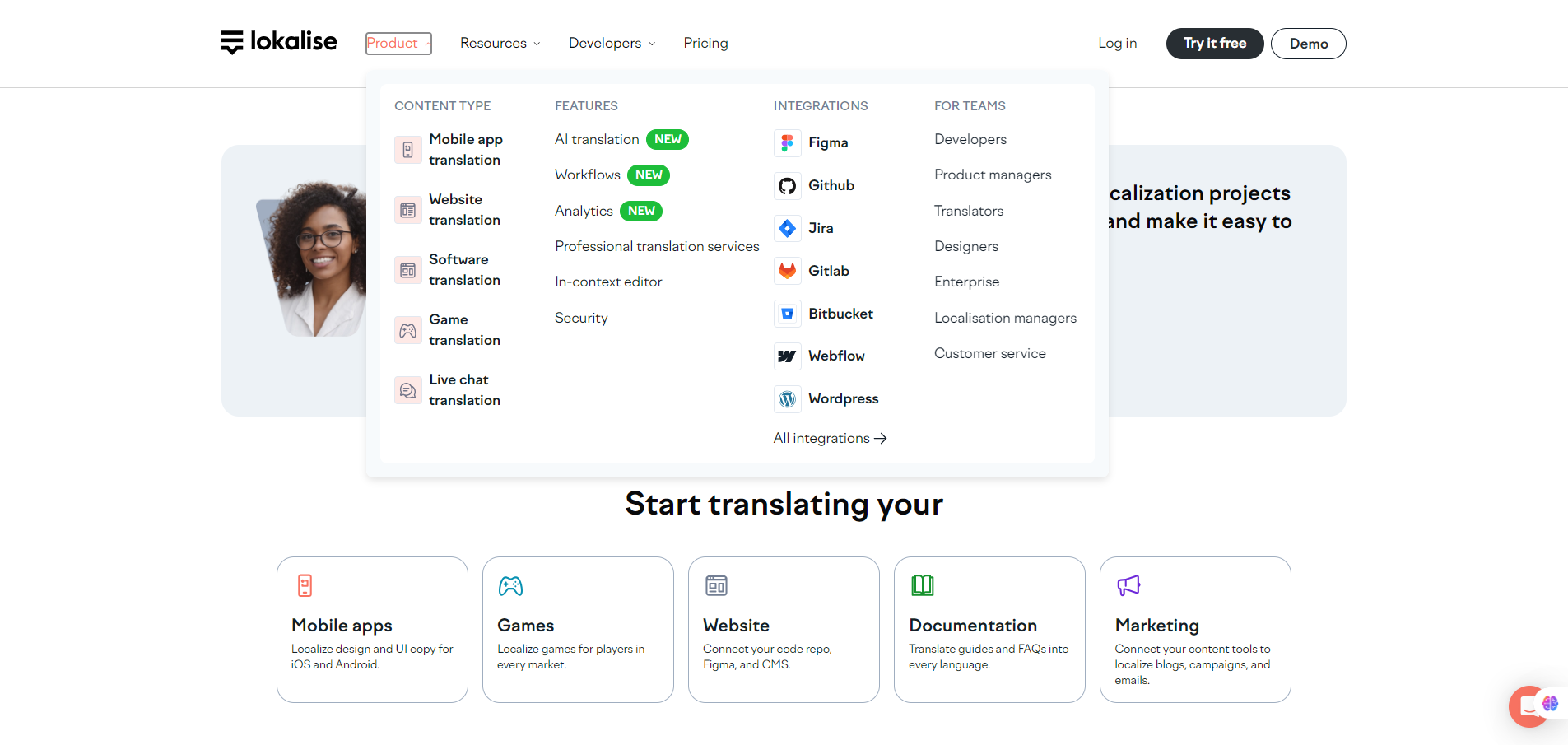
You start by creating a project in Lokalise: upload your source-language keys/text (via file import, code repo, SDK, Figma plugin etc). Set your target languages. Invite translators (in-house or external). Lokalise offers integrations (GitHub, GitLab, Figma, Slack, CMSs) so localization is embedded in your workflow.


Details

Tool Launch / Founded Date

Approx. 2017-01

Best for

Engineering teams building multilingual apps/websites Product teams launching in new markets Design + content teams working with localization (e.g., Figma plugin) Localization managers who want to bring translators + devs + content together

Access Type

Freemium (Free plan) + Paid Subscriptions (monthly/annual)

Licensing Model

Proprietary SaaS. Users retain ownership of their content/strings; localization engines/licensing terms follow Lokalise’s TOS (you’ll want to review their terms for resale rights, etc).

Feature

  • Supports localization of mobile apps, web, games, IoT and digital content via a unified platform. 
  • Integrations with dev/design tools (GitHub/GitLab, Figma, Slack, CMSs) so translation fits into product workflows instead of being siloed. 
  • Automation: APIs, CLI, webhooks, workflows, over-the-air (OTA) updates for mobile so you can update translation without full app release. 
  • Translation memory, glossaries, AI-powered translation and QA checks (to maintain consistency and speed up translation). 
  • Team and role management: multiple seats, branching/versioning for translation workflows (in higher tiers).

Pricing Tables

Free
$0/mo
  • Unlimited Standard seats
  • API, CLI, Webhooks
  • Collaborative web-based editor
Explorer
$144/mo
  • Unlimited hosted words
  • 24/7 customer support
  • Limited workflow
templates
  • Document localization
  • Tasks
Advanced
$999/mo
  • Style guide
  • User groups
  • Flexible workflow automations
  • Branching and versioning
  • 2FA and secure password configuration

Analytics

Traffic Analysis

Domain Rating
74
Organic Traffic
175
Majority Users
United States

Visits Over Time

No visit data found.

Traffic Sources

No traffic data found.

Last Update Date: 2025-11-26

FAQ

Can I use the translations commercially and do I own the localized content?
Yes — you retain ownership of your source text and localized content. Lokalise acts as a platform to manage translations. Always review their Terms of Use to confirm any reselling or export rights if you plan to embed translations in a product for distribution.
How many languages and projects can I manage?
On higher paid plans you can manage unlimited languages and unlimited projects. On the Free plan you are limited (e.g., up to 2 target languages, 1 project).
Can I integrate my code repo, design tool and export translations automatically?
Yes — Lokalise supports integrations with GitHub, GitLab, Figma, CLI/API tools, webhooks, and more so you can embed translation workflows into dev/design pipelines.
Does Lokalise provide machine translation or do I need human translators?
Both. It supports AI-powered machine translation and translation memory, but you still can invite human translators or use professional translation services for quality. Some features (AI translation quota, style guides) are part of higher tiers.
Does the company train on my content or use it to improve their AI?
Their public materials don’t deeply detail the training policy; you should check their privacy policy and contact sales if you have sensitive IP or data-sharing restrictions.
What support do I get?
Support levels vary by plan. Higher-tier/Enterprise plans include priority support, dedicated customer success manager, possibly SLAs. Some reviews note quick support response even on standard plans.
What’s the biggest upgrade when moving to a higher plan?
Upgrades typically bring: higher processed-word quotas (AI translations), more seats/advanced seats, deeper workflow features (branching, versioning, style guides), more automation/integrations, enterprise security (SSO, audit logs).

Related AI Tools

StoryGenerate is a tool that generates AI-written stories and plot ideas for writers and creators so they can
Newt is a tool that helps teams research, write, and organize content using AI so they can produce
Prescene is a tool that helps filmmakers and content creators plan scenes, scripts, and shot lists using AI
Jarvis AI is a tool that generates song lyrics for musicians and creators so they can quickly write
StoryBee is a tool that generates personalized stories and learning content for kids and educators so they can
ScribaMax is a tool that generates written content using AI for marketers and creators so they can produce



