
Photopea logo

Photopea

Rating: 4.4
User Satisfaction: 89.5%
Photopea is a web-based image editor that mimics Photoshop features for designers and marketers so they can edit PSDs, create graphics, and export assets quickly.

Alternative To

Overview

Photopea is a browser-based graphics editor that works similarly to Adobe Photoshop. It opens PSD, XD, Sketch, and standard image formats, making it a flexible option for quick edits or full design work without installing software. It runs fully client-side, so you don’t need an account or cloud sync to use it.

If you occasionally need Photoshop-style editing but don’t want a Creative Cloud subscription, Photopea fills that gap. It’s useful for freelancers, students, and teams who need to open PSD files, export assets for the web, or make layered graphics fast. Since it works in any modern browser, it’s ideal for Chromebook users and anyone working on borrowed or locked-down devices.

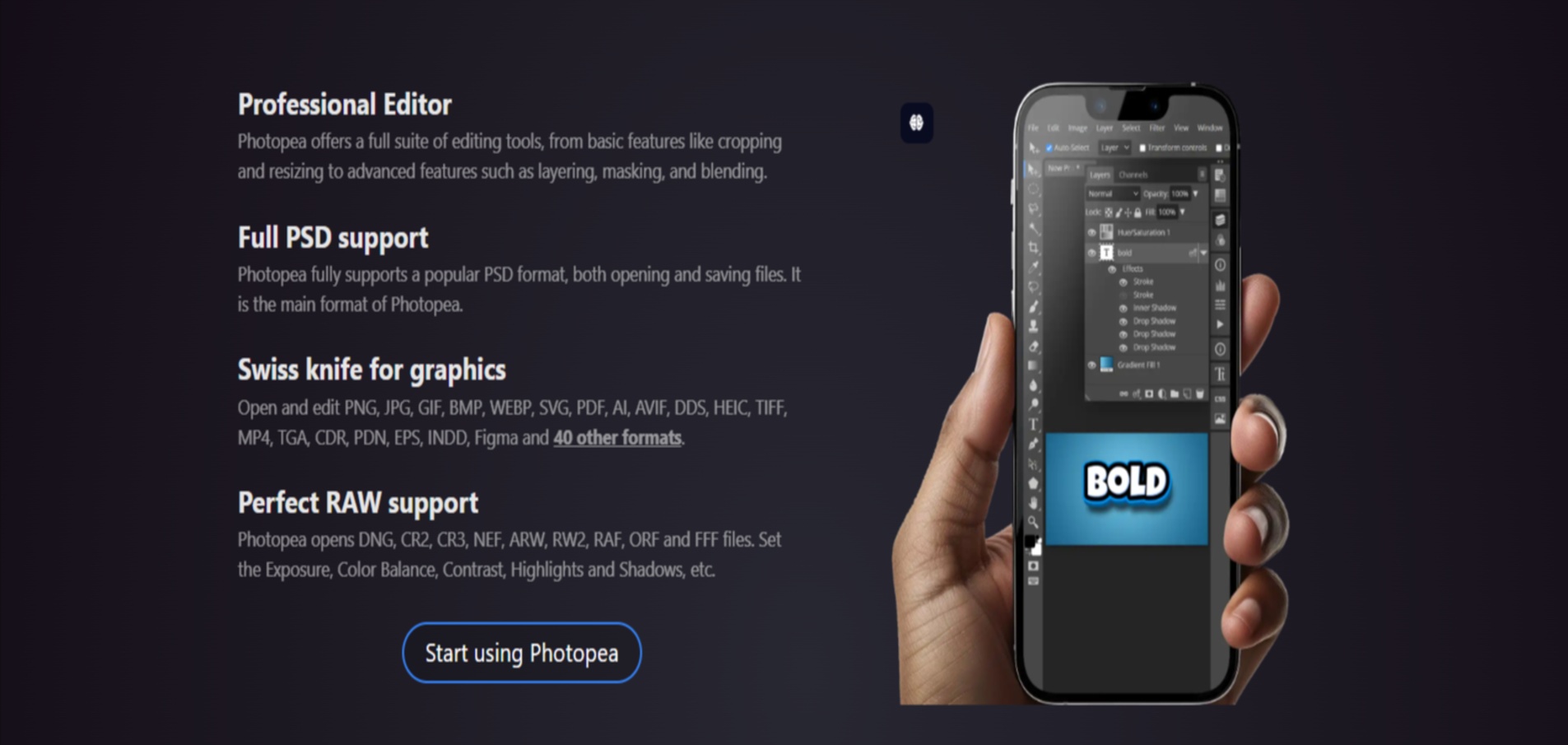
The editor loads directly in your browser and behaves like a lightweight Photoshop clone: layers, masks, smart objects, filters, vector shapes, type tools, and export presets. It supports drag-and-drop, keyboard shortcuts, and multi-format export (PNG, JPG, SVG, PSD, PDF). Projects run locally, and files never leave your device unless you manually export them.


Details

Tool Launch / Founded Date

2013-01-01 (approx.)

Best for

Designers on a budget, students, marketers, Chromebook users, teams without Adobe licenses

Access Type

Free with ads; Paid subscription removes ads and adds perks

Licensing Model

Proprietary; users fully own their exported files; no usage restrictions on edited images

Feature

  • Opens PSD, Sketch, XD, PDF, SVG, RAW, and standard image formats.
  • Full layer system with masks, blending modes, smart objects.
  • Vector editing tools for shapes, icons, and illustrations.
  • Photoshop-style filters and adjustments (curves, levels, liquify, blur).
  • Export presets for PNG, JPG, SVG, GIF, ICO, and layered PSD.
  • Works offline after initial load (PWA-friendly).
  • Keyboard shortcuts similar to Adobe apps.
  • No installation or account required.
  • API support for embedding Photopea in third-party apps.

Pricing Tables

Free
$0
  • Full editor access
  • Ad-supported
  • No login required
  • Same core features as paid version
Premium
$5/month
  • No ads
  • Longer session durations
  • Higher performance for large projects
  • Priority support
Team / Multi-Seat
Starts at $30 for 10 users per month
  • Same premium features
  • Bulk licenses for schools, agencies, and companies
  • Scales with seat count

Analytics

Traffic Analysis

Domain Rating
82
Organic Traffic
1085115
Majority Users
United States

Visits Over Time

No visit data found.

Traffic Sources

No traffic data found.

Last Update Date: 2025-12-09

FAQ

Can I use Photopea for commercial work?
Yes. You own your exports and can use them commercially without attribution. Photopea doesn’t restrict usage rights.
Does Photopea store my images?
No. Editing happens locally in your browser. Files are only uploaded if you manually integrate with cloud storage or APIs.
Is Photopea a full Photoshop replacement?
For most basic to mid-level design tasks, yes. For advanced retouching, 3D tools, or heavy RAW workflows, Photoshop is still stronger.
Does it work on Chromebooks?
Yes. Photopea is one of the best Photoshop-style options for Chromebooks since it runs entirely online.
Are there limits on file size or number of edits?
No formal limits, but performance dips with very large PSDs or complex layers—especially on low-spec hardware.
Is there an offline mode?
Partially. Once loaded, Photopea can keep running if your browser maintains the session.
What do I get on the Premium plan?
No ads, more stable long sessions, and improved performance for large projects—useful for regular or professional work.

Related AI Tools

JimmyGPT is an AI chatbot tool that helps individuals chat, brainstorm, and get coding or writing assistance through
Dreamland Stories is a tool that helps kids create personalized AI-generated stories with images and narration so they
WriteMyEssay.ai is a tool that generates academic essays, outlines, and citations for students so they can draft papers
StoryHero is an AI storytelling tool that creates personalized illustrated stories for children so parents, teachers, and kids
MindChat is a mental wellness and concussion monitoring platform that combines AI assessments with EEG data for clinicians,
FanFicGen is a tool that generates AI-written fan fiction stories for fandom creators so they can brainstorm plots,



