
runcomfy_logo

RunComfy

Rating: 4.5
User Satisfaction: 90%
RunComfy is a cloud platform that runs ComfyUI workflows on powerful GPUs for creators and developers so they can generate AI images, videos, and automation pipelines without local setup.

Alternative To

Overview

RunComfy is a cloud platform that lets you run ComfyUI workflows directly in your browser without installing anything locally. ComfyUI is a node-based interface commonly used for advanced AI image, video, and generative workflows built on models like Stable Diffusion.

Normally, running ComfyUI requires a powerful GPU, complex setup, and managing dependencies. RunComfy handles that infrastructure for you. You launch a ready-to-use environment in seconds and start building or running workflows immediately.

The platform is used by creators, AI hobbyists, and developers who want the flexibility of ComfyUI but don’t want to manage GPUs or configuration headaches.

ComfyUI is powerful, but setup can be painful:

  • You need a high-end GPU.
  • Installing nodes and models often breaks environments.
  • Sharing workflows across machines can fail due to dependency conflicts.

RunComfy solves those issues by providing preconfigured cloud environments with GPUs. You get a consistent setup every time, which makes it easier to experiment, collaborate, and deploy workflows.


Details

Tool Launch / Founded Date

2024-01-01 (approx.) Category AI Workflow Infrastructure / ComfyUI Cloud Platform Tags / Use Cases AI image generation AI video workflows Stable Diffusion pipelines ComfyUI automation Generative AI APIs Best For

Best for

AI artists and visual creators ComfyUI power users AI developers building generation pipelines Teams sharing reproducible AI workflows

Access Type

Freemium access Usage-based GPU pricing Optional subscription discount (Pro)

Licensing Model

Proprietary cloud platform Generated content rights depend on the underlying models used Users can upload custom models and workflows

Feature

  • Run ComfyUI in the browser without installing Python, CUDA, or dependencies.
  • Powerful cloud GPUs with configurations from 16GB VRAM up to 141GB.
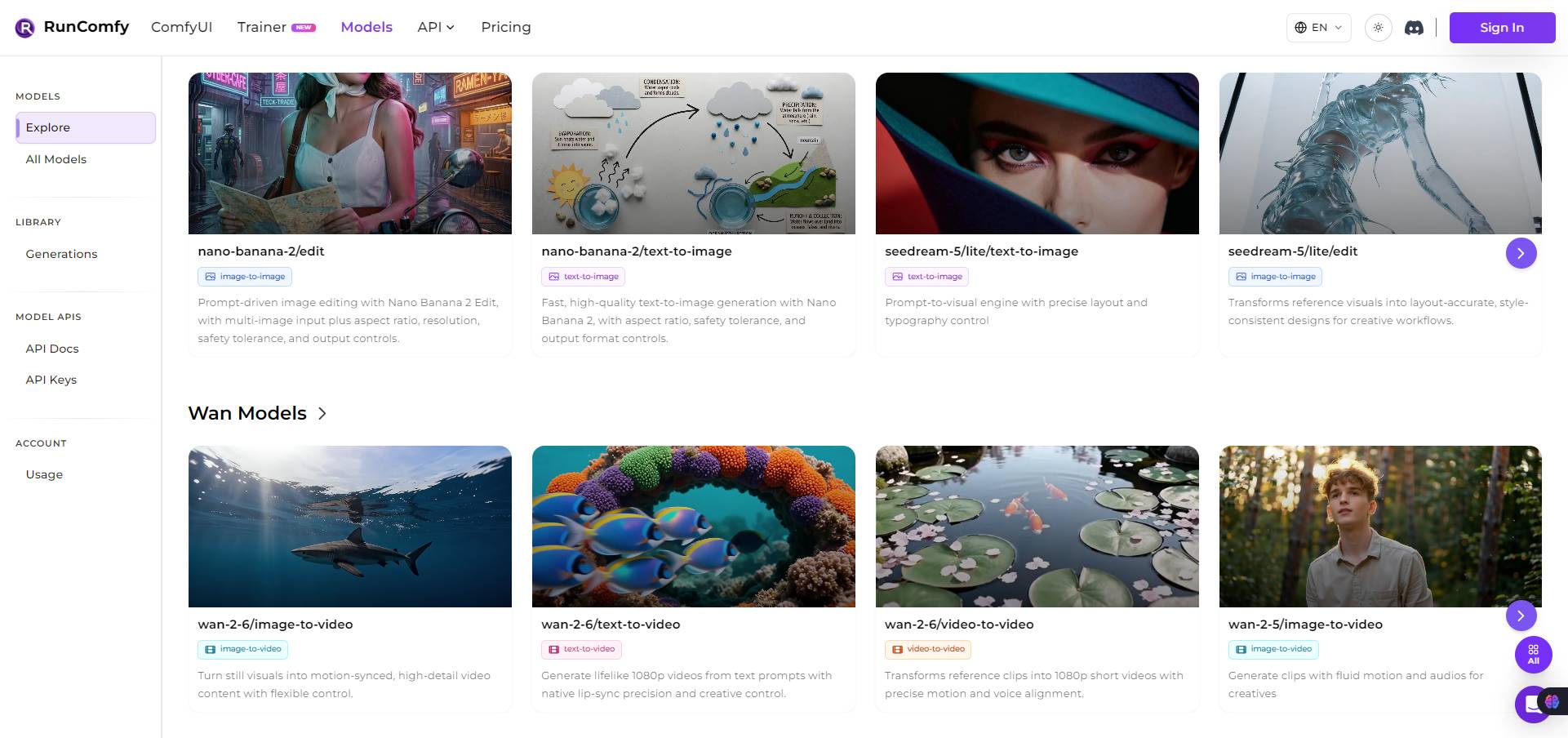
  • 200+ prebuilt workflow templates for image, video, editing, and AI effects.
  • Reproducible workflow environments that save models, nodes, and dependencies together.
  • One-click workflow sharing so collaborators can open the exact same setup.
  • Serverless API deployment that turns a workflow into a scalable endpoint.
  • Direct model downloads from Hugging Face, Civitai, and other sources.
  • Unlimited ComfyUI environments for testing different configurations.
  • Persistent model storage across sessions.
  • Autoscaling infrastructure for production AI generation workloads.

Pricing Tables

No data was found

Analytics

Traffic Analysis

Domain Rating
42
Organic Traffic
722.33K
Majority Users
Cambodia

Visits Over Time

No visit data found.

Traffic Sources

No traffic data found.

Last Update Date: 2026-03-09

FAQ

Do I need a GPU to use RunComfy?
No. RunComfy provides cloud GPUs, so you can run ComfyUI workflows directly in your browser without owning powerful hardware.
Can I upload my own models?
Yes. You can upload custom models, LoRAs, and nodes. The platform also supports downloading models directly from sources like Hugging Face or Civitai.
Can I deploy workflows as an API?
Yes. RunComfy lets you turn a saved workflow into a serverless API endpoint, which can be called from apps or backend services.
How much does it cost to generate images or videos?
Costs depend on GPU type and runtime. Entry-level GPUs start around $0.99 per hour, while high-end machines like A100 or H100 cost several dollars per hour.
Is RunComfy beginner-friendly?
It removes infrastructure complexity, but ComfyUI itself is still advanced software. Beginners may need time to learn node-based workflows.
Can teams collaborate?
Yes. Workflows can be shared via links, allowing others to open the exact same environment with nodes, models, and settings preserved.
What makes RunComfy different from other GPU clouds?
Most GPU platforms require manual setup. RunComfy focuses specifically on ComfyUI workflows, providing preconfigured environments and ready-to-run templates.

Related AI Tools

Idea Generators is an AI brainstorming tool that generates content and business ideas for creators, marketers, and online
MissionMapper is a tool that helps individuals create personal mission statements and clarify their goals, values, and purpose
JimmyGPT is an AI chatbot tool that helps individuals chat, brainstorm, and get coding or writing assistance through
Dreamland Stories is a tool that helps kids create personalized AI-generated stories with images and narration so they
WriteMyEssay.ai is a tool that generates academic essays, outlines, and citations for students so they can draft papers
StoryHero is an AI storytelling tool that creates personalized illustrated stories for children so parents, teachers, and kids



