
Slack logo

Slack

Rating: 4.3
User Satisfaction: 87%
Slack is a tool that enables teams to communicate, share files, integrate apps and automate tasks so they can collaborate and get work done faster.

Alternative To

Overview

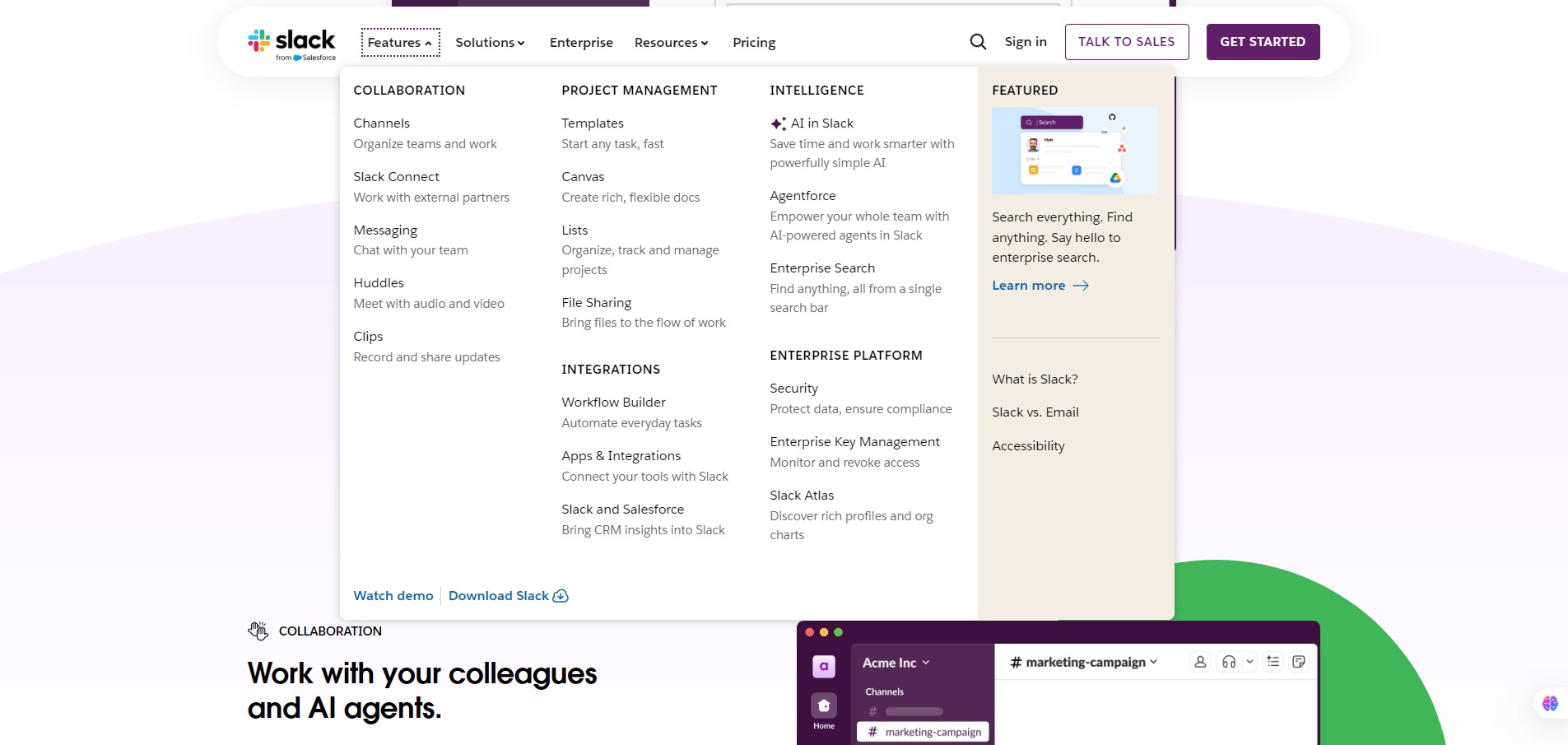
Slack is a cloud-based team collaboration platform where you can organise communication in channels, send direct messages, share files, host voice/video calls and integrate with other tools. It works via browser, desktop apps (Windows/Mac/Linux) and mobile (iOS/Android). 

For any team—startup, agency, R&D group or operations unit—Slack brings together messaging, file sharing, and integrations into one hub. That helps reduce email overload, keep discussions searchable, accelerate decision-making and bring context to work. If you’ve ever lost track of a project because chat, documents and apps are scattered, Slack brings them into one place.

You create a “workspace” for your organisation. Inside you set up channels (by project, team, topic) and direct messages. You invite team members, external partners, set up integrations (e.g., Google Drive, GitHub, Zapier) and automate workflows via the Slack platform/API. Paid plans lift limitations around message history, file storage, external collaborators, admin controls, compliance and AI features.


Details

Tool Launch / Founded Date

Approximately 2013-08 (public launch) per Wikipedia.

Best for

small to large organisations that need real-time communication, cross-team collaboration, integrate multiple tools, and keep work searchable; marketing teams, operations, engineering teams, remote/hybrid teams.

Access Type

Freemium model (Free tier + Paid subscriptions per user/month)

Licensing Model

Proprietary software (not open-source) You retain rights to your content, but check workspace policies for retention/export limits.

Feature

  • Channels and direct messaging with searchable history (though limits apply in Free tier).
  • File sharing, voice/video calls, screen sharing built-in.
  • Integration marketplace + ability to build custom apps/bots via Slack API.
  • Workflow automation (approval flows, notifications) built into paid tiers.
  • Admin tools & governance in higher-tiers (SSO, exports, retention policies) for larger orgs.
  • External collaborator access (invite partners/clients) in paid plans.
  • Reduction in context switching: your tools, messages and files in one hub.

Pricing Tables

Free
$0
  • 90 days of message history
  • Up to 10 apps
  • 1:1 meetings
  • 1:1 external messages
Pro
$4.38 per user / month, when paying monthly
  • Unlimited message history
  • Unlimited app integrations
  • Group meetings
  • Group external messages
    Basic AI
  • AI conversation summaries
Business+
$9 USD per user / month, when paying monthly
  • Unlimited message history
  • Unlimited app integrations
  • Group meetings
  • Group external messages
    Advanced AI
  • AI conversation summaries
  • AI workflow generation
  • AI search
  • AI daily recaps
  • AI file summaries
  • SAML-based single sign-on
  • SCIM user management

Analytics

Traffic Analysis

Domain Rating
92
Organic Traffic
140890000
Majority Users
United States

Visits Over Time

No visit data found.

Traffic Sources

No traffic data found.

Last Update Date: 2025-11-16

FAQ

Can I use Slack output/data commercially or resell it?
lack is a platform for your team’s communication. You retain rights to your content under workspace terms, but Slack is not built for you to resell standalone output. Always check your workspace Admin settings and account/licensing.
How many users / messages can I have?
On Free tier you’re limited in searchable history (older than ~90 days may not be accessible) and number of integrations. Paid tiers remove those major limits and allow unlimited history. (Slack)
Can I customize or build bots/workflows in Slack?
Yes — Slack provides an API and developer tools/SDKs so you can build apps, bots, workflows, automate tasks and integrate with external systems. (Slack Developer Docs)
Does Slack integrate with other tools like Google Drive, GitHub, Zoom?
Yes — There’s a marketplace of thousands of integrations and you can connect Slack to tools you already use. The limit on number of integrations depends on plan (Free has fewer) and standard integrations are available widely.
Does Slack train on my data or use my messages for AI models?
Slack’s policies indicate you control your workspace data and there are admin/compliance controls especially in higher tiers. If you use additional AI features you should review their privacy/training policies in your region.
What support / SLA do I get?
Free plan has standard community/basic support. Paid plans include upgraded support (for example 24/7 support, faster response times) and enterprise plans have priority support. (Slack)
What happens on the top enterprise plan vs Pro/Business+?
Enterprise level offers custom pricing, region/data-residency options, advanced compliance tools (DLP, e-discovery, audit logs), unlimited workspaces or link across orgs, and premium support and onboarding. You’ll need to speak with Slack’s sales team.

Related AI Tools

JimmyGPT is an AI chatbot tool that helps individuals chat, brainstorm, and get coding or writing assistance through
Dreamland Stories is a tool that helps kids create personalized AI-generated stories with images and narration so they
WriteMyEssay.ai is a tool that generates academic essays, outlines, and citations for students so they can draft papers
StoryHero is an AI storytelling tool that creates personalized illustrated stories for children so parents, teachers, and kids
MindChat is a mental wellness and concussion monitoring platform that combines AI assessments with EEG data for clinicians,
FanFicGen is a tool that generates AI-written fan fiction stories for fandom creators so they can brainstorm plots,



