


Python has long been the go-to language for machine learning, automation, APIs, and AI projects. As artificial intelligence advances, it’s now powering a new generation of coding tools designed specifically for Python developers. From intelligent code completions to AI-generated tests and docstrings, today’s AI tools for Python coding are transforming how developers write, debug, and maintain Python code.
Whether you’re creating APIs with FastAPI, training TensorFlow models, or just automating scripts, these AI tools offer everything from Python code generators to smart linters and in-IDE assistants.
What Are AI Tools for Python Developers?
AI tools for Python developers use machine learning models and natural language processing to assist in the software development lifecycle. They help with:
-
Writing and completing Python code
-
Detecting bugs or security issues
-
Generating unit tests and test cases
-
Creating docstrings and documentation
-
Refactoring and improving code readability
These tools often integrate into popular IDEs like VS Code, PyCharm, Cursor, or run in cloud-based environments. They are ideal for beginners, data scientists, backend engineers, and anyone building Python AI projects.
Benefits of AI Tools for Python Coding
-
Enhanced productivity – Automate boilerplate and repetitive coding tasks
-
Smarter suggestions – Get context-aware code completions and edits
-
Fewer bugs – Catch logic errors, syntax issues, and vulnerabilities early
-
Instant documentation – Auto-generate docstrings and explanations
-
Test automation – Create unit tests without manual writing
-
Secure code – Scan for bad patterns and risky code in real time
9 Free AI Python Coding Tools
-
Aider
-
Continue.dev
-
Cursor AI Editor
-
Cognition (Devin)
-
qodo (formerly CodiumAI)
-
Sourcegraph Cody
-
Replit Ghostwriter
-
Mutable AI
-
Sourcery AI
AI Python Coding Tools Comparison Table
| Tool | Best For | Key Features | Pricing* |
|---|---|---|---|
| Aider | Chat-driven coding in your terminal & repo | Repo-aware edits, patch diffs, test suggestions | Free & open-source; you pay LLM API usage |
| Continue.dev | Open-source, in-IDE AI assistant (VS Code/JetBrains) | Inline chat, autocomplete, “edit this” refactors | Free & open-source; optional paid services |
| Cursor AI Editor | AI-native code editor | Full-repo context, agents, inline chat & edits | Free plan; paid Pro/Business plans |
| Cognition (Devin) | Autonomous AI “software engineer” | Multi-step tasks, tool use, debugging, documentation | Private beta / custom pricing |
| qodo | AI code review & test quality | PR reviews, test suggestions, CI/CD integration | Free tier; paid team & enterprise plans |
| Sourcegraph Cody | Understanding & refactoring large codebases | Whole-repo context, search + chat, code edits | Free tier; Pro & Enterprise plans |
| Replit Ghostwriter | Browser-based Python dev & learning | Inline suggestions, explanations, quick fixes | Limited free use; full access via paid Replit plans |
| Mutable AI | Refactoring, docs & tests automation | Auto-refactor, docstrings, test generation | Free trial; subscription plans available |
| Sourcery AI | Python refactoring & style improvements | Auto-refactor, suggestions, CI & PR checks | Free for individuals/basic; Pro for teams |
Top 9 Free AI Python Coding Tools – Reviews
1. Aider
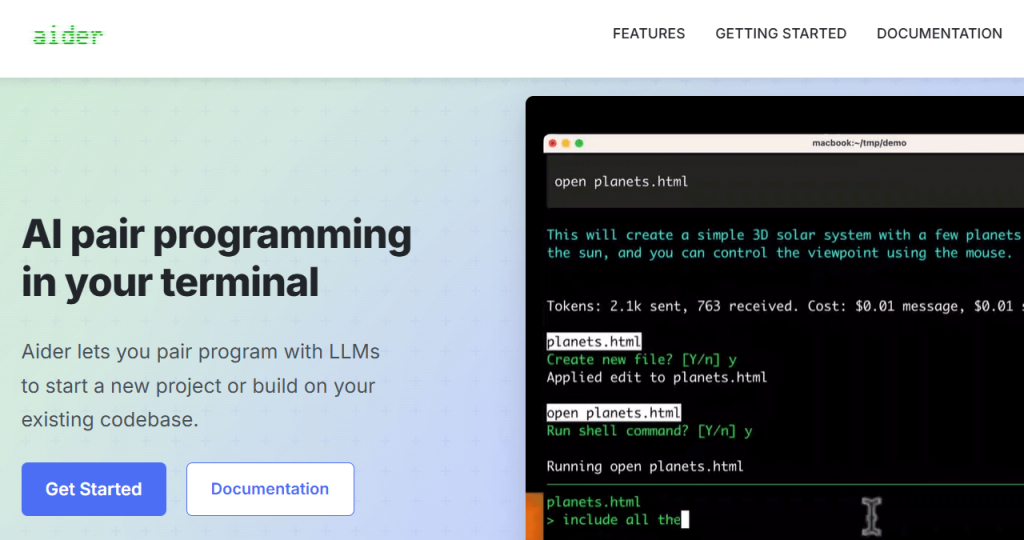
Best For: Chat-driven coding inside your terminal and Git repo
Review
Aider is an open-source AI pair-programmer that runs directly in your terminal. You point it at a Git repo, talk to it in natural language, and it edits your Python files using structured patches. It’s fantastic for real-world work: adding features, refactoring, writing tests, or fixing bugs across multiple files while keeping everything under version control.
Because it’s model-agnostic, you bring your own API key (OpenAI, Anthropic, etc.), which makes it flexible and cost-transparent.
Features:
-
Works on your existing Git repo
-
Proposes changes as diffs/patches you can review
-
Can run tests, read errors, and iterate with you
-
Supports multi-file and cross-module changes
Pros:
-
Free & open-source
-
Great for serious Python projects / monorepos
-
Transparent, reviewable changes via patches
Cons:
-
CLI-based (less ideal if you want only GUI)
-
Requires your own LLM API key and some setup
Pricing: Free & open-source; you only pay for the LLM API usage.
2. Continue.dev
Best For: Open-source, in-IDE AI assistant for VS Code / JetBrains
Review
Continue.dev is an open-source AI coding assistant that lives in your editor sidebar. It’s like having an AI “Copilot-style” experience but with full control over which models you use. It supports both local and cloud models, giving you flexibility between privacy and power.
You can highlight code, ask “refactor this,” “explain this function,” or “write tests for this class,” and Continue will generate edits inline.
Features:
-
Chat panel integrated into VS Code / JetBrains
-
“Edit” commands for refactors and improvements
-
Connects to multiple models (OpenAI, Anthropic, local LLMs)
-
Repo-aware context for better answers
Pros:
-
Free & open-source
-
Highly configurable (bring your own model)
-
Familiar workflow for existing VS Code users
Cons:
-
Requires some configuration to get the best model setup
-
Quality depends on the LLM you connect
Pricing: Free & open-source; you pay only for any external model/API you choose.
3. Cursor AI Editor
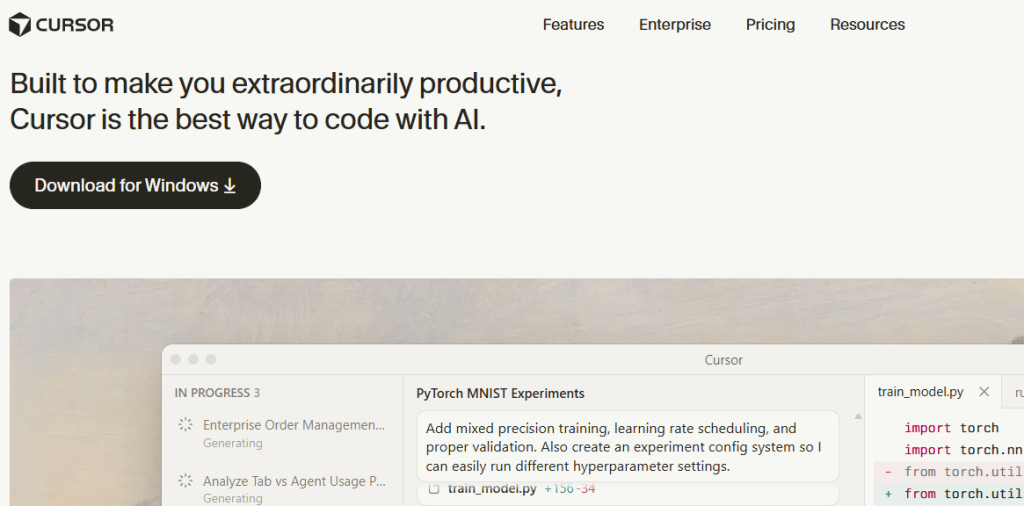
Best For: An AI-native editor for Python and full-stack dev
Review
Cursor is a fork of VS Code that’s rebuilt around AI. Instead of just “code completion,” Cursor adds full-repo reasoning, inline agents, and natural-language driven edits. You can select a Python file (or multiple), describe a feature (“add pagination to this FastAPI endpoint”), and let Cursor propose code changes.
It shines for productivity when working in mid-to-large Python projects, especially when you don’t want to manually track every dependency and import.
Features:
-
AI-enhanced autocomplete and inline suggestions
-
Chat with full-project context
-
“Composer” / agentic workflows for multi-step changes
-
Works with popular Python stacks (Django, FastAPI, ML projects, etc.)
Pros:
-
Feels like VS Code but more AI-centric
-
Very strong repo-level understanding
-
Great for day-to-day professional dev work
Cons:
-
Desktop editor only (not browser-based)
-
Heavier than simpler autocomplete plugins
Pricing: Free plan with usage limits; paid Pro/Business plans available for heavier AI usage.
4. Cognition (Devin)
Best For: Delegating complex Python tasks to an autonomous AI “engineer”
Review
Cognition’s Devin is marketed as an “AI software engineer.” Rather than just completing lines of code, Devin can plan, execute, and iterate on longer tasks: setting up Python environments, running tests, fixing failing CI, and even making pull requests.
It’s best thought of as a powerful assistant you hand tasks to—like “migrate this project from Flask to FastAPI” or “add a new endpoint and tests,” then review the results.
Features:
-
Multi-step planning and execution
-
Access to shell, editor, and browser in its environment
-
Can run tests, debug failures, and update code
Pros:
-
Handles larger, project-level tasks
-
Great for exploration, prototyping, and migration work
Cons:
-
Currently limited access / waitlist style
-
Requires careful human review of changes
Pricing: In private/early access; pricing typically via custom or enterprise agreements.
5. qodo (formerly CodiumAI)
Best For: AI-powered Python code review and test quality
Review
qodo (formerly CodiumAI) focuses on code quality: it reviews your pull requests, suggests improvements, and generates tests. It integrates into editors, PR workflows, and CI/CD pipelines to catch issues before they hit production. For Python, it can reason about edge cases, missing tests, and risky branches of logic.
Features:
-
Automated PR review comments
-
Test scenario and unit test suggestions
-
IDE, GitHub, GitLab, and CI integrations
Pros:
-
Strong focus on correctness and test coverage
-
Great for teams enforcing quality standards
-
Good fit with existing Git workflows
Cons:
-
Geared more toward teams than solo hobby projects
-
Best results with some configuration per repo
Pricing: Free tier for individuals/small use; paid team & enterprise plans (contact qodo for details).
6. Sourcegraph Cody
Best For: Understanding and refactoring large Python codebases
Review
Cody is Sourcegraph’s AI coding assistant, built on top of its powerful code search and indexing engine. It excels at questions like “Where is this function used?”, “How do I add logging consistently across the project?” or “Refactor this pattern everywhere.”
For Python monorepos or microservice meshes, Cody’s repository-wide context is a huge advantage over assistants that only see a single file at a time.
Features:
-
Whole-repo semantic search and context
-
Chat and “edit” with deep codebase awareness
-
Integration with VS Code, JetBrains, and Sourcegraph web
Pros:
-
Fantastic for navigating big, old, or complex codebases
-
Great onboarding tool for new team members
-
Strong search + AI combination
Cons:
-
Best experience if you also use Sourcegraph indexing
-
Setup is heavier than a simple plugin in tiny projects
Pricing: Free tier for individuals; paid Pro and Enterprise plans for teams and large use.
7. Replit Ghostwriter
Best For: Learning and building Python projects in the browser
Review
Replit Ghostwriter is an AI assistant built directly into Replit’s browser-based IDE. It’s designed for rapid prototyping, education, and hobby coding. You can start a Python repl, ask Ghostwriter to “build a simple Flask API” or “fix this error,” and it will generate and explain code inline.
It’s especially good if you want a zero-setup environment—no local Python, no IDE installation.
Features:
-
Inline suggestions and code completions
-
Error explanations and auto-fixes
-
Works entirely in the browser with Replit projects
Pros:
-
Perfect for beginners and quick experiments
-
No installation or environment headaches
-
Friendly, accessible UX
Cons:
-
Less ideal for huge or complex production codebases
-
Tied to Replit’s cloud environment
Pricing: Limited AI usage on free Replit accounts; full Ghostwriter access via Replit’s paid plans.
8. Mutable AI
Best For: Refactoring, documentation, and test automation for Python
Review
Mutable AI is an AI coding assistant focused on code quality and maintainability. It can refactor Python functions, generate docstrings, and create basic tests, helping you keep your codebase clean and well-documented without spending hours on housekeeping.
It fits well into a workflow where you write the core logic, then let Mutable handle polishing and documentation.
Features:
-
Auto-refactor and “rewrite this” tools
-
Docstring and comment generation for functions/classes
-
Test scaffolding and suggestions
Pros:
-
Great for improving readability and maintainability
-
Saves time on documentation and clean-up work
-
Integrates with modern editors
Cons:
-
Not a full “all-in-one” assistant (more focused on quality than raw generation)
-
Best results on clean, modern codebases
Pricing: Free trial available; paid subscription plans for ongoing use.
9. Sourcery AI
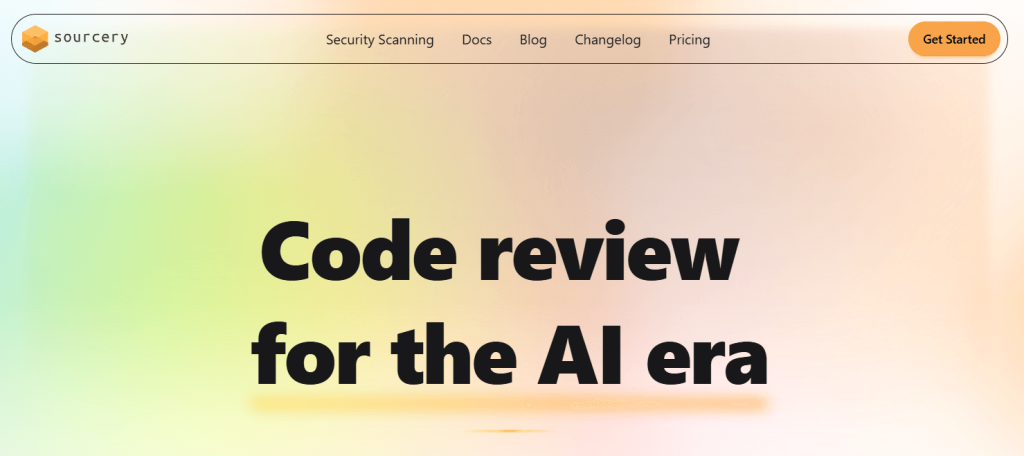
Best For: Python refactoring and enforcing clean code
Review
Sourcery AI is a Python-focused refactoring and code-quality tool. It analyzes your code and suggests improvements—simpler conditions, better list comprehensions, removed duplication, and more Pythonic patterns. It integrates with IDEs (like VS Code, PyCharm) and with GitHub/GitLab pull requests.
Sourcery is a strong complement to traditional linters (like flake8/pylint), focusing more on refactoring and readability than on style alone.
Features:
-
Automated refactoring suggestions for Python
-
Inline hints in your editor
-
PR review comments and CI integrations
Pros:
-
Very targeted to Python best practices
-
Great at making legacy code cleaner and shorter
-
Easy to adopt incrementally
Cons:
-
Focused on refactoring (not general code generation)
-
Some suggestions might be subjective/style-based
Pricing: Free tier for individuals and open-source use; paid Pro/Team plans for organizations.
Conclusion
Python and AI are a perfect match—and so are Python developers and AI-powered coding assistants. Whether you’re writing fast APIs, analyzing data, or experimenting with AI in Python, tools like Aider, Continue.dev, Cursor, qodo, Sourcegraph Cody, Replit Ghostwriter, Mutable AI, and Sourcery AI are reshaping how we work.
FAQ
What is the best free AI tool for Python?
For general coding, Aider, Continue.dev, and Cursor are excellent free-friendly choices. For browser-based learning, Replit Ghostwriter is great.
Can AI generate Python code from comments?
Yes. Aider, Continue.dev, Cursor, Replit Ghostwriter, and Cognition can all generate or edit code based on natural-language prompts and comments.
Are there AI tools for debugging Python?
Yes. Aider, Sourcegraph Cody, Replit Ghostwriter, and qodo can help explain errors, suggest fixes, or review problematic code paths.
Which AI tool is best for Python test generation and quality?
qodo focuses on automated reviews and test suggestions, while Sourcery AI and Mutable AI help improve code structure and maintainability.
Are AI coding tools secure for proprietary code?
Open-source/local-first tools like Aider and Continue.dev can be configured with self-hosted or private LLMs so your code never leaves your environment. For cloud tools, always review each vendor’s security and privacy documentation before using them on sensitive code.

