
podintelligence Logo

PodIntelligence

Rating: 3.8
User Satisfaction: 68%
PodIntelligence is a tool that processes audio and video content for creators and B2B teams so they can discover, filter, and repurpose micro-clips from their long-form recordings.

Overview

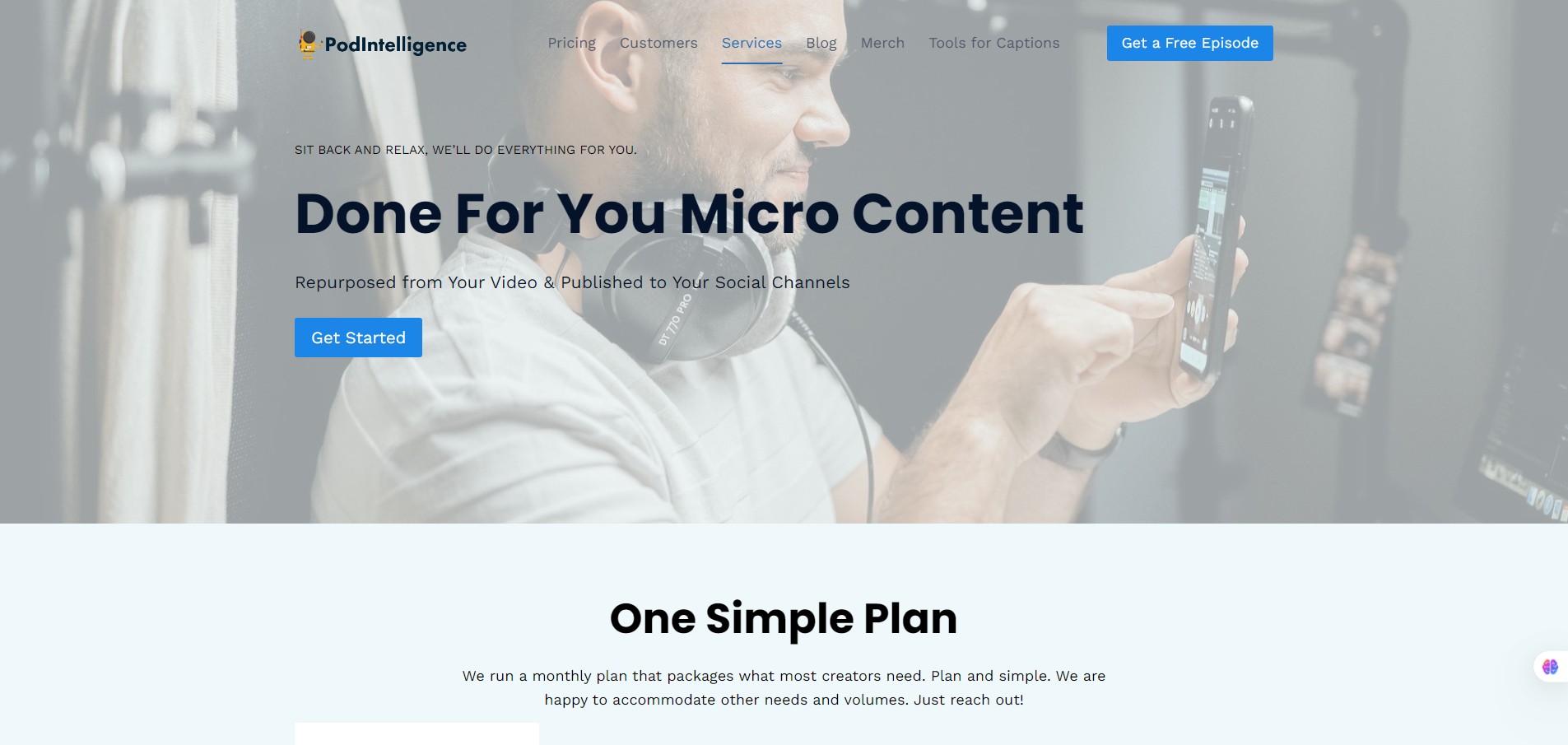
PodIntelligence is a cloud-based AI tool that accepts long-form content (webinars, podcasts, video tutorials) and generates searchable transcripts, keyword/topic indexing, and micro-clip outputs for reuse.


If you (or your team) produce long-form recordings (webinars, training videos, podcast episodes) and struggle to extract bite-sized content for social, marketing, or internal reuse, this tool can save a lot of time. It enables you to repurpose existing content rather than always creating fresh downloads. According to their customers, metrics like webinar sign-ups and content reuse improved. 

You submit a link (e.g., YouTube, Google Drive, Dropbox) of your audio/video content. The system processes it, generates transcripts, keyword and topic breakdowns, sometimes Q&A extraction, word clouds, and outputs micro-clips (roughly 30 per hour of content) sorted by topics/keywords.  You then download or browse via their “clip browser” and pick what to publish or edit further. One caveat: this isn’t a full video editor; while you get clips, you’ll likely still need your own editing/cropping tool for final social formats.

Details

Tool Launch / Founded Date

2022

Best for

Medium-to-large creators or marketing teams who have many hours of long-form content and want to repurpose it; B2B companies running webinars; educational/training providers.

Access Type

Paid service; there is a free trial (single file up to 1 hour) available.

Licensing Model

Proprietary tool; you submit your content and gain access to the processed outputs. Commercial use of the clips appears permitted (especially as the target is marketing/repurposing). No indication of open-source licensing.

Feature

  • Bulk processing of long-form recordings, including entire libraries, not just one video at a time.
  • Searchable keyword/topic/participant indexing across episodes (so you can find clips by keyword, speaker, topic). 
  • Clip browser interface: a dedicated environment for browsing extracted clips, transcripts, and timestamps. 
  • Q&A extraction (for webinars) — automatically extract questions and answers segments for reuse.
  • Word clouds and visual mapping of themes to help identify high-value segments for repurposing. 
  • Free-trial of one episode (up to 1 hour) to test the service.

Pricing Tables

First One
Free
  • Submit one file (up to 1 hour), get processing and output to evaluate.
Single Source
$50
  • Up to one hour of content submission (audio or video)
  • Includes word cloud, spreadsheets, video/audio clips by keyword, and multi-episode summary if >5 episodes submitted.
Batch of 50
$2,000
  • Up to approximately 50 episodes (each up to 1 hour) processed, plus recorded walkthrough and a one-hour marketing consultation.

Analytics

Traffic Analysis

Domain Rating
17
Organic Traffic
0
Majority Users
United States

Visits Over Time

No visit data found.

Traffic Sources

No traffic data found.

Last Update Date: 2025-11-09

FAQ

Can I use the micro-clips commercially (e.g., in paid promotions or on social media)?
Yes — the tool is designed to help you repurpose content for marketing and reuse. You get the clips and are free to publish them. Just ensure you own the rights to the original content you submit.
Is this tool suitable for someone with just a few podcast episodes?
Possibly — but the ROI will likely be stronger if you have many hours of content (e.g., many webinars/podcasts) and need to create many clips. If you only have a handful of episodes, you might evaluate whether a simpler tool meets your needs.
What do I get in the premium batch service?
Up to ~50 episodes processed, plus two one-hour training sessions for you/your team and a personalized walkthrough. Price ~$2,000.
What’s included in the free trial?
You can submit one file (up to 1 hour) and receive processed output to evaluate the tool.
Do I need to do any editing after receiving the clips?
Yes — while the tool extracts clips, you will likely need to edit/resize/format them (especially for social/vertical formats) with your own editor. The company states it does not include full video editing
Does it support languages other than English?
Yes, the engine “can handle multiple languages” but human verification may be limited to certain languages.
How many clips will I get from one hour of content?
The site indicates roughly ~30 clips per hour of original content, though actual number may vary.

Related AI Tools

ToyPal is a storytelling device that attaches to soft toys and delivers personalized AI-generated stories for children so
Kidgeni is a tool that creates AI-generated art, stories, and books for children so they can learn, create,
SermonGPT is a tool that generates sermon drafts and outlines for pastors, ministers, and speakers so they can
Lyrics Generator is an AI songwriting tool that creates lyrics for musicians, creators, and hobbyists so they can
Love Letter Generator is a tool that creates personalized romantic letters for couples and individuals so they can
AI Diary is a journaling tool that uses AI conversations, mood tracking, and writing analysis to help people

