Luminar logo

Luminar Neo

Rating: 4.3
User Satisfaction: 82%
Luminar Neo is a tool that lets photographers edit images using AI-powered tools so they can save time, enhance quality, and focus on creativity.

Alternative To

Overview

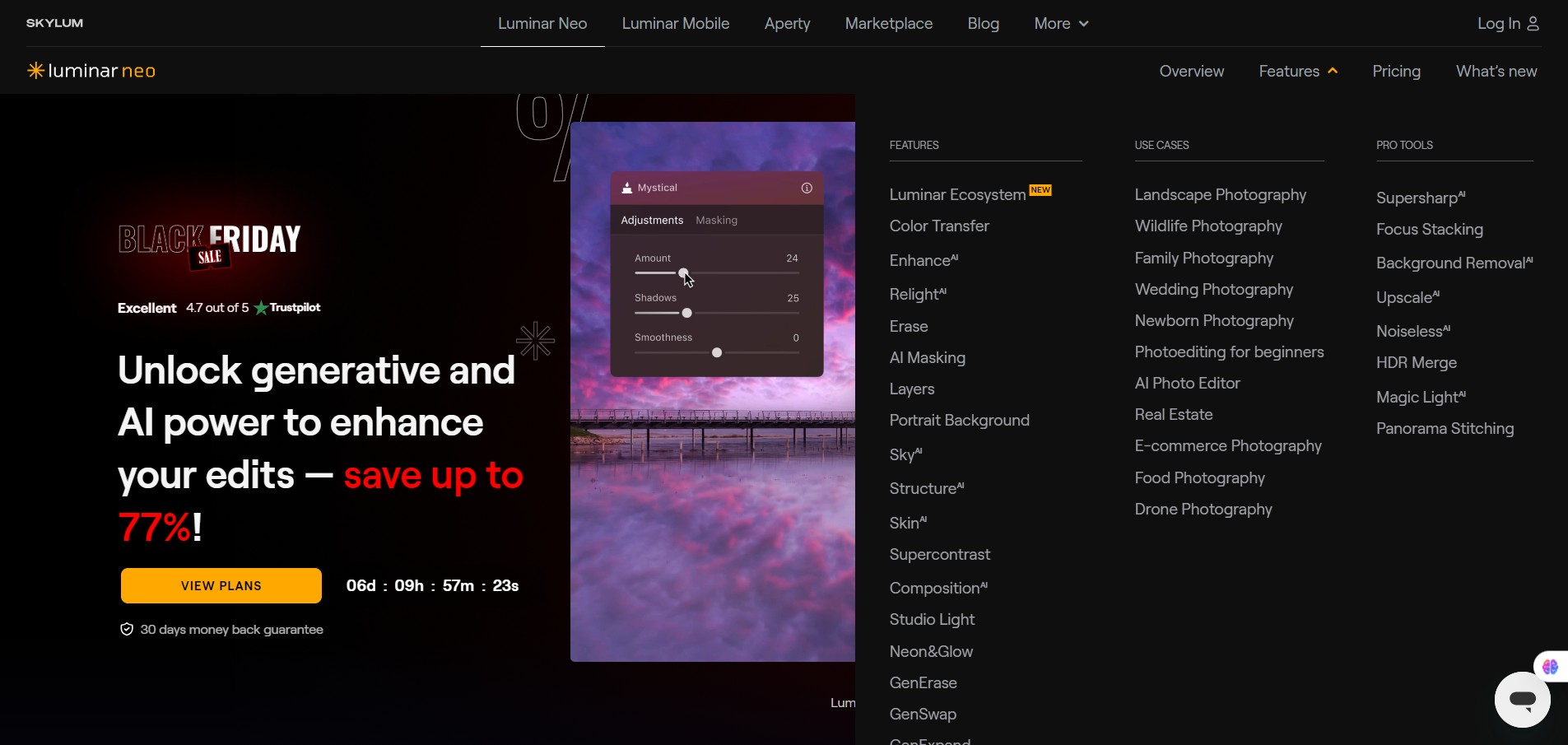
Luminar Neo (by Skylum) is a photo-editing application for Windows and macOS (also available as a plugin for tools like Adobe Lightroom/Photoshop and Apple Photos) that brings AI-driven features and a modern editing engine to still-image workflows.

If you’re a photographer (amateur or professional) who spends too much time on repetitive editing tasks (sky replacement, object removal, lighting fixes), Luminar Neo promises to accelerate many of those workflows. It offers a smoother, more intuitive interface than older tools and packs in “smart” edits so you can focus on creative decisions rather than manual detail work. 
It also competes with larger suites (e.g., Adobe Lightroom) but with a more accessible cost model and simpler learning curve.

Details

Tool Launch / Founded Date

Approx. February 2022 for Luminar Neo.

Best for

Photographers (hobby to pro) who want quicker editing workflows; small studios; creators who prefer one tool rather than complex suites.

Access Type

Free trial available. Then either subscription (monthly/annual) or perpetual license (depending on current offer) for desktop.

Licensing Model

Proprietary software. Users get full rights to their edited images, but you must comply with Skylum’s license (standard desktop license). Not open-source.

Feature

  • AI-Sky replacement: lets you change the sky in a scene quickly using AI, without manual masking.
  • Background/Subject Removal: Remove unwanted objects or backgrounds using AI-driven tools.
  • Portrait tools (Skin AI, Body AI, Face enhancements): Quick retouching of portraits.
  • Layer & mask support: Enables more advanced compositing and selective editing. 
  • RAW support + modern interface: Works with RAW files and offers a modern editing engine that aims to reduce lag when many edits are stacked.

Pricing Tables

Perpetual Desktop License
$69 One-time payment

Luminar Neo on Desktop

  • 100 Creative Add-ons
  • Luminar Neo Video Course
Cross-device Perpetual License
$99 One-time payment

Luminar Neo on Desktop, Mobile app for iOS, Android, ChromeOS

  • Desktop for Windows/MacOS
  • 100 Creative Add-ons
  • Luminar Neo Video Course
  • Mobile App for iOS/Android/ChromeOS
Perpetual Max License
$109 One-time payment

Luminar Neo on Desktop, Mobile app for iOS, Android, ChromeOS and Creative Library Access

  • Desktop for Windows/MacOS
  • 100 Creative Add-ons
  • Luminar Neo Video Course
  • Mobile App for iOS/Android/ChromeOS
  • Creative Library Access

Analytics

Traffic Analysis

Domain Rating
78
Organic Traffic
272701
Majority Users
United States

Visits Over Time

No visit data found.

Traffic Sources

No traffic data found.

Last Update Date: 2025-11-11

FAQ

Can I use my edits commercially with Luminar Neo?
Yes — once you edit your own images using Luminar Neo you own the result and can use it commercially, subject to normal license conditions. Just ensure you’re editing your own source images (or you have rights) and abiding by any third-party asset license (presets, LUTs, marketplace packs).
How many images can I edit per month?
There is no explicit “image per month” cap in the software itself. But if you are on a subscription plan you need to keep the subscription active. Performance depends on your hardware and the complexity of edits. Users with many RAW files and heavy AI tools may need a powerful machine. (Kieran Hayes Photography)
Can I customise or fine-tune the AI tools?
Yes — despite the “one-click” style marketing, Luminar Neo allows manual adjustments (layers, masks, sliders) so you can fine-tune AI-generated edits to your taste. Keep in mind some tools are more “auto” than others.
Does it integrate with my existing workflow (Photoshop, Lightroom, etc.)?
Yes — Luminar Neo works as a standalone editor, and also as a plugin for compatible software (e.g., Lightroom Classic, Photoshop, Apple Photos) so you can incorporate it into your existing workflow. (Wikipedia)
Does Skylum train on my images or use my data to improve their models?
Editing is done locally on your machine, so your source images and edits remain under your control. There is no prominent feature using your content to train public models. Always check the latest privacy policy for region-specific details.
What do I get on the top plan vs starter?
On higher tiers you may get multi-device usage (desktop + mobile), access to “Extensions” (advanced modules like Focus Stacking, HDR Merge), extra marketplace discounts or future-release modules. Lower tiers may limit device count or exclude certain extras. Always check current plan details.
What support or updates do I get?
Subscribers receive regular updates and new features. Perpetual license buyers typically get a certain period of free updates (e.g., 12 months) and then may need to purchase major version upgrades. For example, some review commentary notes lifetime license buyers get 12 months of updates.

Related AI Tools

JimmyGPT is an AI chatbot tool that helps individuals chat, brainstorm, and get coding or writing assistance through
Dreamland Stories is a tool that helps kids create personalized AI-generated stories with images and narration so they
WriteMyEssay.ai is a tool that generates academic essays, outlines, and citations for students so they can draft papers
StoryHero is an AI storytelling tool that creates personalized illustrated stories for children so parents, teachers, and kids
MindChat is a mental wellness and concussion monitoring platform that combines AI assessments with EEG data for clinicians,
FanFicGen is a tool that generates AI-written fan fiction stories for fandom creators so they can brainstorm plots,