Kanboard_icon

Kanboard

Rating: 4.0
User Satisfaction: 70%
Kanboard is a tool that gives you a drag-and-drop Kanban board for tracking tasks and projects so you can visualise work, limit work-in-progress, and streamline your flow.

Alternative To

Overview

Kanboard is an open-source web application for project and task management built around the Kanban methodology. It gives you a board with columns, cards, drag-and-drop, subtasks, comments and automation. 
You host it yourself (or deploy on your server/cloud). It is not a hosted SaaS service in the first place.

If you prefer self-hosting (for data control, privacy or cost reasons), want something lightweight and focused on Kanban rather than full-blown project ecosystem, Kanboard is a compelling choice.
It helps you visualise work, reduce multi-tasking by limiting work-in-progress, and manage tasks more clearly.
Because it’s free/open-source (MIT license) you can avoid per-user fees and vendor lock-in. 

You install Kanboard on your own server (Linux/Unix/Windows with PHP). It supports SQLite by default, or MySQL/PostgreSQL for larger setups. 
Once set up, you create projects, columns (e.g., To-Do, Doing, Done), tasks (cards) with subtasks, attachments, comments. You drag tasks between columns, filter/search tasks, set limits on columns (WIP limits). 
Automation: You can configure “automatic actions” — e.g., when a task moves to X, change assignee or category. 
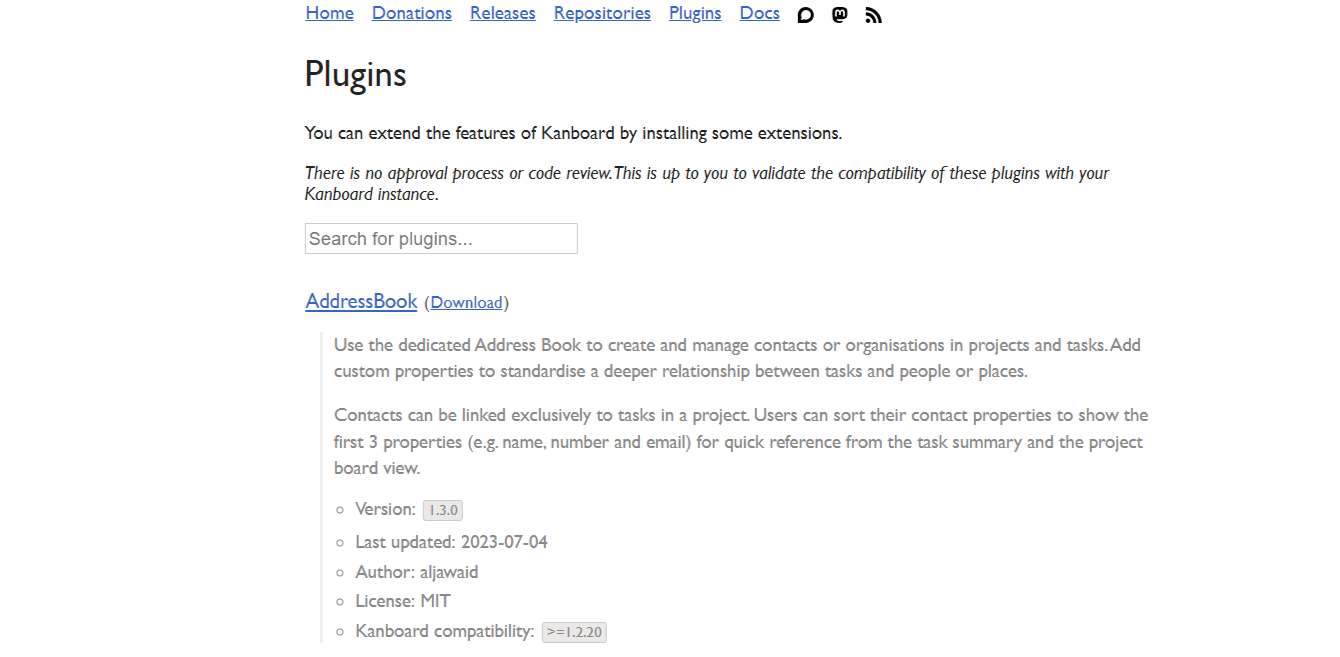
Plugins: There’s a plugin ecosystem to extend it (for cost tracking, custom themes, storage backends).

Details

Tool Launch / Founded Date

Approx. 2014

Best for

Small to medium teams comfortable with self-hosting Organizations wanting full control of data (on-premises or private cloud) Teams that adopt Kanban method and want a simple board system rather than full suite

Access Type

Free to download and use (open source) — you host and run it yourself. Some managed-hosting services exist (third-party) with fees.

Licensing Model

MIT License (free, open source) You are free to use, modify and host. Any additional rights (integration, commercial use) generally permitted under MIT.

Feature

  • Drag-and-drop Kanban board with tasks, subtasks, attachments, comments. 
  • Column (workflow stage) customization: you can add, rename, remove columns; define WIP limits. 
  • Search & filter tasks using simple query language (assignee, description, due date etc.). 
  • Automation / automatic actions: trigger workflow changes based on events (e.g., move task → auto-assign/label). 
  • Multi-auth backends (LDAP/ActiveDirectory, OAuth2) and multilingual (30+ languages). 
  • Plugin ecosystem: ability to extend with themes, costing, custom storage, etc. 

Pricing Tables

Free / Open-Source
$0
  • Download and self-host the software yourself.
  • No per-user fees from Kanboard project.
  • You bear server, hosting, maintenance costs.
Managed Hosting Option (third-party)
  • Some vendors offer Kanboard managed hosting for a fee (not from Kanboard project themselves).
    For example: one vendor lists “starts at $49/month” for managed hosting. 
  • These are optional and third-party.

Analytics

Traffic Analysis

Domain Rating
69
Organic Traffic
4317
Majority Users
United States

Visits Over Time

No visit data found.

Traffic Sources

No traffic data found.

Last Update Date: 2025-11-14

FAQ

Can I use Kanboard commercially?
Yes. The software is licensed under MIT License, which allows commercial use, modification, and redistribution.
Are there usage limits (number of users, boards, tasks)?
Officially no imposed usage limits by Kanboard itself (it depends on your server/infrastructure). As self-hosted you are limited only by your environment.
Can I customise the UI or add my own integrations?
Yes — Kanboard supports plugins, custom CSS/themes, and you can extend it via its API.
Does Kanboard integrate with other tools like GitLab, Slack, etc.?
There are integrations via plugins or APIs but fewer built-in out-of-the-box integrations compared to major SaaS tools. You may need to configure or build custom connectors.
Does the company collect my data or train models on it?
Because you self-host the software, your data remains under your control; there is no central hosted service by Kanboard that collects your usage by default.
What support is available if I run into problems?
Support is primarily community-based (forums, GitHub issues). If you go for a third-party managed hosting provider, then you may pay for SLA/support services.
What do I get if I choose managed-hosting versus self-hosted?
With self-hosted you control infrastructure but you handle deployment, updates, backups, etc. With managed hosting you get convenience/support (at cost), but you may have less control and incur ongoing fees.

Related AI Tools

JimmyGPT is an AI chatbot tool that helps individuals chat, brainstorm, and get coding or writing assistance through
Dreamland Stories is a tool that helps kids create personalized AI-generated stories with images and narration so they
WriteMyEssay.ai is a tool that generates academic essays, outlines, and citations for students so they can draft papers
StoryHero is an AI storytelling tool that creates personalized illustrated stories for children so parents, teachers, and kids
MindChat is a mental wellness and concussion monitoring platform that combines AI assessments with EEG data for clinicians,
FanFicGen is a tool that generates AI-written fan fiction stories for fandom creators so they can brainstorm plots,