RawTherapee logo

RawTherapee

Rating: 4.0
User Satisfaction: 85%
RawTherapee is a tool that lets photographers develop and edit raw image files (and other formats) so they can fine-tune exposure, colour, detail and export high-quality results.

Overview

RawTherapee is a free, open-source, cross-platform photo development program focused on working with raw camera image files (and other high-quality formats). It works on Windows, macOS and Linux. 

If you shoot raw images and want serious control over how they are developed — adjusting demosaicing, colour spaces, highlight/shadow recovery, sharpening, noise reduction, output bit-depth, etc. — RawTherapee offers very advanced tools without cost. For photographers who don’t want to pay for a subscription or want full access to internals, it’s appealing. For example, reviews note that “if you’re willing to spend a few hours getting to grips with how it works… it could be one of the best free photo editing programs” 

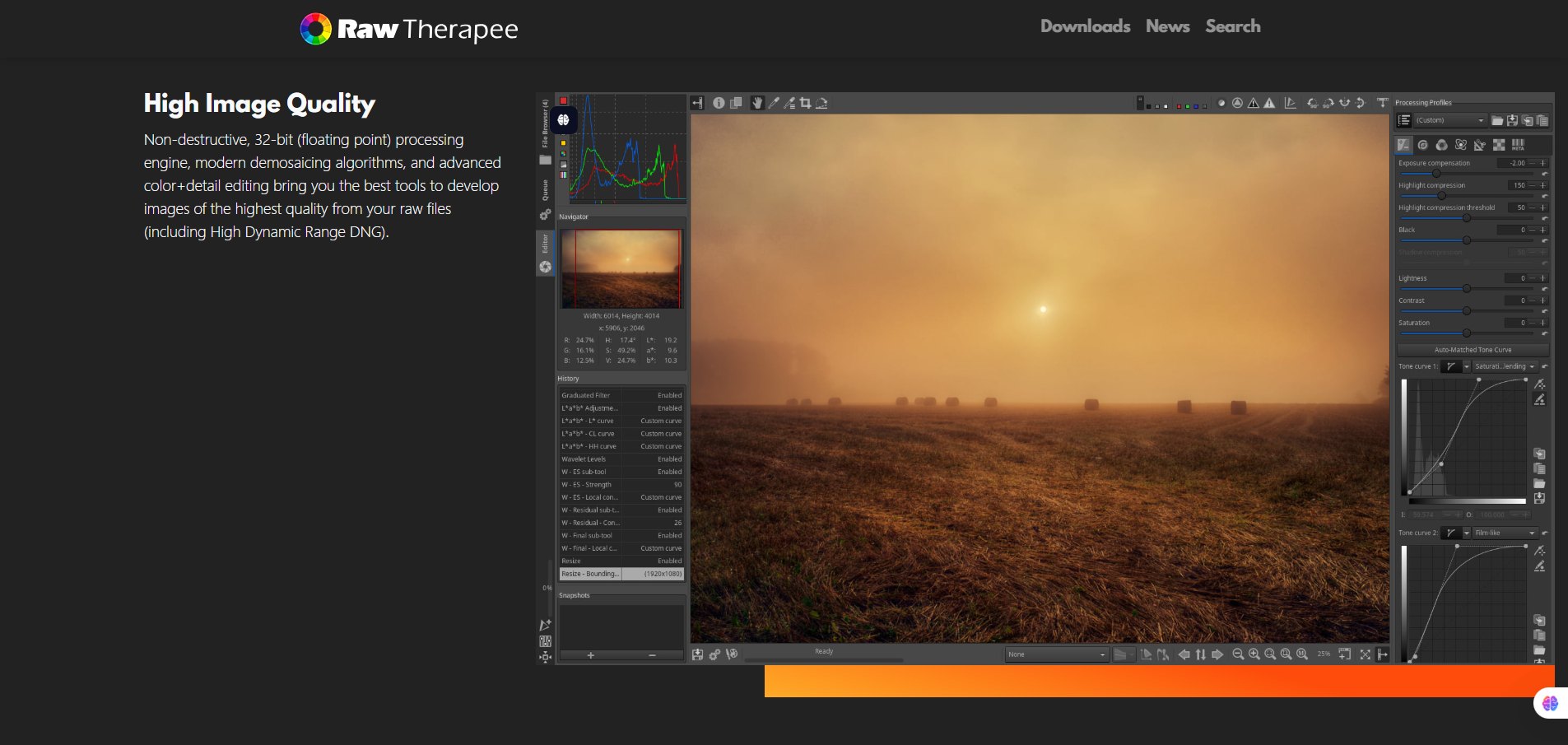
You import raw files (or JPEG/TIFF) into its file browser, apply adjustments in the editor module (non-destructively, via sidecar files). It uses a high-precision 32-bit floating-point engine internally. You can choose from multiple demosaicing algorithms (AMaZE, IGV, LMMSE etc) for precise control.

Details

Tool Launch / Founded Date

circa 2005 (original code base)

Best for

Enthusiast photographers, hobbyists with raw files, pros on a budget, Linux users seeking powerful tools, anyone comfortable with a technical workflow.

Access Type

Free (no charge). There are no paid tiers.

Licensing Model

Proprietary to open-source change: It is released under the GPLv3 license (free software). You are free to use, modify, distribute under those terms.

Feature

  • Advanced raw file support: many camera formats, wide range of demosaicing algorithms.
  • High precision 32-bit floating point processing engine for image quality. 
  • Colour-managed workflow: support for ICC profiles, soft proofing, etc. 
  • Non-destructive editing via sidecar files (i.e., your raw stays untouched). 
  • Cross-platform: works on Windows, macOS, Linux. 
  • Batch processing / queue: you can process many files according to profiles.

Pricing Tables

Free Plan
$0
  • Fully functional software for raw development and export
  • No subscription fees or hidden costs.
  • You get full access to features; no paid tiers to upgrade (as of now).
  • License: GPLv3, so you can use/adapt the code under the terms.

Analytics

Traffic Analysis

Domain Rating
73
Organic Traffic
12285
Majority Users
United States

Visits Over Time

No visit data found.

Traffic Sources

No traffic data found.

Last Update Date: 2025-11-21

FAQ

Can I use RawTherapee for commercial photos (e.g., sell the edited images)?
Yes—RawTherapee applies edits locally to your own images. Since you own the source files, you can export and commercialize the results. The software license (GPLv3) governs the software code, not your image ownership.
Are there any usage quotas or restrictions?
No. It is free and you can use it without paying or subscription. There are no “credits” or usage caps.
Can I customise the output or workflow (e.g., automation, batch presets)?
Yes. RawTherapee supports processing profiles, sidecar files, and batch/queue operations to apply settings across multiple images.
Does it integrate with other tools (e.g., Photoshop, GIMP)?
Yes. You can export images from RawTherapee (TIFF, JPEG etc) and then open in other editors like GIMP or Photoshop for further work. Some users combine RawTherapee for raw development and GIMP for retouching.
How good is support for new camera raw formats?
The project regularly updates to support new cameras (e.g., version 5.12 added support/improvements for Canon R8, Sony FX3 among others). However, some very new or niche models may lag, so it's wise to check compatibility.
What do I get if I later use a paid tool instead of free RawTherapee?
Paid tools often offer a more streamlined UI, better asset management/cataloguing, cloud sync, mobile apps, presets/marketplaces and sometimes tethering for studio work. If you prioritize workflow speed, large client volumes or collaboration, you may prefer a commercial tool.

Related AI Tools

JimmyGPT is an AI chatbot tool that helps individuals chat, brainstorm, and get coding or writing assistance through
Dreamland Stories is a tool that helps kids create personalized AI-generated stories with images and narration so they
WriteMyEssay.ai is a tool that generates academic essays, outlines, and citations for students so they can draft papers
StoryHero is an AI storytelling tool that creates personalized illustrated stories for children so parents, teachers, and kids
MindChat is a mental wellness and concussion monitoring platform that combines AI assessments with EEG data for clinicians,
FanFicGen is a tool that generates AI-written fan fiction stories for fandom creators so they can brainstorm plots,

