

Capture One is a professional desktop photo-editing and workflow application built for RAW image processing, tethered studio capture and high-end colour control. While many photographers know tools like Adobe Lightroom or Adobe Photoshop, Capture One positions itself as a more studio-centric, precision tool (with cataloguing, sessions, tethering, layers, masks etc.) for the serious photographer.
If you shoot RAW files, work in a studio, do tethered capture, or demand top-tier colour fidelity (especially for editorial, fashion, product or commercial work), Capture One offers tools tuned for that workflow. It helps you manage large image volumes, make precise colour edits, tether cameras during shoots, and export deliverables—all in one tool. Because of its strong colour profiles and workflow support, it’s preferred by many pro-photographers. User feedback highlights: very good colour handling, excellent tethering support.
However, the trade-off: it’s less beginner-friendly, cost is higher than entry tools, and if you’re only doing casual edits you may get over-engineered features for your needs.
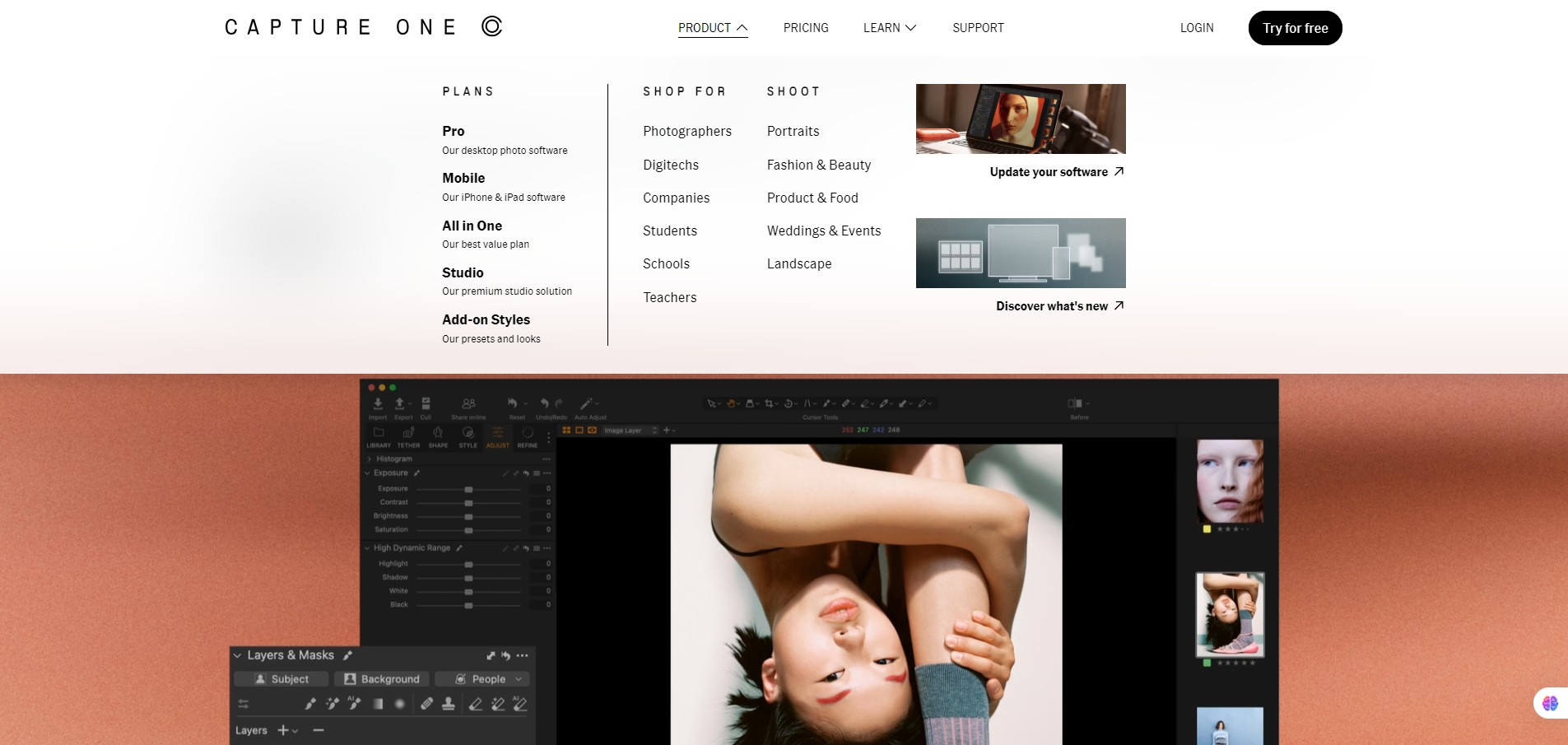
You install Capture One on Windows or macOS. You import your RAW (or other) image files, or tether your camera directly to the software for live capture. Within the interface you can apply colours, masks, layers, smart adjustments, styles & presets, organize using catalogues or sessions, export deliverables, print, or share. It supports advanced studio workflows (tether, multiple cameras, live-view), collaboration tools (live feedback).



