
Snappa logo

Snappa

Rating: 4.2/5
User Satisfaction: 85%
Snappa is a tool that enables non-designers to create online graphics (for social media, blogs, ads) so they can launch visual content fast without using complex design software.

Alternative To

Overview

Snappa is a cloud-based graphic design tool built for marketers, freelancers and small teams who need to produce visuals without needing specialist design skills. Its web-app gives access to templates, stock photos, editing tools (resize, background remove etc.)


Many non-designers struggle with traditional design software (which can be complex, costly and time-consuming). Snappa solves that by enabling you to build professional-looking graphics fast, reuse templates, and access a large library of assets—all without hiring a designer. For content marketers, social media managers, small business owners, it saves time and cost. 

  • You pick a preset dimension (social post, blog header, ad banner). 
  • Choose a template or start from blank; drag-and-drop elements (photos, icons, text).
  • Use built-in stock photos (5 million+ HD royalty-free) and graphics. 
  • Features include one-click background remover, automatic resizing, font uploads (in paid plans). 
  • Save, download (JPG/PNG), and share or post via integrations (e.g., Buffer/social). 

Details

Tool Launch / Founded Date

2015

Best for

Freelancers, solopreneurs, content marketers, small business teams that need to create graphics without a designer

Access Type

Freemium: Free plan + Paid subscription tiers (monthly/yearly billing)

Licensing Model

Proprietary software. Users get royalty-free commercial usage of included stock photos/graphics (on plan-terms) in their projects.

Feature

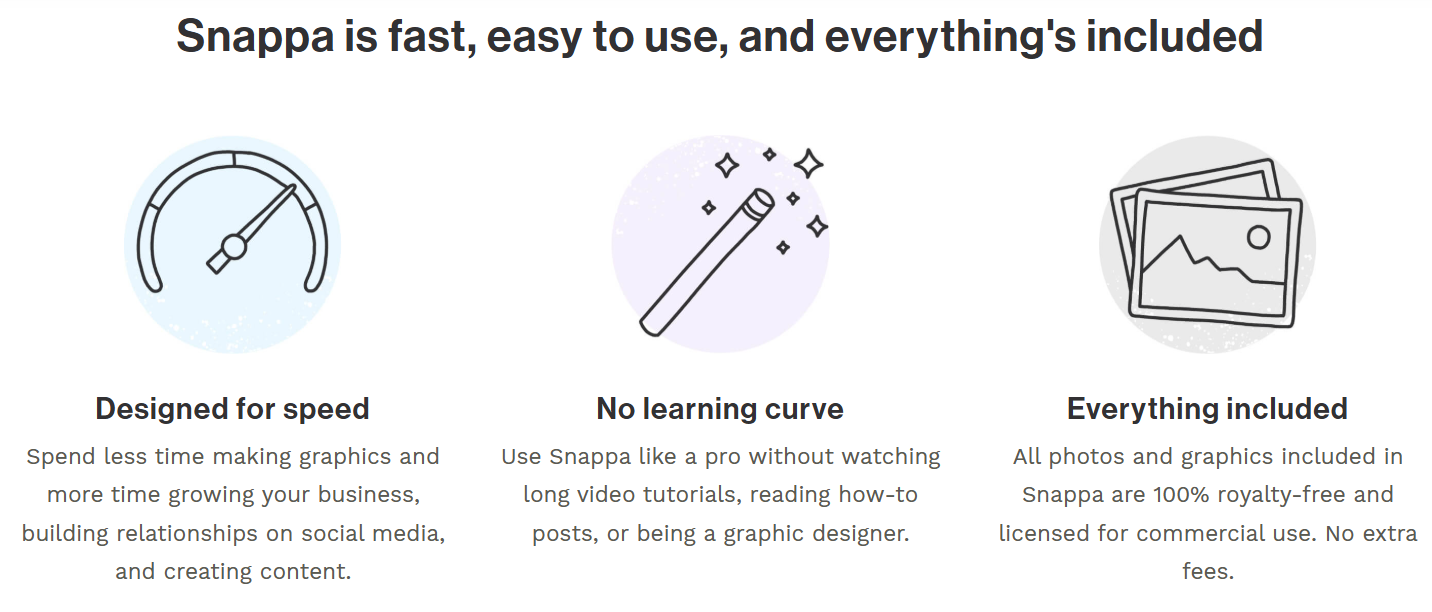
  • Drag-and-drop interface with minimal learning curve. 
  • Pre-set dimensions for major platforms (social, blog, ad) so you don’t guess sizes. 
  • Large built-in royalty-free stock photo & graphics library (5 million+ HD images) included.
  • One-click background removal for images (paid feature). 
  • Resize mode: you can take a design and convert it into other formats (e.g., Instagram post ➜ Facebook cover) quickly. 
  • Social media integration: ability to share or schedule via apps like Buffer (paid plans). 
  • Collaborative/team features: in the Team plan you get multiple users and shared assets. 

Pricing Tables

Free
$0/month
  • 1 user
  • 6,000+ templates
  • 5,000,000+ HD photos & graphics
  • 3 downloads per month
Pro
$10/month
  • 1 user
  • 6,000+ templates
  • 5,000,000+ HD photos & graphics
  • Unlimited downloads per month
  • Custom font uploads
  • Remove image backgrounds
  • Buffer/social media integration
Team
$20/month
  • Up to 5 users
  • Same asset library etc as Pro
  • Team collaboration features (shared workspace)

Analytics

Traffic Analysis

Domain Rating
77
Organic Traffic
159.3K
Majority Users
United States

Visits Over Time

No visit data found.

Traffic Sources

No traffic data found.

Last Update Date: 2025-11-25

FAQ

Can I use the graphics I create in Snappa commercially?
Yes. Snappa states that all photos and graphics included are 100% royalty-free and can be used for commercial and non-commercial purposes without attribution (according to their FAQ).
How many designs or downloads can I make per month?
On the Free plan you’re limited to 3 downloads per month. On the Pro and Team plans you get unlimited downloads.
Can I upload my own fonts and brand assets?
Yes — on the paid plans (Pro and Team) you can upload custom fonts and graphics to keep branding consistent.
Does Snappa integrate with social media or scheduling tools?
Yes — the paid plan supports social media integrations (e.g., Buffer) so you can publish or schedule graphics directly.
Does Snappa offer mobile or offline editing?
Snappa is a web-app, so you need an internet connection and browser. There isn’t a major native mobile app experience emphasised, which may limit editing on mobile devices.
What is included in the top plan vs the starter?
The Team plan adds multi-user access (up to 5 users) and collaboration features over the Pro plan. The Pro plan unlocks unlimited downloads and more customization over the Free plan. Larger enterprise features require contacting sales.

Related AI Tools

StoryGenerate is a tool that generates AI-written stories and plot ideas for writers and creators so they can
Newt is a tool that helps teams research, write, and organize content using AI so they can produce
Prescene is a tool that helps filmmakers and content creators plan scenes, scripts, and shot lists using AI
Jarvis AI is a tool that generates song lyrics for musicians and creators so they can quickly write
StoryBee is a tool that generates personalized stories and learning content for kids and educators so they can
ScribaMax is a tool that generates written content using AI for marketers and creators so they can produce




