wappalyzer_logo

Wappalyzer

Rating: 4.3
User Satisfaction: 80%
Wappalyzer is a tool that identifies the technologies a website is built with so you can profile competitors, enrich leads and monitor tech-stack changes.

Overview

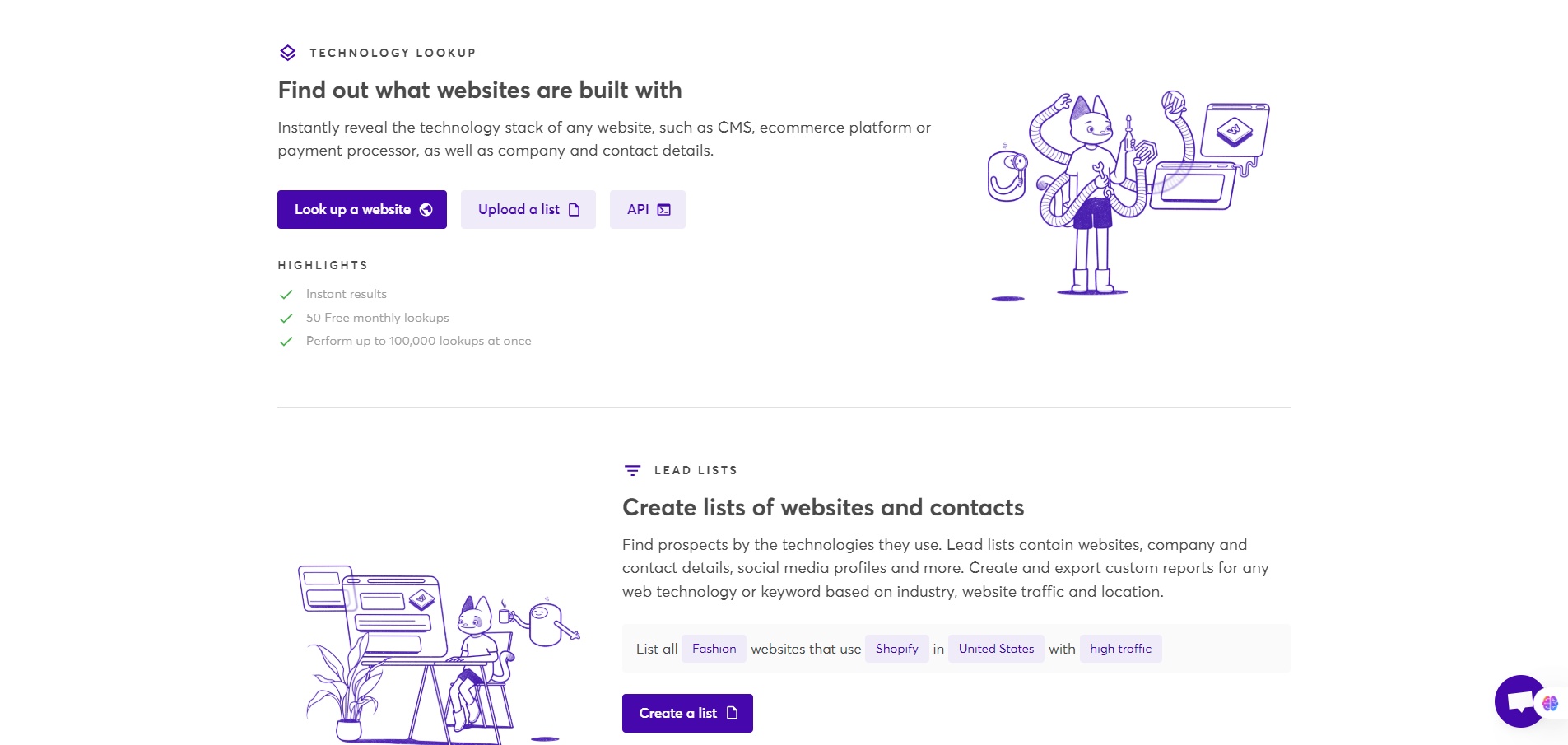
Wappalyzer is a web-technology profiling and lead-intelligence platform. It lets you see what CMS, frameworks, analytics tools, hosting, e-commerce or other tech a website is using. It also offers lead-list generation, website-monitoring and API/extension access.  

If you’re a founder, marketer, sales-ops person, or partner manager, knowing what technologies websites are using can:

  • Help you identify which companies use your target tech (for partnerships or sales).
  • Enable better segmentation of leads by stack or platform.
  • Monitor when competitors or key clients change technology (which can open opportunities).
  • Give insight into tech-adoption trends across your market.

Details

Tool Launch / Founded Date

Specific launch date for the lead-intelligence product isn’t clearly listed; company appears active for many years.

Best for

Sales & marketing teams seeking to segment leads by technology, agencies identifying platforms used by prospects, partner ecosystem managers tracking which platforms firms adopt, security/ops teams doing tech-stack reconnaissance.

Access Type

Paid subscription model with free trial/limited free tier.

Licensing Model

Proprietary product by Wappalyzer Pty Ltd. The browser extension is publicly available; the core service requires paid plan for full access

Feature

  • Identify technologies on websites: CMS, e-commerce platforms, analytics tools, frameworks, hosting, payment processors. 
  • Browser extension for real-time stack inspection as you browse.
  • Bulk technology lookups via dashboard/API. 
  • Lead list generation: filter websites by technology used + export company and contact details. 
  • Website alerts: receive notifications when a monitored website changes its technology stack. 
  • Integrations: Works with CRM/marketing tools (HubSpot, Pipedrive, Zapier etc).

Pricing Tables

Pro
$250/month
  • 1 seat
  • ~5,000 technology lookups (monthly)
  • 2 “lead list technologies” (?)
  • Chat, email & phone support
Business
$450/month
  • Up to ~5 seats
  • ~20,000 technology lookups
  • Unlimited lead list technologies
  • ~20,000 API credits included
  • CRM integrations + support
Enterprise
Starting at US $850/month
  • 25+ seats
  • ~200,000+ technology lookups
  • Unlimited lead list technologies
  • ~200,000+ API credits
  • Dedicated account manager and advanced support

Analytics

Traffic Analysis

Domain Rating
77
Organic Traffic
201464
Majority Users
United States

Visits Over Time

No visit data found.

Traffic Sources

No traffic data found.

Last Update Date: 2025-11-26

FAQ

Can I use Wappalyzer to get contact information for leads?
Yes — in the paid plans you can generate lead lists filtered by technology usage and get company/contact data as part of the service. But the quality and completeness of contact info may vary by region/industry.
How many websites can I analyse per month?
It depends on your plan. For example the Pro tier (~US $250/mo) allows ~5,000 technology lookups/month; Business ~20,000; Enterprise much higher. API credits and lookups expire after set time (60 days for included credits) in many cases.
Does the browser extension require the paid plan?
No — there is a free version of the extension which lets you inspect technologies on websites you visit. For bulk/export/lead-lists/API you’ll need a paid plan.
Does Wappalyzer integrate with CRM tools like HubSpot or Salesforce?
Yes — their website lists integrations for HubSpot, Pipedrive, Gmail, Zapier and others. For full integration/automation you’ll need higher-tier plan.
Is the data ownership mine? Can I export the lists I build?
Yes — with paid plans you can export lead lists/data. You should check the terms of service for exact restrictions (reselling, data sharing etc).
Is Wappalyzer just for sales & marketing, or can I use it for tech-audit/security uses?
While its core use case is sales/lead-generation via technographics, it can also be used by developers/security engineers to inspect frameworks/libraries and understand website stacks. But it’s not a full vulnerability scanning tool.

Related AI Tools

StoryGenerate is a tool that generates AI-written stories and plot ideas for writers and creators so they can
Newt is a tool that helps teams research, write, and organize content using AI so they can produce
Prescene is a tool that helps filmmakers and content creators plan scenes, scripts, and shot lists using AI
Jarvis AI is a tool that generates song lyrics for musicians and creators so they can quickly write
StoryBee is a tool that generates personalized stories and learning content for kids and educators so they can
ScribaMax is a tool that generates written content using AI for marketers and creators so they can produce