

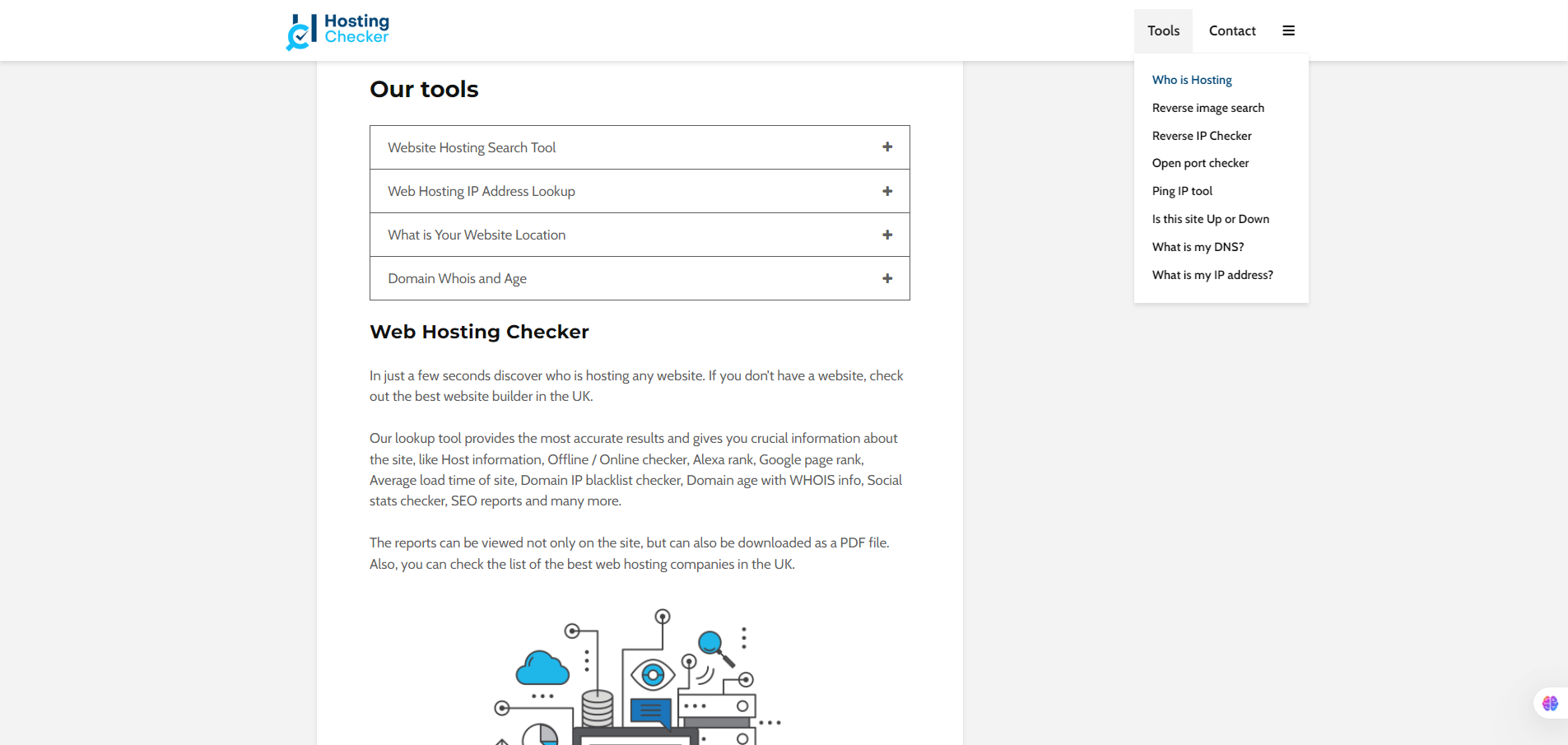
HostingChecker is a web-based lookup tool that lets you enter a website domain or IP and discover details like which hosting company is being used, the IP address, server location, whether the site is up/down, and some basic DNS/WHOIS info.
If you’re a founder, marketer, developer or tech-ops person, you might need to:
- figure out who hosts a website (yours, a competitor’s, an acquired site’s)
- check if your site’s server has “bad neighbors” (shared IPs with spammy sites)
- monitor infrastructure risk (slow server location, blacklists)
HostingChecker gives a quick way to get that information without diving into logs or contacting the hosting company. For example the reverse-IP lookup feature highlights how many domains are on the same IP — which can affect performance, spam reputation and risk.
You simply input a domain or IP. The tool resolves the IP, finds the provider from its database of hosts, shows server country, blacklist status, domain age/WHOIS info, plus “Is this site up?” tests. It seems to operate with a free access model (no paid tier clearly detailed).





