Stencil

Stencil

Rating: 4.2/5
User Satisfaction: 90%
Stencil is a tool that helps content creators, marketers and small business owners design graphics quickly — for social media, blogs, ads, or print — so they can produce visual content without hiring a designer.

Alternative To

Overview

 Stencil is a cloud-based graphic design and image editing tool — built for non-designers (like bloggers, marketers, small business owners) to quickly produce social media graphics, blog headers, ads, presentations, even print-ready images — all via a web browser or via browser extensions / plugins. 


Visual content tends to perform far better than plain text — but most people don’t have design skills or access to expensive design software. Stencil removes those barriers: you get stock photos, icons, templates, proper sizing presets, and easy editing all in one place. That means you can produce social posts, ads, or marketing visuals fast — without hiring a designer or learning Photoshop.

You log into Stencil via browser (or install the Chrome/Firefox extension or WordPress plugin). Then you pick a canvas size (using 140+ built-in presets for social media, ads, blog images, etc), or set a custom size. You choose from a huge library of royalty-free photos and icons (millions available), or upload your own images / logos / fonts. Add text, apply filters, resize or crop, and export — as PNG/JPG for web, or even 300 dpi for printing (e.g. t-shirts, posters). Scheduled sharing is also possible if you connect to tools like Buffer.

Details

Tool Launch / Founded Date

2013

Best for

Bloggers, freelancers, small business owners, social media marketers, solopreneurs, small teams needing to produce visuals fast without a designer

Access Type

Freemium (free tier + paid subscription for more capacity)

Licensing Model

Proprietary SaaS. Included photos, icons and graphics are royalty-free and allowed for commercial use (no attribution required).

Feature

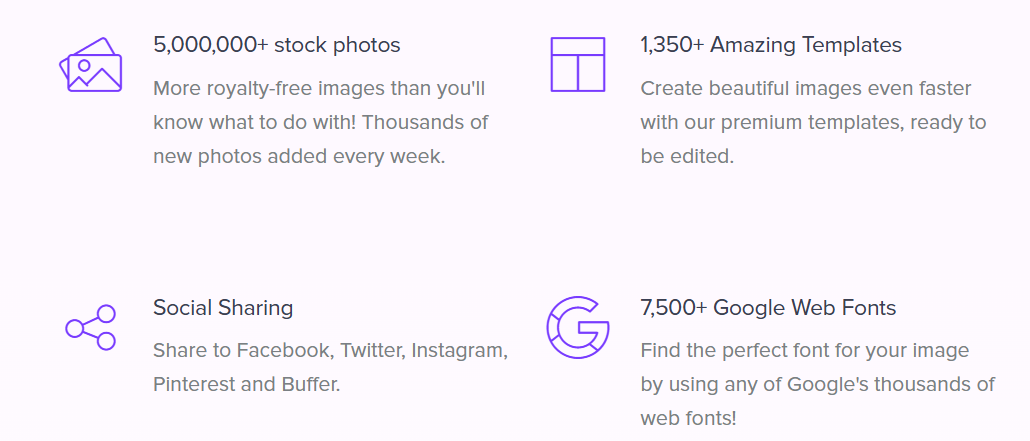
  • Huge built-in library: 5,000,000+ royalty-free stock photos, 3,100,000+ icons & graphics. 
  • 1,350+ ready-to-use templates — helps you start quickly even without design skills.  
  • 140+ preset canvas sizes for social media, ads, blogs — and custom sizes allowed.  
  • Option to upload your own logos, fonts, images — good for branding / custom visuals. 
  • High-resolution exports (even 300 dpi) — usable for print (e.g. t-shirts, posters).  
  • Integrated social sharing & scheduling (e.g. via Buffer) — smooth workflow for marketers. 
  • Browser extensions + WordPress plugin — lets you create images anywhere on the web or straight in blog posts.

Pricing Tables

Free
$0/mo
  • Save up to 10 images/month (downloads/shares) 
  • Limited photos & icons library access 
  • Upload up to 50 images 
  • Create up to 10 collections / keep up to 10 favorites 
  • 10 Instagram SMS / month
Pro
$5.40/mo (billed annually)
  • Save up to 50 images/month 
  • Access 5,000,000+ photos & 3,100,000+ icons/graphics 
  • Use 1,350+ templates and 7,500+ fonts 
  • Upload logos / watermarks, upload custom fonts 
  • Upload up to 250 images; keep up to 100 favorites 
  • 25 Instagram SMS / month 
  • Premium support included
Unlimited
$7.20/mo (billed annually)
  • All Pro features 
  • Save unlimited images / generate unlimited graphics 
  • Upload unlimited images 
  • Unlimited collections & favorites 
  • 100 Instagram SMS / month

Analytics

Traffic Analysis

Domain Rating
73
Organic Traffic
7.6K
Majority Users
United States

Visits Over Time

No visit data found.

Traffic Sources

No traffic data found.

Last Update Date: 2025-12-02

FAQ

Can I use the images/icons from Stencil for commercial projects (e.g. ads, t-shirts)?
Yes — Stencil states that all their photos and icons are royalty-free and safe for commercial use, with no attribution required.
How many images can I generate per month with the free plan?
The free plan lets you save or download up to 10 images per month.
Can I upload my own logo or fonts to match my brand?
Yes — paid plans let you upload custom logos and fonts for branded graphics.
What export quality do I get — is it good for print (e.g. T-shirts, posters)?
Yes — Stencil supports high-resolution downloads (including 300 dpi), suitable for print and merchandise.
Can I schedule social media posts directly from Stencil?
Yes — Stencil integrates with Buffer, so you can create an image and schedule it for social platforms from within the tool.
Is Stencil good for team collaboration or multi-user use?
Not really — subscriptions are single-user only. If you have a team, you’ll need separate accounts or look for design tools with multi-seat support.
What are the main trade-offs compared to a full design suite (like Photoshop)?
Stencil trades advanced design flexibility for simplicity: you get fast creation with templates and stock assets, but you don’t get deep layer control, advanced editing, vector tools, or complex layouts. It’s best for quick graphics, not detailed design work.

Related AI Tools

Idea Generators is an AI brainstorming tool that generates content and business ideas for creators, marketers, and online
MissionMapper is a tool that helps individuals create personal mission statements and clarify their goals, values, and purpose
JimmyGPT is an AI chatbot tool that helps individuals chat, brainstorm, and get coding or writing assistance through
Dreamland Stories is a tool that helps kids create personalized AI-generated stories with images and narration so they
WriteMyEssay.ai is a tool that generates academic essays, outlines, and citations for students so they can draft papers
StoryHero is an AI storytelling tool that creates personalized illustrated stories for children so parents, teachers, and kids

