

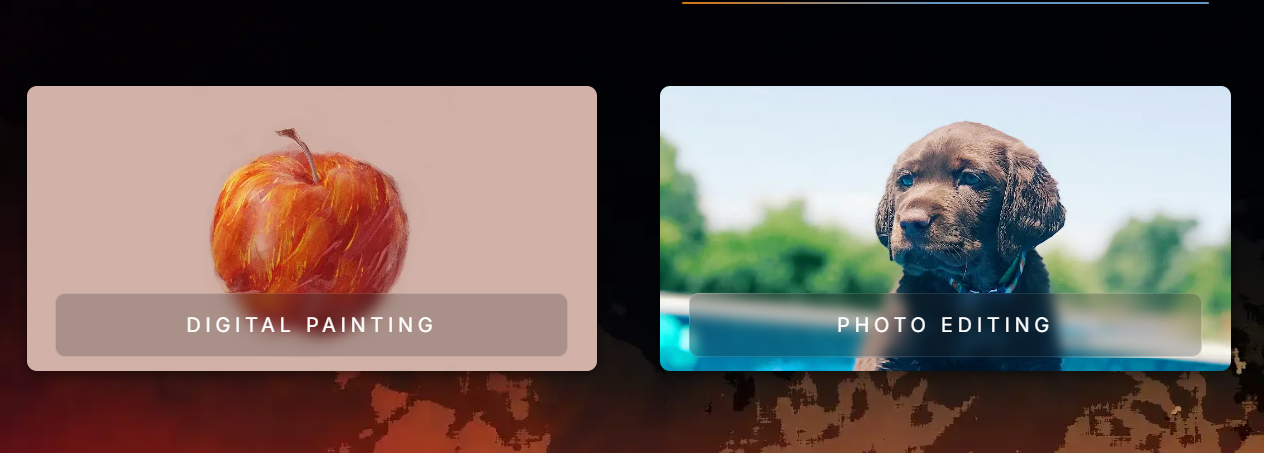
Pinta is a lightweight, open-source raster graphics editor inspired by Paint.NET. It gives you basic photo editing, drawing, layers, and effects in a clean interface. It runs on Windows, macOS, and Linux, making it a handy cross-platform alternative to heavier tools.
Not everyone needs Photoshop or GIMP. Pinta is ideal when you want quick edits: crop, resize, annotate, clone stamp, or draw simple shapes. Creators, developers, educators, and hobbyists use it to handle small graphics tasks without a steep learning curve or resource-heavy installation. It’s especially useful on Linux, where simple GUI image editors are limited.
You install the desktop app, open any common image format, and work with layers, brushes, shapes, color adjustments, and built-in effects. The UI is intentionally simple: toolbar, history, layers, and a canvas. Plugins extend functionality, but the ecosystem is modest.



