clickup_app_logo

ClickUp

Rating: 4.5
User Satisfaction: 86%
ClickUp is a work management platform that helps teams plan projects, track work, and collaborate from a single workspace so they can move faster with fewer tools.

Alternative To

Overview

ClickUp is an all-in-one platform for managing tasks, projects, docs, goals, sprints, and team communication. It replaces multiple point tools—task managers, documentation tools, wikis, time trackers—by centralizing everything in one customizable workspace.

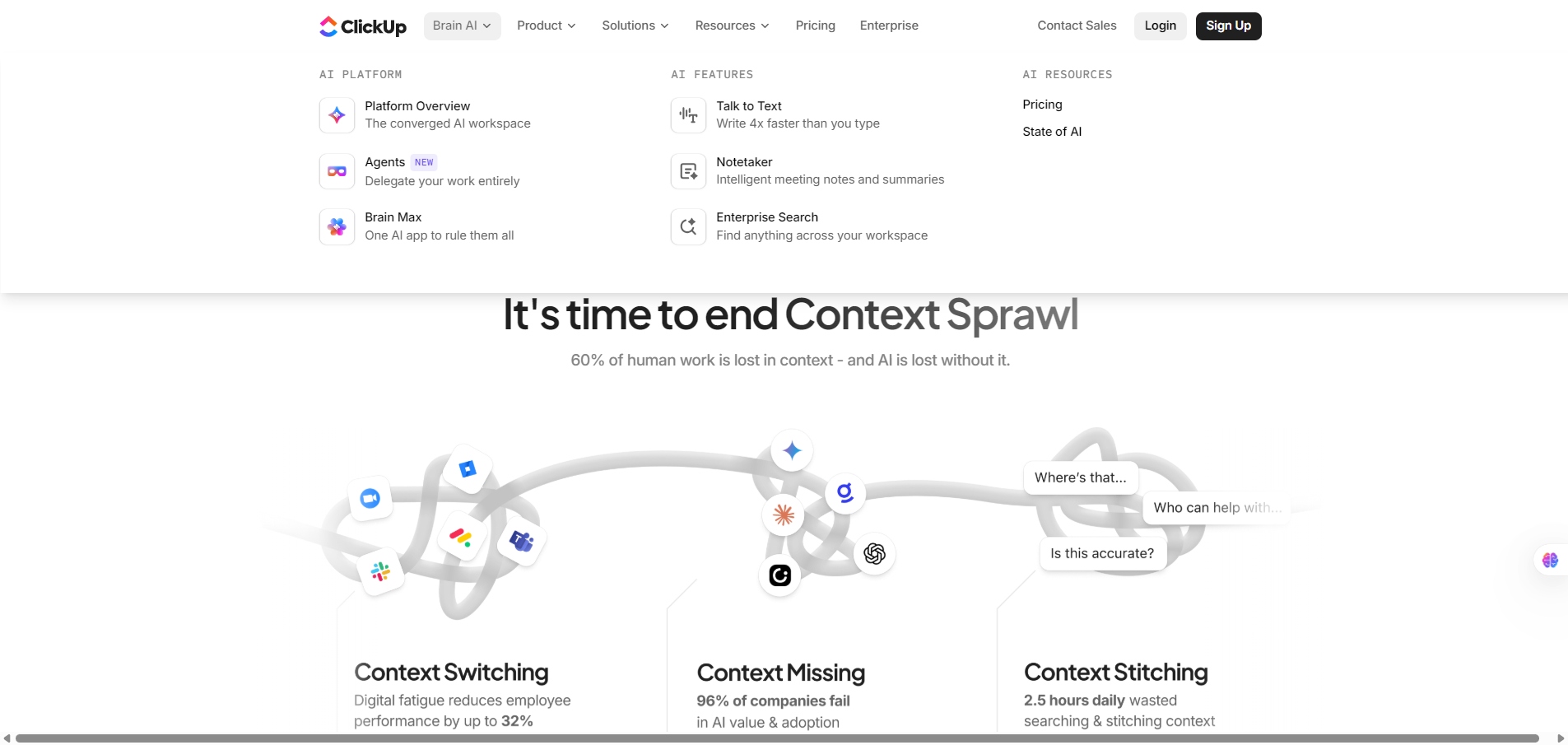
Teams often struggle with scattered workflows: tasks in one place, documents in another, communication everywhere. ClickUp helps reduce tool chaos and context switching. Product teams, agencies, operations, and startup founders use it to get visibility into workloads, build repeatable processes, and automate routine tasks. You get more alignment, faster execution, and clearer accountability.

ClickUp organizes work using Spaces → Folders → Lists → Tasks. You choose views like List, Board, Calendar, Timeline, Gantt, or Table. Docs let you create internal wikis. Automations handle repetitive actions. Whiteboards support planning. Dashboards give leaders real-time insights.
It’s highly customizable—statuses, custom fields, views, and permissions can be adapted to nearly any workflow.

Details

Tool Launch / Founded Date

2017-01-01 (approx.)

Best for

Startups, agencies, product teams, marketing teams, operations, remote teams

Access Type

Freemium with paid subscriptions

Licensing Model

Proprietary SaaS. Users maintain ownership of stored content; standard SaaS usage rights.

Feature

  • Multiple task/project views (List, Board, Gantt, Timeline, Calendar).
  • ClickUp Docs for knowledge bases and team documentation.
  • Whiteboards for mapping workflows and brainstorming.
  • Custom fields, statuses, and workflow automation.
  • Dashboards with real-time reporting and workload charts.
  • Integrated time tracking and estimation.
  • Sprints, backlog management, and agile features.
  • AI assistant for writing, summarizing, and planning (paid add-on).
  • Robust permission controls and role-based access.

Pricing Tables

Free
$0
  • 60MB Storage
  • Unlimited Tasks
  • Unlimited Free Plan Members
  • Two-Factor Authentication
  • Collaborative Docs
  • Kanban Boards
  • Sprint Management
  • Calendar View
  • Custom Field Manager Basic
  • In-App Video Recording
  • 24/7 Support
  • 1 Form
Unlimited
$7 USD/month, paid yearly
  • Unlimited Storage
  • Unlimited Folders and Spaces
  • Unlimited Integrations
  • Unlimited Gantt Charts
  • Unlimited Custom Fields
  • Unlimited Chat Messages
  • Unlimited Forms
  • Guests with Permissions
  • Email in ClickUp
  • 3 Teams (User Group)
  • Native Time Tracking
  • Goals & Portfolios
  • Resource Management
  • AI Compatible
Business
$12 USD/month, paid yearly
  • Google SSO
  • Unlimited Message History
  • Unlimited Mind Maps
  • Unlimited Activity views
  • Unlimited Timeline views
  • Unlimited Dashboards
  • Unlimited Whiteboards
  • Sprint Points & Reporting
  • Automation Integrations
  • Custom Exporting
  • Private Whiteboards
  • Workload Management
  • SMS 2-Factor Authentication
  • More Automations

Analytics

Traffic Analysis

Domain Rating
90
Organic Traffic
5,186,091
Majority Users
United States

Visits Over Time

No visit data found.

Traffic Sources

No traffic data found.

Last Update Date: 2025-12-09

FAQ

Can I use ClickUp for agile workflows?
Yes. ClickUp includes sprints, backlogs, story points, burndown charts, and velocity tracking on the Business plan or higher.
Does ClickUp include built-in time tracking?
Yes. You can track time directly on tasks, log manual entries, or integrate with external trackers. Advanced reporting requires paid plans.
Is my data private and secure?
ClickUp offers SOC 2 compliance, SSO (on Business+ and Enterprise), and encryption in transit/at rest. Your content isn’t used to train external AI models.
Can I replace Google Docs or Notion with ClickUp Docs?
For many teams, yes. Docs support real-time editing, embeds, and linking to tasks, though it’s less flexible as a standalone knowledge base than Notion.
Does ClickUp integrate with other tools?
Yes. Integrations include Slack, Google Workspace, GitHub, GitLab, Zoom, and more. Unlimited integrations require the Unlimited plan or higher.
What do I get on the Business plan that’s missing on Unlimited?
You get sprints, workload view, granular permissions, advanced time tracking, and automation improvements.
Is ClickUp good for small teams?
Yes, but the depth can feel overwhelming. Small teams often start with the Free or Unlimited plan and scale up later.

Related AI Tools

JimmyGPT is an AI chatbot tool that helps individuals chat, brainstorm, and get coding or writing assistance through
Dreamland Stories is a tool that helps kids create personalized AI-generated stories with images and narration so they
WriteMyEssay.ai is a tool that generates academic essays, outlines, and citations for students so they can draft papers
StoryHero is an AI storytelling tool that creates personalized illustrated stories for children so parents, teachers, and kids
MindChat is a mental wellness and concussion monitoring platform that combines AI assessments with EEG data for clinicians,
FanFicGen is a tool that generates AI-written fan fiction stories for fandom creators so they can brainstorm plots,

