
HitPaw logo

HitPaw

Rating: 3.9
User Satisfaction: 78%
HitPaw Online Photo Enhancer is a tool that lets you use AI to improve image quality for creators and marketers so they can clean-up, upscale, and restore photos.

Alternative To

Overview

HitPaw Online Photo Enhancer is a web-based (plus desktop versions) tool that uses AI models to upscale images (raise resolution), reduce blur and noise, restore old photos and improve photo clarity. It’s aimed at anyone who has lower-quality pictures or legacy photos and wants them cleaned up without deep manual editing.

If you frequently work with low-res images (e.g., old family photos, social media content, print repurposing) and want to make them look sharper and more professional, this tool saves a lot of time. Instead of manually using multiple filters or tools, you apply AI and get enhancement quickly. It is especially useful for content creators, small teams, marketers, photo hobbyists.

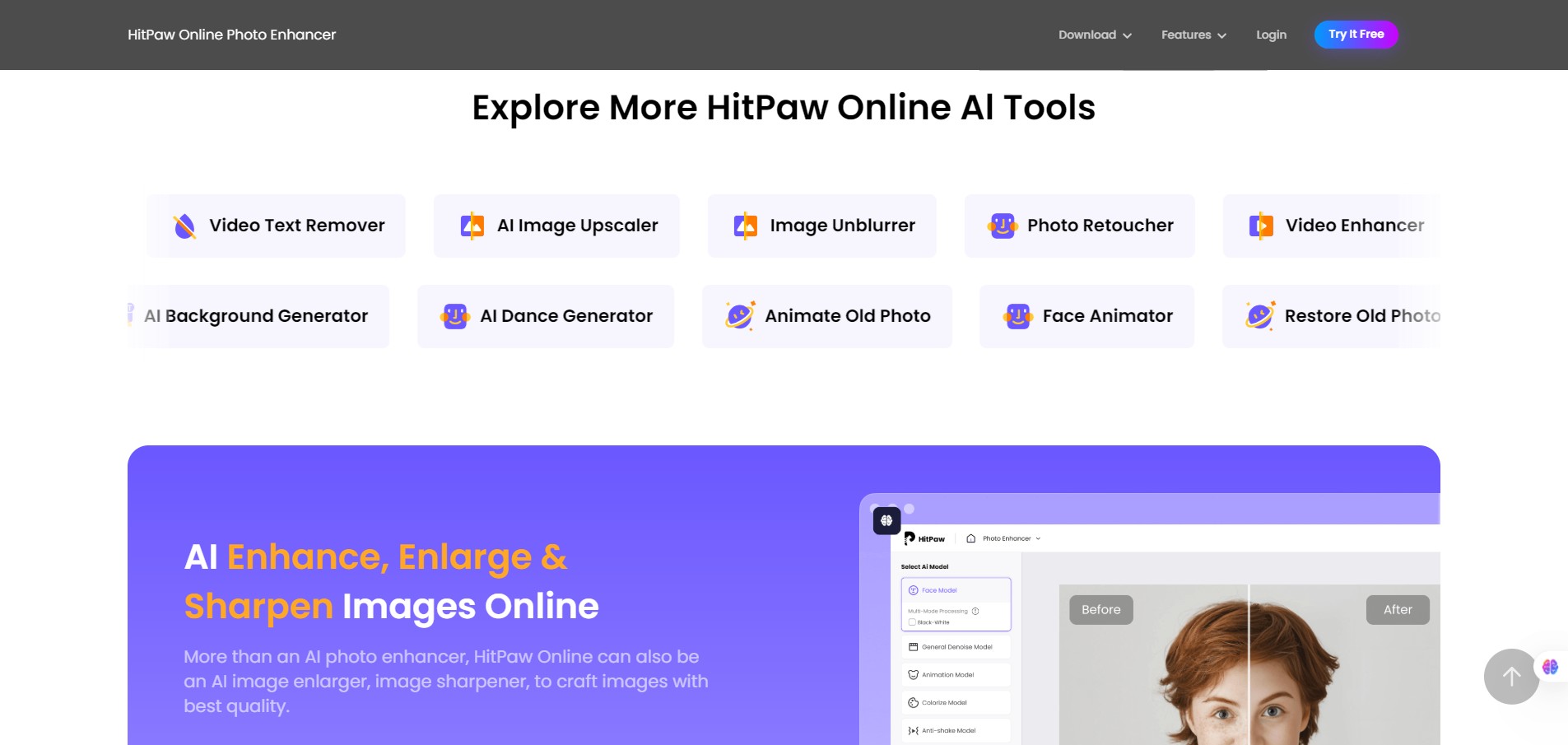
You upload an image, choose among several AI models (for example “General”, “Face”, “Denoise”, “Colorize”), preview the result, and then export/download the improved version. The online version removes the need for installing heavy software; there are also desktop variants for Windows/macOS with batch processing.


Details

Tool Launch / Founded Date

Not precisely public.

Best for

Solo creators or small teams who need quicker image enhancement Photographers with old or low-quality images Marketers, e-commerce teams needing higher res assets Hobbyists wanting to restore personal photos

Access Type

Freemium (free preview) + paid subscription or one-time license depending on version. The online version offers free uploads/previews and paid upgrades.

Licensing Model

Proprietary software. According to the online version website, uploaded images are deleted after 48 hours and the service “will never collect any user’s data” (for the online model). For export/download rights, you need paid plan – free versions may restrict download, impose watermarks.

Feature

  • Offers up to ~8 × upscaling (enlarge image resolution while preserving clarity) in many cases. 
  • Nine distinct AI models (General, Face, Denoise, Colorize, etc) so you pick the one that fits your image’s needs. 
  • Easy-to-use interface: upload → choose model → preview → export. Good for non-tech users. 
  • Online version: no install required (fast for quick jobs). Also desktop version available for more heavy use. 
  • Supports many image formats (PNG, JPG, JPEG, WEBP, TIF, BMP etc) according to desktop version spec.

Pricing Tables

Free
$0
  • Preview Only
  • Limited Exports
  • Limited Upload File Size
Weekly Plan
$9.99
  • Up to ~80 image downloads (according to one plan) with no watermark.
  • All magnification ranges supported (online version).
  • For short-term usage or one-off jobs.
Yearly Plan
$179.99
  • Unlimited image downloads, no watermark.
  • Full feature set of online photo enhancer.

Analytics

Traffic Analysis

Domain Rating
71
Organic Traffic
178357
Majority Users
United States

Visits Over Time

No visit data found.

Traffic Sources

No traffic data found.

Last Update Date: 2025-11-11

FAQ

Can I use the output commercially?
Yes — once you export an image under the paid plan (no watermark), you can use it commercially like any edited image. Just check the license terms to confirm no extra restrictions.
How many images can I process per month?
It depends on your plan. The free version is very limited (e.g., daily limit or preview only). Paid online plans offer quotas up to “unlimited downloads” in the yearly plan.
Can I edit/customize the enhancement or only one-click?
You choose among multiple AI models and preview the result, but fine-grain manual editing (like detailed retouching) is limited compared to full photo editors. If you need deep manual control, you may still need a more advanced tool.
Does it integrate with other tools / API?
No prominent public API or integration is promoted. The offering is mostly standalone web or desktop. For workflow automation, you may need to export and then import into your system.
What about privacy / data usage?
For the online version they claim uploaded images are deleted after 48 hours and images aren’t used to train models. Still, if your images are highly sensitive, verify with them directly.
What do I get in the top plan vs starter?
In the higher plan you unlock unlimited downloads, no watermarks, full support for all magnification ranges (e.g., up to 8×), export formats (JPG, PNG, TIFF), and faster or batch processing features. Starter/free plan is mostly preview and limited downloads.

Related AI Tools

AI Storyteller is a tool that generates custom stories using AI for parents, teachers, and creators so they
BedtimeStory AI is a tool that generates personalized bedtime stories for children so parents can create engaging, custom
Teachfloor is a platform that helps educators run cohort-based courses with live classes and community features so they
Surf is a tool that connects your internal apps and documents to an AI assistant so teams can
SmutFinder is a discovery tool that helps readers find adult stories and NSFW content across multiple platforms so
Greetings Island is a tool that lets you create and customize printable or digital greeting cards and invitations



