
vanceai_logo

VanceAI

Rating: 4.0
User Satisfaction: 78%
VanceAI is a tool that enhances image quality (resolution, clarity, color) for creators, marketers and e-commerce teams so they can get sharper, higher-resolution visuals without manual editing.

Overview

VanceAI is a cloud- and desktop-based platform that uses AI models to automatically enhance images—raising resolution, sharpening details, reducing blur/noise, restoring old photos, etc. You upload a photo and the software handles much of the heavy lifting.

If you work with product photos (e-commerce), social media visuals, marketing assets, or any imagery that needs clearer resolution quickly, VanceAI helps you cut manual retouching time. It’s useful when you have low-res images, want to upscale to 4K/HD, restore damaged old photos, or simply want consistent high-quality visuals.

You upload an image (jpg/png/jpeg). You pick a model or enhancement feature (e.g., “Enhancer”, “Upscaler”, “Sharpen”, etc.). The AI processes it (often in seconds) and you download the improved version. The core mechanics: credit/usage-based system for online; there’s a desktop version (“VanceAI PC”) for offline, heavier use.

Details

Tool Launch / Founded Date

Not publicly disclosed.

Best for

E-commerce teams needing higher-res product images; social/media creators needing quick upscales; photographers/retouchers who want AI assist; small agencies with large image volume but limited editing time

Access Type

Freemium (very limited free credits) + Credit-based pay as you go + Subscription + Desktop license option

Licensing Model

Proprietary software. Users retain rights to their processed images (there is no claim of ownership by VanceAI).

Feature

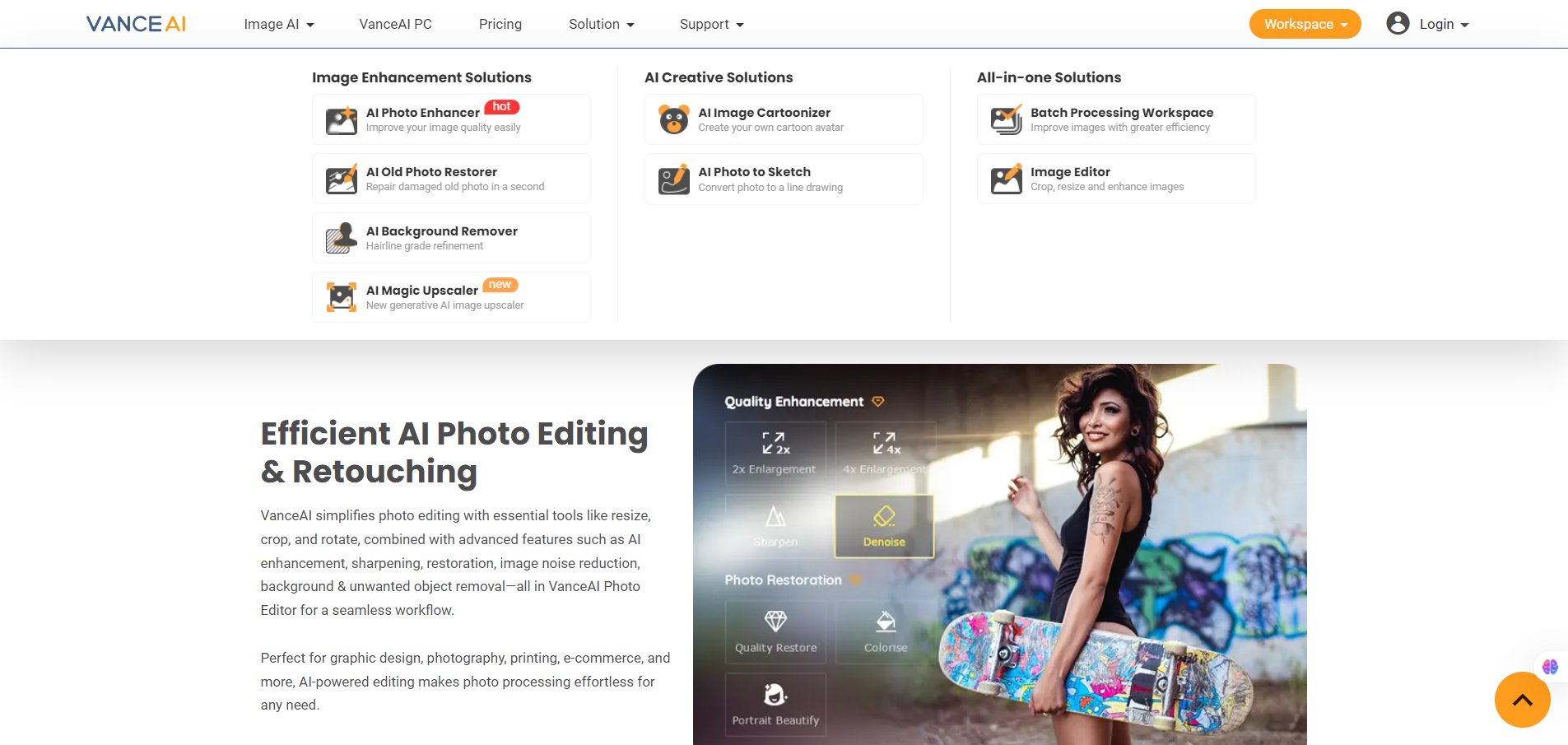
  • One-click image enhancement: raises resolution, improves detail, corrects color/clarity. 
  • Upscaling: For example, increase resolution to HD/4K from low-res images.
  • Sharpen / Denoise / Remove blur: Specific models for motion blur, lens blur, noise removal. 
  • Batch processing (especially in desktop version): process multiple images in one go. 
  • Desktop software version (“VanceAI PC”) for offline/local processing, unlimited size support (for that version) and privacy benefits

Pricing Tables

100 Credits
$4.95 USD
  • One-time cost (credits valid for 1 year) for usage without subscription. 
  • Good for occasional image processing.
200 Credits
$7.95 USD
  • Slightly more volume, lower cost per credit.
500 Credits
$12.95 USD
  • Best value among small packs; for moderate usage.

Analytics

Traffic Analysis

Domain Rating
69
Organic Traffic
71592
Majority Users
United States

Visits Over Time

No visit data found.

Traffic Sources

No traffic data found.

Last Update Date: 2025-11-11

FAQ

Can I use the enhanced images commercially?
Yes — you retain rights to your output. VanceAI does not claim copyright over your generated/enhanced images. (Reddit)
How many images can I process per month on the free plan?
Free users get very limited credits (e.g., 3 credits/month) and very small upload size/resolution limits.
Can I edit or customize the enhancement process (e.g., choose model, adjust settings)?
Yes — you can select different AI models (e.g., for blur type) and adjust output settings in many cases. But full manual control (like in professional photo editors) is limited.
Does it integrate with other tools or have an API?
There is no clearly documented public API for all features. It works as a standalone web/desktop tool. If you need deeper integration, you may need to contact their team.
Does VanceAI train on my images / is my data safe?
They state that uploaded images are deleted within 24 hours for many of their tools. However, full details of model-training with user images are not clearly published.
If I have the highest plan, what extra do I get?
Higher plans offer more credits (thus more images), larger upload size/resolution support, faster processing, desktop version/no size limits, and batch processing. For heavy users these add up.

Related AI Tools

JimmyGPT is an AI chatbot tool that helps individuals chat, brainstorm, and get coding or writing assistance through
Dreamland Stories is a tool that helps kids create personalized AI-generated stories with images and narration so they
WriteMyEssay.ai is a tool that generates academic essays, outlines, and citations for students so they can draft papers
StoryHero is an AI storytelling tool that creates personalized illustrated stories for children so parents, teachers, and kids
MindChat is a mental wellness and concussion monitoring platform that combines AI assessments with EEG data for clinicians,
FanFicGen is a tool that generates AI-written fan fiction stories for fandom creators so they can brainstorm plots,

