

In the fast-paced world of remote work, online education, telehealth, and virtual events, your video platform can make or break engagement. Whether you’re hosting weekly team syncs, running webinars, teaching online classes, or delivering a branded virtual summit, you need a tool that’s reliable, easy for attendees to join, and flexible enough for your workflow.
The good news: there are strong options for every use case—privacy-first self-hosting, browser-based meetings, enterprise UC suites, educator-focused virtual classrooms, and webinar/event platforms built for audience interaction. Below, we’ll cover the top video conferencing and webinar platforms in 2026 (using the tools you listed) so you can pick the right fit.
What is a Video Conferencing & Webinar Platform?
A video conferencing platform lets people meet online with audio/video, screen sharing, chat, and collaboration tools. A webinar/virtual-event platform adds audience-focused features like registration pages, speaker/stage controls, Q&A moderation, polls, analytics, ticketing/monetization, and branded event experiences.
Benefits of Using a Modern Video Platform
-
Faster collaboration: Meet instantly across locations and time zones.
-
Better engagement: Polls, Q&A, breakouts, and interactive tools keep people involved.
-
Brand control: Custom rooms, domains, and event theming look more professional.
-
Scalable communication: From 1:1 calls to large webinars and multi-session events.
-
Lower friction: Browser-based joining and simple links reduce “can you hear me?” chaos.
Top 13 Video Conferencing & Webinar Platforms (2026)
-
Jitsi
-
Whereby
-
Webex
-
RingCentral
-
BigBlueButton
-
Butter
-
VSee
-
GoToMeeting
-
Crowdcast
-
Airmeet
-
8×8
-
Livestorm
-
FreeConferenceCall
Comparison Table: Video Conferencing & Webinar Platforms (2026)
Pricing/free-plan details in the table are based on public vendor pages (where available) and may change.
| Tool | Best For | Free Plan/Trial | Webinar / Event Features | Standout Value | Pricing (starts at) |
|---|---|---|---|---|---|
| Jitsi | Self-hosted + privacy-first meetings | ✅ | ◻️ (basic livestream/record via setup) | Open-source + deploy anywhere | Free (self-host) |
| Whereby | Simple browser meetings + client calls | ✅ | ◻️ | Very low friction (join in browser) | $8.99/mo |
| Webex | Secure meetings + enterprise-ready reliability | ✅ | ◻️ | Strong free tier + Cisco ecosystem | Paid plans vary |
| RingCentral | Team video inside a UC suite | ✅ | ◻️ | Video + messaging/phone in one stack | ~$10/user/mo (plan-dependent) |
| BigBlueButton | Online learning + virtual classrooms | ◻️ (software is open source) | ✅ (education features) | Built for teaching: whiteboard, polls, breakouts | Hosting varies |
| Butter | Interactive workshops + facilitation | ✅ | ◻️ | Built-in agenda + interactive tools | $24/member/mo |
| VSee | Telehealth video + virtual waiting rooms | ✅ | ◻️ | HIPAA-focused workflows + BAA options | $29/provider/mo |
| GoToMeeting | Straightforward business meetings | ✅ (trial) | ◻️ | Reliable “classic” meeting experience | $12/organizer/mo (annual) |
| Crowdcast | Creator webinars + community events | ✅ (trial) | ✅ | Great for live audience interaction | $49/mo |
| Airmeet | Virtual summits + expos + networking | ✅ (trial) | ✅ | Social lounge + booths + lead capture | Quote-based |
| 8×8 | Business video at scale (UC + meetings) | ✅ (meetings) | ◻️ (events via streaming/viewers) | Up to 500 participants + enterprise options | Quote-based |
| Livestorm | Marketing webinars + product demos | ✅ | ✅ | Registration + automation + analytics | €105/mo (annual) |
| FreeConferenceCall | Very large free meetings (budget-first) | ✅ | ◻️ (large meeting/webinar-style) | Pay-what-you-can + up to 1,000 | Free / PWYC |
Video Conferencing & Webinar Platforms Reviews
1. Jitsi
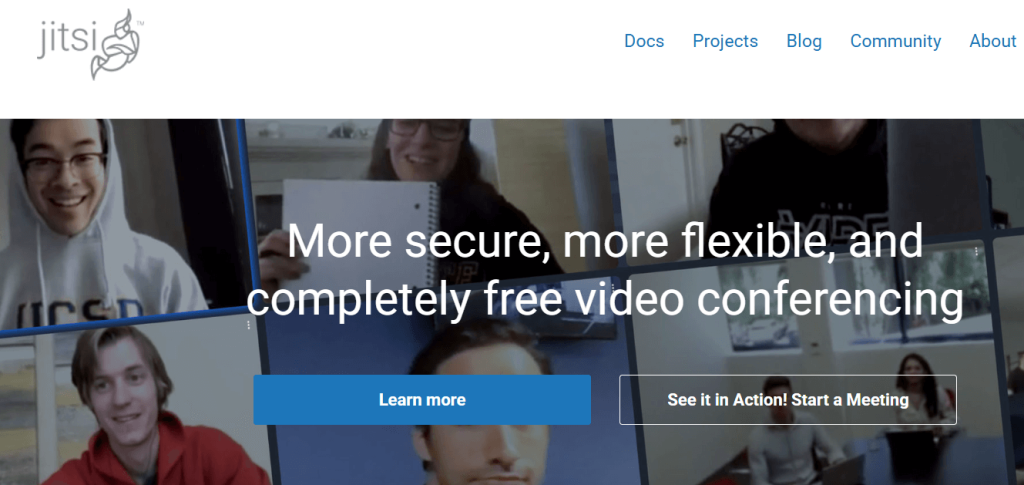
Review: Jitsi is a popular open-source video meeting platform you can self-host for more control over privacy, security, and customization—great when you don’t want to depend on a typical SaaS meeting vendor.
Best For:
-
Teams that want a self-hosted option
-
Developers building a custom meeting experience
-
Privacy-first communities and internal calls
Key Features:
-
Open-source projects you can deploy yourself
-
Flexible hosting (your own server or managed options)
-
Browser-based joining (depending on deployment)
Pros:
-
Maximum control if you self-host
-
No vendor lock-in
Cons:
-
Requires IT/devops effort for production-grade reliability
-
Advanced features (recording/streaming) may need extra components
Pricing:
-
Free software (self-hosting costs depend on your infrastructure)
2. Whereby
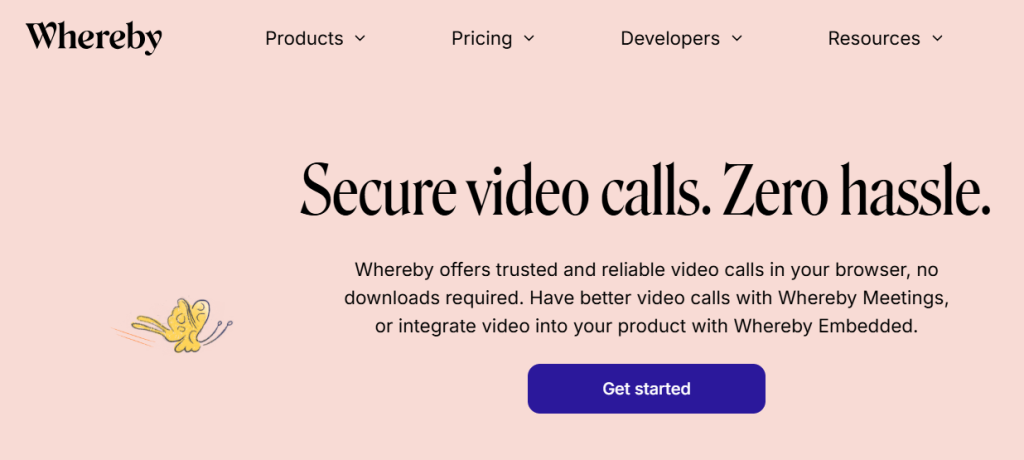
Review: Whereby is built for simplicity: send a link, join in the browser, and get moving. It’s especially strong for client calls, quick team meetings, and use cases where you want minimal setup.
Best For:
-
Client calls and quick meetings
-
Teams that want browser-only joining
-
Simple, “one room link” workflows
Key Features:
-
Free plan with 1 room URL and small meeting limits
-
Pro plan supports more room URLs and higher attendee counts
-
Custom branding and recording on paid tiers
Pros:
-
Extremely easy for guests
-
Clean, low-friction UX
Cons:
-
Free plan is quite limited (small attendee count/time cap)
-
Not designed for complex webinars/events
Pricing:
-
Free plan available
-
Pro: $8.99/month
-
Business: $11.99/month per host (minimum hosts apply)
3. Webex
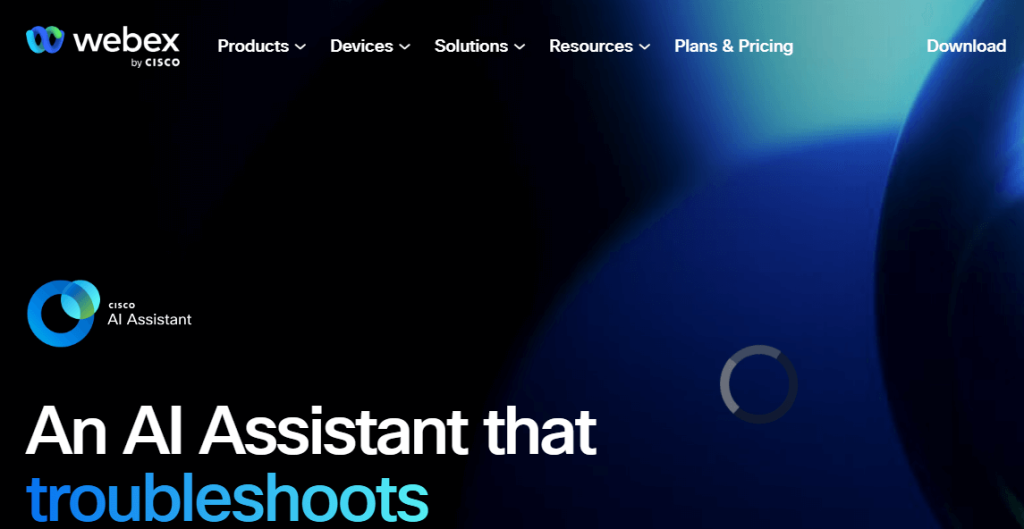
Review: Webex is a long-standing, enterprise-grade meetings platform known for security, reliability, and deep organizational features—solid for companies that want a mature solution backed by Cisco.
Best For:
-
Security-conscious organizations
-
Enterprise meetings and internal collaboration
-
Teams already in Cisco’s ecosystem
Key Features:
-
Free Webex plan includes meetings for up to 100 people (with time limits on free meetings)
-
Messaging, file sharing, and whiteboarding options
-
App + web joining options
Pros:
-
Strong brand trust in business/enterprise
-
Good free tier for basic meetings
Cons:
-
Can feel “enterprise-heavy” for simple use cases
-
Some advanced capabilities require higher plans
Pricing:
-
Free plan available
-
Paid plans vary by region/features (see Webex pricing)
4. RingCentral
Review: RingCentral is a communications suite (video + phone + messaging). If you want meetings inside a broader business communications platform, it’s a strong all-in-one option.
Best For:
-
Businesses that want video + phone + messaging together
-
Teams standardizing on a UCaaS platform
-
Companies needing admin controls and compliance options
Key Features:
-
RingCentral Video free tier has meeting duration limits
-
Paid plans extend limits/features
-
UC features depending on your plan
Pros:
-
Consolidates tools (less app switching)
-
Business-ready admin features
Cons:
-
Overkill if you only need simple video calls
-
Pricing depends on package
Pricing:
-
Free tier available (limits apply)
-
Example paid tier: RingCentral Video Pro+ listed at $10/user/month (annual)
5. BigBlueButton
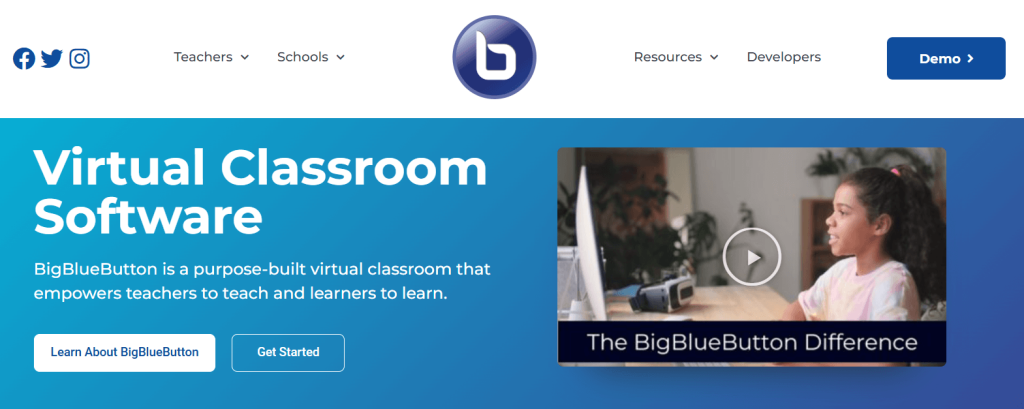
Review: BigBlueButton is purpose-built for online learning, with classroom-first features like multi-user whiteboards, breakout rooms, and polling—more “virtual classroom” than “business meeting.”
Best For:
-
Schools, tutoring, and training programs
-
LMS-integrated virtual classes
-
Instructors who need teaching tools (not just video)
Key Features:
-
Screen sharing, multi-user whiteboard, breakout rooms, polling
-
Designed specifically for teaching and learning
-
Self-hosting is supported (with meaningful server requirements)
Pros:
-
Best-in-class for education workflows
-
Engagement features are “built in,” not bolted on
Cons:
-
You’ll typically need hosting/support (self-host or managed)
-
Not the simplest option for casual meetings
Pricing:
-
Software is open source; hosting/support costs vary
6. Butter
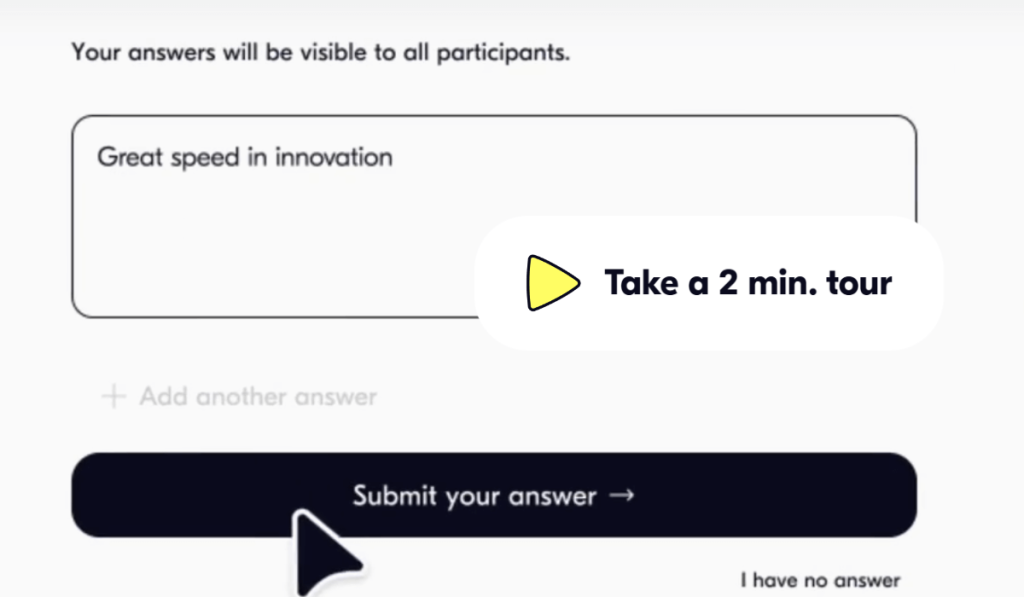
Review: Butter is designed for interactive sessions—workshops, trainings, and facilitated meetings—bringing agenda planning, embedded tools, and engagement mechanics into the call itself.
Best For:
-
Facilitators running workshops and trainings
-
Teams that want structured, time-boxed sessions
-
Collaborative sessions with embedded tools
Key Features:
-
Free plan includes participant limits and core tools
-
Built-in tools (breakouts, polls, boards, recaps)
-
Integrations (e.g., Google tools, Miro) inside sessions
Pros:
-
Great engagement and facilitation UX
-
Reduces “tab juggling” for interactive workshops
Cons:
-
Not a dedicated webinar/events platform
-
Best value if you truly run interactive sessions (not just calls)
Pricing:
-
Free plan available
-
Starter: $24/member billed monthly
7. VSee
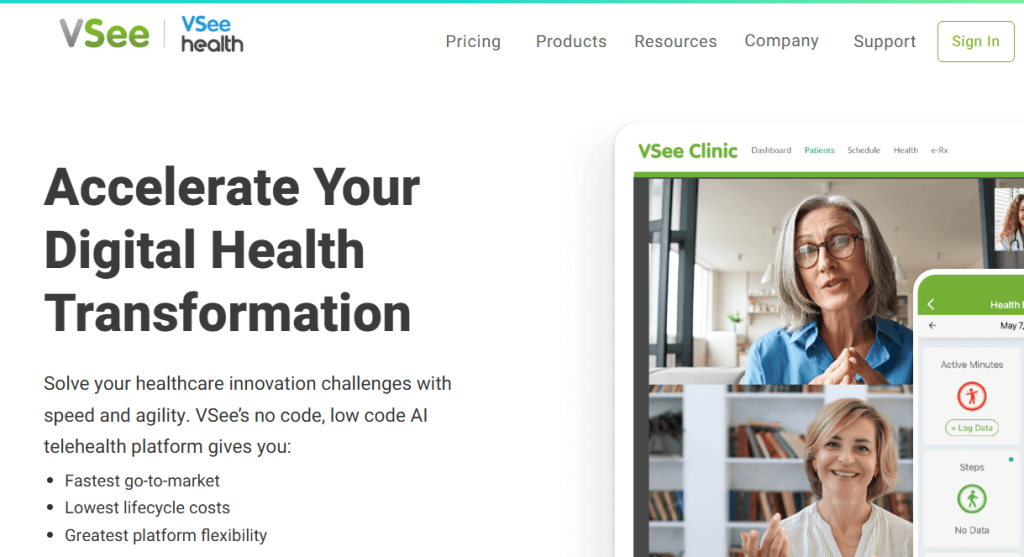
Review: VSee is built around telehealth workflows—secure video visits, patient-friendly joining, and clinic-style experiences like waiting rooms and HIPAA alignment.
Best For:
-
Telehealth providers and clinics
-
Healthcare teams needing HIPAA-friendly tooling
-
Virtual waiting rooms and patient intake flows
Key Features:
-
HIPAA-related guidance, encryption, and BAA availability
-
Clinic “waiting room” style visits and scheduling options
-
No-download connections (depending on product/workflow)
Pros:
-
Designed for healthcare realities (patients, intake, privacy)
-
Clear per-provider pricing model
Cons:
-
Not intended for marketing webinars or virtual expos
-
Some workflows are healthcare-specific (may not fit general business)
Pricing:
-
Clinic plans listed at $29/month per provider (Plus tier)
-
HIPAA compliance/BAA positioning documented by VSee
8. GoToMeeting
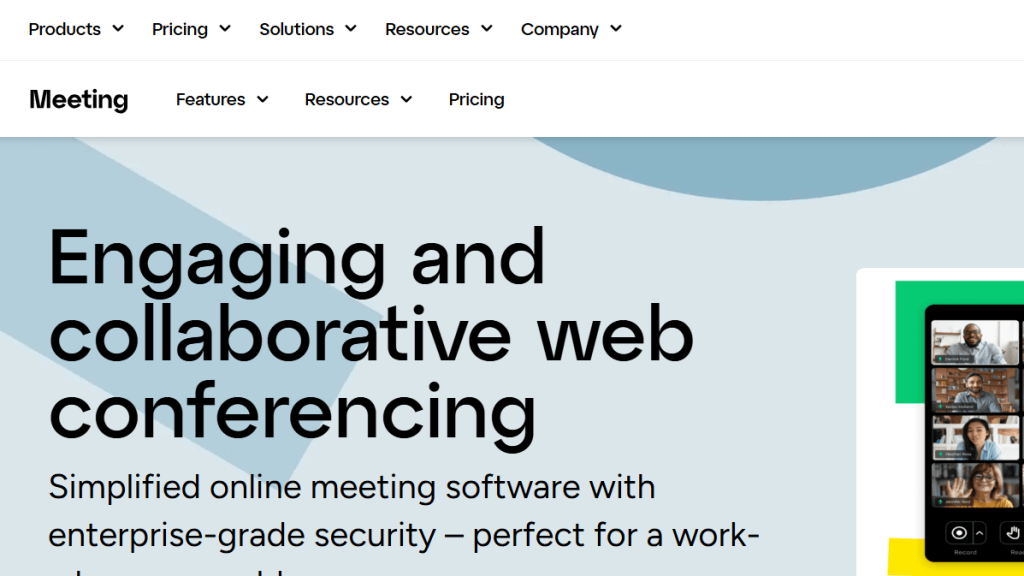
Review: GoToMeeting is a classic business conferencing tool: dependable meetings, straightforward scheduling, and a familiar “enterprise meeting” feel without extra event complexity.
Best For:
-
Small-to-mid business meetings
-
Teams that want a simple, proven solution
-
Sales calls, internal syncs, client meetings
Key Features:
-
Standard meeting hosting + collaboration options
-
Business-oriented admin controls (plan-dependent)
-
Supports scaling up with higher tiers
Pros:
-
Mature platform
-
Easy to deploy across an org
Cons:
-
Not a modern virtual-events platform
-
Pricing can be higher than simpler tools
Pricing:
-
Pricing page lists Professional at $12/organizer/month (annual billing)
9. Crowdcast
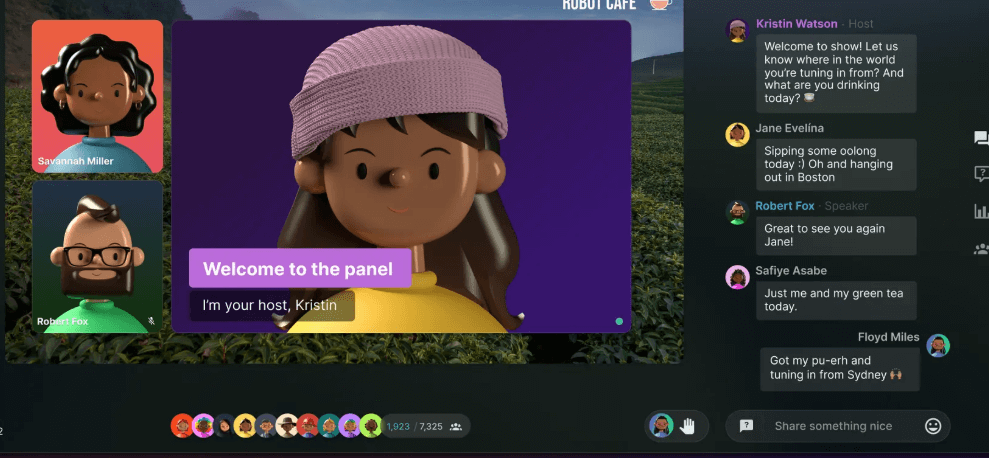
Review: Crowdcast is built for creators and community-driven webinars—strong live interaction, audience engagement, and event-style broadcasting for recurring shows or learning sessions.
Best For:
-
Creators running live sessions and recurring webinars
-
Communities and educators building audience engagement
-
Events that need chat/Q&A-style interaction
Key Features:
-
Tiered plans (Pro/Business/Custom)
-
Live audience interaction and session hosting tools
-
Scales up for larger audiences and advanced needs
Pros:
-
Great for “show-style” webinars
-
Good for community retention
Cons:
-
Less suited to internal business meetings
-
Some advanced needs move you into higher tiers
Pricing:
-
Pro: $49/month, Business: $115/month (as listed)
10. Airmeet
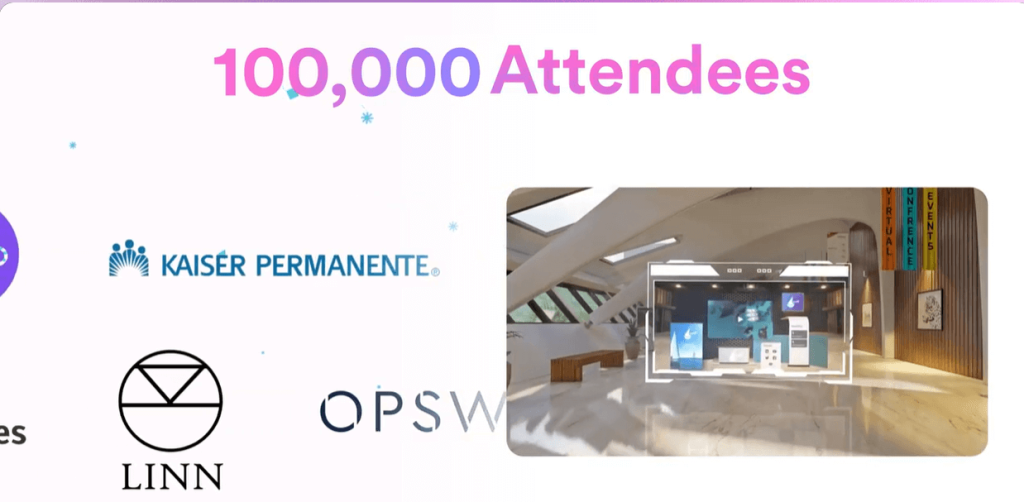
Review: Airmeet is a virtual events platform with networking at its core—think summits, expos, career fairs, and branded experiences where attendee interaction is as important as the sessions.
Best For:
-
Virtual conferences, expos, and career fairs
-
Events that require networking + booths
-
B2B marketing events and lead capture
Key Features:
-
Social Lounge networking concept (tables/seat-based networking)
-
Booths for exhibitors/sponsors
-
Pricing is quote-based with a free trial
Pros:
-
Strong networking experience
-
Event-focused capabilities (branding, expo-like setups)
Cons:
-
Overkill for simple meetings
-
Pricing may require sales engagement
Pricing:
-
“Personalized quote” pricing model + free trial
11. 8×8
Review: 8×8 is best known as a business communications platform, and its video offering is designed for scale—supporting large meetings and integrating into broader enterprise communications needs.
Best For:
-
Businesses needing a UC platform plus video
-
Large meetings (up to 500 participants)
-
Organizations that want enterprise options and support
Key Features:
-
“Up to 500 participants” positioning for video meetings
-
Pricing and packaging are built around custom business plans
-
Very Large Meetings concepts include participant/viewer controls (depending on configuration)
Pros:
-
Scales well for larger orgs
-
Strong business/enterprise orientation
Cons:
-
Not “creator webinar” focused
-
Pricing is not as transparent as self-serve tools
Pricing:
-
Quote-based plans/packages
12. Livestorm
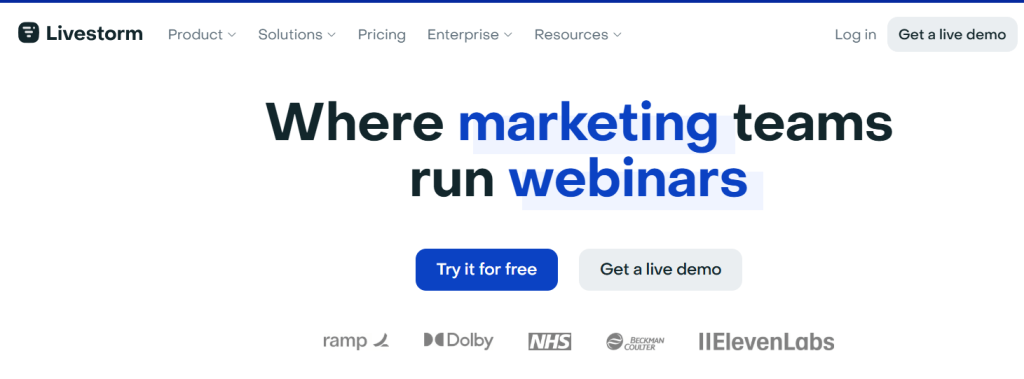
Review: Livestorm is a webinar-first platform made for marketing, sales, and product demos—strong registration flows, attendee management, and analytics that help you prove ROI.
Best For:
-
Marketing webinars and lead gen
-
Product demos and customer training
-
Teams needing registration + analytics
Key Features:
-
Free plan with clear limits (minutes/attendees)
-
Webinar and event workflows (registration, follow-ups, reporting)
-
Scales with contact-based pricing model
Pros:
-
Built for webinar workflows (not just meetings)
-
Good automation and reporting foundations
Cons:
-
Not ideal for casual internal meetings
-
Pricing model can feel complex (contacts-based)
Pricing:
-
Free plan available (limits apply)
-
Pro plan listed starting at €105/month (annual billing)
13. FreeConferenceCall
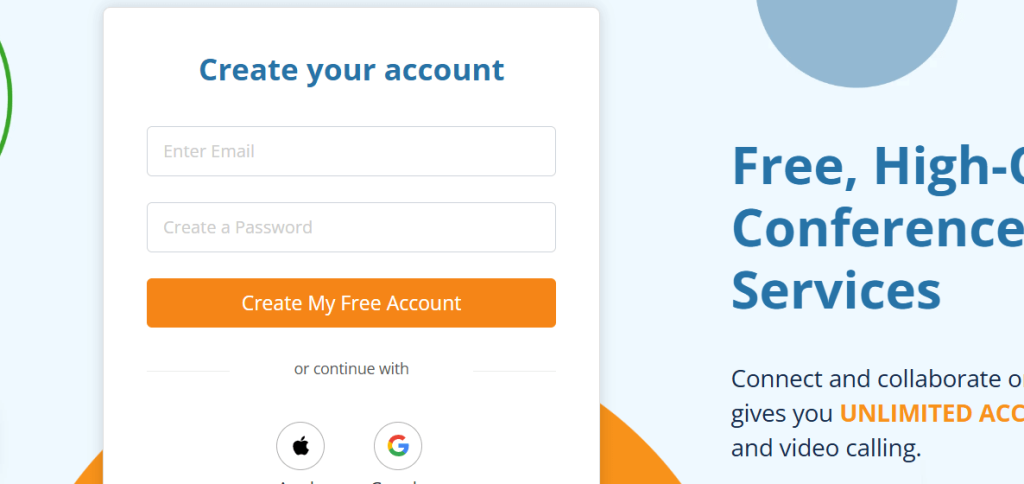
Review: FreeConferenceCall is one of the best “budget-first” picks—offering large participant limits with a pay-what-you-can model, making it attractive for nonprofits, communities, and cost-sensitive teams.
Best For:
-
Large meetings on a tight budget
-
Communities, nonprofits, and volunteer orgs
-
Users who want high participant caps without enterprise spend
Key Features:
-
Up to 1,000 participants for video conferencing on standard accounts
-
Pricing model includes “Pay What You Can”
-
Online meetings and conferencing features included
Pros:
-
Very strong value for cost
-
High participant limits for free/PWYC
Cons:
-
UI/experience may feel less modern than newer webinar platforms
-
Some orgs will still want paid support/admin controls
Pricing:
-
Free conferencing is offered, with Pay What You Can as an option
How to Choose the Best Video Platform
-
Meeting vs webinar vs event: Meetings = collaboration; webinars = one-to-many; events = multi-session + networking + booths.
-
Attendee experience: If guests hate installs, prioritize browser-based joining (e.g., Whereby).
-
Interactivity needs: Workshops → Butter; classrooms → BigBlueButton; networking expos → Airmeet.
-
Compliance/security: Healthcare → VSee; enterprise governance → Webex/RingCentral/8×8.
-
Budget: If cost is the #1 constraint, FreeConferenceCall can cover huge meetings with PWYC.
Conclusion
The “best” platform depends on what you’re hosting. If you need simple browser meetings, Whereby is hard to beat. If you need workshop interactivity, Butter shines. For online learning, BigBlueButton is purpose-built. For webinars and lead gen, Livestorm is a strong option. And if you need huge meetings on a budget, FreeConferenceCall is a standout.
FAQs
What’s the best platform for simple video calls with clients?
Whereby.
What’s best for online teaching?
BigBlueButton.
Which tool is best for interactive workshops?
Butter.
Which platform is best for virtual conferences with networking?
Airmeet.
What’s the best “free/low-cost” option for large meetings?
FreeConferenceCall (pay-what-you-can).

