
topaz_labs_logo

Topaz Labs

Rating: 4.6
User Satisfaction: 91.3%
Topaz DeNoise AI is a photo enhancement tool that removes noise and restores detail in low-light or high-ISO images so photographers can produce cleaner, sharper results.

Overview

Topaz DeNoise AI is a desktop photo enhancement tool built to reduce digital noise and recover fine detail in photos. It’s part of the Topaz Labs suite, which also includes Sharpen AI and Gigapixel AI.

Noise is a common issue in photography, especially in low light or high ISO conditions. Traditional noise reduction blurs detail. DeNoise AI uses machine learning trained on real-world images to distinguish noise from detail — giving photographers clean results without softness. It’s valuable for landscape, wildlife, and event photographers who often shoot in challenging conditions.

DeNoise AI uses deep learning to analyze the structure of your image, detect noise patterns, and intelligently reconstruct detail. You can process images manually or batch-process entire folders. It runs as a standalone app or as a plugin for Adobe Photoshop, Lightroom Classic, and other RAW editors.


The software requires GPU acceleration for best performance. Exports can be slow on older hardware. It’s a one-time purchase but doesn’t include perpetual updates (you get one year of upgrades with purchase).

Details

Tool Launch / Founded Date

2018-01-01 approx.

Best for

Professional and hobbyist photographers, editors, and visual content creators

Access Type

Paid one-time license (optional annual upgrade plan)

Licensing Model

Proprietary software; users retain full rights to edited photos

Feature

  • Removes luminance and color noise without blurring detail
  • AI models trained on millions of real images
  • Works as standalone app or Photoshop/Lightroom plugin
  • Supports RAW, TIFF, JPEG, and DNG format
  • Batch processing for large image sets
  • GPU acceleration for faster rendering
  • Adjustable strength and detail recovery sliders
  • One-click automatic mode for quick fixes
  • Offline processing (no cloud dependency)

Pricing Tables

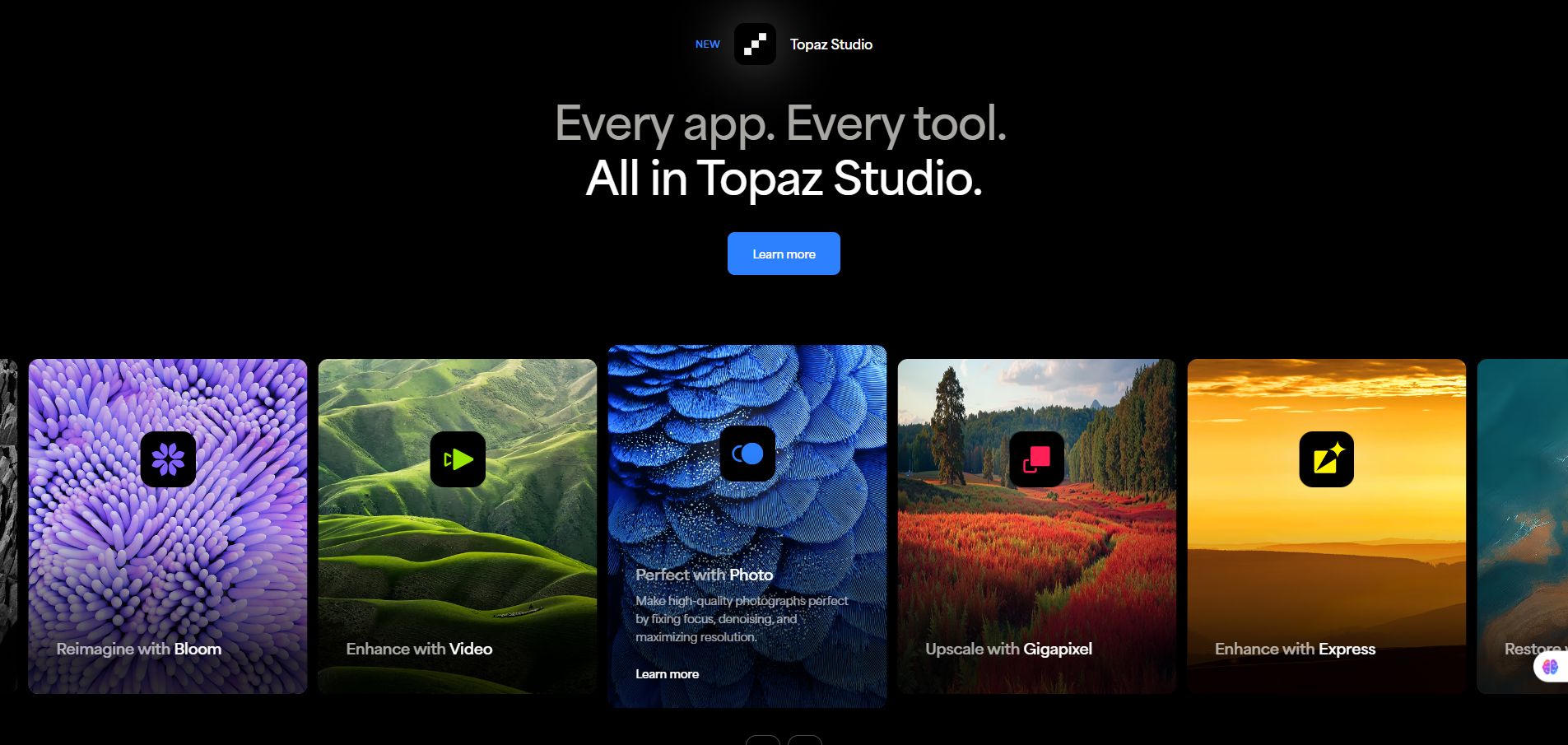
Topaz Studio
$37/mo
  • All the apps
    Topaz Video, Topaz Photo, Topaz Gigapixel, Gigapixel iOS, Bloom, Astra, Express, and Mosaic.
  • Unlimited local rendering
  • Unlimited cloud image rendering
    ALSO INCLUDES
  • 300 monthly video cloud credits
  • 2—image cloud concurrency
  • Cloud-only access to:
    Starlight, Starlight Sharp, Wonder, and Standard MAX.
  • Limited commercial use*
    Personal and commercial use for orgs under $1M USD annual revenue.
  • 32MP cloud export limit*
    Limit on Bloom and Express products only.
Topaz Studio Pro
$75/mo
  • All the apps (Pro licenses)
    Includes pro features and pro exclusive models with expanded local capabilities.
  • Seat management
    ALSO INCLUDES
  • 600 monthly video cloud credits
  • 4—Image cloud concurrency
  • 100MP cloud export limit*
    Limit on Bloom and Express products only.
  • Exclusive local access to:
    Starlight, Starlight Sharp, Wonder, and Standard MAX.
    Full commercial use
Enterprise
Custom Pricing
  • Custom terms
    Work with our legal team for custom terms, security reviews, and MSAs.
  • Enterprise-built options                                                                                                                             Choose from enhanced applications, automated API connections, on-premise processing, and a fully custom Forward-Deployed model.
  • Offline authentication
  • Seat management
  • Dedicated support
    And more

Analytics

Traffic Analysis

Domain Rating
77
Organic Traffic
421112
Majority Users
United States

Visits Over Time

No visit data found.

Traffic Sources

No traffic data found.

Last Update Date: 2025-11-10

FAQ

Can I use Topaz DeNoise AI offline?
Yes. All processing runs locally on your computer — no cloud connection or upload is needed.
What’s the difference between DeNoise AI and Topaz Photo AI?
Photo AI combines DeNoise, Sharpen, and Gigapixel into one app with auto-enhancement features. DeNoise AI focuses purely on noise removal with more manual control.
Does Topaz use my images for AI training?
No. The software processes images locally and does not send them to Topaz servers.
Do I need to pay every year?
No, the license is perpetual. You can keep your version forever. Annual upgrades ($49/year) are optional for continued updates.
Is there a free trial?
Yes. Topaz Labs offers a 30-day free trial with full features, no watermarks.
Can I use it inside Photoshop or Lightroom?
Yes. DeNoise AI installs as a plugin for both, letting you apply AI noise reduction directly within your workflow.
Does it work with RAW files?
Yes. It supports RAW, DNG, TIFF, and JPEG formats. RAW editing is fully supported in standalone mode.

Related AI Tools

JimmyGPT is an AI chatbot tool that helps individuals chat, brainstorm, and get coding or writing assistance through
Dreamland Stories is a tool that helps kids create personalized AI-generated stories with images and narration so they
WriteMyEssay.ai is a tool that generates academic essays, outlines, and citations for students so they can draft papers
StoryHero is an AI storytelling tool that creates personalized illustrated stories for children so parents, teachers, and kids
MindChat is a mental wellness and concussion monitoring platform that combines AI assessments with EEG data for clinicians,
FanFicGen is a tool that generates AI-written fan fiction stories for fandom creators so they can brainstorm plots,

