Twproject logo

Twproject

Rating: 4.2
User Satisfaction: 85%
Twproject is a tool that helps project managers and teams organise, track and deliver projects (from tasks to time sheets to resource loads) so they can meet deadlines, control costs and align work across teams.

Alternative To

Overview

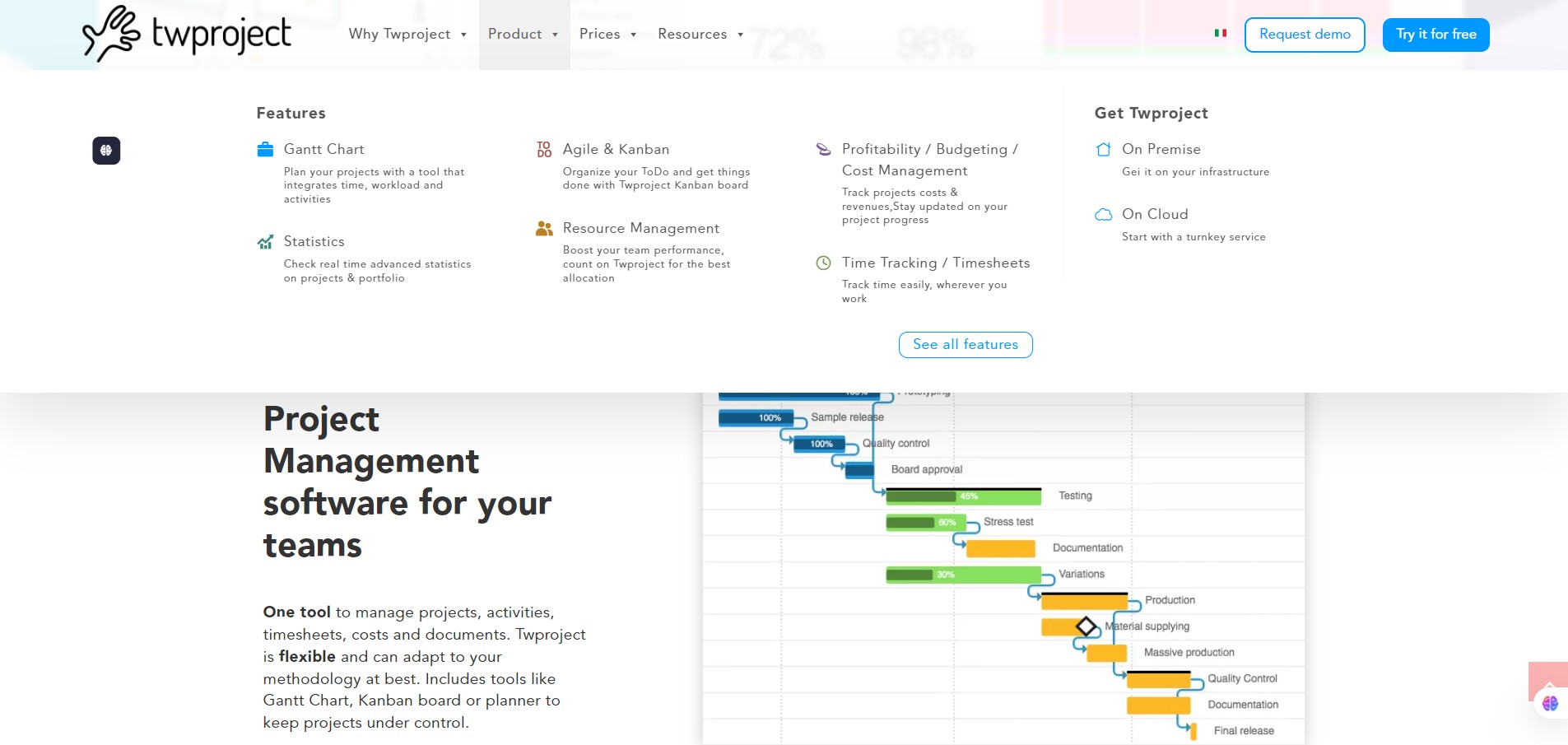
Twproject is a web-based project management application that blends classic project planning (Gantt charts, baselines) with agile and collaborative elements (Kanban boards, to-do issues, time tracking). It supports both cloud and on-premise deployment.

If you’re running multiple projects, juggling tasks, tracking time and resources, and want to bring everything into one system (rather than a mix of spreadsheets, Slack threads and sticky notes), Twproject tries to consolidate that. It helps teams: visualize timelines, see workload across people, track time and cost, and manage both structured (waterfall) and flexible (Kanban/Scrum) work. Users report that switching to it reduced email-chaos and improved clarity on what everyone’s doing.

You define projects, tasks (and subtasks), set dependencies, assign resources, track time against tasks, view Gantt charts/boards, monitor workload, and generate dashboards/reports. Twproject gives a unified workspace for tasks + time + resources + costs. On-premise option means some organizations can host internally. Some “watch-out” items: there is a learning curve if you use the advanced features; UI customization is somewhat limited (users say you can add logos but deep branding tweaks are modest). Additionally, some users say updates/configurations on existing projects can be less intuitive.

Details

Tool Launch / Founded Date

2001

Best for

Small to mid-sized teams and enterprises that manage multiple projects and need resource/time tracking. Agencies, consulting firms, development teams, internal project offices. Teams wanting both structured (waterfall) and flexible workflows in one tool.

Access Type

Freemium / Free tier available for small users. Paid subscription (per-user/month) for full features (cloud) + on-premise licensing option.

Licensing Model

Proprietary software. Not open-source.

Feature

  • Visual Gantt chart editor with tasks, dependencies, milestones.
  • Kanban board and task list views for agile workflow. 
  • Time‐sheet / time tracking integrated with tasks/projects for billable/non-billable hours.
  • Resource/work-load management: see who is working on what, balance assignments to avoid over/under-utilization.
  • Customizable dashboards and reports: monitor progress, cost vs. budget, baseline vs. actual. 
  • Deployment flexibility: cloud or self-hosted (on-premise) option.

Pricing Tables

 Free
$0 / month
  • Supports up to (e.g.) 5 users (according to plans). 
  • Unlimited projects.
  • Includes task/subtask management, document repository, basic dashboards.
Basic
€4.89 per user/month
  • Unlimited projects, task list, Gantt chart, time sheet, Kanban board.
  • Up to 20 users (per pricing page).
Advanced / Enterprise
€7.89 per user/month
  • Adds more advanced features, scale, on-premise options. (Specific features and cost not openly listed)

Analytics

Traffic Analysis

Domain Rating
58
Organic Traffic
5552
Majority Users
United States

Visits Over Time

No visit data found.

Traffic Sources

No traffic data found.

Last Update Date: 2025-11-15

FAQ

Can I use the output (time sheets, data, reports) commercially or integrate with billing?
Yes — Twproject supports time tracking and expense/cost monitoring, so you can use the data for billing or cost-control. For full billing modules check which plan you’re on.
What limits are there on the Free plan?
The Free plan is limited to up to 5 users (as per current site) with basic features like unlimited projects, tasks, etc. Full functionality (advanced resource/load management, deep reporting) requires a paid plan.
Can I customise or edit project templates and workflows?
Yes — you can customize tasks, dependencies, workflows, dashboards. However, deeper UI branding and layout customization is modest. Some users report that changing configuration for existing projects is less intuitive.
Does Twproject integrate with other tools (Slack, Google, Outlook)?
Yes — integrations exist (e.g., calendar sync, import/export, API access). As with most tools, check specific integration list on your plan and ensure you can automate your required workflows.
What about data security and self-hosting?
Twproject offers both cloud and on-premise deployment, which gives you full control over your data if self-hosted. If you stay on their cloud, review their SLA/privacy policy for your region.
If I upgrade from Basic to Enterprise, what additional features do I get?
The higher tier unlocks larger user counts, more advanced features (portfolio management, baseline tracking, cost/margin reports, on-premise hosting). You’ll need to contact the vendor for detailed specifications and pricing.

Related AI Tools

ToyPal is a storytelling device that attaches to soft toys and delivers personalized AI-generated stories for children so
Kidgeni is a tool that creates AI-generated art, stories, and books for children so they can learn, create,
SermonGPT is a tool that generates sermon drafts and outlines for pastors, ministers, and speakers so they can
Lyrics Generator is an AI songwriting tool that creates lyrics for musicians, creators, and hobbyists so they can
Love Letter Generator is a tool that creates personalized romantic letters for couples and individuals so they can
AI Diary is a journaling tool that uses AI conversations, mood tracking, and writing analysis to help people

