
DBeaver logo

DBeaver

Rating: 4.6/5
User Satisfaction: 88.5%
DBeaver is a database tool that lets developers and data teams manage, query, and visualize data across many databases so they can work faster in a single workspace.

Alternative To

Overview

DBeaver is a cross-platform database client that connects to almost any SQL or NoSQL database. It gives you a single UI for browsing schemas, writing queries, editing data, running scripts, and managing connections. There’s a free Community Edition and a paid Pro version with extras like NoSQL support, cloud integrations, and enterprise features.
Why it matters
Most teams juggle multiple databases—PostgreSQL, MySQL, Oracle, MongoDB, cloud warehouses, etc. Switching tools creates friction and breaks workflow. DBeaver solves this by becoming the one place to connect, query, and manage all your data. Developers save time, analysts get cleaner workflows, and DBAs get a reliable UI on top of complex systems.
How it works
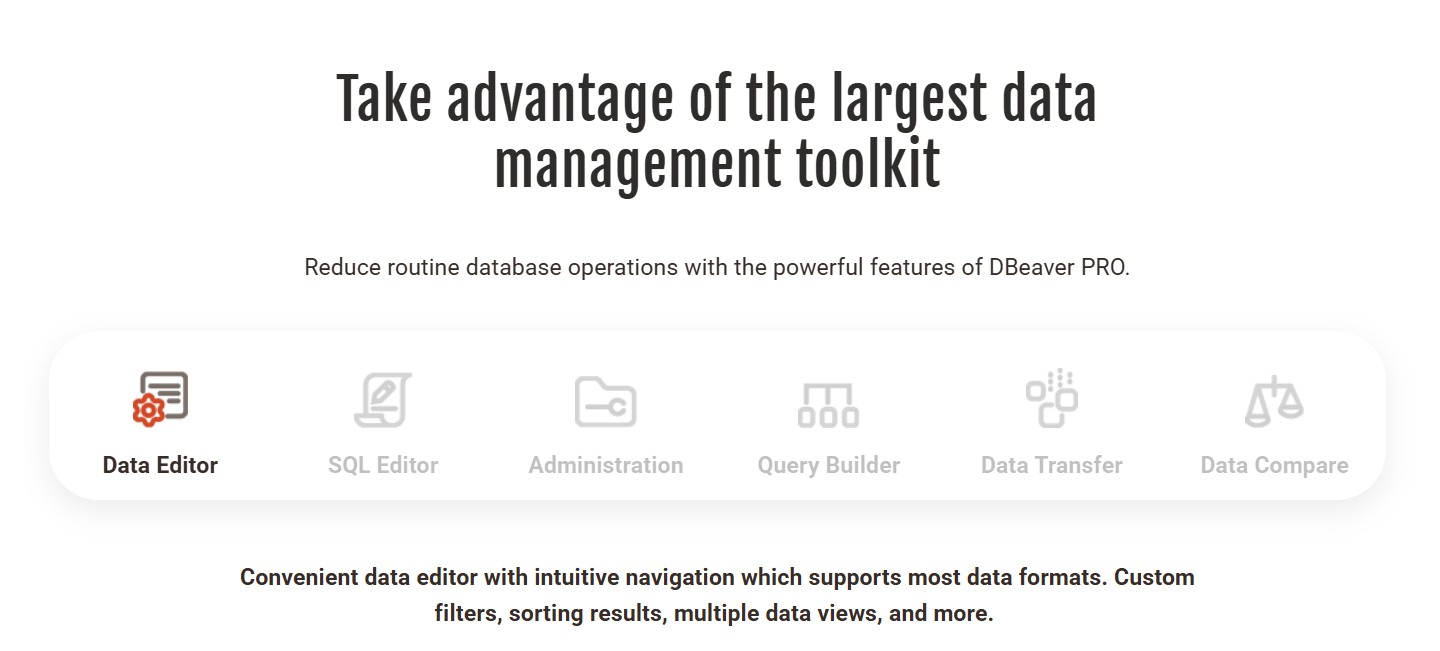
You install the desktop app (Windows, macOS, Linux), connect your databases, and DBeaver auto-detects schemas and metadata. It includes a SQL editor, ER diagrams, data export/import tools, a visual query builder, and driver management.
Pro editions add features like SSH tunnels, native connectors for cloud databases, NoSQL browsing, collaboration tools, and advanced security.

Details

Tool Launch / Founded Date

2013-01-01

Best for

Developers, data engineers, DBAs, analysts, BI teams, technical product teams

Access Type

Freemium desktop app; paid subscription for Pro and Enterprise editions

Licensing Model

Proprietary. Community Edition is open-source under Apache License 2.0. Pro includes commercial licensing with no redistribution rights.

Feature

  • Connects to nearly all SQL databases (PostgreSQL, MySQL, Oracle, SQLite, DB2, SQL Server, etc.).
  • Pro adds NoSQL support (MongoDB, Cassandra, DynamoDB, etc.).
  • Clean SQL editor with autocomplete, formatting, templates, and error hints.
  • Visual ER diagrams and schema navigation.
  • Data import/export to CSV, JSON, XLSX, and SQL scripts.
  • Query execution plans and performance insights.
  • SSH tunneling and secure connection management.
  • Built-in driver manager for quick setup.
  • Cross-platform desktop app (Windows/macOS/Linux).

Enterprise features: role management, audit, web-based administration (Enterprise edition).

Pricing Tables

Community Edition
Free
  • Open source (Apache 2.0)
  • SQL databases only
  • Core editor, ER diagrams, data tools
  • No cloud or NoSQL support
Pro
$19/month per user (billed annually)
  • SQL + NoSQL database support
  • Cloud database connectors (AWS, GCP, Azure)
  • Advanced security features and SSH
  • Additional data visualization options
  • Priority updates
Enterprise
Custom pricing
  • For organizations with complex security and multi-user needs
  • Role-based access control
  • Team management and SSO
  • Audit/logging tools
  • Deployment controls (on-prem or private cloud)

Analytics

Traffic Analysis

Domain Rating
68
Organic Traffic
606.28K
Majority Users
China

Visits Over Time

No visit data found.

Traffic Sources

No traffic data found.

Last Update Date: 2025-12-07

FAQ

Can I use DBeaver for commercial work?
Yes. Both the Community and Pro editions allow commercial use. The difference is that Pro adds commercial licensing and premium features.
Does the Community Edition support NoSQL databases?
No. NoSQL connectors (MongoDB, Cassandra, DynamoDB, etc.) are only available in the Pro and Enterprise editions.
Can DBeaver handle very large databases?
Yes, but performance varies. Querying or exploring very large schemas can be slow, especially in the Community Edition. Pro improves performance with better drivers.
Does DBeaver work with cloud databases like AWS RDS or Google Cloud SQL?
Yes. Pro has native connectors for cloud providers. Community Edition can still connect using standard drivers.
Is there a web version of DBeaver?
Not in the Community Edition. A web-based interface exists only in the Enterprise platform.
Does DBeaver store my database credentials?
Credentials are stored locally. You can encrypt them with a master password. Nothing is uploaded to DBeaver servers.
What do I get by upgrading to Pro?
You get NoSQL support, cloud integrations, SSH, advanced security, priority updates, and more driver-based optimizations.

Related AI Tools

JimmyGPT is an AI chatbot tool that helps individuals chat, brainstorm, and get coding or writing assistance through
Dreamland Stories is a tool that helps kids create personalized AI-generated stories with images and narration so they
WriteMyEssay.ai is a tool that generates academic essays, outlines, and citations for students so they can draft papers
StoryHero is an AI storytelling tool that creates personalized illustrated stories for children so parents, teachers, and kids
MindChat is a mental wellness and concussion monitoring platform that combines AI assessments with EEG data for clinicians,
FanFicGen is a tool that generates AI-written fan fiction stories for fandom creators so they can brainstorm plots,

