Audacity logo

Audacity

Rating: 4.2
User Satisfaction: 85%
Audacity is a tool that lets creators record, edit and export audio for podcasts, music and sound-projects so they can capture, refine and deliver polished audio.

Overview

Audacity is a free, open-source application for recording and editing audio. It works on Windows, macOS and Linux.
You can record from a microphone or other input, trim, splice, apply effects, export to various formats and more.

If you’re a podcaster, musician, educator or creator on a budget, Audacity gives you powerful audio-editing tools without a subscription.
It helps you save cost, bring your audio into shape, capture multi-track recordings, and prepare files for distribution.

You install Audacity, pick an input (microphone, line-in), record or import audio, then use editing tools (cut, copy/paste, effects).
You can add plugins (VST, LADSPA, Nyquist), export to WAV, MP3, OGG etc.

Details

Tool Launch / Founded Date

2000-05-28 (version 0.8) approx.

Best for

Solo creators, Educators, Podcasters, Musicians on a budget, Open-source advocates

Access Type

Free download (no subscription); open source software

Licensing Model

Licensed under GNU GPL v2 or later for the code. (Wikipedia) Users can use it commercially (your output), but if you distribute modified versions you must comply with GPL terms (provide source, same license).

Feature

  • Multi-track recording: record multiple inputs/tracks simultaneously (if hardware supports) 
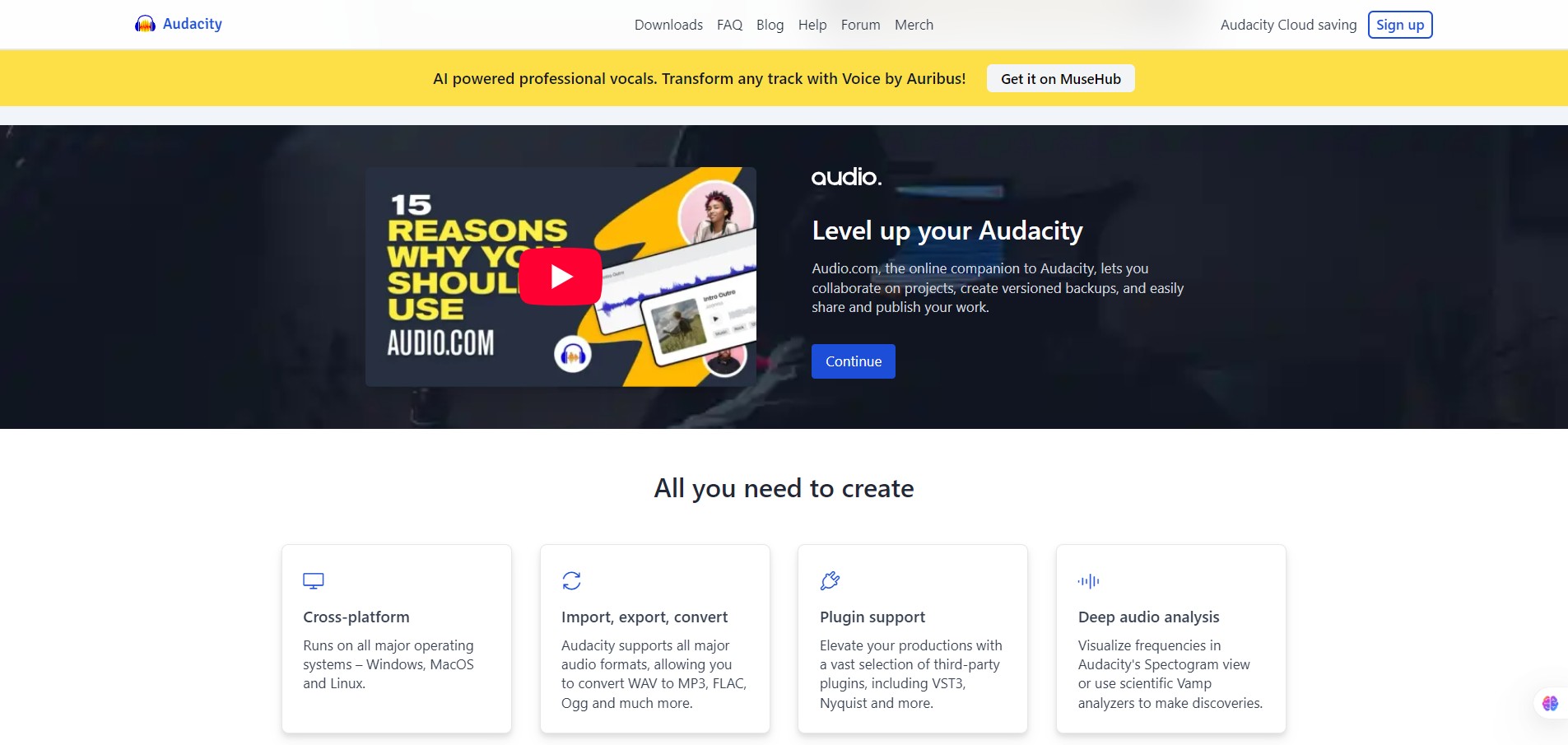
  • Import/export in many formats: WAV, AIFF, MP3, OGG, FLAC; plus via FFmpeg support for M4A/WMA etc. 
  • Editing tools: cut/copy/paste, fade in/out, change pitch or tempo, normalize, noise reduction etc. 
  • Plugin & script support: LADSPA, LV2, VST, VST3, Nyquist scripting, Python scripting. 
  • Spectral view and audio analysis: spectrograms, FFT and other analysis tools. 
  • Open-source: free to download, use, modify under GPL (with conditions) — no licensing cost for you.

Pricing Tables

Free
$0

Fully functional download, record/edit/export audio; no feature-paywall.
There is no “Pro” version or paid subscription from the official project.
(Be cautious of third-party installers or bundle offers.)

Analytics

Traffic Analysis

Domain Rating
89
Organic Traffic
642409
Majority Users
United States

Visits Over Time

No visit data found.

Traffic Sources

No traffic data found.

Last Update Date: 2025-11-21

FAQ

Can I use the audio I create in Audacity commercially (sell a podcast or song)?
Yes—what you record or edit in Audacity is yours, and you can commercially distribute it. However, if you include someone else’s copyrighted content without clearance, you’ll need their rights.
Is there any cost or license fee for Audacity?
No—Audacity is free to download and use under an open source license. There’s currently no paid version.
Can I edit MIDI tracks or use virtual instruments in Audacity?
Not really—Audacity does not support full MIDI sequencing or virtual instruments the way a dedicated DAW does. For those workflows consider alternatives.
Does Audacity share my data or send telemetry?
In the past there were concerns. The project clarified that only optional update-checking and crash reporting are used. It’s wise to review privacy settings.
What platforms does Audacity run on?
Windows, macOS and Linux.
How steep is the learning curve?
Slightly steeper than very simple editors because there are many features, but it is well documented and there are many tutorials online. If you’re new, allow a bit of time to learn the interface.
What do I get in future updates (major versions)?
The project is active: recent versions added non-destructive editing, improved UI, VST3 support, cloud-saving features. Keep an eye on the changelog for details.

Related AI Tools

JimmyGPT is an AI chatbot tool that helps individuals chat, brainstorm, and get coding or writing assistance through
Dreamland Stories is a tool that helps kids create personalized AI-generated stories with images and narration so they
WriteMyEssay.ai is a tool that generates academic essays, outlines, and citations for students so they can draft papers
StoryHero is an AI storytelling tool that creates personalized illustrated stories for children so parents, teachers, and kids
MindChat is a mental wellness and concussion monitoring platform that combines AI assessments with EEG data for clinicians,
FanFicGen is a tool that generates AI-written fan fiction stories for fandom creators so they can brainstorm plots,

