
CapCut logo

CapCut

Rating: 4.4/5
User Satisfaction: 88.5%
CapCut is a video editing platform that combines templates, AI effects, and automated editing tools so creators can produce social-ready videos fast.

Overview

CapCut is a free cross-platform video editor from ByteDance, built for short-form and social content. It runs on mobile, desktop, and the web. The app mixes standard editing tools (timeline editing, overlays, effects) with fast AI features—auto captions, noise removal, face enhancement, style transfer, and one-tap templates.

If you create TikTok, YouTube Shorts, Instagram Reels, or ads, you need speed more than cinematic control. CapCut cuts the production time from hours to minutes. Templates help non-editors make polished videos, while AI tools remove the usual pain points—timing clips, adding subtitles, cleaning audio, resizing for different platforms. Social teams, influencers, and small businesses get consistent output without needing a full editing suite.

You edit in a timeline with drag-and-drop assets, templates, and effects. AI handles subtitling, background removal, voiceovers, and filters. The web version supports cloud projects so you can switch devices. Export presets match major social platforms.

Details

Tool Launch / Founded Date

2020-01-01

Best for

Creators, influencers, social media managers, small businesses, marketing teams.

Access Type

Freemium (free plan + paid subscription); cloud storage tiers; mobile and desktop apps.

Licensing Model

Proprietary software. Users can export videos for commercial use, but stock assets and music follow CapCut’s licensing rules—some require attribution or may have usage restrictions outside supported platforms.

Feature

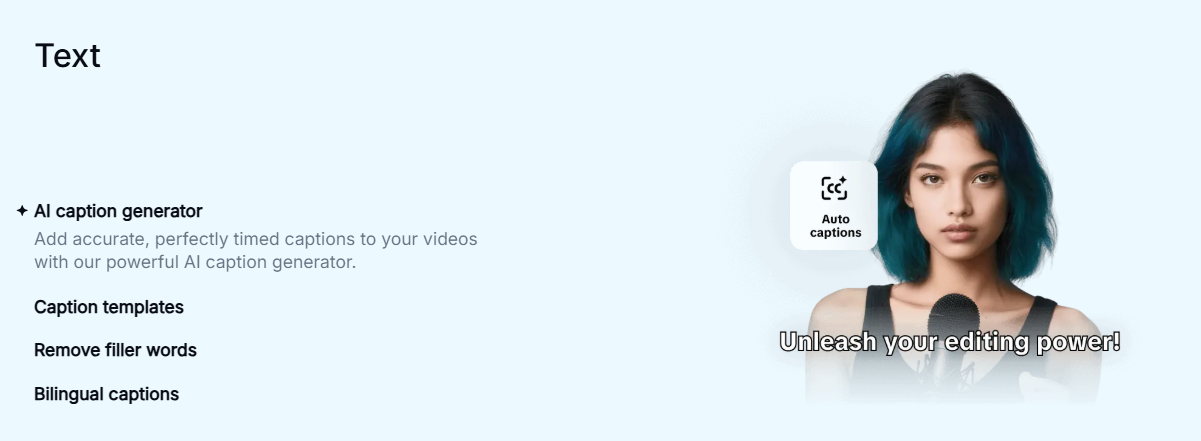
  • AI auto-captions in many languages.
  • Background removal and smart masking without green screens.
  • Ready-made templates for TikTok, Reels, Shorts, ads, and slideshows.
  • Built-in stock music, sound effects, stickers, and transitions.
  • Voice generation and voice enhancement.
  • Auto beat-sync for music timing.
  • Cloud projects that sync across devices.
  • Format resizing for all major social platforms.
  • Mobile and desktop editing with similar workflows.

Pricing Tables

CapCut Free
$0/month
  • Full video editor
  • Basic templates and effects
  • Auto captions
  • Limited cloud storage (small quota)
  • Some premium assets watermarked
CapCut Pro
$9.99/month
  • No watermarks on premium templates
  • Larger cloud storage
  • Access to premium effects, filters, fonts, and stock
  • HD/4K export options
  • Faster rendering (web/desktop)
CapCut for Business
Contact sales
  • Brand asset libraries
  • Collaboration features for teams
  • Extended rights for commercial usage
  • Larger cloud storage and admin controls
  • Priority support

Analytics

Traffic Analysis

Domain Rating
85
Organic Traffic
9.4M
Majority Users
United States

Visits Over Time

No visit data found.

Traffic Sources

No traffic data found.

Last Update Date: 2025-12-08

FAQ

Is CapCut free to use?
Yes, the core editor is free on all platforms. Some templates and effects require a Pro subscription, and cloud storage is limited unless you upgrade.
Can I use CapCut videos commercially?
Yes, your exported videos can be used commercially. However, some stock music and templates have specific usage rights, so check each asset’s license before publishing ads.
Does CapCut work offline?
The apps work offline for basic editing, but AI features, cloud sync, and premium assets require internet access.
Can I remove the CapCut watermark?
Most standard exports have no watermark. Some premium templates will add a watermark unless you use CapCut Pro.
Does CapCut support 4K or HDR?
4K exports are supported on desktop/web with a Pro plan. HDR support is limited and varies by device.
Does CapCut integrate with TikTok?
Yes. You can export directly to TikTok, and templates often match TikTok formats.
Is my data used for AI training?
CapCut doesn’t publicly disclose a full opt-out. Assume uploaded content may be processed to improve services, so avoid uploading sensitive material.

Related AI Tools

StoryGenerate is a tool that generates AI-written stories and plot ideas for writers and creators so they can
Newt is a tool that helps teams research, write, and organize content using AI so they can produce
Prescene is a tool that helps filmmakers and content creators plan scenes, scripts, and shot lists using AI
Jarvis AI is a tool that generates song lyrics for musicians and creators so they can quickly write
StoryBee is a tool that generates personalized stories and learning content for kids and educators so they can
ScribaMax is a tool that generates written content using AI for marketers and creators so they can produce

