
Shotcut logo

Shotcut

Rating: 4.2
User Satisfaction: 78%
Shotcut is a tool that does non-linear video editing for creators so they can edit multi-track projects, support many formats, and export in high resolution without paying.

Alternative To

Overview

Shotcut is a free, open-source, cross-platform video editor (Windows, macOS, Linux) built for non-linear editing of video and audio.

If you’re a creator, marketer, indie filmmaker or content-maker on a budget, Shotcut lets you edit timelines, apply filters, mix audio, and export without subscription fees. It lowers the barrier to entry compared to many commercial editors. Also its support for many formats and 4K makes it viable for serious work.


You install Shotcut on your machine. Import or drag-and-drop your media into its playlist/timeline interface. Mix audio/video tracks, apply filters/transitions, then export in your desired format. It supports editing without an “import” step (native timeline editing) and multi-format / mixed resolution projects.

Details

Tool Launch / Founded Date

Project roots from 2004

Best for

Solo creators, small teams, indie video producers, educators, anyone needing a powerful editor without budget for commercial software

Access Type

Free to download and use (no paid subscription or mandatory upgrade)

Licensing Model

Open-source under GNU GPL v3 (or later) as per Wikipedia. The software is proprietary only in trademark sense; users have full rights under GPL to use/edit/modify.

Feature

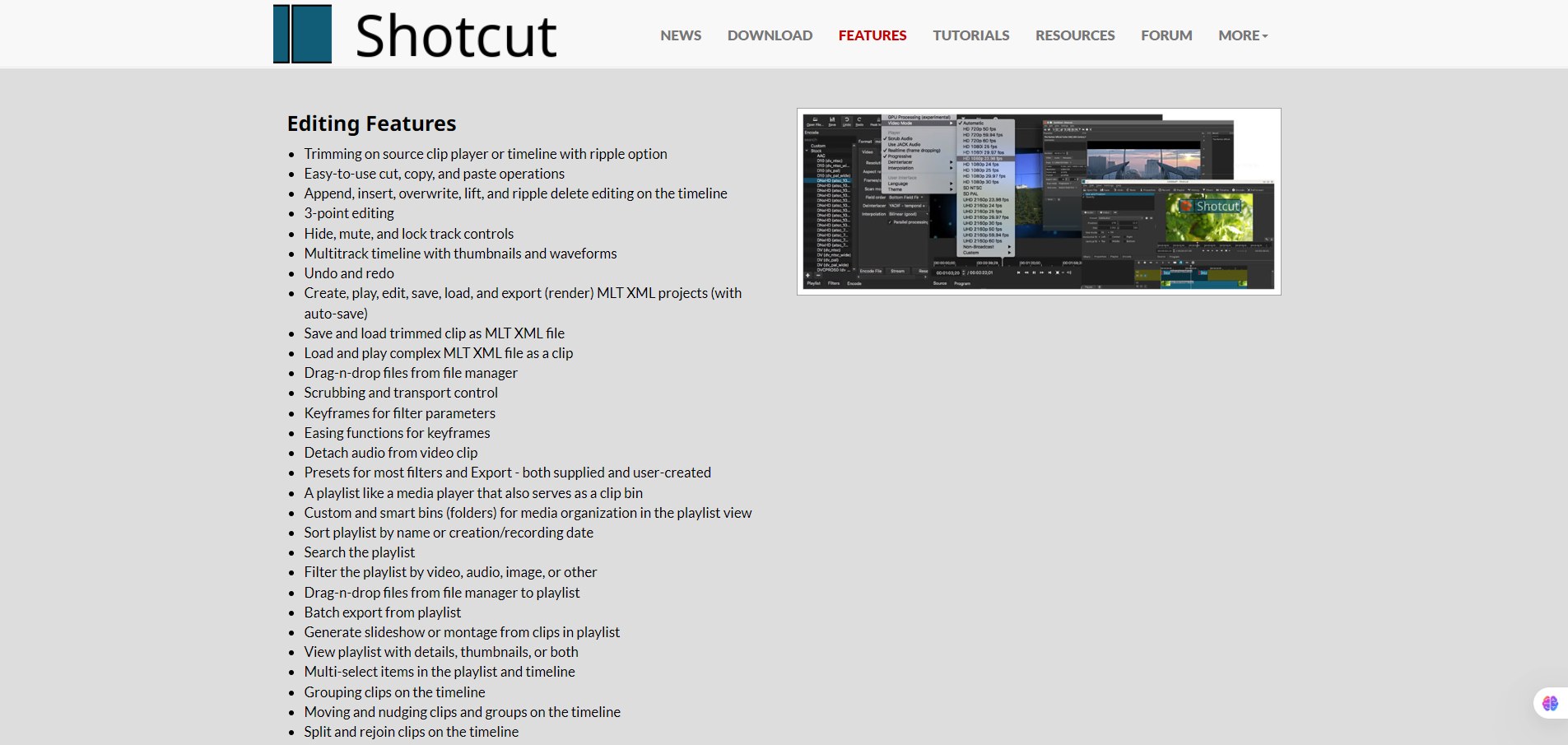
  • Supports hundreds of audio/video/image formats and codecs via FFmpeg. 
  • Timeline editing without import step — native editing, drag-drop media. 
  • Multi-track timeline: you can mix multiple video/audio tracks simultaneously. 
  • Hardware encoding and GPU processing support (OpenGL-based image processing) for improved performance. 
  • Supports 4K resolution editing and capture from devices (webcam, screen, HDMI/SDI) for advanced workflows.
  • Cross-platform: Works on Windows, macOS, Linux.
  • No subscription cost – full download, no hidden monthly fees.

Pricing Tables

Free
$0
  • Full software available for free download
  • No subscription required
  • No watermark on exports
  • No usage caps publicly listed
  • Works on all supported platforms

According to multiple sources, Shotcut is completely free and open-source with no paid tiers.

Analytics

Traffic Analysis

Domain Rating
78
Organic Traffic
149846
Majority Users
United States

Visits Over Time

No visit data found.

Traffic Sources

No traffic data found.

Last Update Date: 2025-11-21

FAQ

Can I use the videos I create in Shotcut commercially (e.g., for clients or paid-projects)?
Yes — since Shotcut itself is free/open-source and doesn’t impose watermarks or export restrictions, you’re free to use the output commercially, subject to the licensing of any media/assets you include.
Are there limits on how many minutes of video I can edit or export?
No official usage caps are documented — you’re not restricted by time or watermarks as are typical in free versions of paid editors.
Can I customize the export formats, resolutions and frame rates?
Yes — Shotcut supports a wide variety of formats via FFmpeg, allows mixing resolutions within a project and exporting in your preferred format.
Does Shotcut integrate with other tools or offer an API?
Integration and API support are not explicitly documented. According to one source, there is no public API.
Will my content be used to train AI or shared externally?
Since Shotcut is desktop-based open-source software, your editing is local and there is no cloud-based training model claim. Your files remain on your device.
What kind of support can I expect if I run into issues?
Support is mostly community-based — forums, tutorials, FAQs on the Shotcut website. There is no dedicated paid support tier. Be willing to invest in self-help and community resources.

Related AI Tools

JimmyGPT is an AI chatbot tool that helps individuals chat, brainstorm, and get coding or writing assistance through
Dreamland Stories is a tool that helps kids create personalized AI-generated stories with images and narration so they
WriteMyEssay.ai is a tool that generates academic essays, outlines, and citations for students so they can draft papers
StoryHero is an AI storytelling tool that creates personalized illustrated stories for children so parents, teachers, and kids
MindChat is a mental wellness and concussion monitoring platform that combines AI assessments with EEG data for clinicians,
FanFicGen is a tool that generates AI-written fan fiction stories for fandom creators so they can brainstorm plots,

