
capsulecrm_logo

Capsule CRM

Rating: 4.2
User Satisfaction: 85%
Capsule CRM is a tool that helps small teams manage contacts, sales opportunities and project delivery so they can stay organised, move deals forward and deliver client work more smoothly.

Overview

Capsule CRM is a web-based CRM (customer relationship management) platform built for small to mid-sized businesses. It helps you record and organize your contacts (people & organizations), log interactions (emails, calls, meetings), track sales pipelines or opportunities, and manage simple project boards/tasks — all in one place.

If you’re running a small team (2-20 people) and you find your contacts, leads, tasks and projects scattered across spreadsheets, emails and chat, Capsule gives you a unified view and workflow. That means less time hunting for what happened, fewer slipped deals or missed follow-ups, and better hand-off between sales and delivery. It keeps you focused rather than overwhelmed by full-enterprise complexity.

You sign up (there’s a free tier), import your contacts/organizations, define one or more pipelines (e.g., Lead → Qualified → Proposal → Won) and assign tasks/follow-ups to yourself or others. It integrates with Gmail/Outlook to log emails automatically. Mobile apps let you access on the go. You can customize fields/tags, create basic reports, and add project boards for delivery-tasks when a deal is won. For advanced users there are integrities and APIs.

Details

Tool Launch / Founded Date

2009 (approx) by company that is privately held.

Best for

solo founders or small teams (2-20 users) who need a clean, simple CRM; service-based businesses (agencies, consultants), growing SMBs that don’t want heavy CRM overhead

Access Type

Freemium (free forever for 2 users), Paid subscription for more users/features.

Licensing Model

Proprietary SaaS. As with most SaaS, you subscribe rather than own. (No indication it’s open source).

Feature

  • Centralized contact & organization database (people + companies + full history)
  • Sales pipeline visualization – track opportunities/deals through stages
  • Activity logging: tasks, calls, meetings, emails – so you know what’s happened and what’s due
  • Email integration: Gmail & Outlook add-ins, automatic logging of emails to the correct contact/organization. 
  • Custom fields, tags and basic workflow customization – adapt to your business fields. 
  • Project/Task boards (in paid tiers) – let you manage delivery once a deal is won. 
  • Mobile apps (iOS/Android) – so your team can access on the go. 
  • Basic reporting/dashboards (in paid tiers) – e.g., conversion rates, pipeline health. 
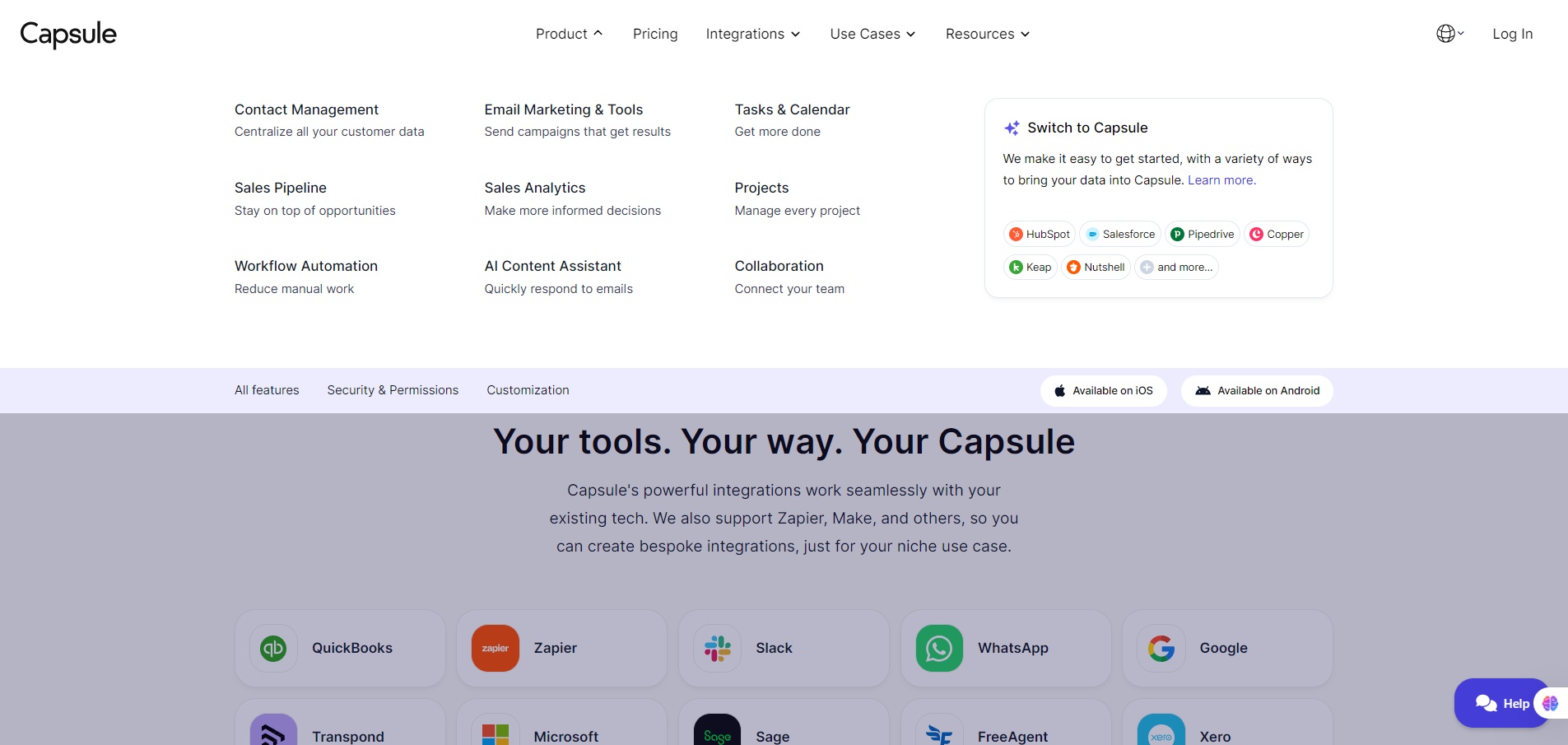
  • Integrations and API access – e.g., Microsoft Power Automate connector.

Pricing Tables

Free
$0

Maximum 2 users. Free Forever.

  • 250 Contacts
  • 5 custom fields
  • 1 Sales Pipeline
  • Activity Log
  • Contact History
  • Outlook & Gmail add-in
  • Mobile app access
  • Upgrade to a paid plan anytime
Starter
$18 Per user, per month. Billed Annually.
  • 30,000 Contacts
  • Email Templates
    Avoid writing the same email over and over with a bank of reusable templates, ready to edit and send
  • AI-Powered Email Assistant
    Use AI prompts to generate high-converting emails at the click of a button
  • Shared Mailbox
    Connect a shared email inbox to enable multiple team members to respond from the same account e.g. sales@, support@, info@
  • Basic Reporting
  • Premium Integrations
    Access direct integrations with tools like Xero, Zendesk and Import2
  • Goals
Growth
$36 Per user, per month. Billed Annually.
  • 60,000 Contacts
  • Workflow Automations
    Define repeatable sales processes by configuring a series of tasks, email notifications or stage changes within pipeline/project boards
  • Advanced Sales Reporting
    More in depth reports so you can get visibility on your sales forecast, where you are losing the most sales and how active your team is.
  • Reporting Dashboards
    Analyze CRM data for insights on conversions, task efficiency, pipeline, projects, and contact health.
  • Multiple Sales Pipelines
  • Multiple Project Boards
  • Project Management
    Manage client delivery and other activities via kanban-style project boards
  • Team & Access Controls
  • Business Enrichment

Analytics

Traffic Analysis

Domain Rating
76
Organic Traffic
33419
Majority Users
United States

Visits Over Time

No visit data found.

Traffic Sources

No traffic data found.

Last Update Date: 2025-11-22

FAQ

Can I use the output (contacts/data) commercially?
Yes — you retain your contact data and business processes. Capsule is your CRM platform, you control your data.
How many contacts or deals can I have?
On the Free plan you're limited to 250 contacts and 2 users. Paid plans raise those limits (e.g., up to 120,000 contacts in a higher tier) though exact limits depend on the plan.
Can I customise fields, workflows, pipelines?
Yes — you can add custom fields, define tags, create pipelines, manage tasks. But if you need very advanced workflow automation or custom object modelling, you may run into limitations compared with enterprise CRMs.
Does Capsule integrate with other tools / my workflow?
Yes — integrations exist (e.g., Gmail/Outlook email logging, Microsoft Power Automate connector). You can also use API/third-party integrations.
How about data privacy / security?
Capsule supports standard SaaS practices; 2-factor authentication is reported in recent updates. You should review their full security/privacy policy for your region.
What do I get on the top plan vs starter?
On the higher tiers you’ll get much higher contact limits, more pipelines and project boards, richer reporting/dashboard, contact enrichment (auto-fill), dedicated account manager/training (on “Ultimate” tier). Starter is very capable but with smaller limits and fewer premium features.

Related AI Tools

JimmyGPT is an AI chatbot tool that helps individuals chat, brainstorm, and get coding or writing assistance through
Dreamland Stories is a tool that helps kids create personalized AI-generated stories with images and narration so they
WriteMyEssay.ai is a tool that generates academic essays, outlines, and citations for students so they can draft papers
StoryHero is an AI storytelling tool that creates personalized illustrated stories for children so parents, teachers, and kids
MindChat is a mental wellness and concussion monitoring platform that combines AI assessments with EEG data for clinicians,
FanFicGen is a tool that generates AI-written fan fiction stories for fandom creators so they can brainstorm plots,

