letsenhance_logo

Let’s Enhance

Rating: 4.2
User Satisfaction: 80%
Let’s Enhance is a tool that uses AI to upscale and improve images for creators and businesses so they can get high-resolution, clean visuals faster.

Alternative To

Overview

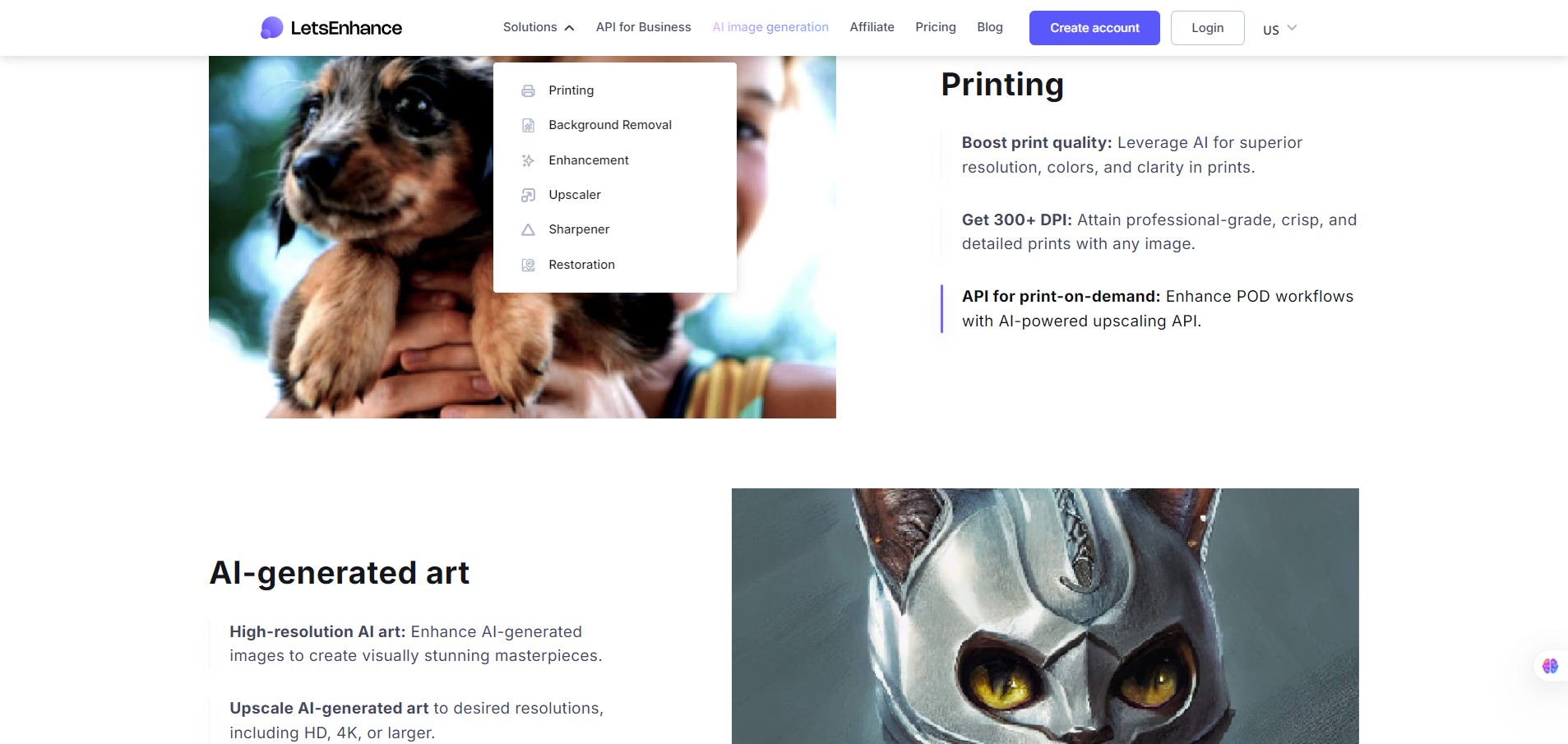
Let’s Enhance is an online, browser-based image-enhancement platform that uses AI to upscale low-resolution images, improve clarity, fix colour/toning issues, and even generate images from text. It’s built to serve both individual creators (photographers, designers) and business-use cases (e-commerce, print workflows). 

If you often work with images that are too small, blurry, or compressed (e.g., old photos, product shots from customers, AI-generated art), Let’s Enhance can save you time and effort. For example, you can upscale to print-quality without re-shooting, or turn AI art into 4K+ resolution versions. This can boost visual quality, save cost, and enable uses you might not have thought possible.

Details

Tool Launch / Founded Date

Approx. 2017

Best for

Photographers, designers, e-commerce merchants, print-shops, creators of AI-generated art who need higher resolution/cleaner results quickly

Access Type

Freemium – free credits to start; then paid subscription (credit-based) or one-time credit bundles.

Licensing Model

Proprietary software. The output images you generate are yours (given you own source rights), but you must abide by the service Terms. Not open-source.

Feature

  • Upscale images significantly (up to 16× or large megapixel counts) while preserving or improving detail. 
  • AI-enhancement modes (sharpening, colour/toning correction, artefact removal) built for photos or digital art. 
  • Batch processing of multiple images at once (save time).
  • Print-ready output: Increased resolution, 300+ DPI, support for large print formats.
  • Cloud-based: no heavy local compute needed (good for users without high-end GPU).
  • API / business work-flows: Useful for e-commerce, print-shops, large-volume automation.

Pricing Tables

10 Free credits
$0
  • Input image up to 24 megapixels or 50MB
  • Upscale up to 8 megapixels
  • Unlimited storage for 6 months
  • Email support
  • Upgrade anytime
  • Watermark (removed for paid users)
Starter 100 credits
$9/month
  • Save up to 600 unused credits
  • Unused credits roll over
  • Upscale up to 256 megapixels
  • Unlimited storage for 3 months
  • Input image up to 64 megapixels or 50MB
  • Generate AI art
  • Remove backgrounds
  • Priority enhancement
  • Chat support
  • Early access to new features
  • Downgrade, Upgrade or Cancel anytime
Pro 300 credits
$24/month
  • Save up to 1800 unused credits
  • Unused credits roll over
  • Upscale up to 350 megapixels
  • Unlimited storage for 6 months
  • Input image up to 64 megapixels or 50MB
  • Generate AI art
  • Remove backgrounds
  • Priority enhancement
  • Chat support
  • Early access to new features
  • Downgrade, Upgrade or Cancel anytime

Analytics

Traffic Analysis

Domain Rating
73
Organic Traffic
198762
Majority Users
United States

Visits Over Time

No visit data found.

Traffic Sources

No traffic data found.

Last Update Date: 2025-11-11

FAQ

Can I use Let’s Enhance outputs commercially (e.g., product photos, prints)?
Yes — once you enhance or upscale your own images using Let’s Enhance you own the result and can use it commercially, provided you have the proper rights for the source image. You should check their Terms of Use for specific licence details.
How many images can I process per month?
It depends on your credit plan. On the free plan you get 10 credits (≈10 images) initially. On paid plans you get 100+ credits per month, each image uses at least one credit. Unused credits on personal plans may roll over up to a cap.
Can I fine-tune the enhancement (modes, presets)?
Yes — you have choice of enhancement modes (Magic, Balanced, Gentle, etc), scaling factors (1×,2×,4×,8×,16×) and presets for use-cases (print, web, art).
Does it integrate with my workflow (Photoshop, Lightroom, print-shop)?
It’s primarily a web app, so you upload/download images. For higher-volume/business use they offer API access which can integrate into workflows or print-shop automation.
Is my data used to train the model?
The public documentation emphasizes editing is done through their servers; you should check their privacy policy for exact terms. Reviews mention secure handling of images.
What’s the difference between the lower plan and the heavier plan?
Lower plans give fewer credits, lower maximum resolution/upscaling, possibly slower processing or fewer business-features (batch size, API access, priority support). Heavier plans unlock more volume, possibly higher megapixel limits and business workflow integrations.

Related AI Tools

JimmyGPT is an AI chatbot tool that helps individuals chat, brainstorm, and get coding or writing assistance through
Dreamland Stories is a tool that helps kids create personalized AI-generated stories with images and narration so they
WriteMyEssay.ai is a tool that generates academic essays, outlines, and citations for students so they can draft papers
StoryHero is an AI storytelling tool that creates personalized illustrated stories for children so parents, teachers, and kids
MindChat is a mental wellness and concussion monitoring platform that combines AI assessments with EEG data for clinicians,
FanFicGen is a tool that generates AI-written fan fiction stories for fandom creators so they can brainstorm plots,