


Slack is a popular team collaboration and messaging platform that helps teams communicate, share files, and stay aligned. But pricing, data-control preferences, simplicity, and workflow fit can push teams to look for alternatives—especially those with free plans or open-source/self-hosted options.
Below are 15 Slack alternatives (and Slack-reducers) that cover team messaging, async collaboration, task/project work, and secure communications—many with free tiers, and a few with free trials where a “free forever” plan isn’t offered.
Why Consider a Slack Alternative?
Teams usually switch (or supplement Slack) for reasons like:
-
Cost control (free tiers, simpler pricing)
-
Security/privacy (private networks, Matrix clients, self-host options)
-
Workflow fit (chat + tasks in one place, or fewer distractions)
-
External collaboration (clients/partners without full Slack overhead)
-
Async-first (reduce “always-on chat” by moving work into tasks)
15 Best Free Slack Alternatives
-
Focalboard
-
Breeze
-
Rock (rock.so)
-
Cinny (cinny.in)
-
Missive
-
Flock
-
Troop Messenger
-
Fleep
-
Glip (RingCentral / RingCentral App)
-
Troopr.ai
-
Ryver
-
Unleash.so
-
Chanty
-
Nozbe
-
Brosix
Comparison Table of Slack Alternatives
| Product | Best For | Price Range | Key Features |
|---|---|---|---|
| Focalboard | Open-source “work threads” via boards | Free (open-source) | Kanban/boards, self-host options, team planning |
| Breeze | Simple projects + built-in team chat | Paid + free trial | Tasks, boards, timelines, team chat, reporting |
| Rock | Messaging + tasks in one app | Free tier + paid | Spaces, tasks, files, lightweight team messaging |
| Cinny | Privacy-friendly chat on Matrix | Free (open-source) | Matrix client, E2EE, spaces/rooms, multi-platform |
| Missive | Team inbox + chat (email/SMS/social) | Free tier + paid | Shared inboxes, internal chat, tasks, collaboration around conversations |
| Flock | Small teams that want simple Slack-like chat | Free tier + paid | Channels, searchable messages (limit), file sharing, calls |
| Troop Messenger | Business chat with admin/security options | Free plan + paid | Messaging, storage, org-focused controls, multiple deployment options |
| Fleep | Cross-team/external collaboration | Free tier + paid | 1:1 + group chats, pinboard, tasks, history on free |
| Glip (RingCentral) | Team messaging tied to meetings/UC | Free access (Video Pro) + paid suites | Team messaging + meetings inside RingCentral app ecosystem |
| Troopr.ai | Jira-in-Slack automation (standups/reports) | Paid + free trial | Standups/check-ins, Jira updates, reports inside Slack |
| Ryver | Chat + tasks for small/mid teams | Paid + free trial | Chat, file sharing, task management, flat pricing tiers |
| Unleash.so | AI “team assistant” for internal knowledge | Free trial (sales-led pricing) | AI chat assistants, internal tool/knowledge connections |
| Chanty | Small teams wanting simple chat + tasks | Free tier + paid | Team chat, tasking, guests (limited), lightweight UI |
| Nozbe | Async-first teamwork via tasks/comments | Free tier + paid | Projects, tasks, comments, workspaces/spaces |
| Brosix | Secure private business messenger | Paid + free trial | Private team network, messaging, calls, screen sharing |
Top 15 Free Slack Alternatives Tools Reviews
1. Focalboard

Review: Focalboard is a 100% open-source project planning tool that can reduce how much your team relies on chat by moving discussions into boards, cards, and structured work. Note: it’s community-supported (no longer bundled with Mattermost after Sept 15, 2023).
Best For
-
Teams that want open-source boards instead of chat-heavy coordination
-
Self-hosters who prefer local control
Key Features
-
Kanban-style boards + multiple views (depending on build)
-
Self-host/community-driven usage
Pros
-
Free and open-source
-
Great for async planning
Cons
-
Not a “chat-first” app by itself
-
Community-supported status may matter for some orgs
Pricing
-
Free (open-source)
2. Breeze
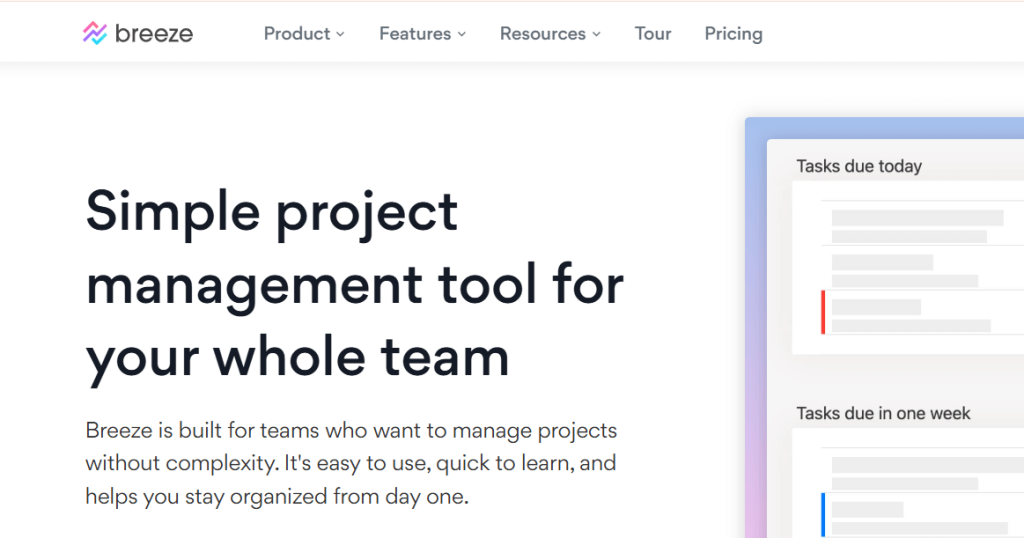
Review: Breeze is a clean project management tool that includes team chat alongside tasks, making it a practical “Slack-reducer” for teams that want fewer tools.
Best For
-
Teams that want projects + chat in one place
-
Agencies and ops teams tracking multiple projects
Key Features
-
Tasks/boards, timelines, reporting
-
Built-in team chat
Pros
-
Simple pricing model
-
Strong PM coverage + chat in one tool
Cons
-
No clear free-forever plan (primarily free trial + paid)
-
More PM than “pure messaging”
Pricing
-
$9/user/month + free trial
3. Rock (rock.so)

Review: Rock blends messaging + tasks + files into shared spaces, aiming to keep team work lightweight and organized without Slack sprawl.
Best For
-
Small teams that want chat + tasks together
-
External collaboration without heavy admin
Key Features
-
Group spaces, tasks, topics/notes, files
-
Free tier limits (e.g., invite limits per space)
Pros
-
Modern “all-in-one” feel
-
Good balance of async + chat
Cons
-
Free plan has limits (by design)
Pricing
-
Free tier + paid upgrades
4. Cinny (cinny.in)
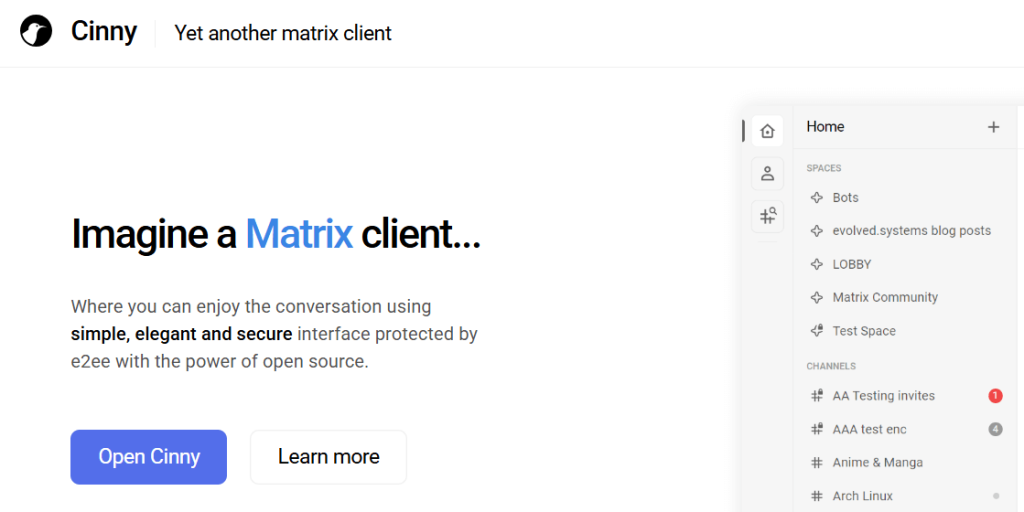
Review: Cinny is an open-source Matrix client built for simple, elegant team chat with Matrix’s ecosystem (including E2EE).
Best For
-
Teams using Matrix for decentralized chat
-
Privacy-focused groups
Key Features
-
Matrix rooms/spaces, encryption support, multi-platform options
Pros
-
Open-source
-
Strong privacy story via Matrix/E2EE
Cons
-
Depends on your Matrix setup/provider
-
Integrations vary by Matrix server tooling
Pricing
-
Free (open-source)
5. Missive
Review: Missive is a shared inbox + team collaboration hub where chat happens around emails/SMS/social messages, which is ideal if your “Slack” use is really customer comms.
Best For
-
Support/sales teams collaborating in shared inboxes
-
Teams that want tasks + internal notes per conversation
Key Features
-
Shared inboxes/spaces, assignments/tasks
-
Free plan limitations (users/history)
Pros
-
Great for reducing tool switching
-
Strong conversation-centric workflow
Cons
-
Free plan is quite limited (good for small teams/testing)
Pricing
-
Free plan (limited) + paid tiers
6. Flock

Review: Flock is a classic Slack-style team messenger with channels, search limits, and lightweight calling—good for teams that want familiar chat without Slack.
Best For
-
Teams up to ~20 on a free plan
-
Simple channel-based communication
Key Features
-
1:1 + group messages, searchable history limit, channels, storage, 1:1 video calls
Pros
-
Free tier for small teams
-
Familiar structure (channels)
Cons
-
Limits on searchable history/channels/storage in free plan
Pricing
-
Free tier available
7. Troop Messenger
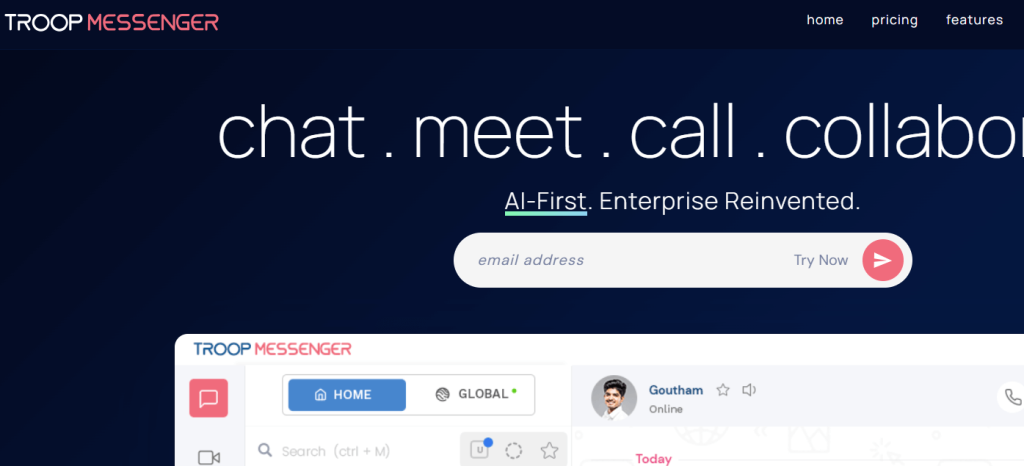
Review: Troop Messenger targets business chat with an emphasis on organizational controls and different deployment options, including a free plan entry point.
Best For
-
Teams wanting business chat with admin/security focus
-
Orgs evaluating hosted vs on-prem options
Key Features
-
Messaging, storage allocation, structured plans
Pros
-
Free plan option for up to 50 users (as listed)
-
Built for business environments
Cons
-
“Free plan” positioning may behave like an enterprise trial in practice (review plan details carefully)
Pricing
-
Free plan shown + paid upgrades
8. Fleep
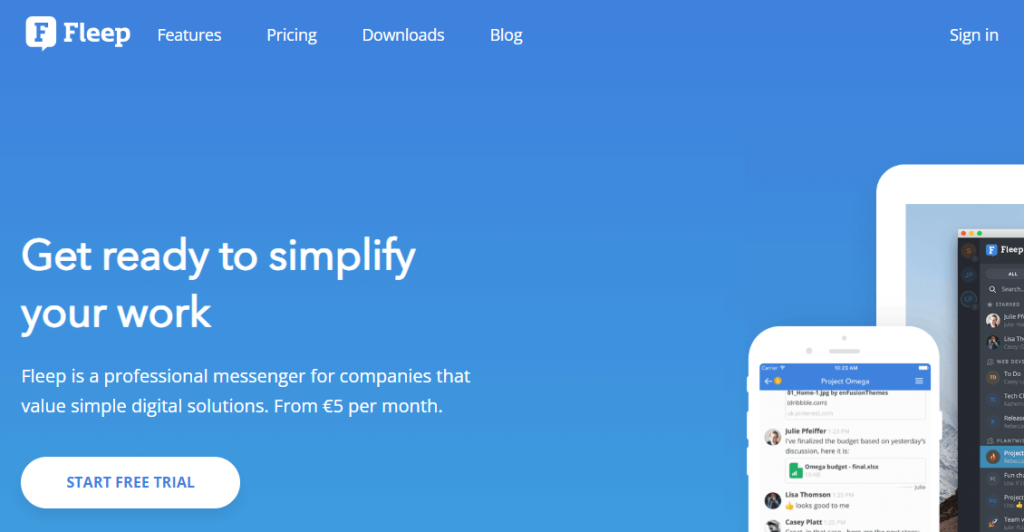
Review: Fleep is strong for cross-team/external collaboration, and it has a Basic (free) tier with clear limits (like group creation limits) while paid unlocks team management and more.
Best For
-
Teams working with clients/partners outside the org
-
Chat with long-term history in a simpler UX
Key Features
-
Basic free tier functionality (1:1 + limited group creation)
-
Business tier unlocks unlimited group conversations
Pros
-
Easy external collaboration
-
Free tier exists and is documented
Cons
-
Paid plan is where “team management” becomes stronger
Pricing
-
Basic (free) + Business €5/user/month billed annually (per pricing page)
9. Glip (RingCentral / RingCentral App)

Review: Glip is the legacy name for RingCentral’s team messaging capability. It’s not available standalone anymore, but team messaging lives inside RingCentral’s current app ecosystem (often bundled with their video/UC offerings).
Best For
-
Teams that want chat tightly connected to meetings and business calling
-
Organizations already using RingCentral
Key Features
-
Team messaging inside RingCentral’s platform
Pros
-
One platform for messaging + meetings
-
Can be “free with” certain RingCentral offerings
Cons
-
Glip standalone is discontinued
Pricing
-
Team messaging available for free with RingCentral Video Pro (per RingCentral overview) + paid suites for larger org needs
10. Troopr.ai
Review: Troopr.ai is not a Slack replacement—it’s a Slack companion for Jira workflows (issue updates, reports, standups/check-ins). It’s useful if your goal is to reduce Slack chaos by automating updates and status routines.
Best For
-
Engineering/product teams using Slack + Jira
-
Automated standups, retros, Jira reporting in Slack
Key Features
-
Jira issue creation/updates, reports, check-ins inside Slack
Pros
-
Great for replacing manual standup/status spam
-
Improves visibility without extra meetings
Cons
-
Requires Slack (so it’s not a true “alternative”)
-
Mainly paid after trial
Pricing
-
Paid plans + free 14-day trial
11. Ryver

Review: Ryver combines chat and task management with flat-rate style tiers—but it’s not freemium (typically trial-first, then paid), so it’s best if you’re okay paying after evaluation.
Best For
-
Teams wanting chat + tasks in one platform
-
Orgs preferring flat pricing tiers over per-seat complexity
Key Features
-
Unlimited chat, file sharing, task management (by plan)
Pros
-
Strong “chat + work” bundle
-
Straightforward tiers
Cons
-
No free-forever plan (trial → paid)
Pricing
-
Paid plans + free trial
12. Unleash.so
Review: Unleash isn’t a classic team messenger—it’s more like an AI chat assistant layer for internal knowledge and tools. It can reduce Slack Q&A by letting teammates ask an AI instead of pinging channels.
Best For
-
Teams drowning in “Where is X?” questions
-
Enterprises connecting knowledge sources/tools to an AI assistant
Key Features
-
Custom AI assistants, connect internal tools/APIs
Pros
-
Cuts repeated questions and interruptions
-
Useful alongside any chat tool
Cons
-
Not a full Slack-style messaging replacement
Pricing
-
Free trial; pricing via sales/contact
13. Chanty
Review: Chanty is a lightweight team chat app with tasking features, aimed at small teams that want Slack-like messaging without the complexity.
Best For
-
Small teams that want quick setup
-
Teams needing chat + simple tasks
Key Features
-
Team chat, tasks, guest limitations on free plan
Pros
-
Easy to adopt
-
Free tier available
Cons
-
Free plan has constraints (notably guest limits)
Pricing
-
Free plan + paid upgrades
14. Nozbe
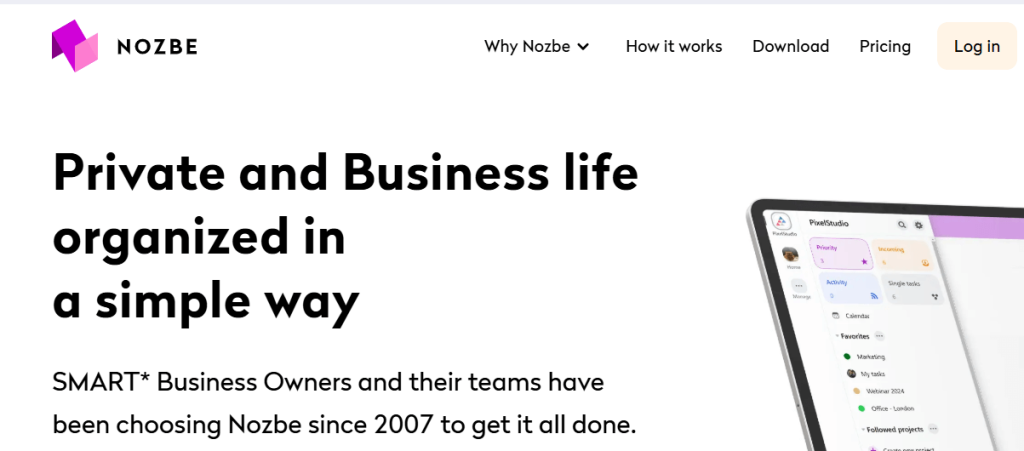
Review: Nozbe is an async-first teamwork tool where collaboration happens through tasks, comments, and projects. It’s ideal if your team wants to reduce chat and keep work discussions attached to deliverables.
Best For
-
Teams trying to go async and reduce interruptions
-
Task-driven collaboration instead of channel chatter
Key Features
-
Projects/tasks/comments, workspaces/spaces, long-term organization
Pros
-
Great for focus and accountability
-
Free account available without time limit
Cons
-
Not a “real-time chat replacement” by design
Pricing
-
Free plan + paid plans (see pricing page)
15. Brosix
Review: Brosix is a secure business messenger built around private team networks (chat, calls, file transfer, screen sharing). It’s strong for orgs that want more controlled internal messaging than consumer apps.
Best For
-
Secure internal business messaging
-
Teams that need screen sharing/remote support built-in
Key Features
-
Direct/group messaging, calls, file transfer, admin controls, screen sharing
Pros
-
Security + admin-oriented controls
-
Feature-rich for internal comms
Cons
-
No free-forever plan shown on official pricing (trial-based)
Pricing
-
Paid plans + 14-day free trial
How to Choose the Best Slack Alternative
-
If you want pure chat: Cinny, Flock, Troop Messenger, Fleep, (RingCentral messaging/“Glip” legacy)
-
If you want chat + tasks together: Rock, Chanty, Ryver (paid), Breeze (paid)
-
If you want async-first (less chat): Nozbe, Focalboard
-
If you want to automate Slack workflows (not replace it): Troopr.ai
-
If you want AI to reduce channel questions: Unleash.so
Conclusion
The “best” free Slack alternative depends on whether your team needs real-time messaging, secure/private comms, or a shift toward task-based async collaboration. Use the free tiers and open-source options to test fit quickly—and treat free trials (Breeze, Ryver, Brosix, Troopr.ai, Unleash.so) as evaluation paths when you need more robust business features.
FAQs
What’s the best truly free Slack alternative here?
Cinny (open-source Matrix client) and Flock (free tier for small teams) are strong starting points.
Which option is best for external/client collaboration?
Fleep is designed to collaborate across teams and organizations, with a Basic (free) tier.
Which tools help reduce chat by moving work into tasks?
Nozbe and Focalboard work well for async-first, task/board-driven collaboration.
If you want, I can also rewrite this into your exact “tool review” article format (intro + “Best Free Slack Alternatives” block + table + reviews) for publishing in WordPress, including a tighter SEO intro and more skimmable subheadings.

