


Academic research is essential for the advancement of knowledge in various fields. However, conducting thorough research can be a time-consuming process, involving sifting through vast amounts of data, articles, and sources. AI tools for academic research are transforming this landscape, offering innovative ways to enhance the research process by automating repetitive tasks, improving data analysis, and providing more accurate insights.
Whether you’re a student, academic professional, or researcher, using AI-powered tools can help you streamline your academic research workflow and improve the quality of your output. In this article, we will explore the top 10 AI tools for academic research, detailing their features, benefits, and pricing to help you choose the right one for your needs.
What Are Academic Research Tools?
Academic research tools are specialized software and platforms designed to assist researchers, scholars, and students in collecting, analyzing, and managing data and literature. These tools range from citation management systems to data analysis software, and increasingly, AI-based solutions are being used to automate and enhance various stages of the research process. AI academic research tools leverage machine learning, natural language processing, and data mining techniques to provide smarter and faster ways to conduct research.
For those seeking to improve their efficiency in tasks like research paper writing or survey creation, AI tools can help by suggesting relevant papers, automating citation management, summarizing articles, and even generating content drafts.
Benefits of AI Academic Research Tools
- Time Efficiency: AI tools automate tedious tasks like sorting through research papers, summarizing information, and formatting citations, saving researchers significant time.
- Increased Accuracy: AI tools can help researchers find more relevant articles and data, ensuring a more accurate and focused literature review.
- Advanced Data Analysis: AI tools for research allow for advanced statistical analysis and data visualization, providing deeper insights into research findings.
- Improved Writing: AI tools can assist in writing, grammar checking, and formatting, especially useful for research paper writing and academic publishing.
- Enhanced Collaboration: Many AI tools support collaboration features, allowing multiple users to work together on research projects.
Top 10 AI Academic Research Tools
-
WordviceAI
-
Powerdrill AI
-
Undermind
-
Dimensions (Digital Science)
-
ResearchPal
-
ResearchRabbit
-
ResearchGate
-
Iris.ai (The Iris AI)
-
DeepDyve
-
SurveyMonkey
Comparison Table
| Tool | Best For | Key Features | Pricing |
|---|---|---|---|
| WordviceAI | Academic writing polish | Proofreading, paraphrasing, plagiarism checks, ChatPDF | Free + Premium from $9.95/mo (annual billing) |
| Powerdrill AI | Dataset analysis & reporting | AI Q&A on files, auto insights, visuals & reports | Free + Pro shown from $16.58/mo (annual billing shown) |
| Undermind | Deep literature discovery | Guided “research like an expert colleague,” citation trails, alerts, export refs | Free; Pro $16/mo (annual billing); Team from $15/seat/mo |
| Dimensions (DS) | Research landscape & analytics | Linked database: papers, grants, patents, trials; full-text search; exports | Free (non-commercial) + paid Analytics (quote) |
| ResearchPal | Literature review + academic drafting | Paper insights, literature review generation, writing support | Free plan + paid Standard/Pro (pricing varies by plan) |
| ResearchRabbit | Literature mapping | Citation maps, author networks, alerts; visual exploration | Free tier + RR+ $12.5/mo or $120/yr |
| ResearchGate | Academic networking & sharing | Profiles, paper sharing, Q&A, collaboration | Join is free; also offers paid journal subscription service (for journals) |
| Iris.ai | AI-assisted research workflows | AI literature search/extraction concepts; enterprise AI workflows | Custom / enterprise pricing |
| DeepDyve | Access + AI reading | Article rental/streaming, AI Reader, recommendations, Word add-in | Manager $49/mo; Pro $129/mo; Enterprise custom |
| SurveyMonkey | Surveys & analysis | Survey building (incl. AI features), logic, analytics, exports | Plans vary; e.g. Advantage Annual A$32/mo, Premier Annual A$119/mo (page shown) |
1. WordviceAI

Review: WordviceAI is an academic writing assistant geared toward polishing scholarly writing—proofreading, rewriting, paraphrasing, and research-friendly utilities like PDF tools and citation generators.
Best For
-
Proofreading research papers, theses, and journal submissions
-
Paraphrasing while keeping an academic tone
-
Quick PDF summarization/translation workflows
Key Features
-
AI proofreader, paraphraser, translator, summarizer
-
Plagiarism checker and AI detector (plan-based limits)
-
Submission limits and monthly word/page quotas by plan
Pros
-
Academic-focused writing modes and tooling
-
Includes research utilities like ChatPDF + citation generators
-
Clear plan limits shown on the pricing page
Cons
-
Advanced checks/limits are plan-dependent
-
Not a literature discovery tool (best paired with a search/mapping tool)
Pricing
-
Free Basic plan
-
Premium shown from $9.95/month (billed annually)
2. Powerdrill AI

Review: Powerdrill AI focuses on turning datasets into answers, summaries, and visuals—useful for academic research when you’re analyzing survey exports, experimental results, or CSV/Excel data.
Best For
-
Quick exploratory data analysis for research datasets
-
Turning tables into insights, charts, and narrative reports
-
Non-technical researchers who want “chat with data”
Key Features
-
Automated insights and visual-style reporting workflows
-
Pricing page shows an Individual Free tier and a Pro tier
Pros
-
Speeds up “first pass” analysis dramatically
-
Helpful for drafts (“Results” section scaffolding) after you verify outputs
-
Bridges analysis → reporting
Cons
-
You still need to validate statistics and methods yourself
-
Pricing/details may load dynamically (plan details can change)
Pricing
-
Free tier shown
-
Pro shown from $16.58/month (annual billing shown)
3. Undermind
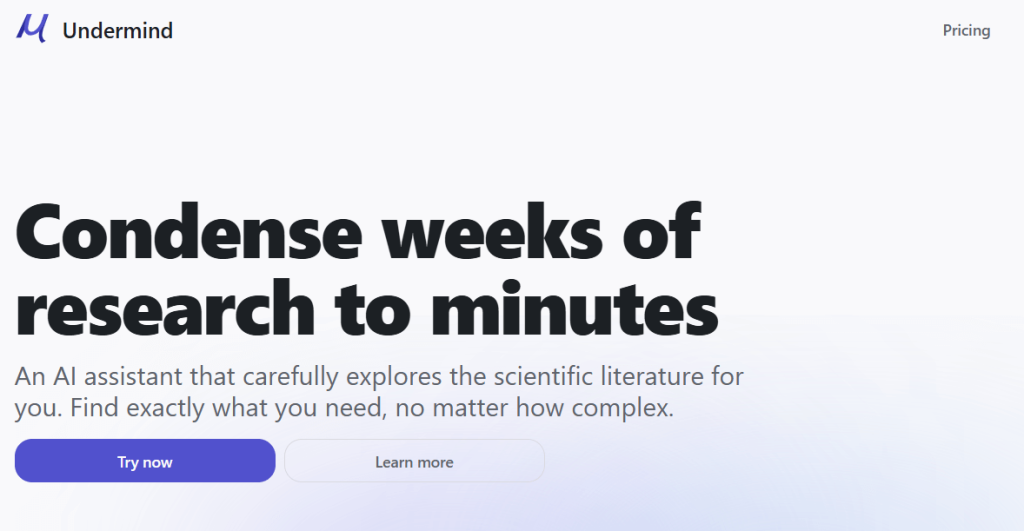
Review: Undermind is built for deep literature discovery—more like sending an expert colleague to investigate your topic. It emphasizes adaptive search, citation trails, structured summaries, and alerts.
Best For
-
Discovering “must-cite” papers you might miss
-
Building a strong literature review quickly
-
Staying updated via alerts in a narrow topic area
Key Features
-
Conversational topic setup + adaptive literature search
-
Citation-trail exploration and refining results
-
Full-text analysis (where available), export references, alerts
Pros
-
Designed specifically for serious literature review work
-
Pricing includes an actual free tier for testing
-
Strong “keep up”/alert workflow for ongoing research
Cons
-
Free tier is limited (e.g., limited searches/results)
-
Full text depends on availability and access rights
Pricing
-
Free: $0 (limited usage; example: 5 searches/month shown)
-
Pro: $16/month (billed annually)
-
Team: $15/person/month (billed annually)
4. Dimensions

Review: Dimensions is a large, connected research database that links publications, grants, patents, clinical trials, policy documents, and more—useful for both discovery and higher-level research analytics.
Best For
-
Broad landscape reviews (who’s funding what, where research leads)
-
Institution-level discovery + analytics workflows
-
Tracking research impact across entities (papers → patents → policy)
Key Features
-
Full-text search across a massive connected database (200M+ documents stated)
-
Data export for networks, reference managers, and dashboards
-
Free version for non-commercial use; “Dimensions Analytics” for full access
Pros
-
Strong for “research landscape” work beyond just papers
-
Useful export + analysis features for bibliometrics/scientometrics
-
Free option exists for personal, non-commercial usage
Cons
-
The most powerful analytics features are in paid tiers
-
Can feel “big” if you only need a small lit review
Pricing
-
Free version (personal, non-commercial)
-
Dimensions Analytics: quote/demo model
5. ResearchPal
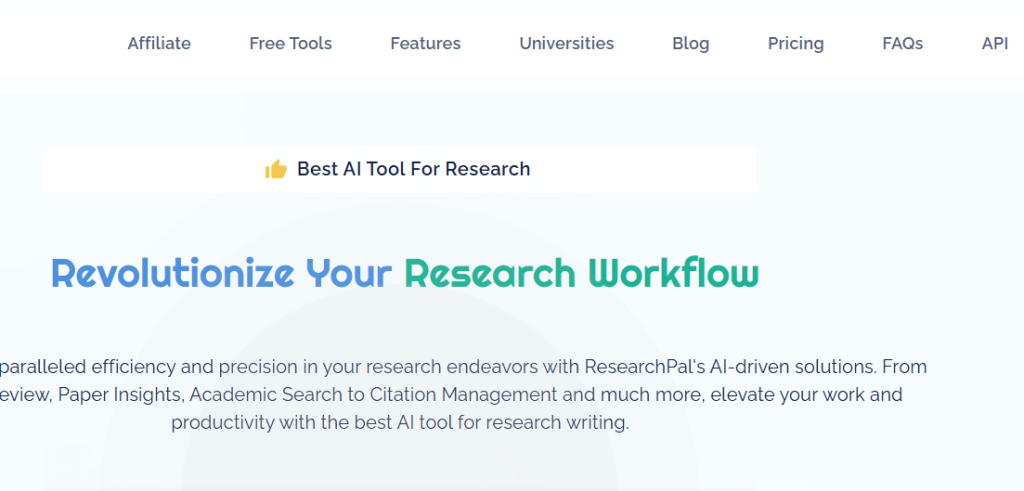
Review: ResearchPal targets the “read → extract → synthesize → draft” loop, with tools for generating literature reviews, extracting insights from papers, and supporting academic writing workflows.
Best For
-
Getting structured paper insights fast
-
Drafting literature review sections (then refining with citations)
-
Managing early-stage research writing and synthesis
Key Features
-
Literature review generation + paper insights workflows
-
Multiple plan tiers (Free / Standard / Pro shown in public references)
Pros
-
Good “starter engine” for synthesis and outlining
-
Useful when you already have a topic and need structured writing support
Cons
-
Official pricing page content may require JavaScript to view (plan details can change)
-
AI-generated literature review text must be verified carefully
Pricing
-
Free plan mentioned publicly
-
Paid tiers (e.g., Standard plan pricing appears in public listings; verify on site for current amounts)
6. ResearchRabbit

Review: ResearchRabbit is a visual literature mapping tool—great for exploring related papers, author networks, citation connections, and tracking a field over time.
Best For
-
Mapping a research area visually
-
Discovering related papers and key authors
-
Monitoring new papers via alerts
Key Features
-
Visual exploration of papers/authors and trends
-
Pricing page shows Free tier and RR+ upgrades
Pros
-
Fantastic for “what’s connected to what?” discovery
-
Good for identifying clusters and gaps quickly
-
Free tier is explicitly stated to remain
Cons
-
Not a writing tool—pair it with WordviceAI/ResearchPal
-
Quality depends on what you seed into it (inputs matter)
Pricing
-
Free: $0 (Free tier)
-
RR+: $12.5/month or $120/year (as shown)
7. ResearchGate

Review: ResearchGate is a research networking platform for sharing work, discovering papers, and connecting with other researchers (profiles, Q&A, collaboration).
Best For
-
Networking with researchers in your field
-
Sharing preprints/author-uploaded copies and getting feedback
-
Finding collaborators and following researchers
Key Features
-
“Join for free” sign-up for researchers
-
Community features + platform-based services (including a paid journal subscription service for eligible journals)
Pros
-
Strong visibility and researcher-to-researcher discovery
-
Useful for requesting papers from authors directly (common practice)
Cons
-
Availability of full texts varies by author uploads and permissions
-
Not a dedicated citation manager or systematic review engine
Pricing
-
Free to join/use core networking features
-
Separate paid subscription service exists for eligible journals (publisher/journal-side)
8. Iris.ai
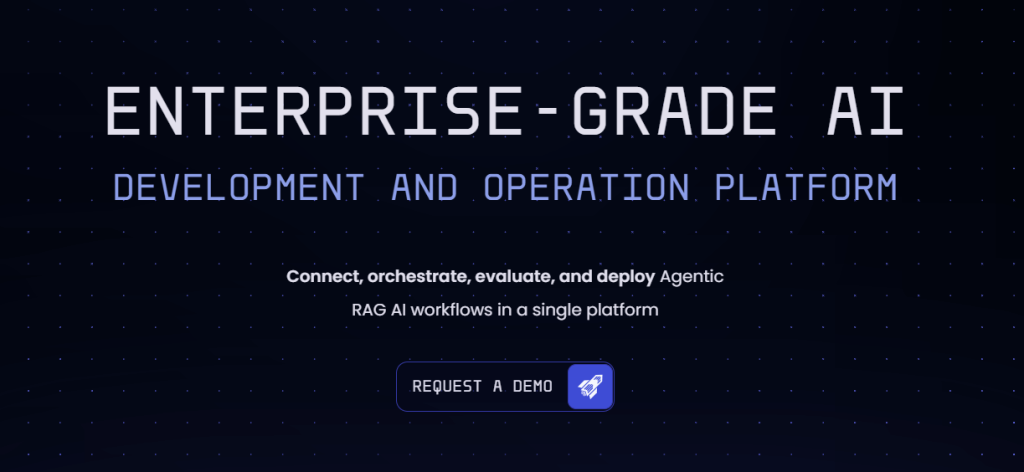
Review: Iris.ai is known for AI-driven literature search/extraction concepts and now positions itself as an enterprise platform for tailored AI workflows around knowledge retrieval and evaluation.
Best For
-
Organizations/teams building AI-assisted research workflows
-
Large-scale knowledge discovery and extraction use cases
-
Cross-domain exploration where keyword search fails
Key Features
-
AI-driven literature search and extraction approach (context-based)
-
Enterprise-oriented platform positioning
Pros
-
Built around retrieval + workflow thinking (good for complex pipelines)
-
Suitable when you need more than a “single tool” experience
Cons
-
Not always optimized for individual students (depends on offering)
-
Requires clear workflow goals to get maximum value
Pricing
-
Custom / quote-based plans are commonly indicated
9. DeepDyve
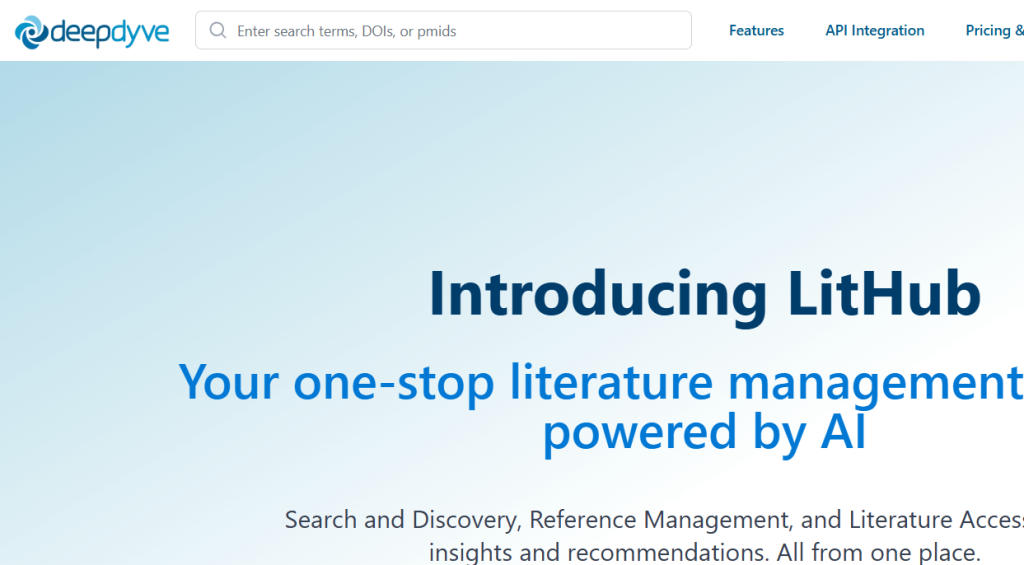
Review: DeepDyve is a research reading/access platform with subscription-based article rental/streaming plus AI reading assistance, recommendations, and integrations for writing workflows.
Best For
-
Researchers without full library access to journals
-
Fast reading + organizing papers with AI reader support
-
Building a personal research library with annotations
Key Features
-
Search across a large corpus; OA access + LitStream paper access
-
AI Reader for full text papers + recommendations
-
MS Word add-in integration (cite-while-you-write workflow support)
Pros
-
Clear pricing tiers and included features list
-
Helpful for “read + annotate + write” workflows
Cons
-
Access model may not replace full institutional subscriptions
-
Some features are tier-gated (e.g., unlimited LitStream on Pro)
Pricing
-
Manager: $49/month or $360/year
-
Pro: $129/month or $999/year
-
Enterprise: Custom
10. SurveyMonkey

Review: SurveyMonkey is a leading survey platform used heavily in academic and market research for questionnaire creation, logic, distribution, and analysis/reporting (including AI-assisted building features in some plans).
Best For
-
Designing and distributing academic surveys
-
Quant + mixed-method data collection at scale
-
Fast reporting, exports, and dashboard-style analysis
Key Features
-
Survey creation + logic (skip logic, piping, branching, etc.)
-
“Build with AI” is shown on plan pages
-
Strong reporting and integrations ecosystem
Pros
-
Easy to deploy surveys quickly and professionally
-
Robust analytics and export options
Cons
-
Advanced features can be expensive
-
Some customization and logic options are paywalled
Pricing
-
Example individual plans shown: Advantage Annual A$32/month; Premier Annual A$119/month (billed annually)
-
Plan pricing/availability varies by region and plan type
How to Choose the Best AI Academic Research Tools
When choosing the best AI academic research tools, consider these factors:
- Specific Research Needs: If you’re primarily focused on citation management, tools like Zotero or EndNote are ideal. If you need help with writing, Grammarly or Ref-N-Write can assist.
- Collaboration Features: Look for tools that support teamwork if you’re working with others on research projects (e.g., Mendeley, ResearchGate).
- Pricing: While many tools are free, paid versions often offer advanced features. Choose based on your budget and research requirements.
- Ease of Use: Choose tools with a user-friendly interface, especially if you’re new to academic research software.
Conclusion
AI tools for academic research are transforming the way researchers conduct their studies, helping them save time, increase accuracy, and streamline their workflow. The 10 tools listed above cover a variety of needs, from citation management and writing assistance to research paper access and survey creation. By selecting the right tool for your needs, you can enhance your research process and produce high-quality academic work.
FAQ
What are academic research tools?
Academic research tools are specialized software and platforms that help researchers gather, manage, and analyze data, write papers, and collaborate on research projects.
Are there free AI tools for academic research?
Yes, tools like Zotero, Mendeley, and ResearchGate offer free versions, while others may require a paid plan for advanced features.
How do AI tools help with writing research papers?
AI tools can assist with grammar checking, citation management, paraphrasing, and even generating content, making the research paper writing process faster and more efficient.
Which tool is best for conducting surveys in academic research?
SurveyMonkey is one of the best survey tools for academic research, offering customizable surveys and data analysis tools.
Can AI tools replace traditional research methods?
While AI tools can streamline many aspects of research, they are best used alongside traditional methods for tasks like data collection and analysis.

