


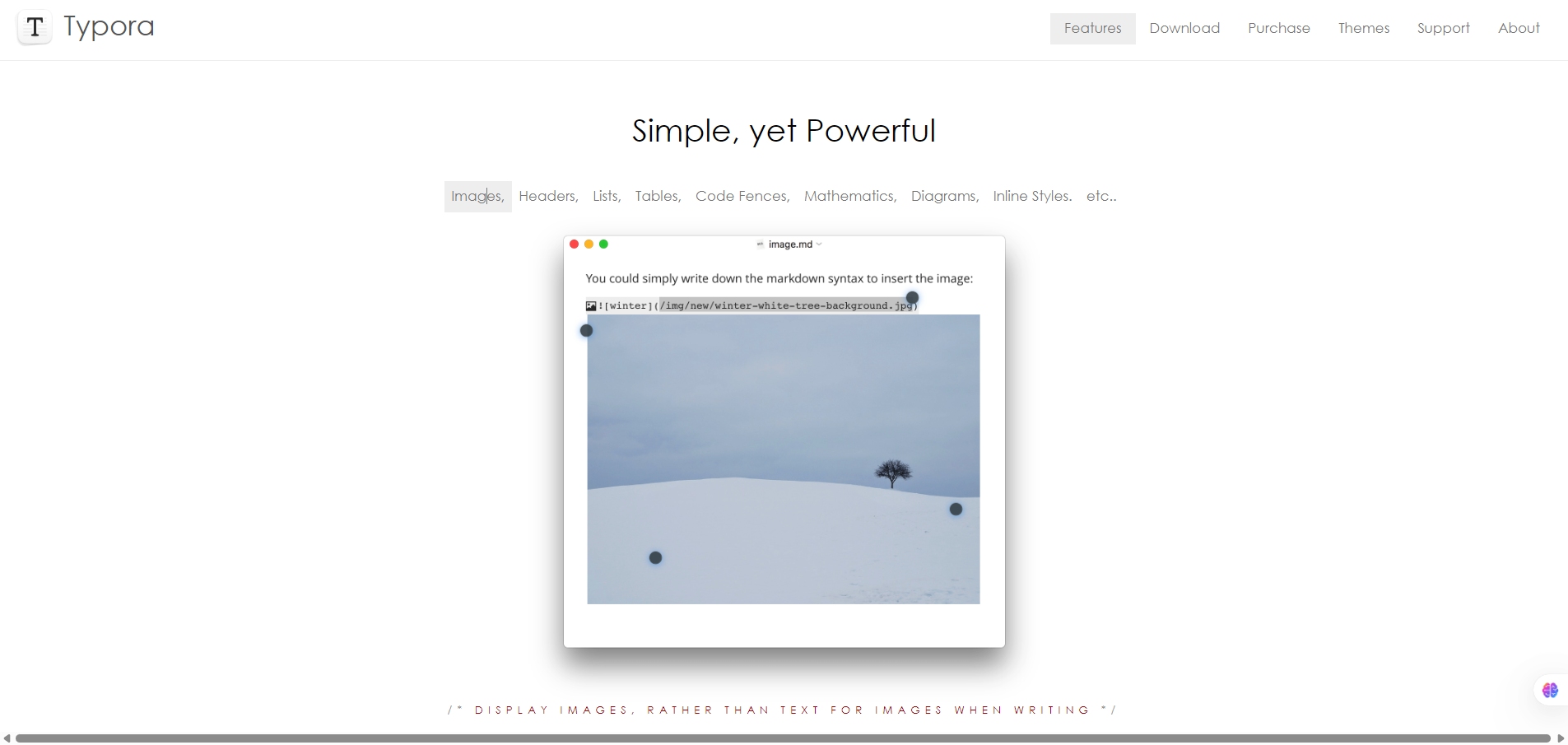
Typora is a desktop Markdown editor available for Windows, macOS and Linux. It offers a live-rendered view of your Markdown as you type — no split panes by default — and supports many of the common Markdown features plus export to other formats.
If you write documentation, blog posts, notes, technical content or academic work in Markdown, you’ll appreciate a smooth experience without toggling between writing and preview. Typora helps you stay focused on content rather than editor UI. It also supports exporting (PDF, Word, HTML etc) which means you can move from writing to delivery with fewer tools.
You install Typora on your device, open a Markdown file (or create one), and as you type it shows the rendered result in-place. It hides Markdown markers (like the asterisks for bold) and directly shows formatted text. You can customize themes (via CSS), work with diagrams, tables, math, export formats, and use the outline / TOC sidebar to navigate. Support docs list features like “Export via Pandoc”, “custom CSS themes”, etc.



