
Zettlr logo

Zettlr

Rating: 4.2
User Satisfaction: 85%
Zettlr is a tool that lets writers and researchers work in Markdown, manage notes and references, and export to publication-ready formats so they can organise ideas, write rich documents and publish smoothly.

Alternative To

Overview

Zettlr is a free, open-source desktop application for writing and organising text in Markdown. It runs on Windows, macOS, and Linux.
Rather than being a typical word-processor, it focuses on managing files/folders of Markdown notes, linking between them (Zettelkasten style), integrating citations, and exporting to various formats suitable for publication.

If you’re a writer, researcher, student or author working with many notes, references and documents rather than one long text, Zettlr brings together note-management, citation support and export flexibility in one tool. It helps you:

  • Keep your writing and notes under your control (files stay on your machine, no forced cloud).
  • Link and organise ideas (better than a flat set of documents). 
  • Export to multiple formats (PDF, DOCX, LaTeX via Pandoc) for various publication or submission pipelines.

Install Zettlr on your computer. Point it at a folder (or workspace) which contains Markdown (.md) files. You write and edit those files using Zettlr’s editor, which supports Markdown, split-view, themes, internal linking, tagging, full-text search.
You can integrate with reference management (e.g., BibTeX / CSL JSON) to insert citations, manage bibliographies. 
When ready, you can export your notes/chapters/projects into formats like PDF, Word, HTML—using Pandoc under the hood.

Details

Tool Launch / Founded Date

Initial version released December 2017 (2017-12-26 approx.)

Best for

Researchers, graduate students, authors working with many documents and references; anyone who cares about keeping files local, organizing large note sets; less so for purely collaborative real-time editing.

Access Type

Free to use. Open-source. (Donation-supported)

Licensing Model

Proprietary rights via GNU GPL v3 (fully open source) All your files are yours; the software doesn’t lock your content.

Feature

  • Full text search across your notes and documents. 
  • Markdown editor with split-view, code highlighting, dark mode, themes.
  • Internal linking of notes & support for Zettelkasten-style workflows (linking between files, graph view) 
  • Citation & bibliography support: integrates with Zotero/JabRef etc via BibTeX/CSL, so you can insert references in academic writing.
  • Powerful export options: through Pandoc to over 30 formats (PDF, DOCX, HTML, LaTeX etc) so you can publish or submit in required format.
  • Local-first & privacy-focused: files stay on your machine; no forced cloud or telemetry. 
  • Template support, snippets, tagging, project organisation (multiple files managed as a single “project”)

Pricing Tables

Free
$0
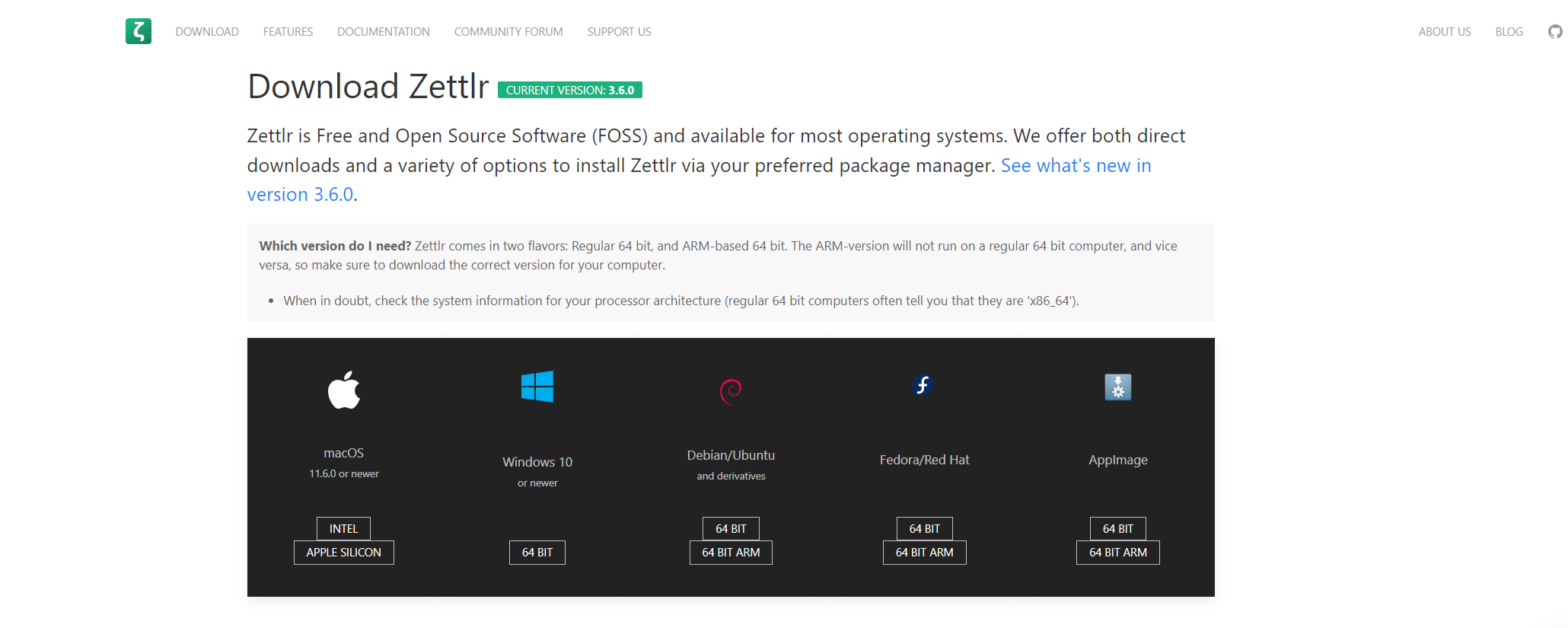
  • Fully functional. Downloads for Windows/macOS/Linux. No license fee. Donation-supported. 
  • Supports all core features (writing, export, citation)
  • You are responsible for your own data sync/backups.

Analytics

Traffic Analysis

Domain Rating
61
Organic Traffic
6888
Majority Users
United States

Visits Over Time

No visit data found.

Traffic Sources

No traffic data found.

Last Update Date: 2025-11-15

FAQ

Can I use Zettlr output commercially (papers, books, articles) without restrictions?
Yes — you retain full ownership of your content since the files are yours. The software uses open-source GPL, and there’s no licensing fee for publication. Just check any template/export settings (some templates might have their own license, but your writing is yours).
How many documents/notes can I create? Is there a quota?
No imposed quota. Since files are on your machine, you’re limited only by your disk space and system resources. Zettlr handles large projects by managing folders/workspaces.
Can I edit/customise the export output or format (for example templates for thesis or journal)?
Yes, you can. Zettlr supports export via Pandoc and allows usage of templates, so you can customise output (LaTeX or Word etc) to match institutional requirements. Some setup may be required.
Does it integrate with mobile or cloud sync?
Zettlr itself doesn’t provide a mobile app or built-in cloud sync. You can use third-party file sync (Dropbox, OneDrive, Git, etc) or use another device to access the file folder. For mobile editing you might need a compatible Markdown editor and sync solution.
Does Zettlr send my data/notes to the cloud or use telemetry?
No, it emphasizes “Privacy First” — files stay on your computer; there’s no forced cloud synchronisation or telemetry enabled by default.
If I’m working in a team on the same document, is Zettlr a good choice?
If your workflow involves one author or a solitary researcher, Zettlr works well. If you need real-time collaboration (multiple people editing the same document simultaneously via browser), then a cloud-based collaborative editor might be stronger.
What do I get if I upgrade (or donate) versus free?
Since Zettlr is free/open source, there’s no “upgrade” tier documented. Donations help support ongoing development. Since everything is available in the free version, you aren’t locked out of features.

Related AI Tools

JimmyGPT is an AI chatbot tool that helps individuals chat, brainstorm, and get coding or writing assistance through
Dreamland Stories is a tool that helps kids create personalized AI-generated stories with images and narration so they
WriteMyEssay.ai is a tool that generates academic essays, outlines, and citations for students so they can draft papers
StoryHero is an AI storytelling tool that creates personalized illustrated stories for children so parents, teachers, and kids
MindChat is a mental wellness and concussion monitoring platform that combines AI assessments with EEG data for clinicians,
FanFicGen is a tool that generates AI-written fan fiction stories for fandom creators so they can brainstorm plots,

