


Mathematics can be challenging, but the best AI for math is transforming how students and educators solve problems, learn concepts, and teach effectively. AI-powered math tools provide quick, accurate solutions to complex problems, making math more accessible and less intimidating. Whether you’re a student tackling homework, a teacher preparing lessons, or just someone curious about math AI, these intelligent platforms can make a huge difference.
In this article, we explore the best AI math solvers and platforms designed to assist with everything from algebra and calculus to geometry and word problems. Discover which AI is best for math, compare their features, and learn how to choose the right tool for your needs.
Benefits of AI Tools for Mathematics
- Instant problem-solving: AI math solvers quickly analyze and solve problems step-by-step.
- Learning enhancement: They help explain concepts and show solution paths, aiding comprehension.
- Time-saving: Teachers can automate grading and focus on teaching rather than manual calculations.
- Accessibility: Available on multiple devices, making math help easy anytime, anywhere.
- Customizable: Many tools adapt to various skill levels and curricula.
Top 10 Best AI Tools for Mathematics
- Wolfram Alpha
- Photomath
- Geogebra
- Symbolab
- Socratic by Google
- Cymath
- Math-GPT
- Mathway
- Desmos
- Khan Academy
Comparison Table
| Tool | Official site | Best for | Core strengths | Pricing model (high-level) |
|---|---|---|---|---|
| Wolfram Alpha | WolframAlpha.com | Advanced computation | Strong symbolic + numeric computation; broad STEM coverage | Free tier + paid options |
| Photomath | Photomath.com | Camera-based homework help | Scan → stepwise solutions; beginner-friendly explanations | Free tier + subscription |
| GeoGebra | GeoGebra.org | Geometry + visualization | Dynamic geometry, graphing, and (often) CAS tools | Free (non-commercial focus) |
| Symbolab | Symbolab.com | Step-by-step learning | Clear procedural steps for algebra → calculus | Free tier + paid plans |
| Socratic (Google) | Google Help Center | Concept support | Connects problems to learning resources (format varies) | Free |
| Cymath | Cymath.com | Quick algebra/calc | Fast solutions with readable steps | Free tier + paid upgrade |
| Math-GPT | math-gpt.org / math-gpt.ai | Tutor-style explanations | Conversational explanations + worked steps (verify when needed) | Free tier + paid plans (varies) |
| Mathway | Mathway.com | Broad problem coverage | Multi-topic solver; step access typically via premium | Free answers + premium steps |
| Desmos | Desmos.com | Graphing & intuition | Excellent interactive graphing and exploration | Free |
| Khan Academy (Khanmigo optional) | KhanAcademy.org / Khanmigo.ai | Structured learning | Curriculum + practice + mastery tracking; AI tutor via Khanmigo | Core platform free; Khanmigo has paid options |
1. Wolfram Alpha
Review:
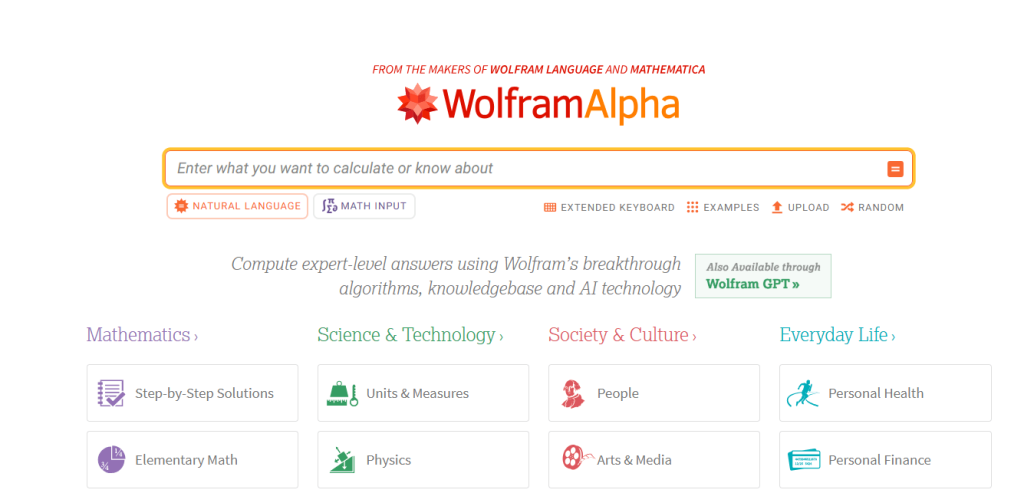
Wolfram Alpha is a powerhouse AI math tool, renowned for its ability to compute answers across a wide range of mathematical disciplines, from simple arithmetic to advanced calculus and differential equations. Unlike traditional calculators, it offers step-by-step solutions, explanations, and graph plotting. Its extensive database and computational knowledge engine make it ideal for in-depth research and academic use.
Best for:
Students and professionals needing deep mathematical computations and detailed solutions.
Features:
- Step-by-step solutions
- Graph plotting
- Symbolic computation
- Extensive math topic coverage
- Scientific data integration
Pros:
- Comprehensive problem-solving
- Supports complex math
- Offers detailed explanations
- Reliable and accurate
Cons:
- Interface can be overwhelming for beginners
- Some features require subscription
Pricing:
Free basic access; Pro subscription starts at $5.49/month.
2. Photomath
Review:
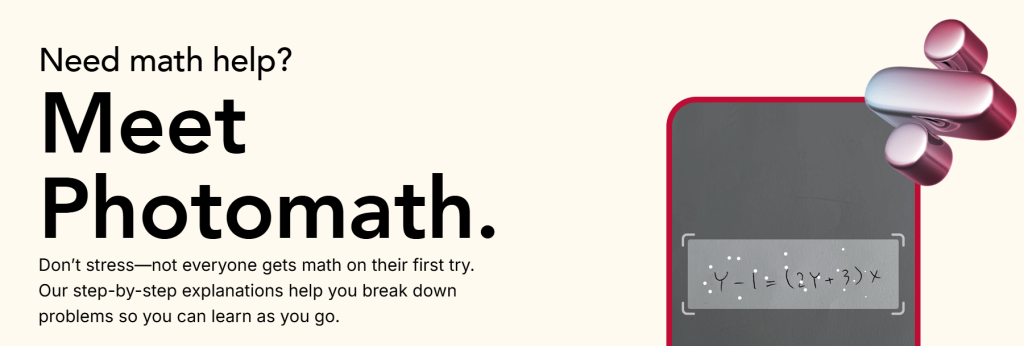
Photomath stands out for its simplicity and accessibility. Users snap a picture of a handwritten or printed math problem, and the AI instantly provides a detailed solution. Perfect for quick homework help, it covers arithmetic, algebra, and calculus problems. Its intuitive interface and animated explanations make it a favorite for younger students.
Best for:
Students looking for quick, visual help on math homework.
Features:
- Camera problem recognition
- Step-by-step animated solutions
- Graphing calculator
- Offline mode available
Pros:
- Easy to use
- Supports handwritten problems
- Visual and interactive explanations
- Free basic version
Cons:
- Limited advanced math support
- Requires clear images for best accuracy
Pricing:
Free with optional Photomath Plus subscription at $5.99/month for advanced features.
3. GeoGebra

Review:
GeoGebra is a leading interactive mathematics environment that unifies graphing, geometry, and (optionally) CAS-based algebra tools. Its value is less “AI chat” and more dynamic exploration—especially for geometry, functions, and modeling.
Best For:
-
Geometry + graphing + exploratory learning
-
Teachers designing interactive activities
-
Learners who need visual intuition (sliders, constructions, 3D)
Key Features:
-
Graphing, geometry, statistics tools
-
CAS calculator for symbolic manipulation (solve, factor, derivatives, integrals)
-
3D graphing and constructions
-
Interactive resources and classroom materials
Pros:
-
Excellent for visualization and conceptual understanding
-
Strong suite of free tools for students
-
Widely used in teaching and learning
Cons:
-
Not a “single-click solver” for everything
-
Licensing differs for commercial use
Pricing:
-
Free for non-commercial use; commercial licensing requires a separate agreement.
4. Symbolab

Review:
Symbolab is a powerful AI math solver with a strong focus on detailed step-by-step explanations, ideal for students needing to understand problem-solving processes. It supports algebra, calculus, and other higher-level math topics, along with practice quizzes. The platform’s intuitive interface enhances learning for users at all levels.
Best for:
Students seeking detailed stepwise math solutions and practice.
Features:
- Step-by-step solutions
- Practice problems
- Graphing calculator
- Formula search and hints
Pros:
- Clear, detailed explanations
- Covers wide math topics
- Interactive practice tools
Cons:
- Many features locked behind subscription
- Ads in free version
Pricing:
Free basic use; Premium from $19.99/month.
5. Socratic by Google

Review:
Socratic by Google leverages AI and Google’s search capabilities to help students solve math problems and understand concepts. It supports scanning problems and offers explanations in multiple formats, including videos, text, and definitions. Its integration with Google Search results provides a rich learning experience.
Best for:
Students needing conceptual understanding and quick answers with supplementary learning materials.
Features:
- Problem scanning
- Video and text explanations
- AI-powered suggestions
- Google Search integration
Pros:
- Free to use
- Multiple explanation formats
- Covers many subjects beyond math
Cons:
- Solution steps sometimes less detailed
- Dependent on internet connection
Pricing:
Free.
6. Cymath
Review:
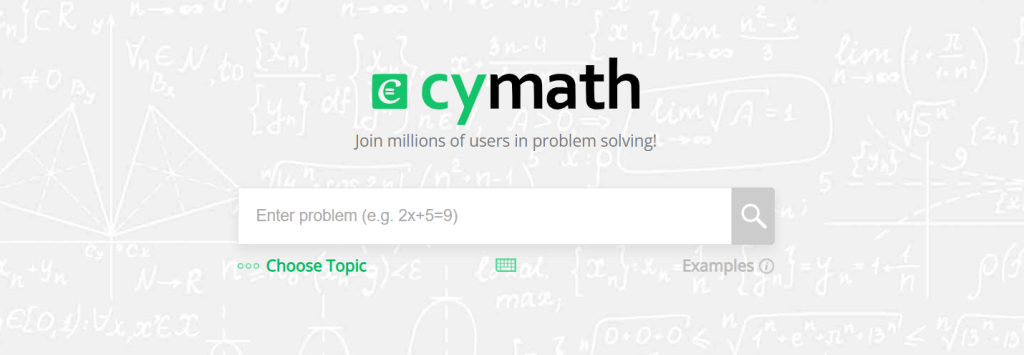
Cymath is an easy-to-use AI math solver designed for quick problem solving and explanations. It supports algebra, calculus, and graphing with clear, concise solution steps. Cymath’s user-friendly design suits students looking for straightforward help without too many distractions.
Best for:
Quick, clear math solutions for students needing straightforward help.
Features:
- Step-by-step solutions
- Algebra and calculus focus
- Graphing calculator
- Mobile app support
Pros:
- Simple interface
- Free basic version
- Concise explanations
Cons:
- Limited advanced topic support
- Ads in free version
Pricing:
Free; Premium at $4.99/month removes ads and adds features.
7. Math-GPT

Review:
Math-GPT tools represent a newer “LLM-style” solver approach: they aim to generate stepwise reasoning and explanations in natural language, often with strong flexibility across problem formats. In practice, these are most effective when used for guided reasoning + checking, rather than unquestioned final authority.
Best For:
-
Learners who want conversational explanations and multi-step reasoning
-
Mixed-format problems (word-to-math translation + step guidance)
Key Features:
-
Step-by-step reasoning in natural language
-
Credit-based usage model (varies by plan)
-
Tutor-like interaction for explanations and strategy
Pros:
-
Strong for “explain like a tutor” workflows
-
Useful when you need interpretation + solution structure
Cons:
-
Like any LLM-style tool, it can make confident mistakes
-
Requires verification for high-stakes work (exams, grading, publishing)
Pricing:
-
Free tier plus paid tiers listed (e.g., annual-billed Lite/Pro options).
8. Mathway

Review:
Mathway is one of the most popular AI math solvers, offering answers for problems from basic math to advanced calculus and statistics. It provides step-by-step solutions and supports multiple input methods. The app’s clean interface and wide coverage make it a versatile tool for many users.
Best for:
Users needing comprehensive math help across all levels.
Features:
- Stepwise solutions
- Multiple input methods
- Graphing calculator
- Wide topic coverage
Pros:
- Versatile and powerful
- Detailed explanations
- Easy to use
Cons:
- Step solutions require paid subscription
- Occasional inaccuracies in complex problems
Pricing:
Free basic answers; Step-by-step solutions from $9.99/month.
9. Desmos

Review:
Desmos is a highly regarded graphing calculator with AI-enhanced features that support visual math learning. It allows users to plot functions, create interactive graphs, and explore math visually. It’s widely used by educators for teaching algebra, calculus, and statistics.
Best for:
Students and teachers focused on graphing and visualizing math concepts.
Features:
- Interactive graphing
- Function plotting
- Classroom activities
- Free and web-based
Pros:
- Free and user-friendly
- Powerful graphing tools
- Great for visual learners
Cons:
- Limited symbolic computation
- Not a full solver for all math problems
Pricing:
Free.
10. Khan Academy

Review:
Khan Academy combines AI-powered practice and tutorials with a vast library of math videos covering everything from arithmetic to advanced calculus. Its personalized learning dashboard adapts to student progress, offering hints and problem-solving strategies, making it a favorite for self-paced learners and educators.
Best for:
Students and teachers seeking comprehensive lessons with adaptive AI practice.
Features:
- Personalized practice
- Video tutorials
- Step-by-step problem solving
- Progress tracking
Pros:
- Completely free
- Extensive curriculum coverage
- Adaptive learning technology
Cons:
- Less focused on instant problem solving
- Requires internet connection
Pricing:
Free.
How to Choose the Best AI Tool for Mathematics
Choosing the best AI math tool depends on your specific needs:
- Level of Math: For basic homework, tools like Photomath and Cymath excel; for advanced math, Wolfram Alpha and Symbolab are better.
- Learning Style: Visual learners benefit from Desmos and Khan Academy, while quick solvers prefer Mathway or QuickMath.
- Budget: Several tools are free or offer free versions; others require subscriptions for full features.
- Features Needed: Decide if you want graphing capabilities, step-by-step explanations, or integrated learning resources.
- Platform Compatibility: Check if the tool works on your preferred device (mobile, web, desktop).
Conclusion
AI tools for mathematics are revolutionizing how students and educators approach math challenges. From solving simple equations to tackling complex calculus, these top 10 AI math solvers offer powerful assistance, tailored explanations, and interactive learning to boost confidence and understanding. Whether you want instant homework help, deep computation, or visual learning, there’s an AI math tool here for you.
Explore these platforms, consider your unique needs, and harness the power of the best AI for math to make learning and teaching mathematics easier and more enjoyable than ever.
FAQs
What is the best math AI solver for students?
Photomath and Microsoft Math Solver are great for students due to their easy input methods and step-by-step solutions.
Which AI tool is best for math teachers?
Wolfram Alpha and Khan Academy are excellent for teachers because of their deep problem-solving and adaptive learning features.
Can AI tools solve word problems?
Yes, many AI tools like Microsoft Math Solver and Photomath handle math word problems effectively.
Are these AI math tools free to use?
Most offer free versions with optional premium subscriptions for advanced features.
Do AI math tools explain the steps or just give answers?
Top tools such as Symbolab, Photomath, and Wolfram Alpha provide detailed step-by-step explanations, not just answers.

