

Looking for the best AI voice generator free to turn text into lifelike speech? Whether you’re creating TikTok/YouTube videos, podcasts, eLearning, ads, or accessibility audio, these tools can produce clean, natural voiceovers—often with free plans (or free trials).
Below is an updated list using only: kits_ai, Uberduck, NoteGPT, WellSaid, speechgen, readloud, lingvanex, speechify, speechma, ReadSpeaker.
What Is an AI Voice Generator?
An AI voice generator (text-to-speech / TTS) converts text into spoken audio using neural models trained on human speech. Many modern tools support multiple languages, different voice styles, and controls like speed, pauses, and emphasis.
Benefits of Using an AI Voice Generator
-
Human-like voices with more realistic pacing and tone
-
Fast production (voiceovers in seconds)
-
Multi-language reach for global audiences
-
Lower cost vs hiring voice talent for every script
-
Accessibility for reading websites, documents, and learning content
-
Content flexibility for videos, podcasts, audiobooks, and product demos
10 AI Voice Tools Compared: Free Plans, Trials, and Best Uses
-
Speechify
-
WellSaid
-
Uberduck
-
kits_ai
-
ReadSpeaker
-
SpeechGen
-
ReadLoud
-
Lingvanex
-
Speechma
-
NoteGPT
Quick Comparison Table (Free Options)
| Tool | Best For | Key Feature | Free Plan / Trial |
|---|---|---|---|
| Speechify | Reading docs/articles | Simple AI reader across devices | Free plan available (basic voices/limits) |
| WellSaid | Pro voiceovers | Studio-quality narration | 1-week Studio/API trial; downloads require paid |
| Uberduck | Creator voice workflows | TTS + creator tooling | Low-cost plans + free/non-commercial options (varies) |
| kits_ai | Creator audio + voice tools | Voice tools + conversion workflow | Free plan available; limits apply |
| ReadSpeaker | Websites & accessibility | Enterprise-grade TTS + voices | Quote-based pricing; demos/trials exist for some products |
| SpeechGen | Quick downloadable voiceovers | Browser TTS + pricing per characters/packs | Paid packs; pricing is transparent |
| ReadLoud | Fast free MP3 TTS | Simple online TTS to MP3 | Free web service |
| Lingvanex | Enterprise pipelines | TTS + language tools | TTS positioned as fixed-price business offering |
| Speechma | Free unlimited TTS | Large voice library + commercial-friendly positioning | Free, no registration claims + guidelines apply |
| NoteGPT | Learning + summaries + audio | Summaries + TTS credits on paid tiers | Free core features; paid tiers include “speech/podcast” credits |
Top 10 AI Voice Generators – In-Depth Reviews
1. kits_ai
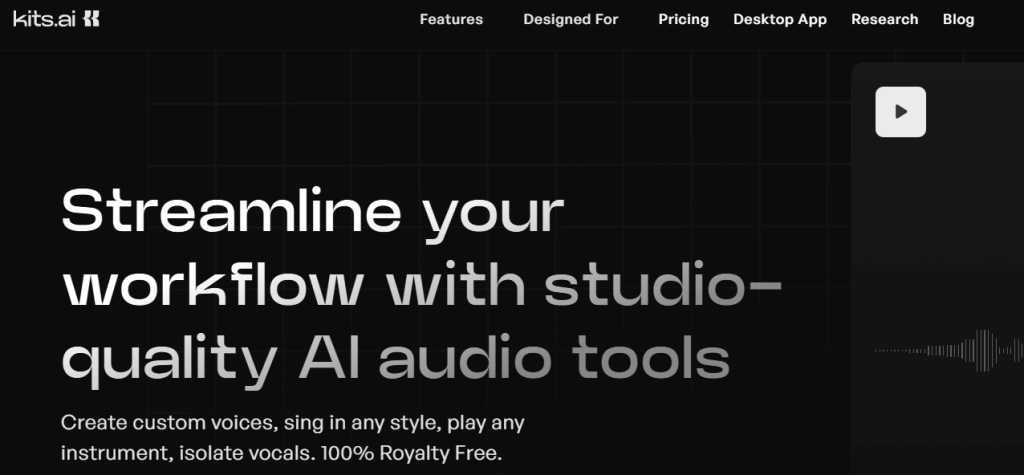
Review: kits_ai focuses on creator-style voice/audio workflows and conversion tools—great if you want more than basic “paste text → export MP3.” Free access exists, but limits apply.
Best For
-
Creators experimenting with voice tools
-
Audio/voice workflow projects that go beyond basic TTS
Key Features
-
Conversion-based workflow with plan limits (minutes/slots/download minutes)
-
Help docs describe voice slots + conversion minutes by tier
Pros
-
Built for creator use cases
-
Clear tier breakdown on official pricing/help pages
Cons
-
Free-tier details differ across pages (voice slot count may vary by definition/version)
Pricing
-
Free plan shown + paid tiers starting around $10/month
2. Uberduck
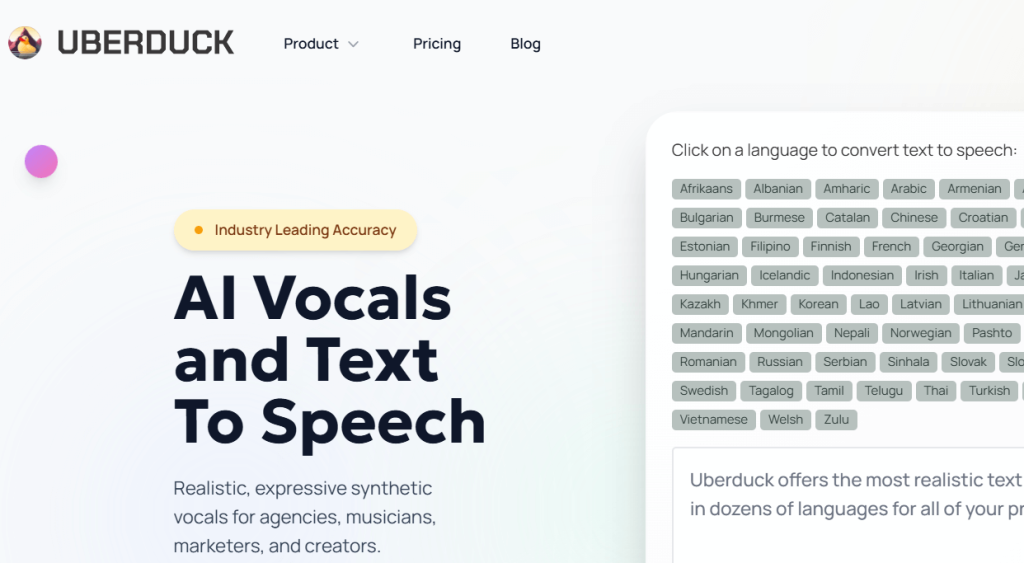
Review: Uberduck is a creator-friendly AI voice studio with usage-based credits and low entry pricing, often positioned for experimentation and content workflows.
Best For
-
Quick creator experiments and voice workflows
-
Budget-friendly starting plans
Key Features
-
Tiered plans with monthly credits
-
Free/non-commercial plan info appears in public materials (limits apply)
Pros
-
Very low starting price compared to many pro tools
-
Creator-oriented approach
Cons
-
Commercial rights and higher limits typically require upgrading
Pricing
-
Starter plan shown at $2/month (annual billing) on pricing page
3. NoteGPT

Review: NoteGPT is an “AI learning assistant” that includes summarization plus text-to-speech features. It’s ideal when your workflow is study → summary → audio.
Best For
-
Students turning PDFs/videos into summaries and audio
-
Researchers who want fast learning workflows
Key Features
-
Paid tiers include high-quality speech/podcast generation credits
-
Free core features are available (premium features require paid)
Pros
-
Combines learning tools + audio in one place
-
Clear premium credit description for TTS on pricing page
Cons
-
Not a “pure voiceover studio” first—more of a learning suite
-
High-quality speech generation is tied to credits/plans
Pricing
-
Pricing tiers shown starting around $9.99/month (Pro)
4. WellSaid
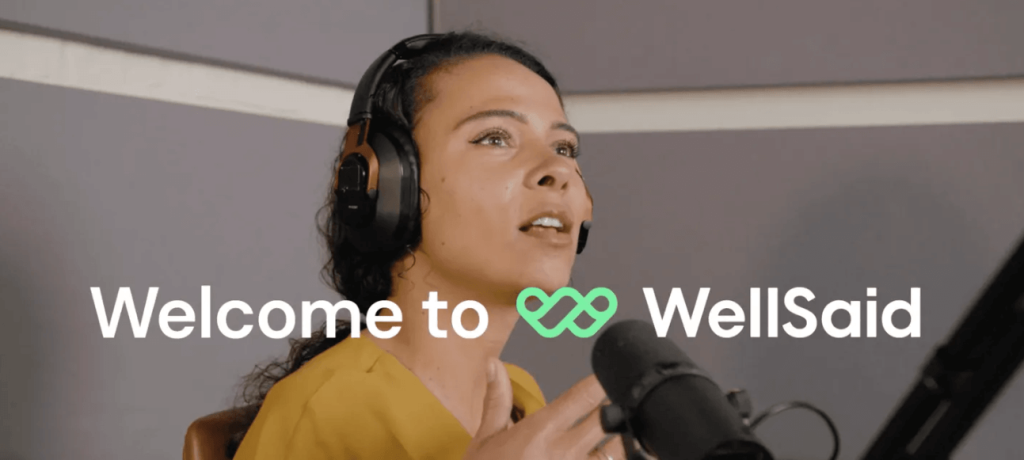
Review: WellSaid is built for professional voiceover quality—clean, consistent narration for business content and product videos.
Best For
-
Marketing voiceovers, eLearning narration, product explainers
-
Teams needing consistent “studio-style” reads
Key Features
-
Studio + API trials available
-
Downloading audio requires a paid plan
Pros
-
High-quality voiceover output
-
Trial exists to test full workflow
Cons
-
Not a permanent free plan for exporting audio (downloads require paid)
Pricing
-
1-week Studio trial and 1-week API trial listed; paid required for downloads
5. SpeechGen
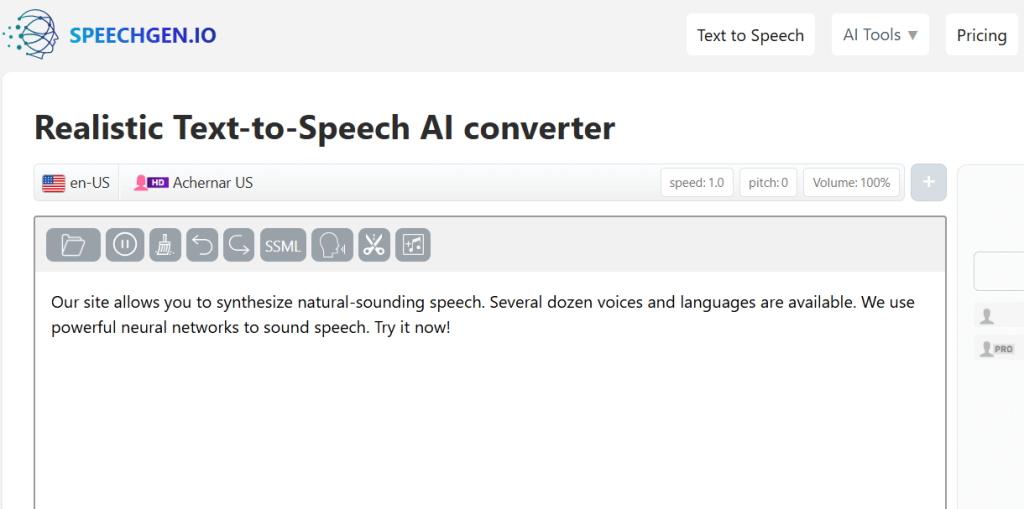
Review: SpeechGen is a straightforward TTS generator with pricing based on character limits/packs—useful when you want quick downloadable narration without long subscriptions.
Best For
-
Quick voiceovers for short scripts
-
People who prefer pay-by-usage packs
Key Features
-
Pricing based on character limits and voice tiers
-
Browser-based workflow
Pros
-
Transparent usage-based pricing
-
Simple workflow
Cons
-
Not positioned as “free unlimited” (it’s pack/pricing driven)
Pricing
-
Packs/pricing shown on site (example pack pricing listed)
6. ReadLoud
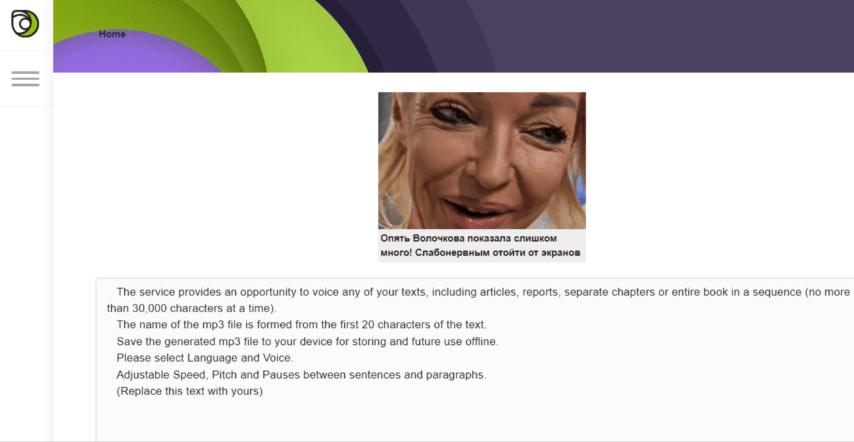
Review: ReadLoud is a simple web tool for converting text into audio and saving MP3—great for quick, no-friction TTS.
Best For
-
Quick “text → MP3” conversions
-
Casual narration, drafts, and fast prototyping
Key Features
-
Online TTS conversion with MP3 listening/saving
Pros
-
Very fast and lightweight
-
Easy to export MP3
Cons
-
Fewer “studio” controls than premium platforms
-
Best for simpler scripts
Pricing
-
Presented as a free online service
7. Lingvanex
Review: Lingvanex is positioned more for business language pipelines; its TTS messaging emphasizes fixed-price, scalable usage for teams.
Best For
-
Enterprises needing language tooling + TTS
-
Teams that want predictable pricing structures
Key Features
-
TTS described with fixed-price starting point and “unlimited usage” messaging
Pros
-
Business-oriented positioning
-
Suitable for high-volume team usage
Cons
-
Less “creator-first” than TikTok/voiceover tools
-
Pricing is not “free tier” focused
Pricing
-
TTS page mentions fixed pricing starting from $200/month
8. Speechify
Review: Speechify is one of the easiest tools for listening to docs, webpages, and text—ideal if you want an AI reader more than a full voiceover studio.
Best For
-
Reading PDFs/articles faster
-
Students and professionals who prefer listening
Key Features
-
Free plan exists (basic speed/voices)
-
Premium unlocks many more voices/languages/features
Pros
-
Very simple UX
-
Strong for everyday “read aloud” use
Cons
-
Free plan is limited vs Premium
Pricing
-
Pricing page lists Free and Premium tiers
9. Speechma
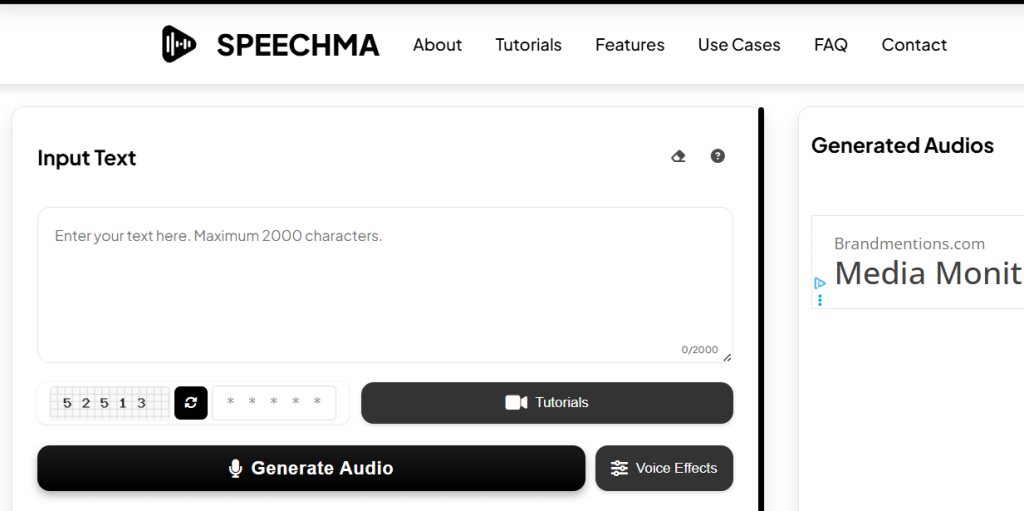
Review: Speechma markets itself as free TTS with a large voice library and “commercial freedom” claims, while also publishing usage guidelines/terms.
Best For
-
Free, fast TTS for short-form content
-
Creators who want quick downloads without signup
Key Features
-
Claims 580+ voices and 75+ languages, no registration
-
Has platform usage guidelines/terms
Pros
-
Very accessible “start instantly” workflow
-
Large voice library messaging
Cons
-
Always follow terms/guidelines (content restrictions apply)
-
For mission-critical business work, you may prefer enterprise-grade SLAs
Pricing
-
Positioned as free on its site
10. ReadSpeaker
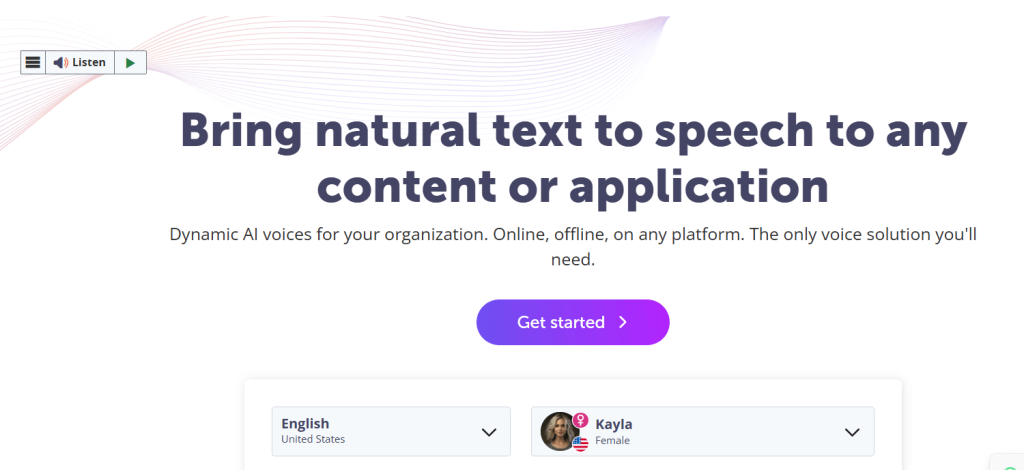
Review: ReadSpeaker is a well-known provider for embedded TTS in websites/apps and accessibility-focused deployments. Pricing is typically tailored/quote-based, with demos and some product trials available.
Best For
-
Organizations embedding TTS into products/websites
-
Accessibility, public services, education platforms
Key Features
-
Demo voice catalog and dynamic demo options
-
Pricing described as flexible and tailored
-
TextAid product offers a 14-day trial and subscription pricing
Pros
-
Enterprise-ready TTS ecosystem
-
Strong for accessibility and product integration
Cons
-
Many solutions are quote-based (less instant transparency)
Pricing
-
Quote-based pricing for many licensed solutions
-
TextAid trial + subscription noted (from $9/month)
How to Choose the Best Tool (Fast Checklist)
-
Want pro voiceovers → WellSaid
-
Want reading PDFs/articles → Speechify
-
Want free quick TTS → Speechma or ReadLoud
-
Want creator voice workflows → Uberduck or kits_ai
-
Want website/app accessibility TTS → ReadSpeaker
-
Want learning + summaries + audio → NoteGPT
-
Want usage-based packs → SpeechGen
-
Want business language tooling → Lingvanex
Conclusion
If your goal is “best free AI voice generator,” start with Speechma or ReadLoud for immediate, no-friction TTS; use Speechify for reading; and choose WellSaid when you need truly professional narration. For creators doing more voice experimentation, Uberduck and kits_ai are worth testing.
FAQ
Can I generate celebrity voices?
Most platforms restrict impersonation and unauthorized voice cloning. Use only voices you own or have rights to, and follow each tool’s policies.
Best for TikTok-style voiceovers?
Speechma, ReadLoud, and SpeechGen are quick for short scripts; Uberduck can fit creator workflows.
Best for business/ads/eLearning?
WellSaid is the most “studio voiceover” oriented on this list.

