

Citation management tools have rapidly transformed how researchers, students, and academics organize, cite, and collaborate on bibliographic references. Whether you’re writing a thesis, publishing papers, or managing large research projects, these tools automate bibliography creation and save countless hours of manual formatting.
In this guide, we’ll review the 10 best citation management tools in 2025 that offer powerful organization, cloud syncing, collaboration features, and seamless integration with popular writing platforms. From free, open-source options for students to enterprise-ready solutions for institutions, this list covers it all.
What Is a Citation Management Tool?
A citation management tool helps users collect, organize, and format bibliographic references automatically. These tools enable inserting citations into documents with ease and generate bibliographies in thousands of citation styles like APA, MLA, and Chicago. Unlike manual citation, citation managers minimize errors and streamline academic writing workflows.
Benefits of Citation Management Tools
- Organization: Manage and categorize thousands of sources
- Integration: Insert citations easily into Word, Google Docs, or LaTeX
- Collaboration: Share libraries and sync references across teams
- Style Support: Format citations in any academic style automatically
- Efficiency: Save time and reduce citation errors
Top 10 Best Citation Management Tools
-
Zotero
-
Mendeley
-
EndNote
-
Paperpile
-
Papers
-
Citavi
-
JabRef
-
RefWorks
-
Citationsy
-
Lean Library
Comparison Table
| Tool | Best For | Free Plan | Collaboration | Platforms | Citation Styles Supported |
|---|---|---|---|---|---|
| Zotero | Flexibility & web capture | ✅ | ✅ | Windows, Mac, Linux, Web | Thousands |
| Mendeley | PDF management + sharing | ✅ | ✅ | Windows, Mac, Linux, Web | Thousands |
| EndNote | Advanced research & publishing | ❌ | ✅ | Windows, Mac | Thousands |
| Paperpile | Google Docs users | ❌ | ✅ | Web | Thousands |
| Papers | Unified research library | ❌ | ✅ | Windows, Mac, iOS | Thousands |
| Citavi | Knowledge + project management | ✅ (limited) | ✅ | Windows, Web | Thousands |
| JabRef | LaTeX & BibTeX workflows | ✅ | ❌ | Windows, Mac, Linux | BibTeX-based |
| RefWorks | Institutions & teams | ❌ | ✅ | Web | Thousands |
| Citationsy | Fast citation generation | ✅ | ❌ | Web, iOS, Android | Thousands |
| Lean Library | Access + library integration | ❌ (institution) | ✅ | Browser/Web | N/A (access-focused) |
1. Zotero
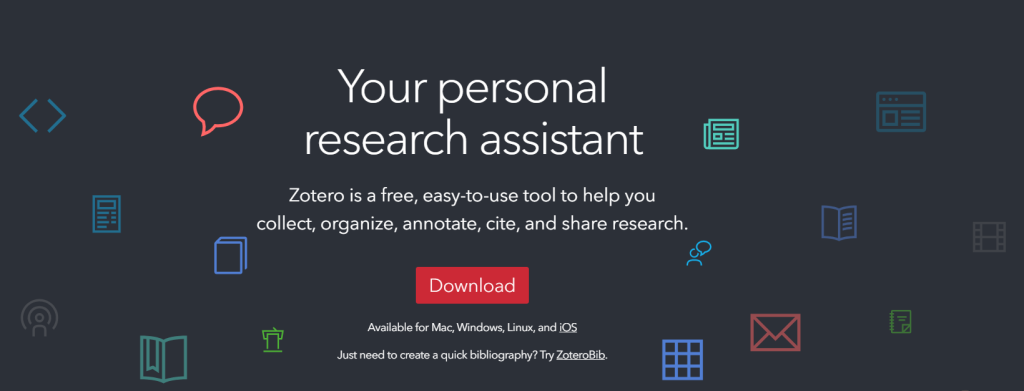
Review: Zotero is a free, open-source citation management tool popular among academics and students. It integrates with browsers to easily capture citations from webpages, journal articles, and databases. Zotero allows you to organize references into collections, tag items for easy searching, and create bibliographies with a variety of citation styles. Its collaborative features enable group libraries, making it ideal for team research projects.
Best for: Researchers seeking a free, versatile citation tool with strong community support.
Features:
- Browser plugin for quick reference capture
- Desktop and web app synchronization
- Group libraries for collaboration
- Thousands of citation styles supported
- PDF annotation with plugins
Pros:
- Completely free with generous storage
- Open-source and regularly updated
- Supports offline and online work
- Strong community and plugin ecosystem
Cons:
- Interface can be overwhelming for beginners
- Limited storage on free plan without upgrade
Pricing:
- Free with 300MB storage
- Paid plans start at $20/year for 2GB storage
2. Mendeley
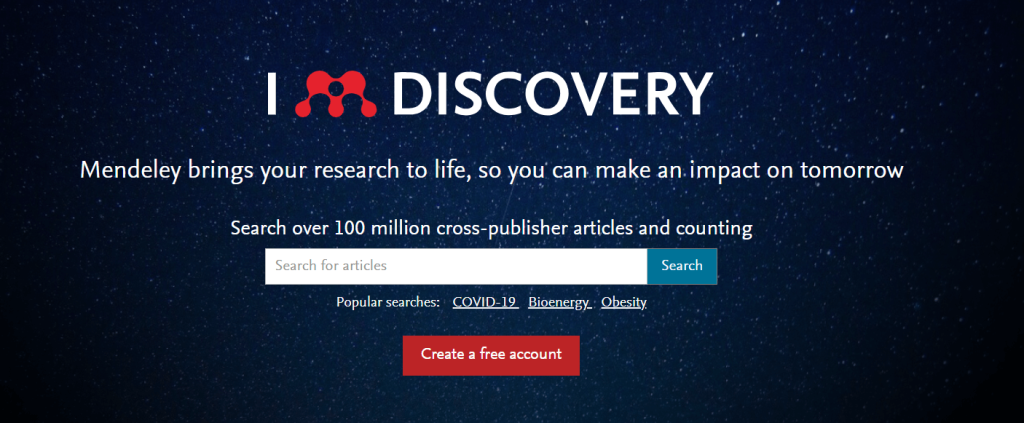
Review: Mendeley combines citation management with PDF organization and a social network for researchers. It enables users to highlight and annotate PDFs, sync libraries across devices, and discover relevant research papers. Its collaboration tools facilitate sharing references with colleagues, and it integrates with Microsoft Word and LibreOffice for smooth citation insertion.
Best for: Researchers who want PDF management alongside citation tools.
Features:
- PDF reader with annotation tools
- Cloud sync and backup
- Social networking for academics
- Word plugin for citation insertion
- Suggests related research papers
Pros:
- Great for managing large PDF libraries
- Collaboration and sharing made easy
- Free tier with useful features
- Desktop and mobile apps available
Cons:
- Owned by Elsevier, concerns about data privacy for some
- Limited free storage (2GB)
Pricing:
- Free with 2GB storage
- Premium plans start at $4.99/month for additional storage
3. EndNote
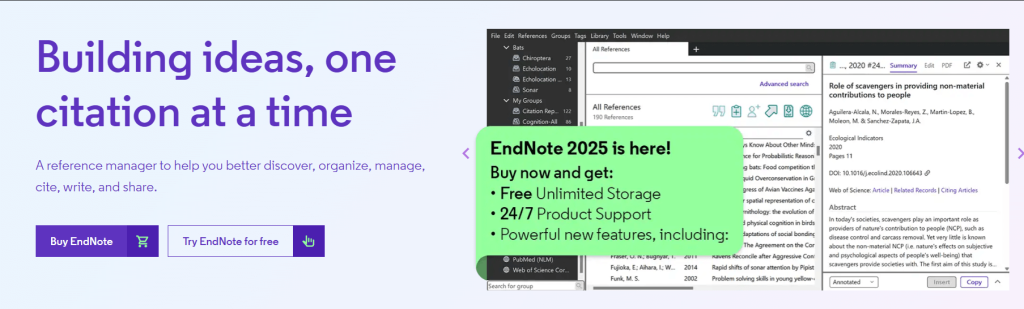
Review: EndNote is a premium citation management software widely used by professional researchers. It offers advanced reference organization, manuscript matching to journals, and an extensive library of citation styles. Its robust integration with word processors and collaborative features make it a comprehensive solution for academic publishing.
Best for: Academics and professionals needing advanced features and journal integrations.
Features:
- Over 7000 citation styles
- Manuscript matching and submission tools
- Reference organization and tagging
- Integration with Microsoft Word
- Cloud sync across devices
Pros:
- Highly customizable and powerful
- Supports large libraries efficiently
- Ideal for publishing workflow
Cons:
- Expensive compared to competitors
- Learning curve for beginners
Pricing:
- $249.95 one-time purchase
- Subscription options available
4. Paperpile
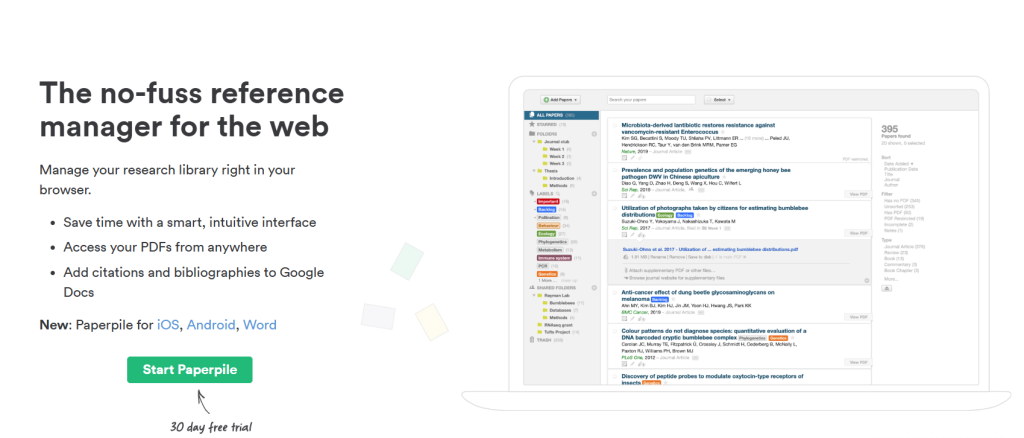
Review: Paperpile is a modern, cloud-based citation manager designed specifically for Google ecosystem users. It works seamlessly with Google Docs and Chrome, making citation insertion and bibliography creation simple. Paperpile supports PDF management, annotation, and syncs across devices, offering an elegant, minimalist interface.
Best for: Researchers fully invested in Google Docs and Chrome.
Features:
- Google Docs integration
- Chrome extension for quick reference saving
- PDF annotation and organization
- Sync across devices via cloud
- Export citations in multiple formats
Pros:
- Seamless integration with Google products
- Easy to use with clean UI
- Great PDF management features
Cons:
- No offline desktop app
- Subscription only (no free tier)
Pricing:
- $2.99/month for students
- $7.50/month standard pricing
5. Papers
Review: Papers is a reference manager that emphasizes a unified research experience with smart search and PDF management. It supports cloud syncing and is available on Mac, Windows, and mobile. Papers is ideal for users who want a comprehensive research library with advanced organizational tools.
Best for: Cross-platform researchers wanting a powerful library manager.
Features:
- Full-text search
- Cloud sync and backup
- Citation style support
- PDF annotation
- Integration with word processors
Pros:
- Powerful search functionality
- Clean, modern interface
- Cross-device syncing
Cons:
- Pricier than some alternatives
- Occasional syncing bugs reported
Pricing:
- $7.99/month or $99/year
6. Citavi
Review: Citavi combines citation management with project management and knowledge organization. It helps researchers plan tasks, organize ideas, and collect references all in one place. Citavi supports numerous citation styles and offers cloud syncing, making it a versatile tool for both individual and team projects.
Best for: Researchers who want citation and project management combined.
Features:
- Task and project planning
- Reference and knowledge organization
- Cloud synchronization
- Wide citation style support
- PDF management and annotation
Pros:
- Combines project and citation management
- Intuitive interface
- Free for up to 100 references
Cons:
- Limited free tier capacity
- Windows-only desktop app
Pricing:
- Free for up to 100 references
- Paid plans start at $48/year
7. JabRef
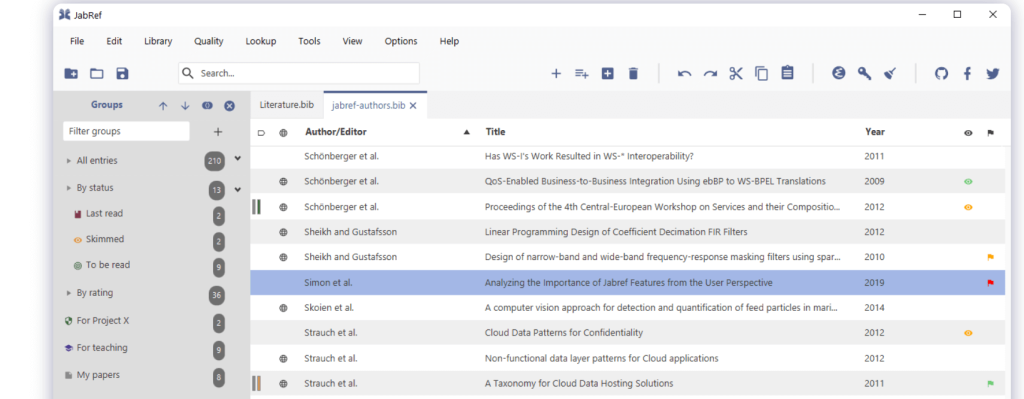
Review: JabRef is an open-source reference manager that works primarily with BibTeX databases, popular among LaTeX users. It is highly customizable and supports various citation styles. JabRef offers robust features for managing large bibliographies, making it ideal for technical and scientific research.
Best for: LaTeX users and open-source advocates.
Features:
- BibTeX database management
- Integration with external databases
- Customizable citation keys and styles
- Import/export functionality
Pros:
- Free and open-source
- Highly customizable
- Ideal for LaTeX documents
Cons:
- Less user-friendly for non-technical users
- No cloud sync (local storage only)
Pricing:
- Free
8. RefWorks
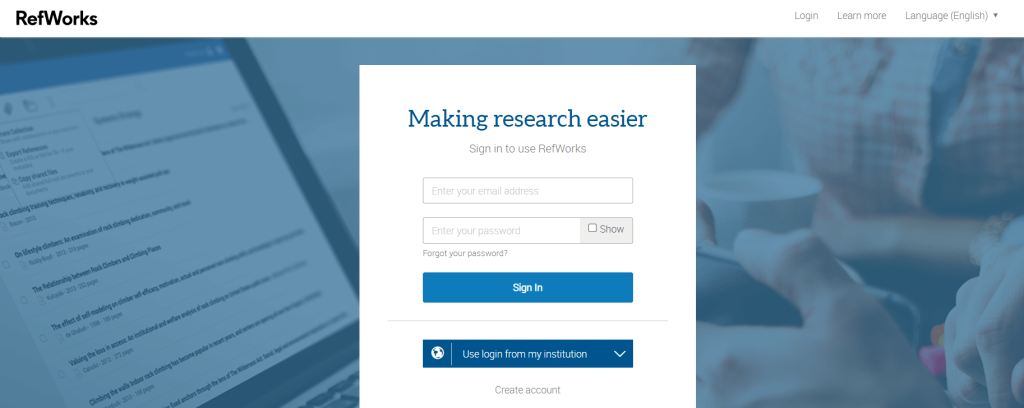
Review: RefWorks is a cloud-based citation manager primarily offered through institutional subscriptions. It facilitates easy collection, management, and sharing of references and integrates well with Microsoft Word and Google Docs. RefWorks also supports team collaboration, making it a favorite for university researchers.
Best for: Institutionally supported users who need collaboration tools.
Features:
- Cloud-based with collaboration support
- Citation generation in multiple styles
- Integration with Word and Google Docs
- Folder organization and tagging
Pros:
- Collaborative and cloud-based
- Good support for team projects
- Strong integration with writing tools
Cons:
- Access often limited to institutional licenses
- Interface can be complex
Pricing:
- Varies by institution subscription
9. Citationsy
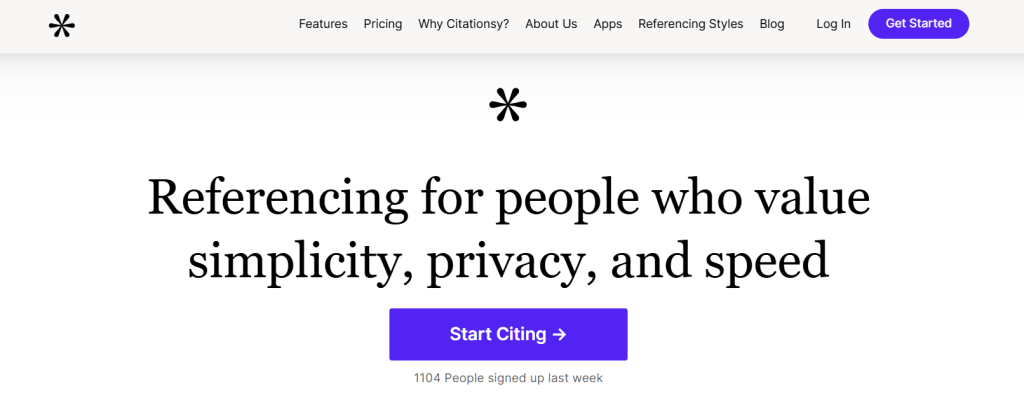
Review: Citationsy is a simple and straightforward citation manager aimed at students and academics who want fast citation generation. It supports multiple citation styles and offers cloud syncing for easy access across devices. Citationsy’s browser extension allows quick capture of references from websites.
Best for: Users looking for a fast and easy citation builder.
Features:
- Automatic citation generation
- Cloud sync and mobile app
- Multiple citation style support
- Browser extension for reference capture
Pros:
- Extremely user-friendly
- Affordable pricing
- Fast citation building
Cons:
- Lacks advanced PDF management
- Limited collaboration features
Pricing:
- Free basic plan
- Premium $4.99/month
10. Lean Library
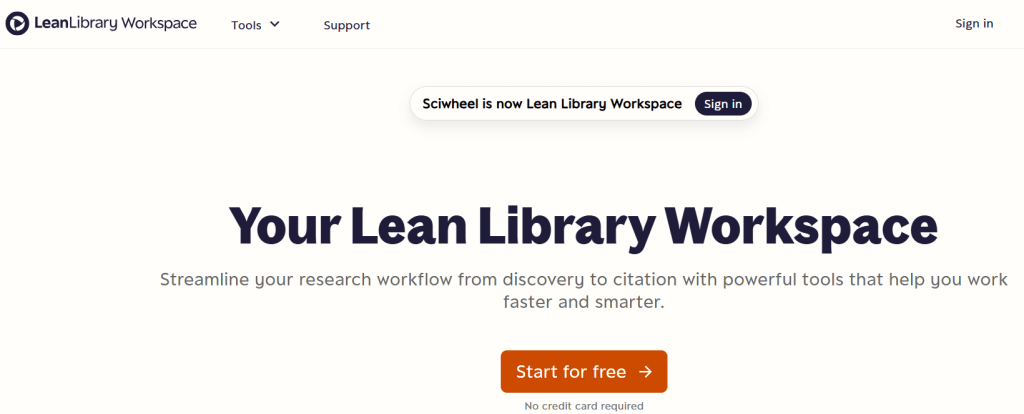
Review: Lean Library is designed to simplify access to academic resources through your institution. Rather than being a traditional reference manager, it helps users connect to library-licensed content and PDFs more easily, supporting research workflows.
Best for: Institutional access to academic content and library resources
Features:
-
Browser extension for library access
-
Streamlined access to full-text PDFs
-
Integration with institutional library systems
-
Resource discovery support
-
Link resolution and access assistance
Pros:
-
Makes accessing full-text content easier
-
Great for university/institution workflows
-
Reduces time spent hunting for PDFs
Cons:
-
Not a full citation manager on its own
-
Usually requires institutional setup/license
Pricing: Institution-based pricing (varies)
How to Choose the Best Citation Management Tool
Choosing the right citation management tool depends on your specific needs:
- Research Field: Tools like JabRef suit LaTeX-heavy disciplines; Mendeley and SciRef are better for science fields.
- Budget: Free tools like Zotero and JabRef are excellent for budget-conscious users, while EndNote and Papers serve professionals with a higher budget.
- Collaboration Needs: If you work in teams, prioritize tools with group libraries or sharing features such as Mendeley, Zotero, or RefWorks.
- Integration: Consider how well the tool integrates with your writing software (Google Docs, Microsoft Word).
- PDF Management: If managing PDFs and annotations is important, Mendeley, Papers, and SciRef are top choices.
- Ease of Use: Beginners might prefer Citationsy or Paperpile for their simple interfaces.
Conclusion
Managing citations effectively is crucial for maintaining research integrity and saving time during the writing process. The right citation management tool can dramatically improve your workflow by organizing your sources, generating accurate citations, and supporting collaboration. From free, open-source solutions like Zotero and JabRef to premium platforms like EndNote and Papers, there’s a tool for every researcher’s need.
Carefully evaluate your workflow, budget, and collaboration requirements before choosing the best citation management tool for your work. Investing time in selecting the right software will pay off with smoother, more organized research and writing.
FAQ
What is the best citation method?
The best citation method depends on your field—APA for social sciences, MLA for humanities, Chicago for history, and IEEE for engineering. Always follow your institution’s or publisher’s guidelines.
Which is the best free citation management tool?
Zotero and JabRef are among the best free citation management tools offering robust features.
Can citation management tools integrate with word processors?
Yes, most tools like Zotero, Mendeley, and EndNote integrate with Microsoft Word and Google Docs for easy citation insertion.
Why should I use a citation management tool?
They save time, reduce errors in citations, help avoid plagiarism, and organize research sources efficiently.
Are there citation management tools for LaTeX users?
Yes, JabRef is specifically designed for BibTeX and LaTeX users with extensive customization options.

