
smartsheet_com_logo

Smartsheet

Rating: 4.2
User Satisfaction: 83%
Smartsheet is a tool that lets teams manage tasks, projects and workflows so they can plan, coordinate and deliver work more smoothly.

Alternative To

Overview

Smartsheet is a cloud-based work management and collaboration platform. It uses a familiar spreadsheet-style interface (alongside boards, Gantt, calendar views) to let you build and manage tasks, projects, portfolios, workflows and dashboards.  

If you’re running projects, coordinating teams, tracking deliverables or building repeatable processes, Smartsheet gives you one place to do it — rather than juggling spreadsheets, email chains and disconnected tools. It scales from small teams up to enterprise PMOs. For teams that need automation, visibility, reporting and integrations, it can reduce manual status updates, increase transparency and help deliver work more consistently.  

You start with a “sheet” (like a smart spreadsheet) or one of their many templates. You can switch view modes (grid, Gantt, board, calendar). You attach files, set dependencies, automate actions (alerts, reminders, approvals). You build dashboards to visualise status and reports for cross-project insights. It integrates with popular apps (Slack, Microsoft 365, Google Workspace) and provides APIs for custom workflows.

Details

Tool Launch / Founded Date

Approx. 2005-06.

Best for

Medium-to-large teams and organisations managing multiple projects or needing cross-project visibility PMOs or operations teams who need to standardise processes and build repeatable workflows Teams needing integrations with enterprise systems or more advanced controls

Access Type

Subscription-based SaaS (member seats + free viewer/guest seats)

Licensing Model

Proprietary software. Users own the data and work they build, but you’ll be under the terms of service for Smartsheet. Viewers and Guests may have limited rights depending on your plan.

Feature

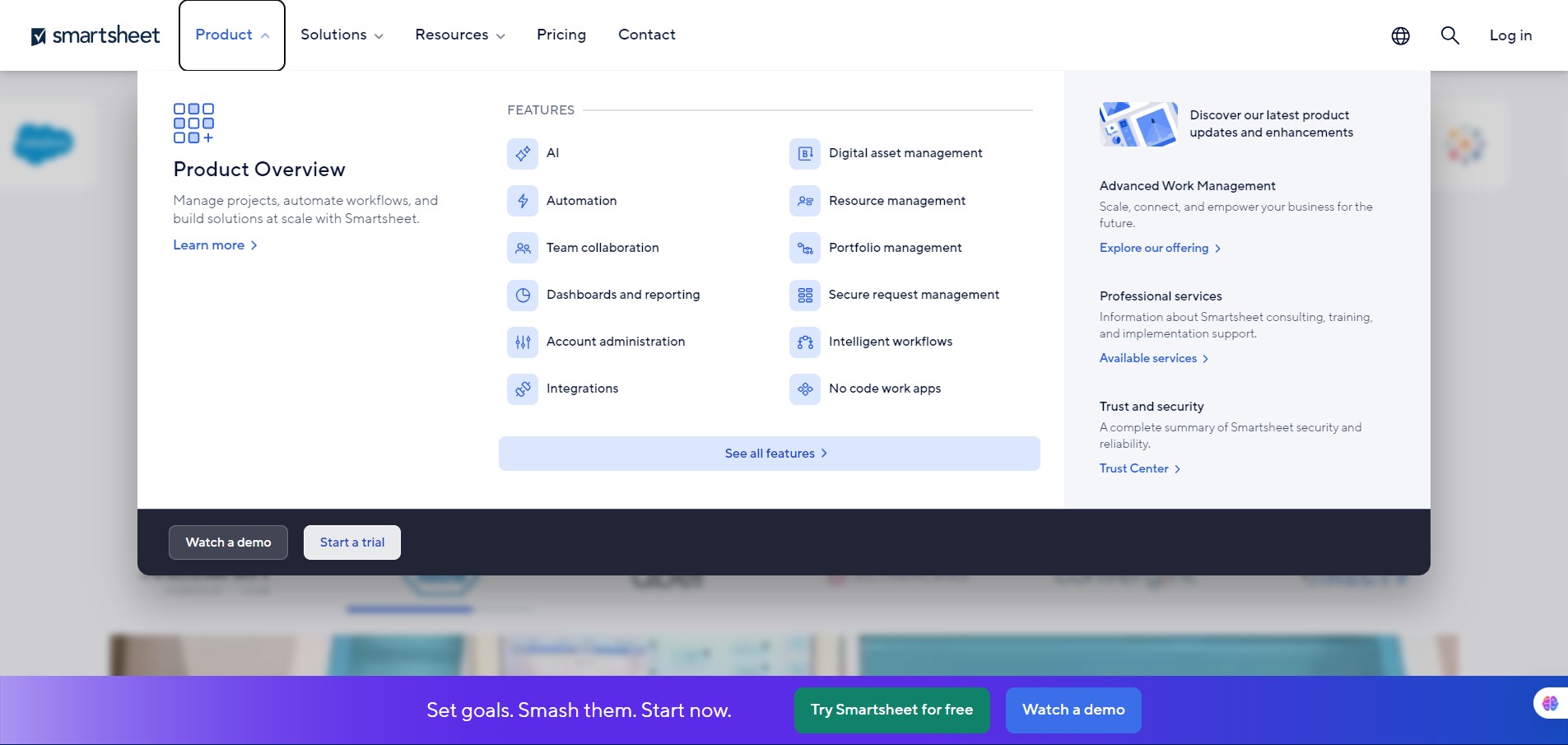
  • Sheet-based workspaces that feel like spreadsheets but support dependencies, attachments, comments and multiple views (grid, Gantt, board, calendar).
  • Built-in automations: alerts, approvals, recurring workflows to reduce manual work.
  • Dashboards and reports for high-level visibility across projects, summarising data from sheets.
  • Integrations with major tools (Slack, Microsoft 365, Google Workspace, Salesforce, Jira etc) and an open API. 
  • Role-based sharing: differentiate between members (paid creators), guests, and viewers (often free). This helps share widely while controlling licensing cost.
  • Scale & portfolio management: For larger orgs, features like resource tracking, team workload views, enterprise-governance controls are available.
  • Mobile apps: for iOS/Android to allow work on the go

Pricing Tables

Pro
$9/member/month
  • For teams 1-10 Members, unlimited Viewers.
  • Grid, Gantt, Board, Calendar views.
  • Unlimited sheets, forms, reports.
  • 250 automations/month.
  • Rich formulas.
Business
$19/member/month
  • Requires minimum 3 Members.
  • Unlimited free Guests
  • Timeline view
  • Team workload tracking
  • Admin capabilities
  • Unlimited automations
  • 1 TB attachment storage
Enterprise
Custom pricing
  • AI formulas, texts, and charts
  • SAML-based SSO
  • Collections
  • Work Insights
  • Enterprise Plan Manager
  • Unlimited attachment storage
  • Directory integrations

Analytics

Traffic Analysis

Domain Rating
90
Organic Traffic
1185966
Majority Users
United States

Visits Over Time

No visit data found.

Traffic Sources

No traffic data found.

Last Update Date: 2025-11-13

FAQ

Can I use Smartsheet output commercially?
Yes — you and your organization own the data and assets you build in Smartsheet. However you’ll need to ensure you follow the licensing terms (especially concerning how many paid “Members” you have).
How many projects or automations can I run per month?
On the Pro plan you get 250 automations/month (when billed annually). On the Business plan automations are unlimited.
Can I edit or customise what Smartsheet generates/reports?
Yes — you can customize sheets, dashboards, charts, formulas, workflows. That said, to build complex portfolio views or data‐shuttle integrations you may need higher tiers or extra configuration.
Does it integrate with other tools like Microsoft 365, Slack, Salesforce?
Yes — Smartsheet supports many integrations and has an API. It’s designed to connect with tools teams already use.
Does Smartsheet train on my content for AI or use it to improve their models?
Smartsheet has published updates on its “User Subscription Model” but the specifics of training content for AI models aren’t widely disclosed. If this is a concern, you should check their privacy policy or contact them.
What support do I get?
Basic support is included with plans, but for premium support/enterprise services you’ll likely need to be on a higher tier or purchase add-on services.
What’s different in the top plan vs starter plan?
On higher tiers you’ll get unlimited automations, advanced views (timeline/workload), massive attachment/storage limits, SSO, enterprise governance, portfolio-level dashboards, and the ability to scale. Starter plan (Pro) gives you core capabilities but fewer premium features.

Related AI Tools

StoryGenerate is a tool that generates AI-written stories and plot ideas for writers and creators so they can
Newt is a tool that helps teams research, write, and organize content using AI so they can produce
Prescene is a tool that helps filmmakers and content creators plan scenes, scripts, and shot lists using AI
Jarvis AI is a tool that generates song lyrics for musicians and creators so they can quickly write
StoryBee is a tool that generates personalized stories and learning content for kids and educators so they can
ScribaMax is a tool that generates written content using AI for marketers and creators so they can produce

