


Stop wasting hours on manual LinkedIn tasks. LinkedIn automation tools help you scale connection requests, nurture leads, and track outreach—all while staying human enough to avoid being flagged. Whether you’re exploring free LinkedIn automation tools or enterprise-grade LinkedIn marketing automation, this article breaks down the top 10 platforms that make LinkedIn outreach smarter and faster.
What Is a LinkedIn Automation Tool?
A LinkedIn automation tool is software designed to automate repetitive LinkedIn tasks—like sending connection requests, messaging, profile visits, and follow-up sequences. These tools often include CRM-style features to organize leads and integrate with email or sales workflows. The goal is to generate more connections and pipeline without increasing your manual output.
Benefits of Using a LinkedIn Automation Tool
- Time-saving: Automate repetitive tasks like messaging and profile visits.
- Boost outreach: Scale your lead generation without hiring extra staff.
- Targeted connection requests: Use filters to reach specific audiences.
- Smart follow-ups: Automatic reminders help convert leads.
- CRM sync: Many tools integrate your LinkedIn leads with email platforms.
- Safe and compliant: Solutions like Expandi mimic human behavior to avoid bans.
10 Best LinkedIn Automation Tools
- Phantombuster
- Octopus CRM
- LinkedHelper
- Expandi.io
- Zopto
- LeadFuze
- Dux‑Soup
- Nimble
- MeetAlfred
- QuickMail
Comparison Table – Top LinkedIn Automation Tools
| Tool | Best For | Standout Feature | Free Tier |
|---|---|---|---|
| Phantombuster | Custom multi-platform automations | Script-based scraping & APIs | ✅ |
| Octopus CRM | Sales teams | Outreach campaigns via Chrome plugin | ✅ |
| LinkedHelper | Full-featured LinkedIn automation | Task scheduler, messaging sequences | ❌ |
| Expandi.io | Ethical and safe outreach | Smart inbox + IP protection | ❌ |
| Zopto | CRM-integrated automation | Cloud-based outreach tool | ❌ |
| LeadFuze | B2B lead prospecting | Contact research & automated messages | ❌ |
| Dux‑Soup | Browser-based automation | Profile tagging & messaging | ✅ |
| Nimble | CRM + social engagement | Auto-contact sync + task reminders | ❌ |
| MeetAlfred | Outreach + multi-channel sequences | LinkedIn + Email & SMS Follow-ups | ✅ |
| QuickMail | Email + LinkedIn-friendly follow-ups | Automated email sequences with LinkedIn | ✅ |
LinkedIn Automation Tools In-Depth Reviews
1. Phantombuster
Phantombuster supports custom LinkedIn scraping and automation across platforms using JavaScript-based “Phantoms.” It’s ideal for developers or power users who need tailored automation logic.
Best for: Developers and power users needing cross-platform scripts
Features:
- LinkedIn profile scraping
- Auto connect + messaging scripts
- Integrations via API & Zapier
Pros:
- Deep customization
- Multi-platform reach
Cons:
- Requires technical skills
Pricing: Free tier; paid from ~$30/mo
2. Octopus CRM
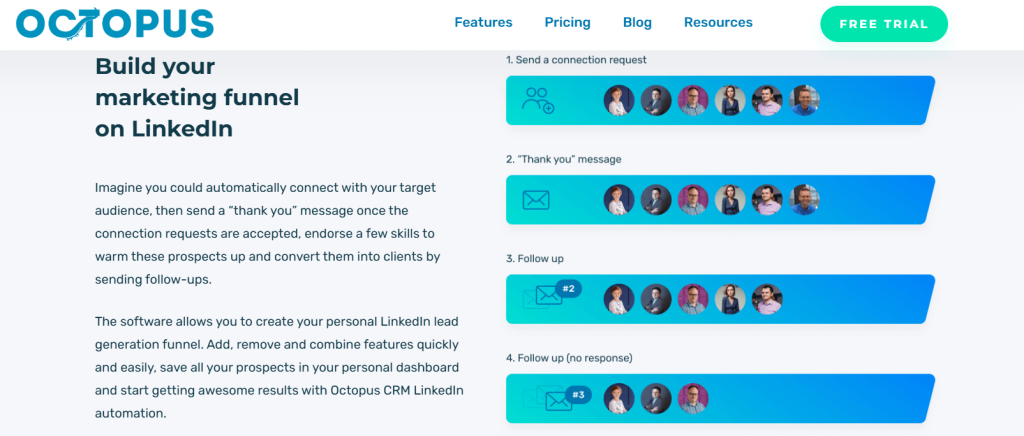
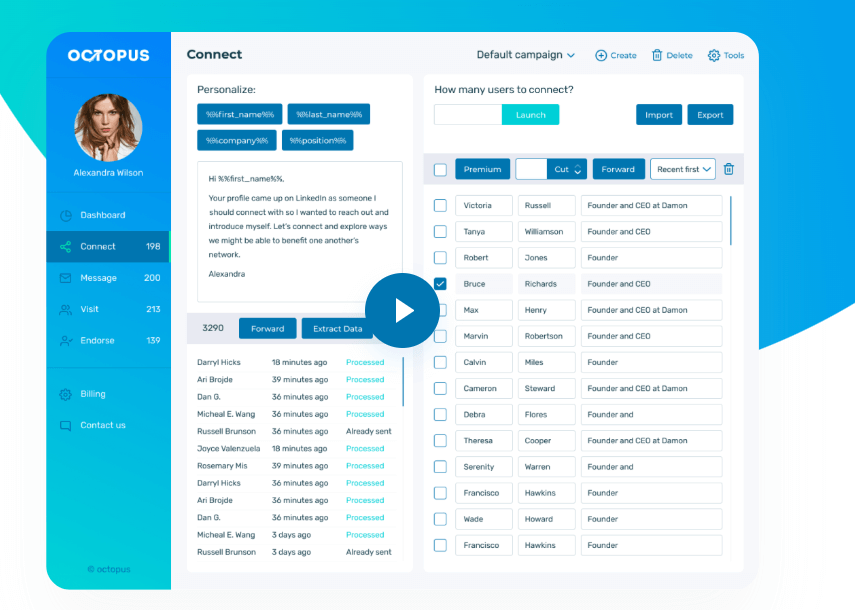
Octopus CRM is a Chrome extension focused on sending connection requests, bulk messaging, and analytics for outreach campaigns—perfect for small sales teams.
Best for: SMB sales teams
Features:
- Sequence campaigns
- Auto-visit and endorse
- CSV export of leads
Pros:
- Easy UI
- Affordable pricing
Cons:
- Chrome-dependent (not cloud)
Pricing: $9.99–$39.99/mo
3. LinkedHelper

LinkedHelper offers an all-in-one dashboard for connection automation, auto-follow-ups, and messaging logic. It acts like a full LinkedIn CRM.
Best for: Users needing full-featured LinkedIn workflows
Features:
- Smart messaging sequences
- Auto-visit & endorsement
- Scheduler & campaign manager
Pros:
- Powerful automation engine
Cons:
- UI isn’t modern
- Paid tool only
4. Expandi.io

Expandi is considered one of the safest LinkedIn automation tools thanks to its cloud-based smart behavior, dedicated IP, and human-like throttling. Includes Smart Inbox for message tracking.
Best for: Agencies and professionals wanting compliant automation
Features:
- Smart inbox
- Safe messaging limiters
- Webhook & Zapier support
Pros:
- Low ban risk
- Human-like automation
Cons:
- $99/mo
5. Zopto

Zopto is a cloud-based tool that works with LinkedIn Sales Navigator and connects to CRMs like HubSpot. It offers engagement, performance analytics, and campaign dashboards.
Best for: Teams with CRM workflows
Features:
- Campaign templates
- Analytics dashboard
- Team collaboration
Pros:
- CRM integration
- Cloud execution
Cons:
- Expensive (custom pricing)
6. LeadFuze
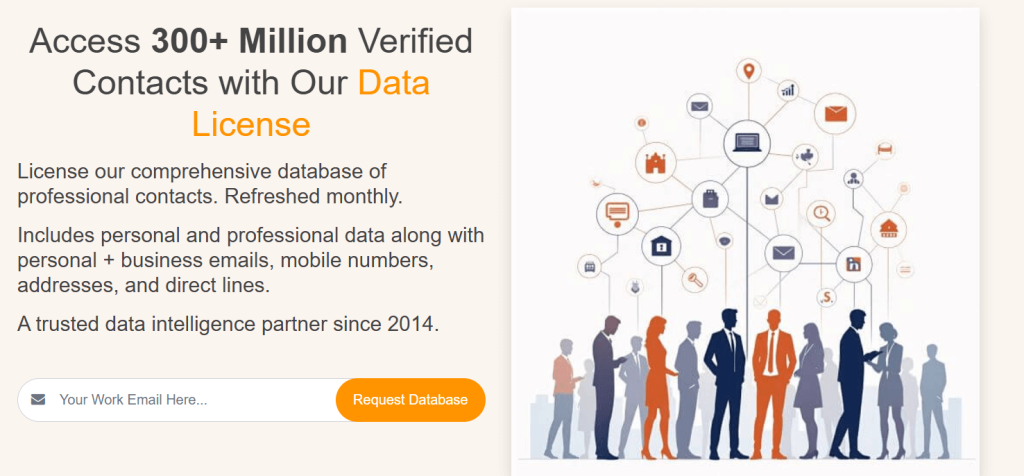
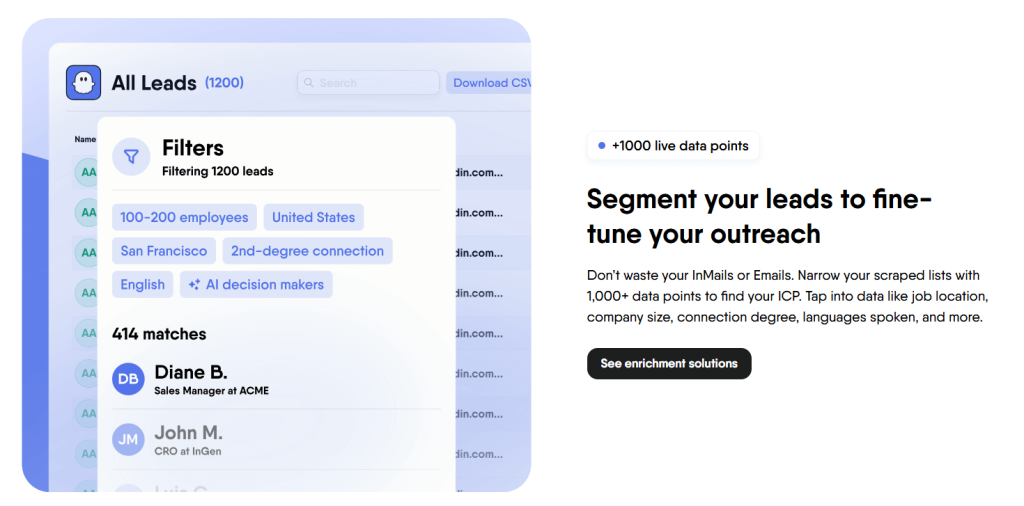
LeadFuze automates B2B lead prospecting by scraping LinkedIn profiles and enriching them with contact data. It can sequence campaigns via LinkedIn or emails.
Best for: B2B lead generation
Features:
- Lead database
- Auto-enrichment
- Outreach via email/LinkedIn
Pros:
- Rich leads data
Cons:
- No free plan
7. Dux‑Soup
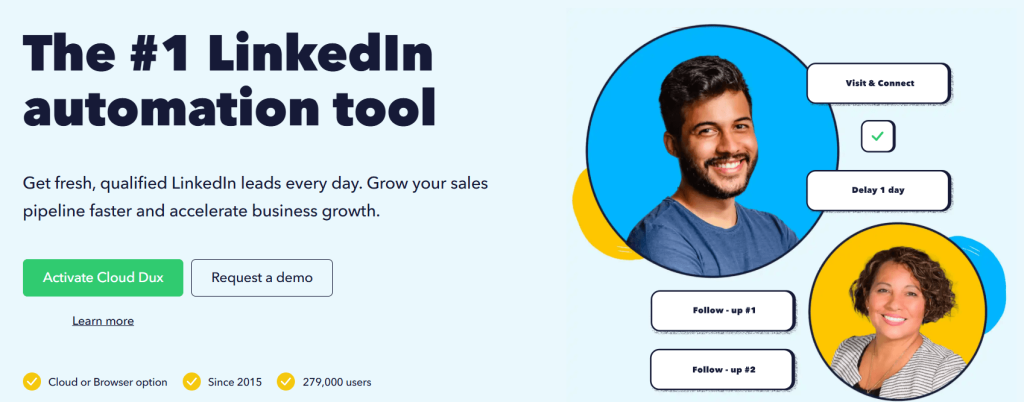
A Chrome extension that makes profile tagging, messaging, and follow-ups easy. It’s browser-based with no cloud hosting—watch session stability.
Best for: Freelancers and solo practitioners
Features:
- Visit automation
- Custom tagging
- CSV export
Pros:
- Affordable
- Intuitive
Cons:
- Session-dependent
- Needs your browser open
Pricing: $14.99–$99/mo
8. Nimble
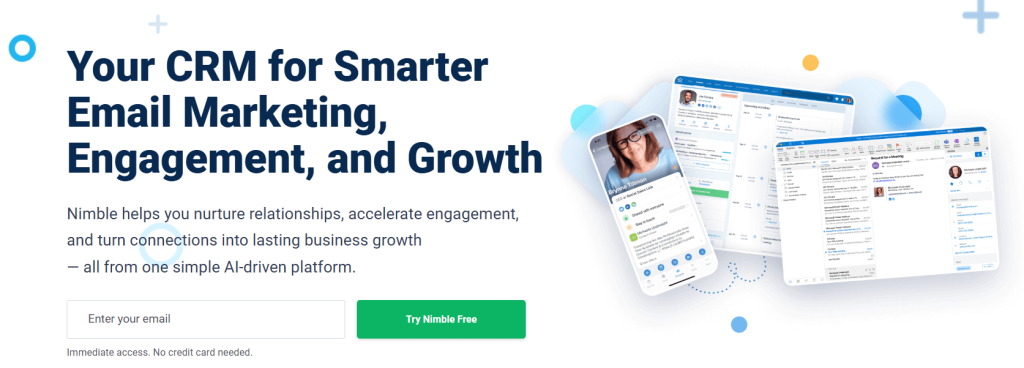
Nimble integrates CRM tasks with LinkedIn engagement. It syncs contact activity and interactions from social profiles, making it a sleek LinkedIn management tool.
Best for: Small teams wanting social-CRM synergy
Features:
- Auto social profile enrichment
- Task manager
- Email, calendar, CRM integration
Pros:
- Multi-channel contact management
Cons:
- Limited native LinkedIn automation
9. MeetAlfred
MeetAlfred offers sequences combining LinkedIn, Email, and Twitter. It has A/B testing and analytics, making it a multifunctional outreach machine with some free use.
Best for: Multi-channel outreach
Features:
- Drip sequences
- A/B testing
- Team collaboration
Pros:
- Multi-platform follow-up
Cons:
- Can appear spammy if overused
Pricing: Free up to 10, paid from $49/mo
10. QuickMail
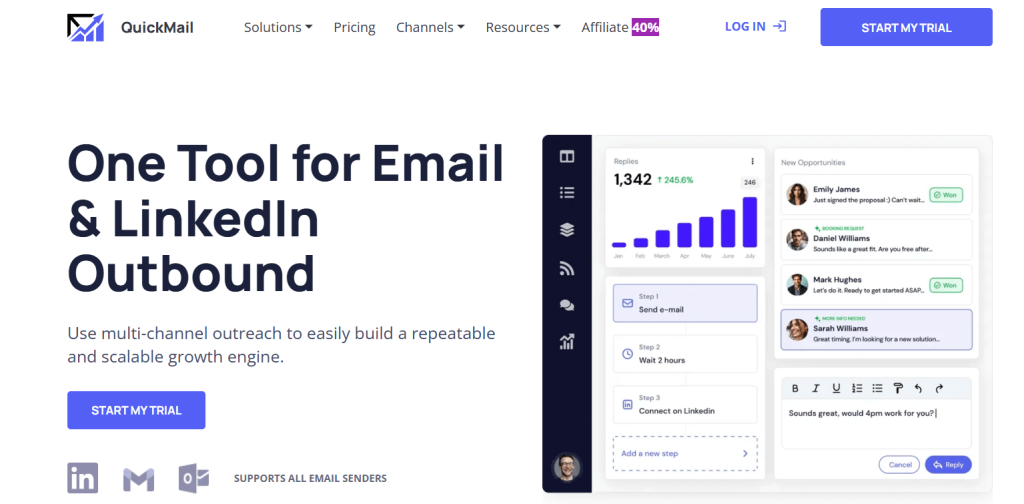
QuickMail is an email-first outreach tool built for LinkedIn workflows—offering scheduled follow-ups, reply detection, and integration with LinkedIn connect messaging.
Best for: Those mixing email with LinkedIn outreach
Features:
- Sequence automation
- Auto follow-ups
- LinkedIn-friendly formatting
Pros:
- Strong deliverability
Cons:
Doesn’t send LinkedIn requests directly
Pricing: Free tier; paid from $39/mo
How to Choose the Best LinkedIn Automation Tool
- Do you need cloud-based safety? Choose Expandi or Zopto.
- On a budget? Octopus CRM, Dux‑Soup, or Phantombuster offer free entry tiers.
- Want multi-channel outreach? Go with MeetAlfred or QuickMail.
- Need CRM sync? Opt for Nimble or Zopto.
- Custom automation skills? Phantombuster or LinkedHelper are best.
Conclusion
The right LinkedIn automation software—whether it’s a lightweight LinkedIn connection automation tool like Octopus CRM or a robust LinkedIn marketing automation suite like Expandi—can drastically streamline your social selling and lead generation efforts. Choose a tool that matches your workflow and compliance risk tolerance. With the tips above, your LinkedIn efforts in 2025 will be smarter, faster, and more personalized.
Is LinkedIn automation safe?
Yes—cloud-based tools that emulate human behavior (like Expandi) are low-risk. Browser extensions carry a slightly higher risk.
Are there free LinkedIn automation tools?
Yes—Phantombuster, Octopus CRM, Dux‑Soup, MeetAlfred, and QuickMail offer free usage tiers.
What is a LinkedIn connection automation tool?
Software that automates the process of sending connection requests and follow-ups.
Can automation help with lead generation on LinkedIn?
Absolutely—tools like LeadFuze and Zopto combine automated outreach with lead data enrichment.
How do I avoid getting banned?
Use safe daily limits (30–50 actions/day), human-like pauses, and cloud-based IPs (e.g., Expandi).

